Dragon Ball Z: Super Saiya Densetsu SNES Decomp
Dragon Ball Z: Super Saiya Densetsu
Sobre el proyecto
Dragon Ball Z: Super Saiya Densetsu es un videojuego de rol publicado por Bandai en 1992.
Información oficial del proyecto
[!WARNING] Yes, this project is AI-assisted. Heavily. It was built with AI and tool assistance from start to finish, and I, the owner, didn't write a single line of the code myself. I steered it, tested it, played it to death and made every call. If you're about to drop the tired old "AI slop" line, go right ahead: I honestly don't give a fuck. Everyone else, just enjoy it. Fork it, open issues, propose fixes and features.
A from-scratch Rust rewrite of Dragon Ball Z: Super Saiya Densetsu (SNES, 1992), the card-battle RPG of the Saiyan and Frieza sagas. It runs your own copy of the game three ways: Classic, the original game exactly as the cartridge plays it, verified frame by frame; Recompiled, the same game with its 65816 machine code translated to Rust by a static recompiler that runs on your machine; and Remastered, a modern way to play it: AI-assisted, hand-curated HD art faithful to the original and to the anime, 16:9 widescreen, HD text, new menus, a 60-slot bag, cheats, fast-forward and save states.
[!IMPORTANT] Disclaimer. This is an unofficial fan project. It is not affiliated with, endorsed by or sponsored by Bandai Namco, Toei Animation, Shueisha or Bird Studio. Dragon Ball, Dragon Ball Z and all related names, characters and artwork are trademarks and works of their respective owners.
- No ROM, no copyrighted code and no original assets are distributed here or in any release. The repository contains only original code and tools that read your own ROM at run time.
- You must own the original cartridge and dump your own ROM. Do not ask for ROMs; none will be shared.
- Non-commercial use only. The software is provided "as is", without warranty of any kind.
- Rights holders: if you believe something here infringes your rights, open an issue on this repository and it will be handled promptly.
Contents
Features - Comparison gallery - The new menus - Getting started - Building from source - How it works - Testing - Known bugs - Roadmap - FAQ - Credits - License
Features
Classic: the original game, verified
The original game, as the cartridge plays it. The SNES core is a vendored copy of the open-source jgenesis emulator (GPL-3.0) with a few documented patches; around it is a window, input, audio, save states and a debug panel.
How it works. The original 65816 code runs in the core while Rust routines are hooked at the same addresses.
Every routine is checked against the original code call by call, and whole recorded play sessions
(28 reference replays: six full sessions of exploring, flying, shopping and fighting, and twenty-two story and secret scenes with the bosses and both endings) are run in
lockstep: a machine whose routines are Rust next to a pure one, which must agree at every
synchronisation point. A second check, standalone-diff, runs the two free, fed only the controller of the
replay, and compares registers, work RAM, video RAM, palette, sprites and the save RAM after every frame,
which is how the game ships. Nothing in Classic mode is allowed to differ.
Recompiled: a static 65816 to Rust recompiler
A recompiler (crates/ssd-recomp) reads the machine code of your ROM and writes Rust: one function per
function variant (entry address and register widths): about 1,100 of them (11 MB of Rust) from the symbols
file and the static call graph alone, about 2,900 (24 MB) when execution traces of the game are added. Every
memory access goes through the core's bus and every bus cycle is charged as the hardware spends it, so the
generated code keeps the original's timing. Where it cannot follow the code (computed jumps without a known
target, interrupts, code in RAM) or where a timing event is due, it hands control back to the original code and
takes it again as soon as it can.
How it works. cargo run --release -p xtask -- recompile writes the generated source to .work/recomp/ on
your machine from your ROM; it is never shipped, never tracked, and the build scripts
(below) do all of it for you. The result is checked by the same lockstep and
standalone-diff runs, a frame-by-frame comparison against the interpreter, and a differential fuzzer that
mutates saved machine states and compares each generated function with the original instruction by
instruction.
Remastered: a modern way to play it
Remastered is the Enhanced mode, a set of named differences from the original that never touch Classic.
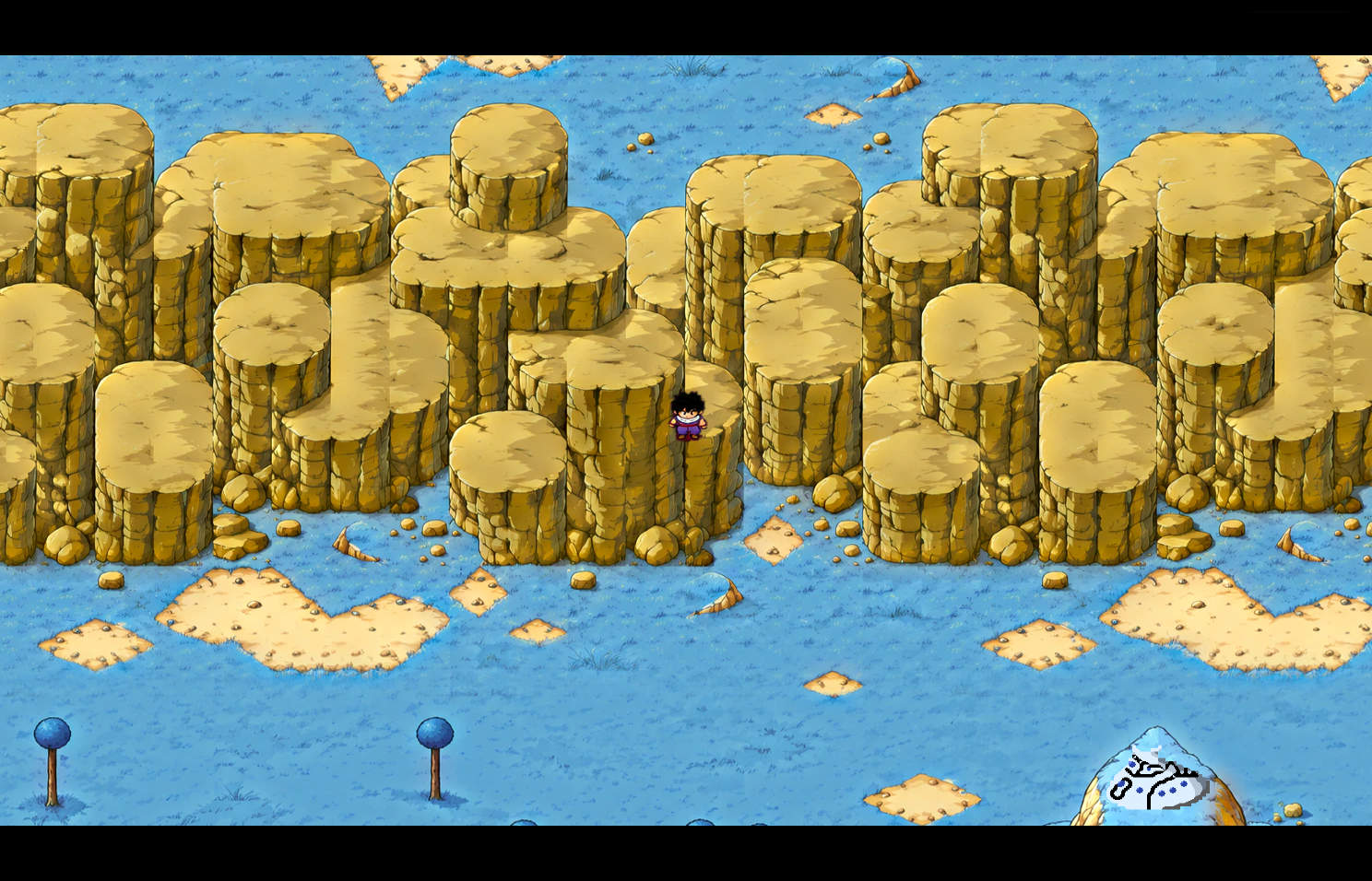
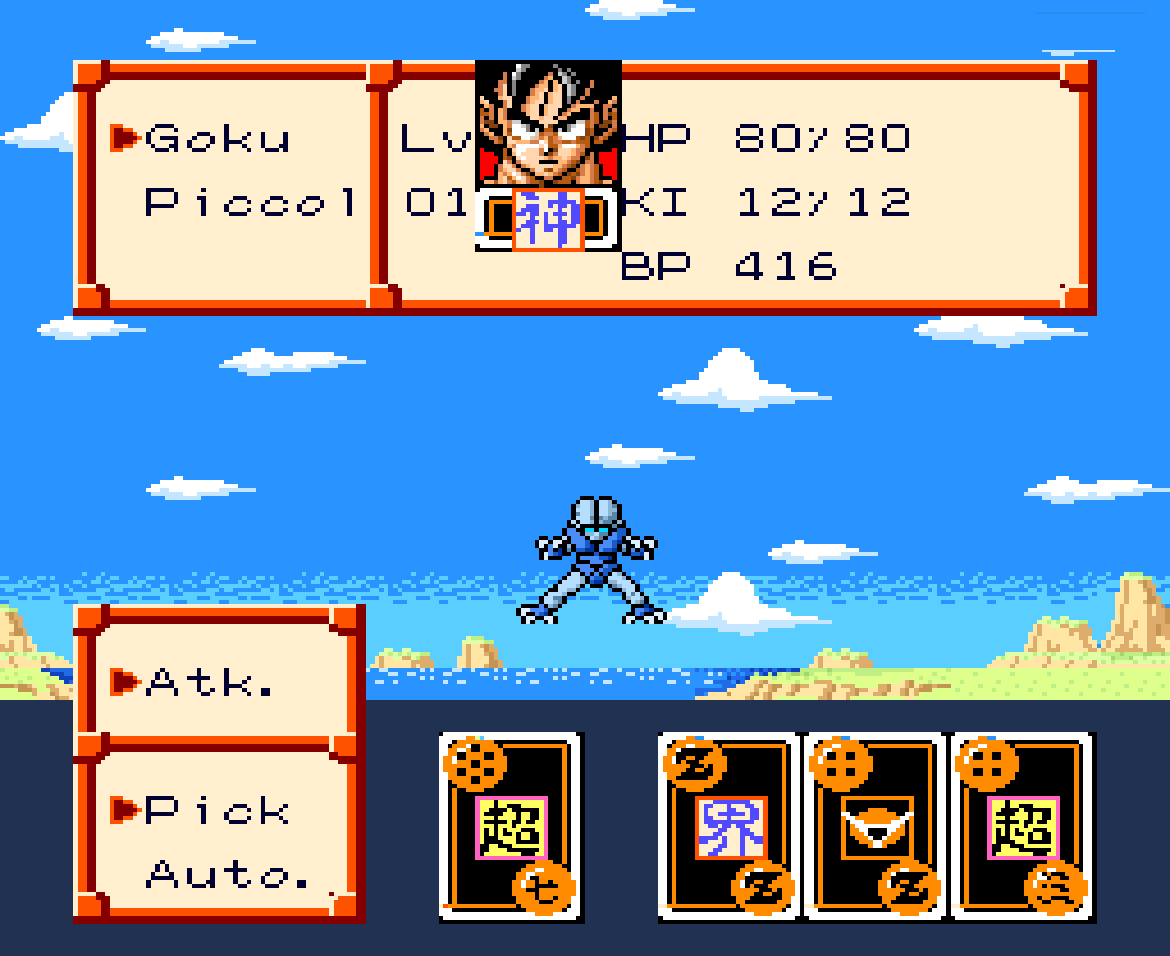
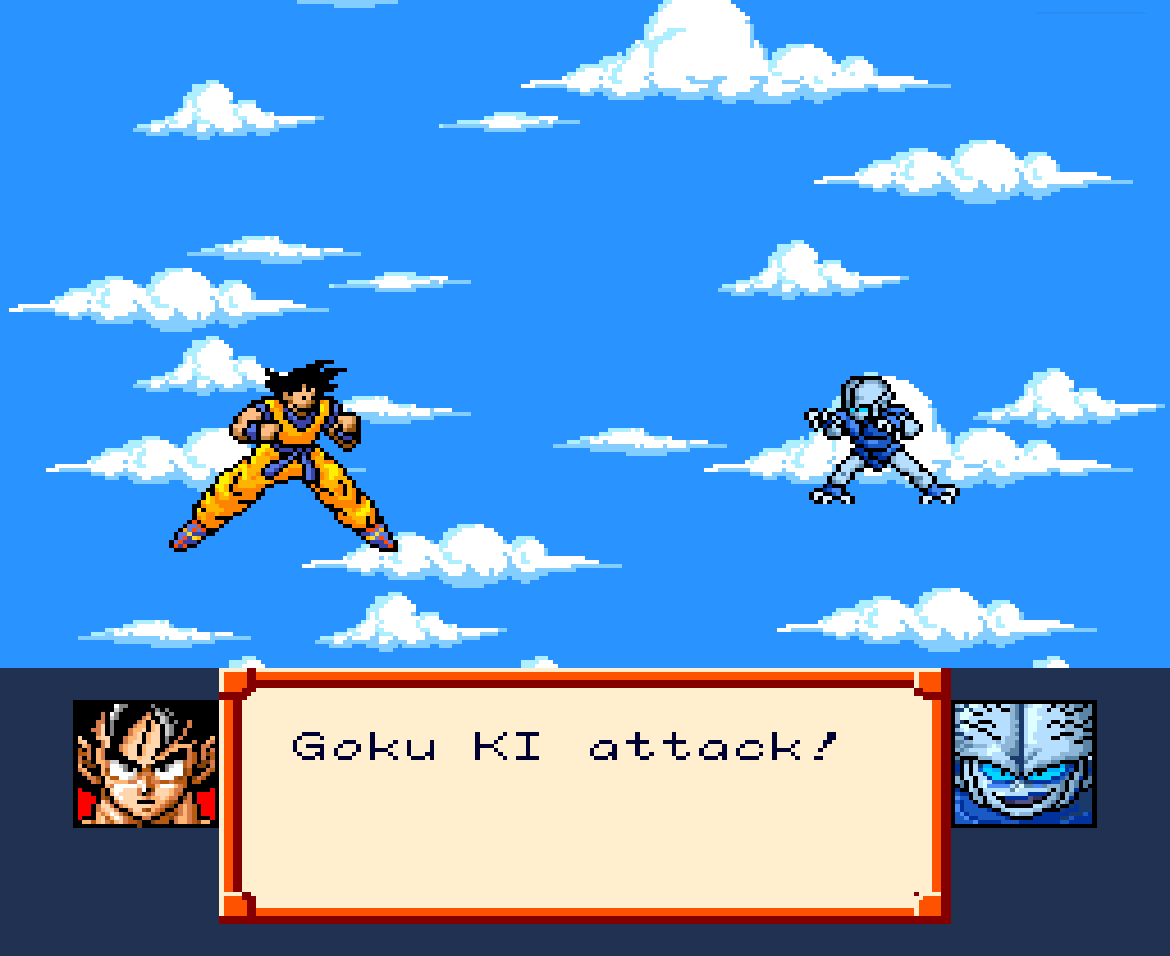
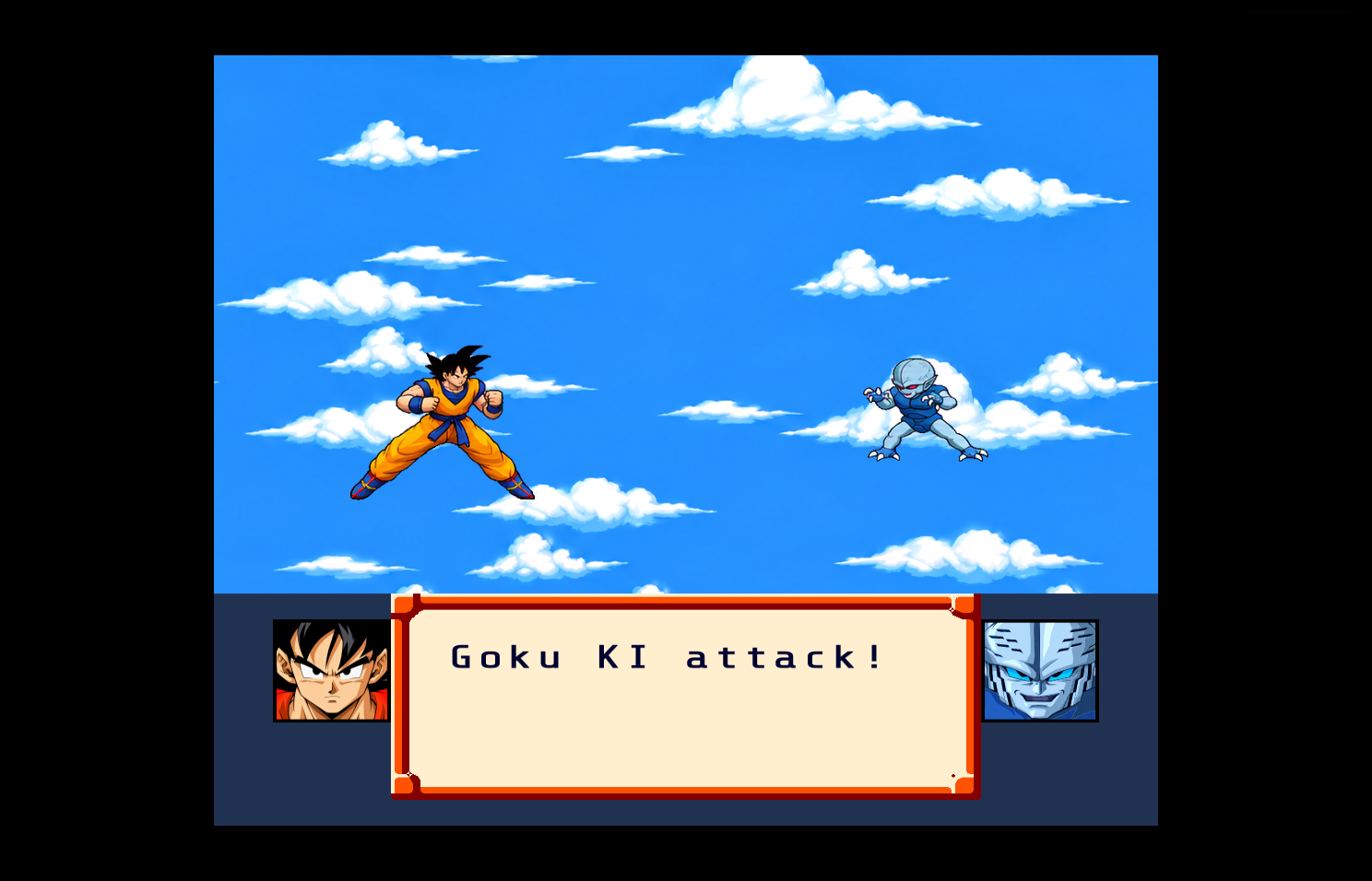
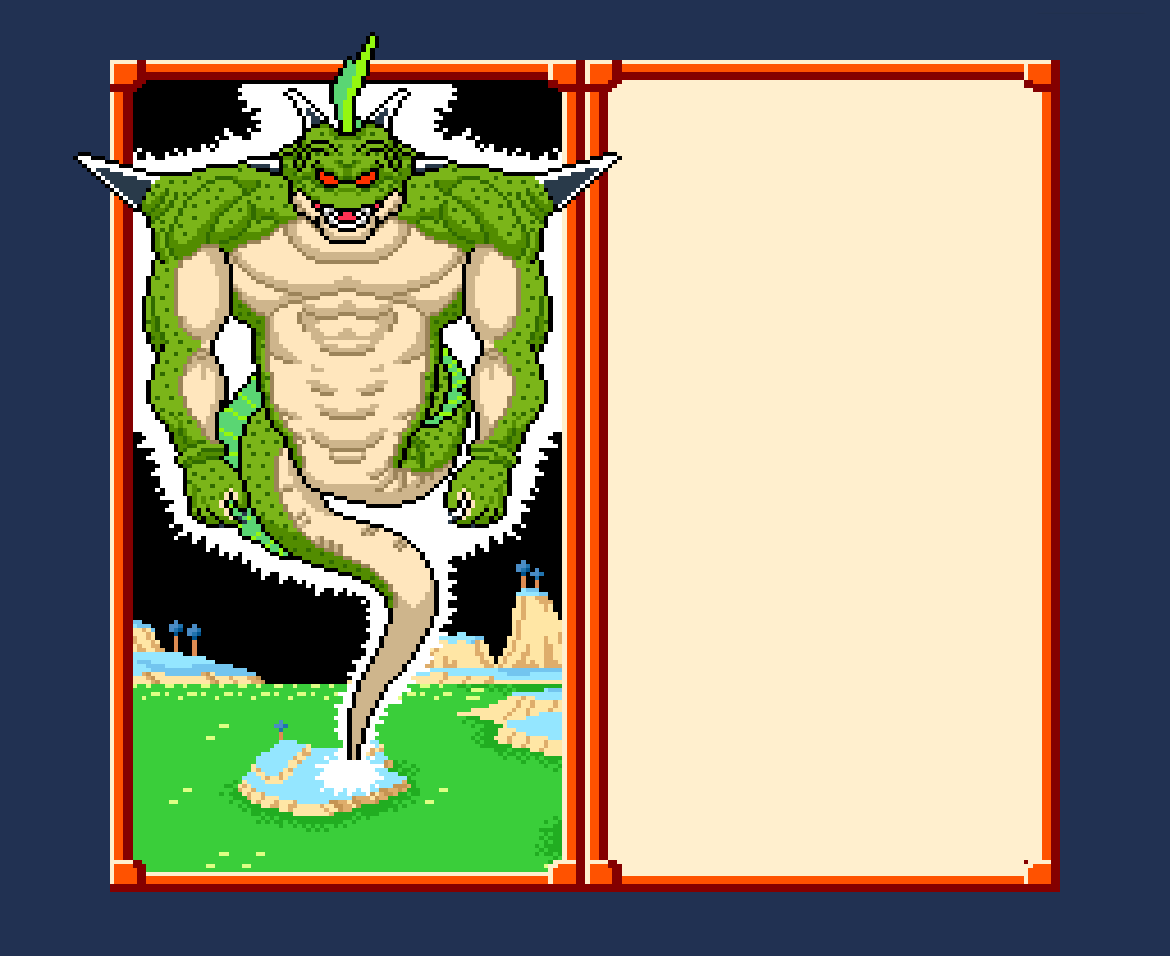
- HD art for the portraits and faces, the fighters' poses and the battle effects, the field sprites, the
field maps, the battle backgrounds, the title and story pictures, the cards and the Mode 7 flights: AI-assisted,
hand-curated art, faithful to the original and to the anime, drawn at 4 times the original's resolution.
How it works: from your ROM the game builds an index of every graphic by a hash of its data; the art is found
by that hash wherever the game shows it, and drawn in place of the original pixels, keeping the game's priorities,
transparency, fades and colour effects. A palette the art was not made for (a flash, a fade, another hue of the
same cave) recolours the art as it recoloured the original. The art is a separate download
(
hd-pack.zip); the game builds its HD data from it and your ROM on the first launch. - HD text. The game's text is redrawn from a clean anti-aliased font at the picture's resolution, in the colours the game uses for it, including the title, the intro and the credits.
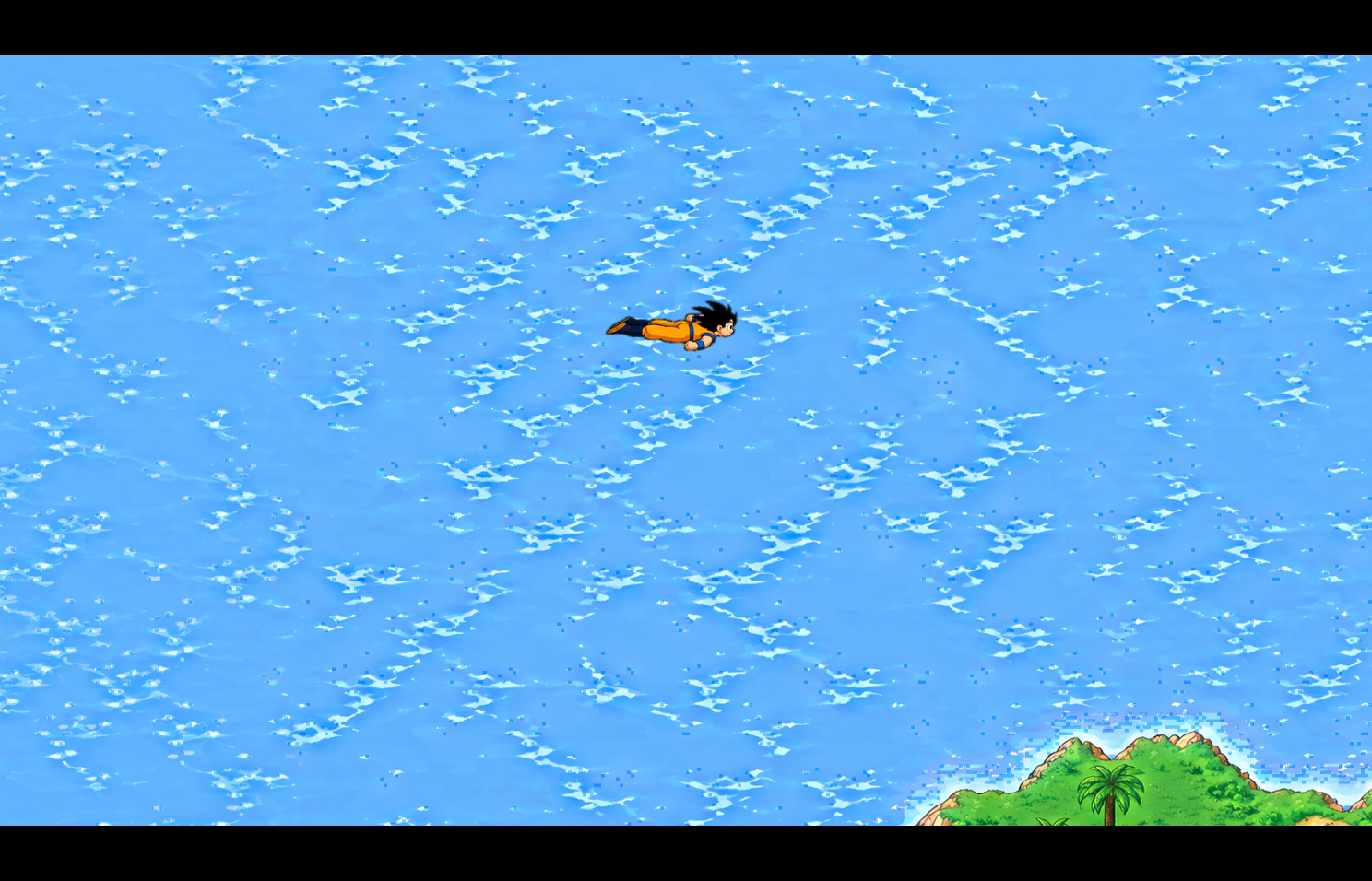
- 16:9 widescreen. The picture is 372 pixels wide instead of 256. The field shows the map beyond the original's window (the map is looked up from the game's own data, so every wall and path stays where it was), a Mode 7 flight shows more of its plane, and battles, cutscenes, interiors and the title keep their composition with black at the sides.
- Soft shadows. The game's hard pixel-block ground shadows become soft ellipses of the same size and place.
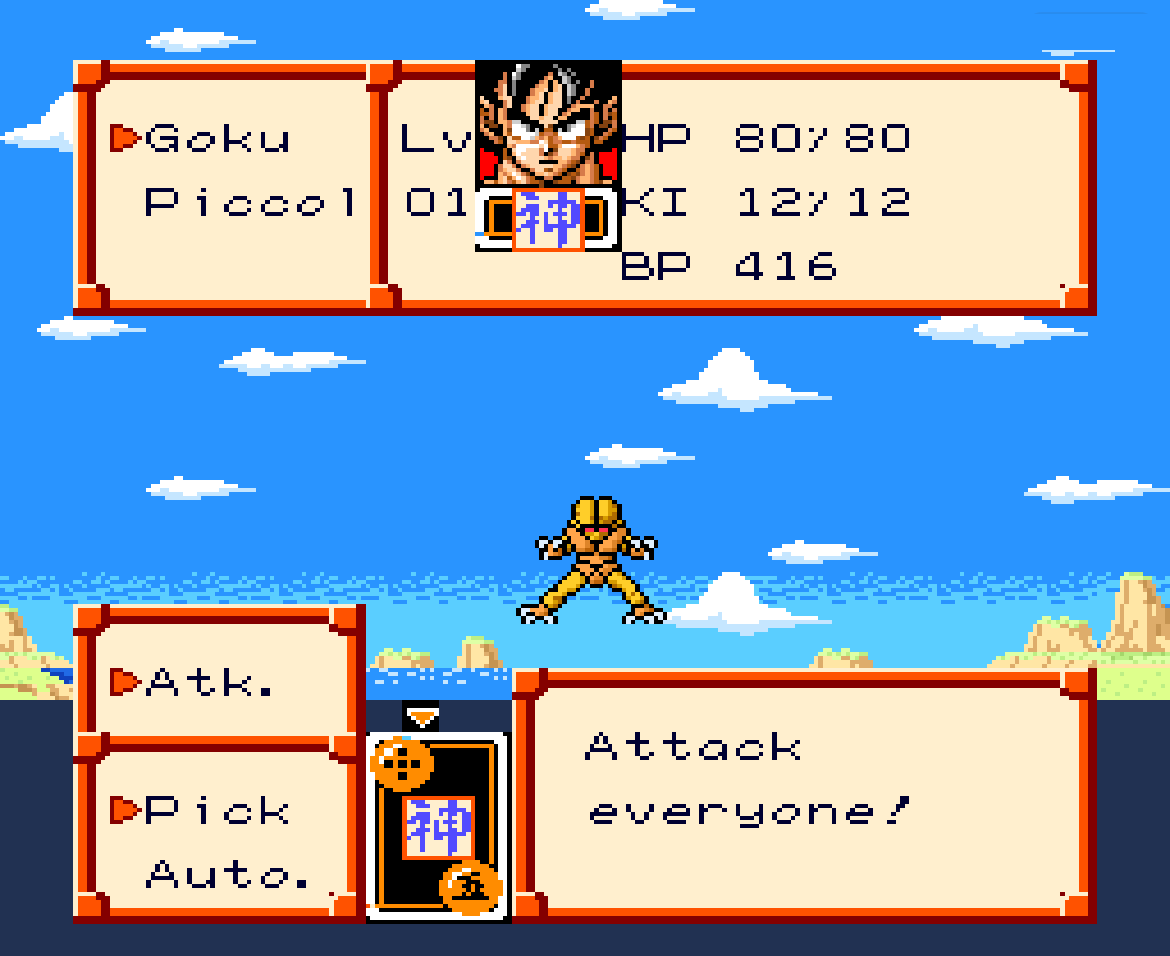
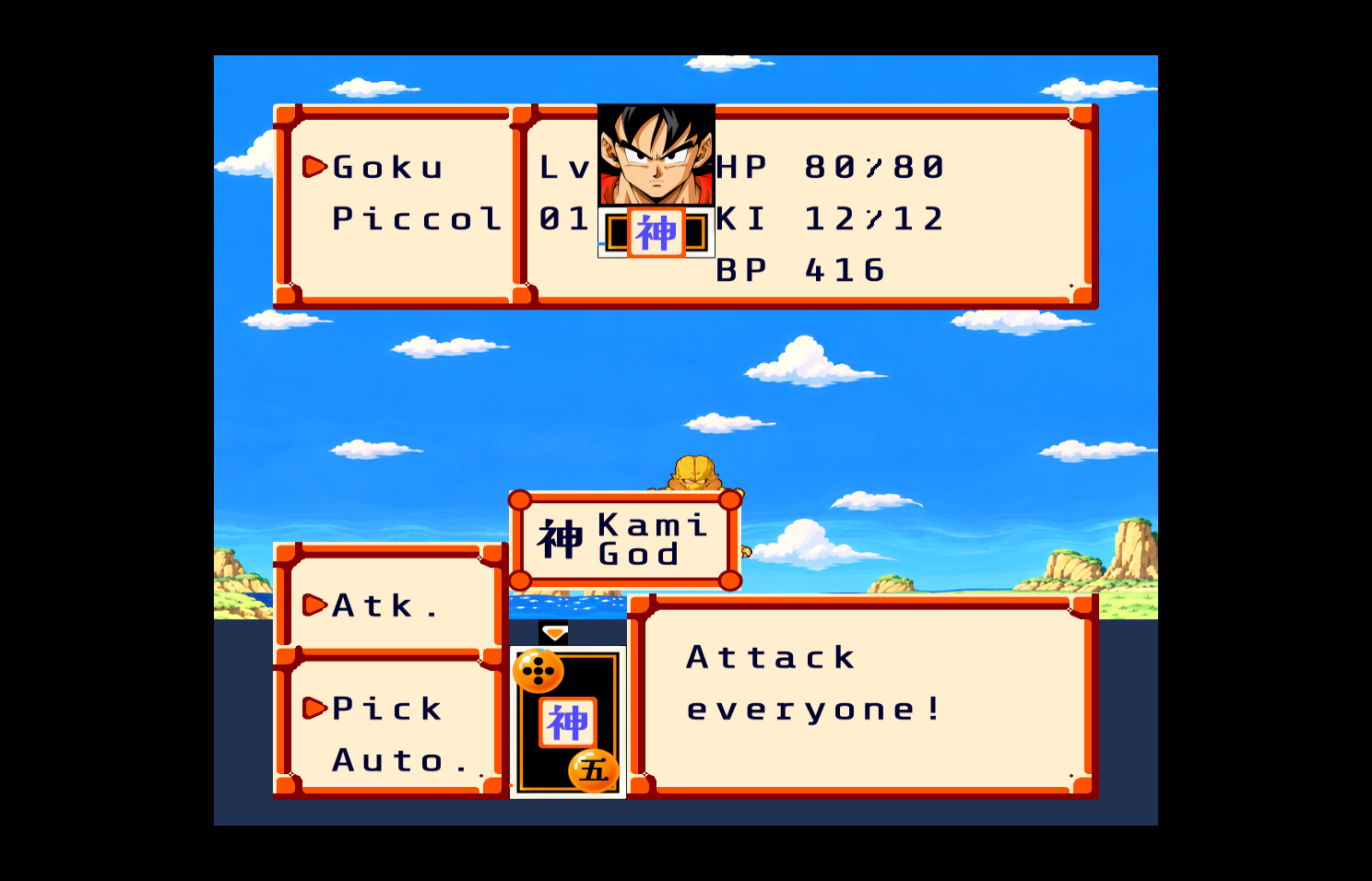
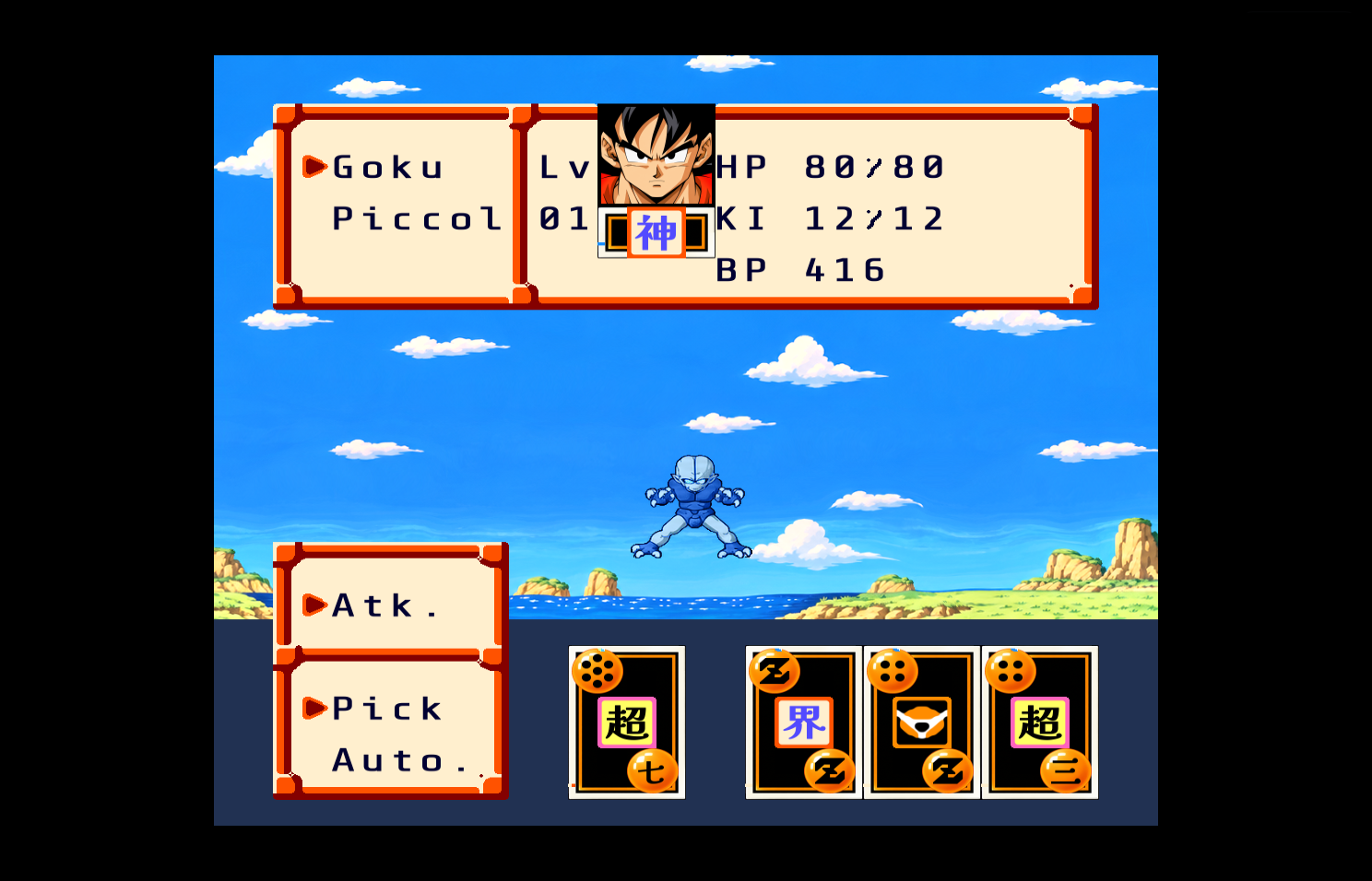
- Card tooltips. In a battle the card under the cursor says what its kanji means (for instance "Kami / God").
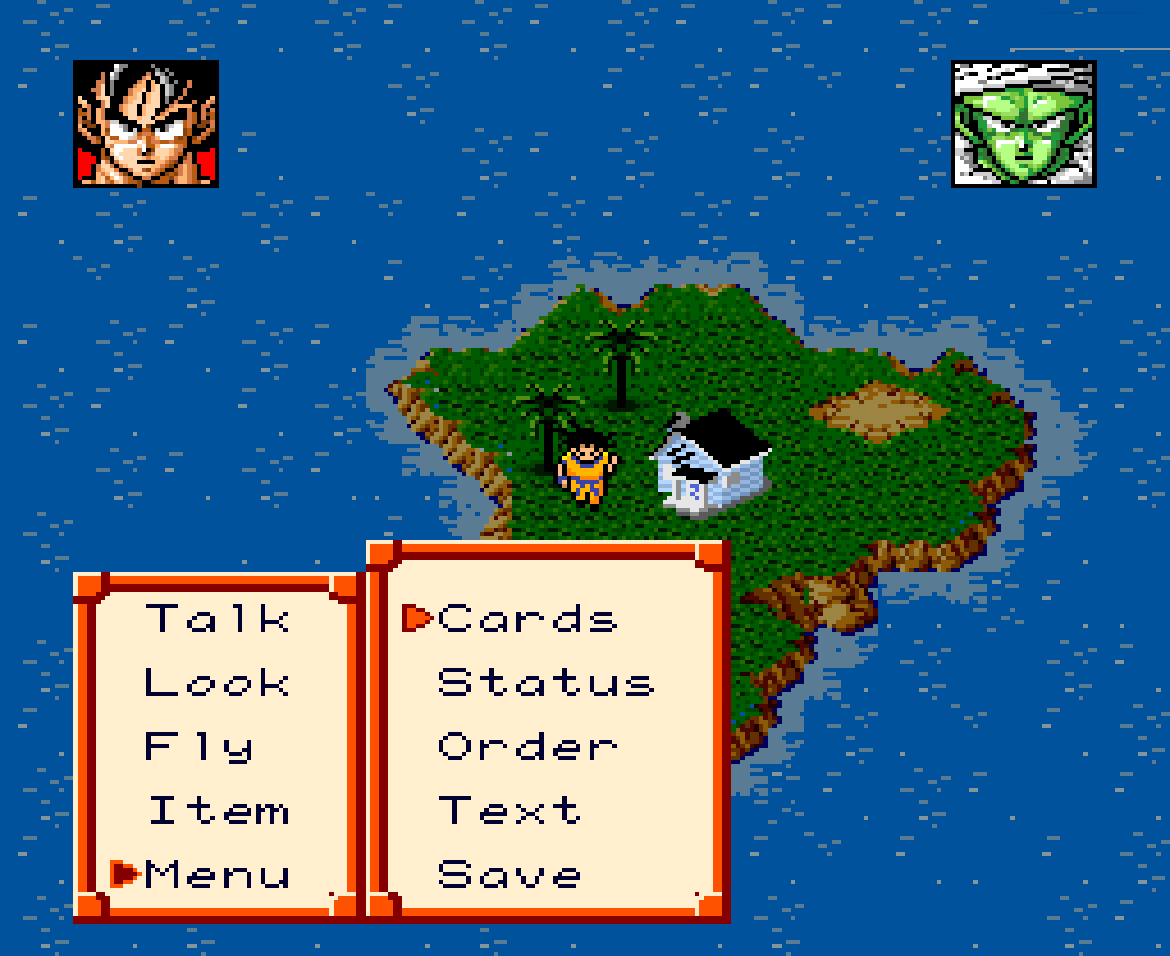
- Enhanced menus: the field command window, the Menu list, the Zeni window, the corner portraits with HP and KI bars, and the Item screen are redrawn in the original's style at 1280x720. The bag has 60 slots and stacks of up to 99, with the story's objects pinned at the top; a Cheats screen lets you change the rules of the running game, and an Options screen holds the difficulty, gameplay, video, audio, controls and accessibility settings (see The new menus). How it works: the original menus keep running unseen underneath and perform every consequence; the new screens only press the original's buttons, so the game's rules stay the original's.
- Fast-forward and save states. Tab cycles the speed x1, x2, x4, x8; F5 and F9 save and load a state in one of four slots (every key can be remapped in Options). The debug panel (F1) shows the routines, memory and a debugger, and records and verifies replays.
Comparison gallery
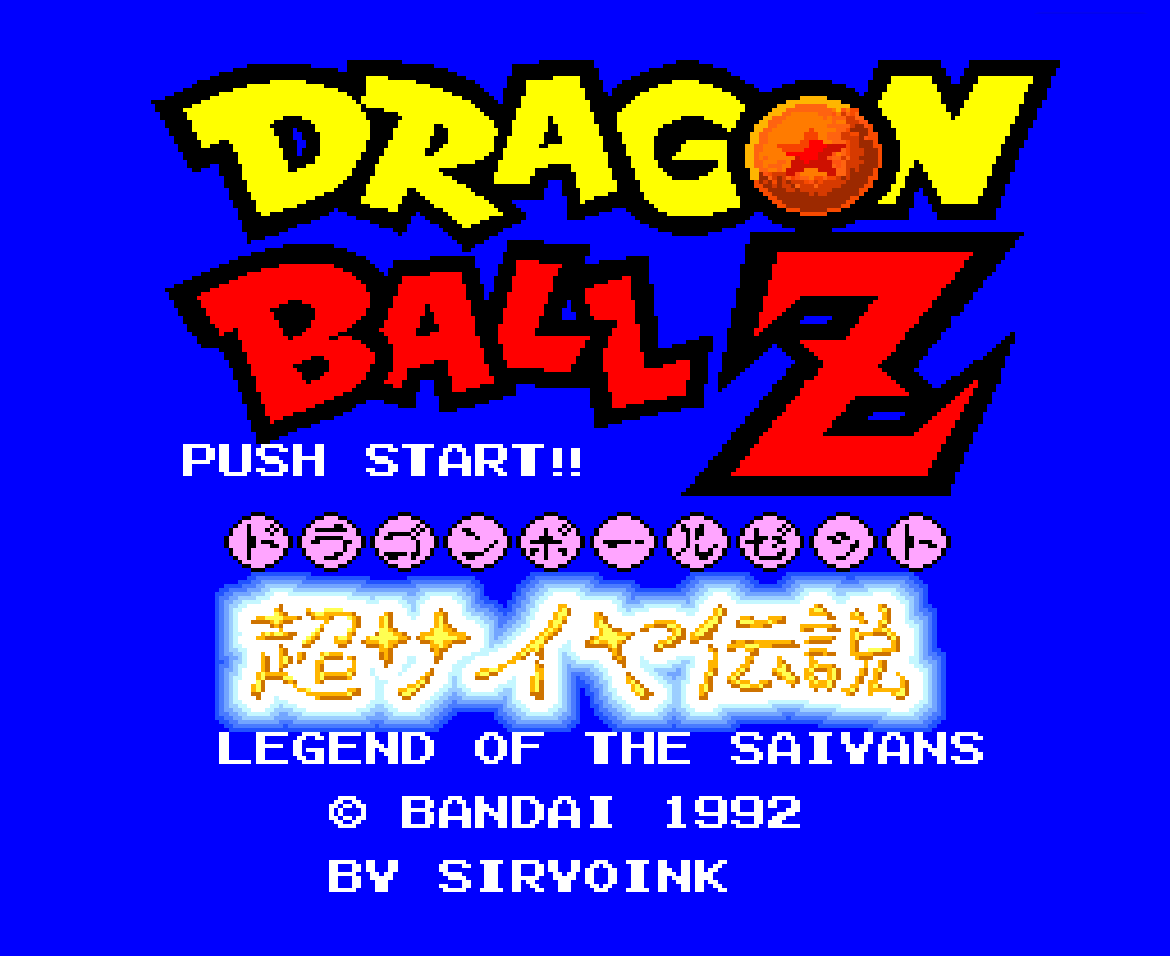
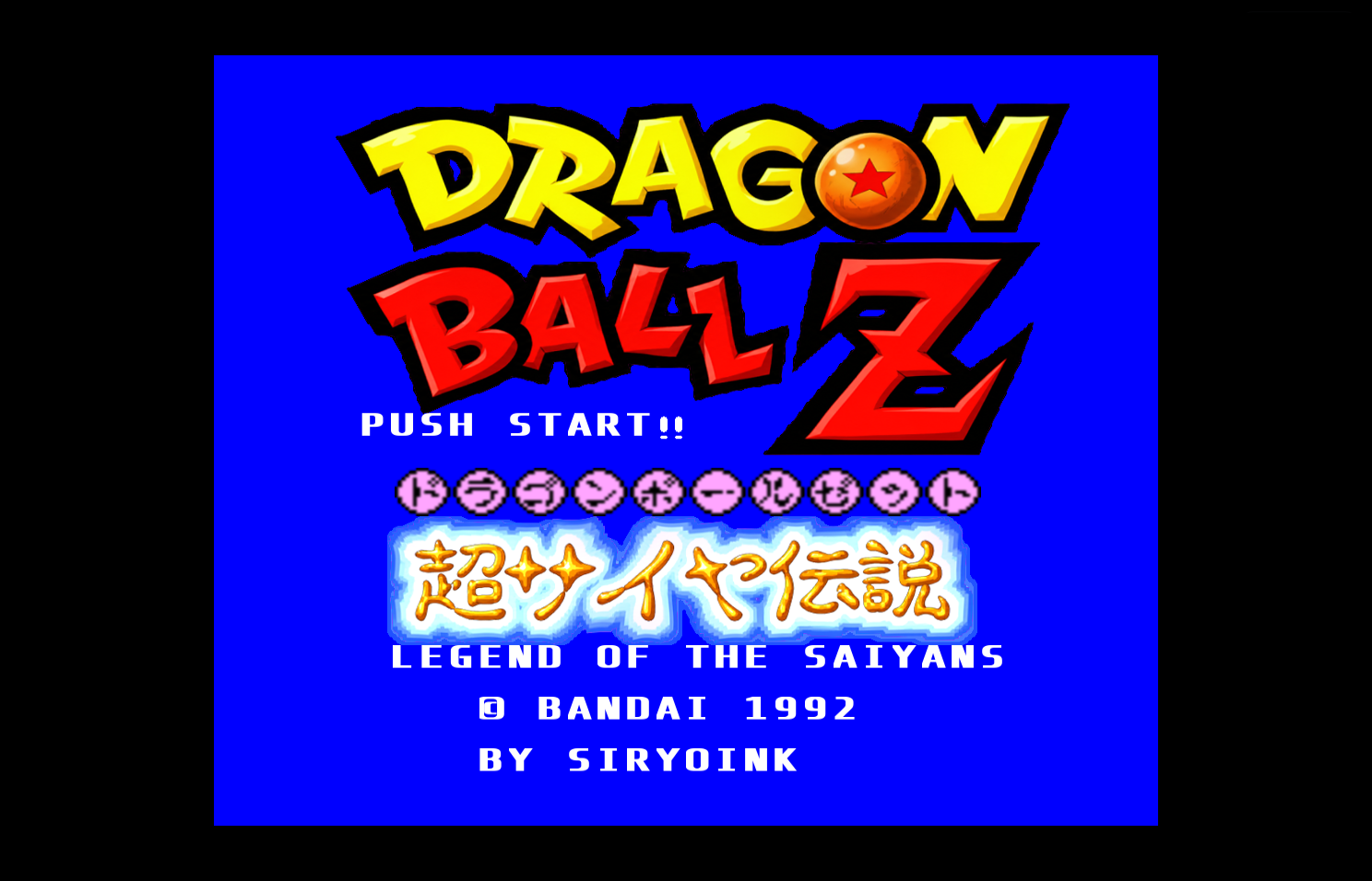
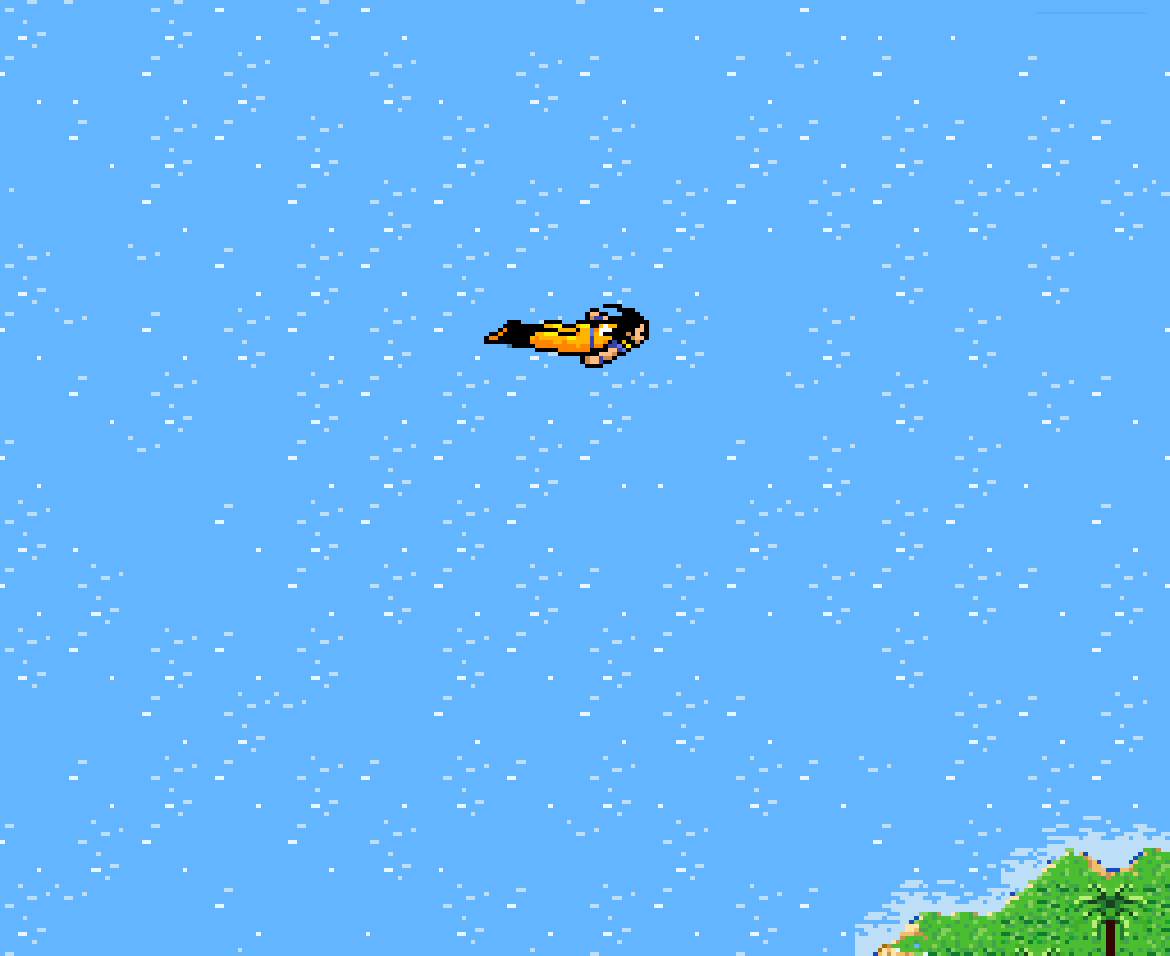
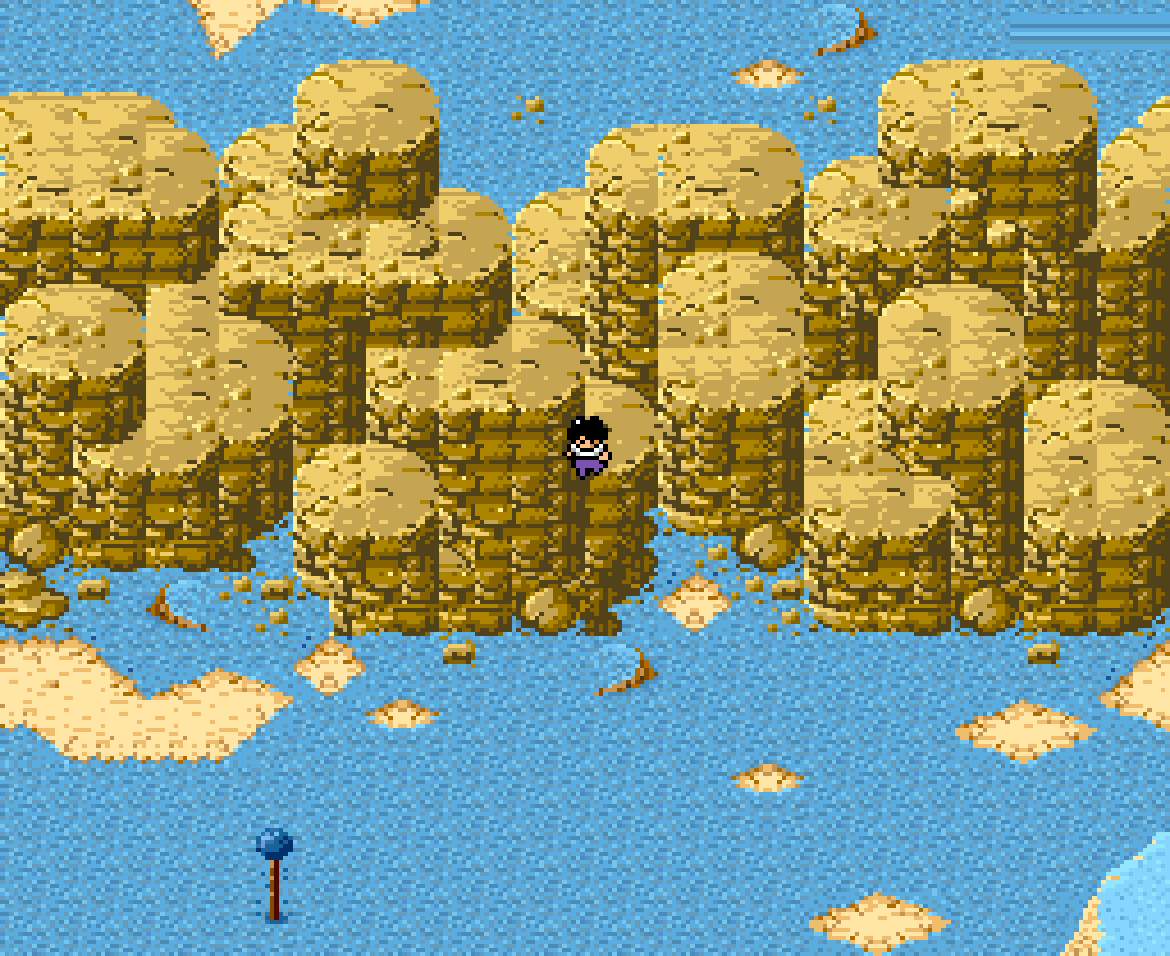
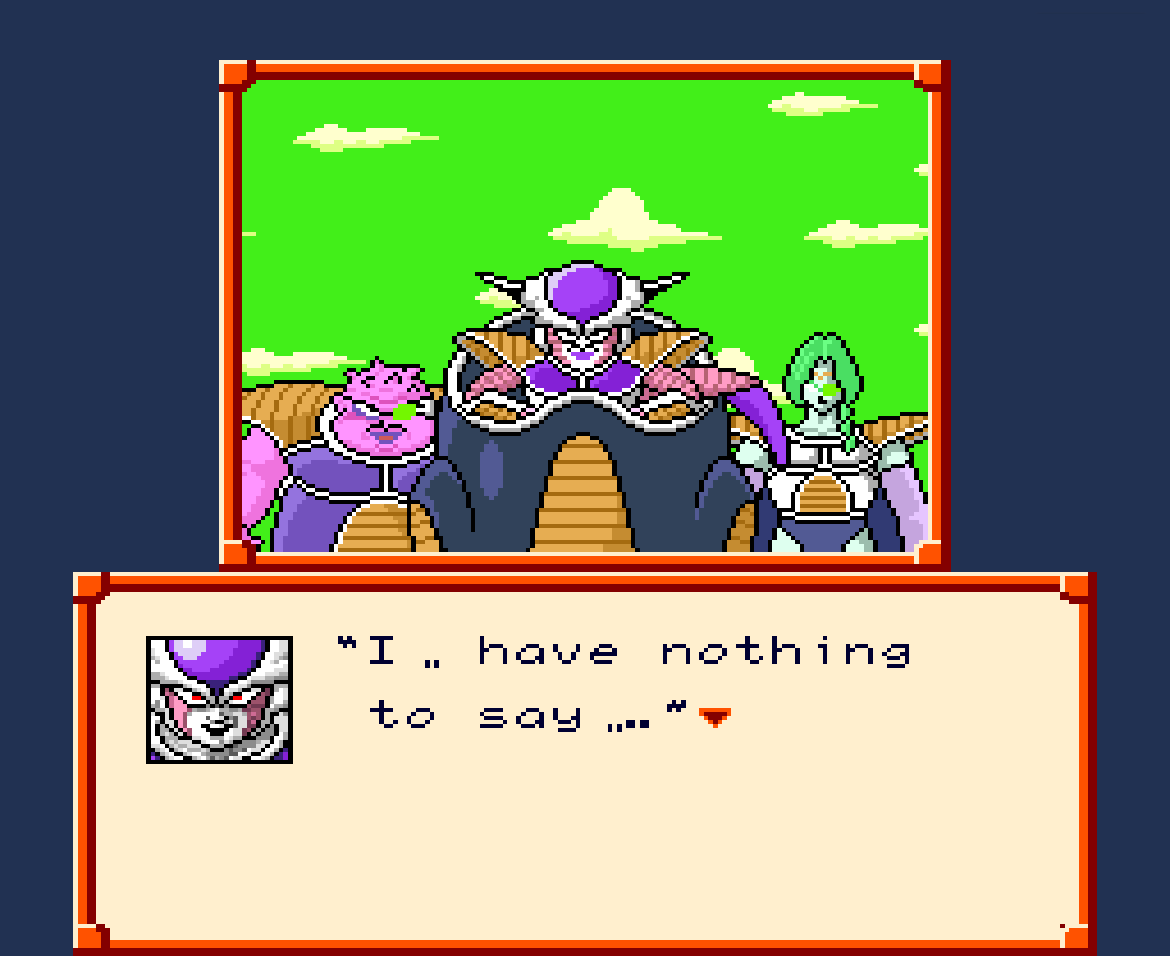
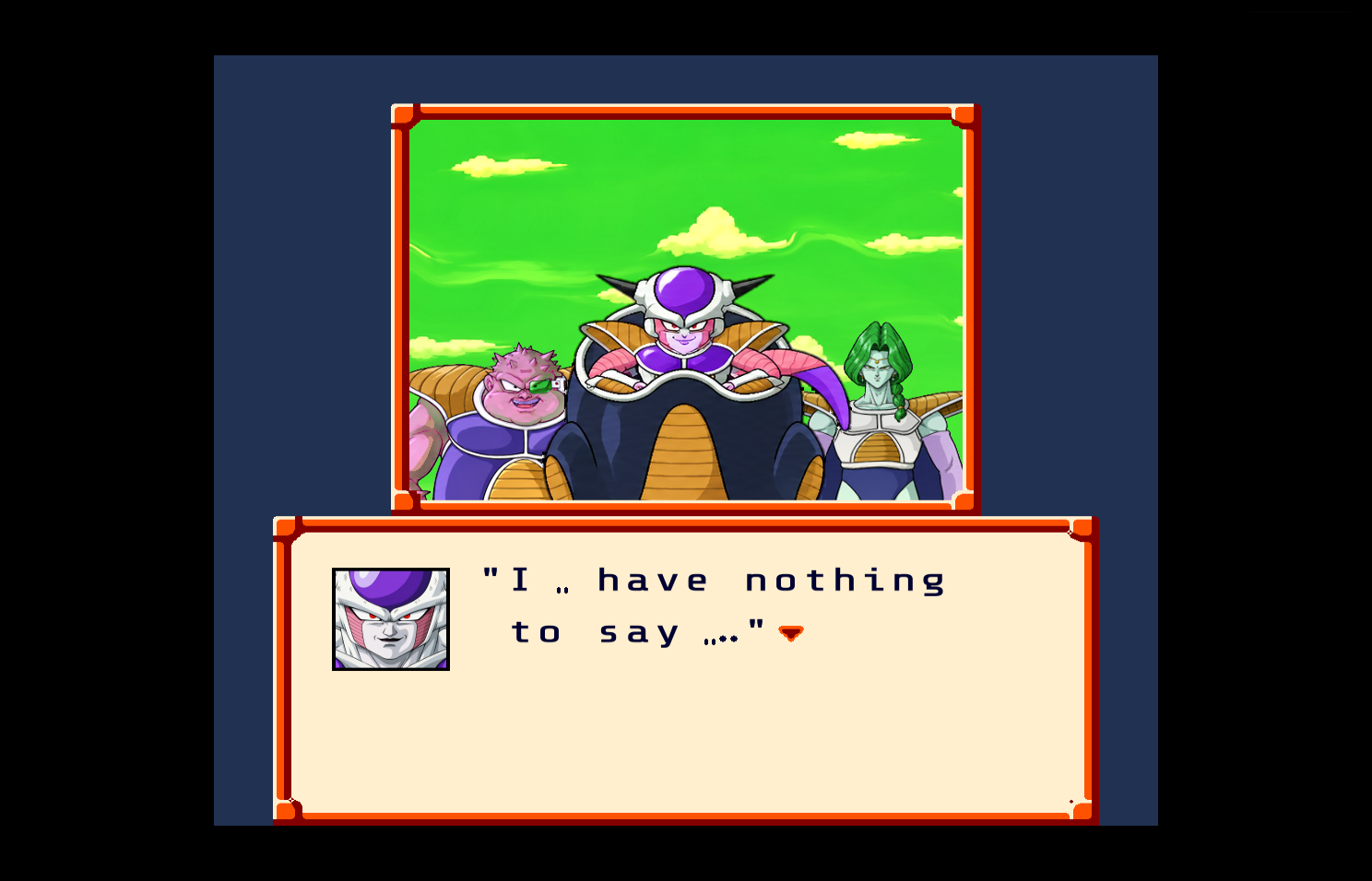
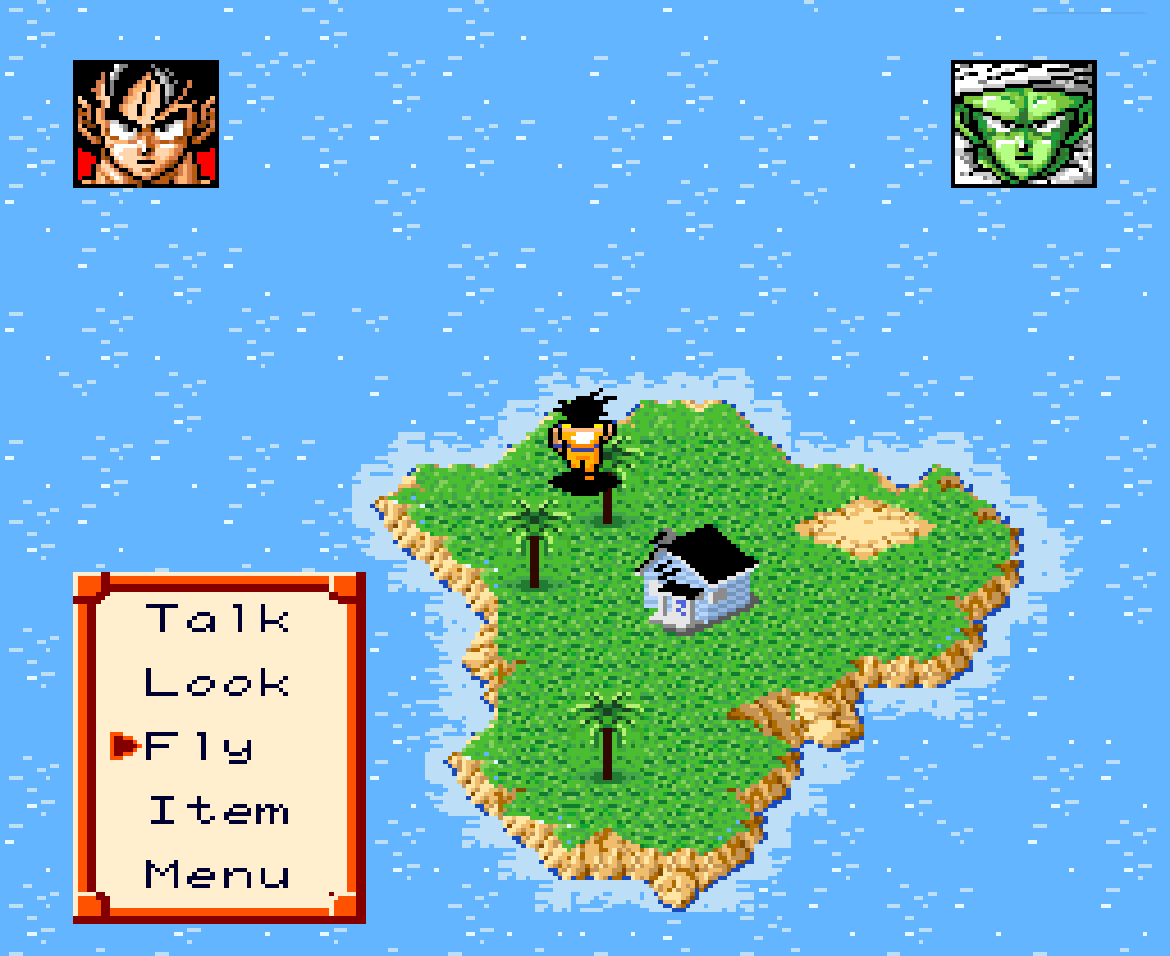
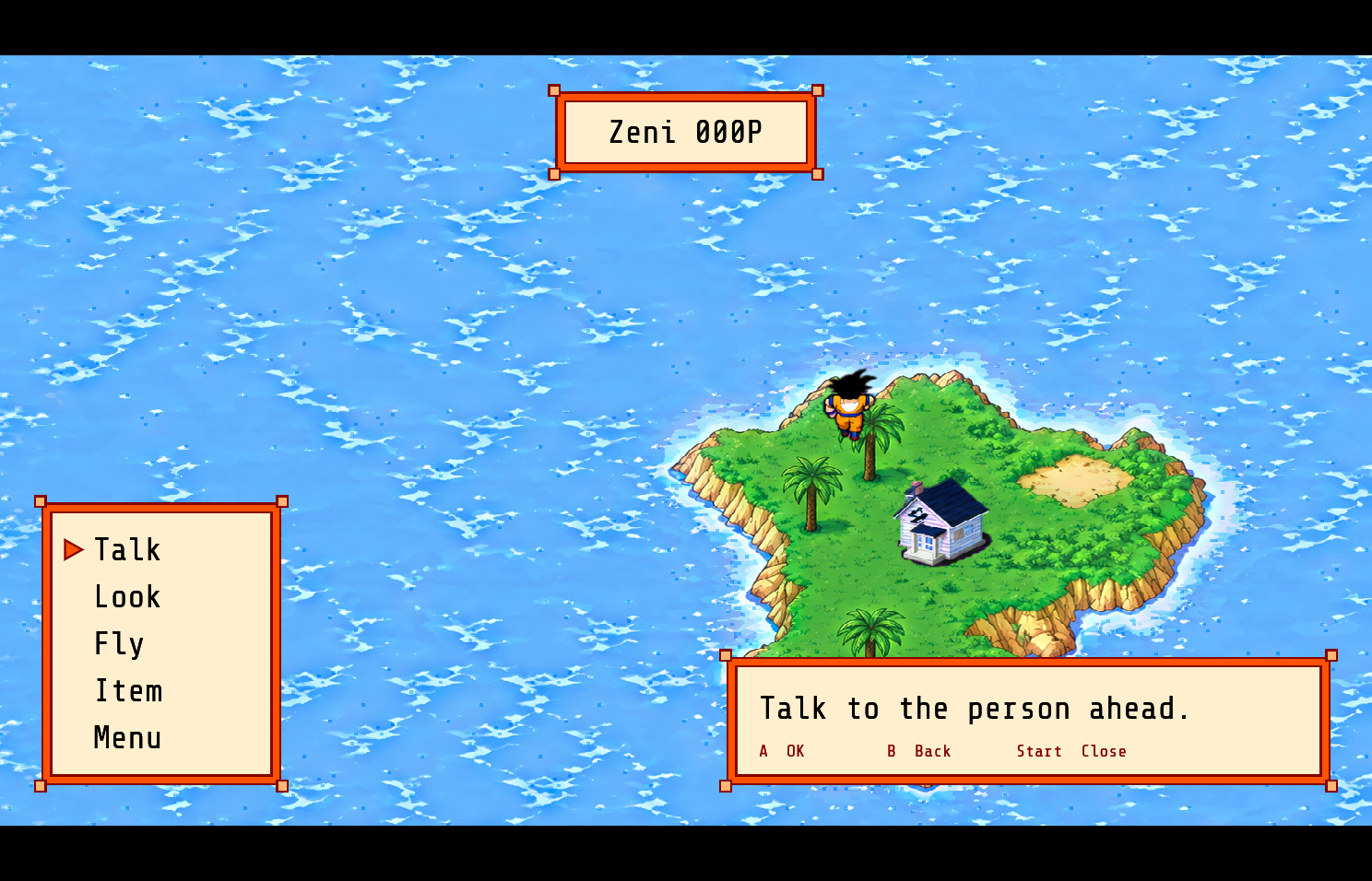
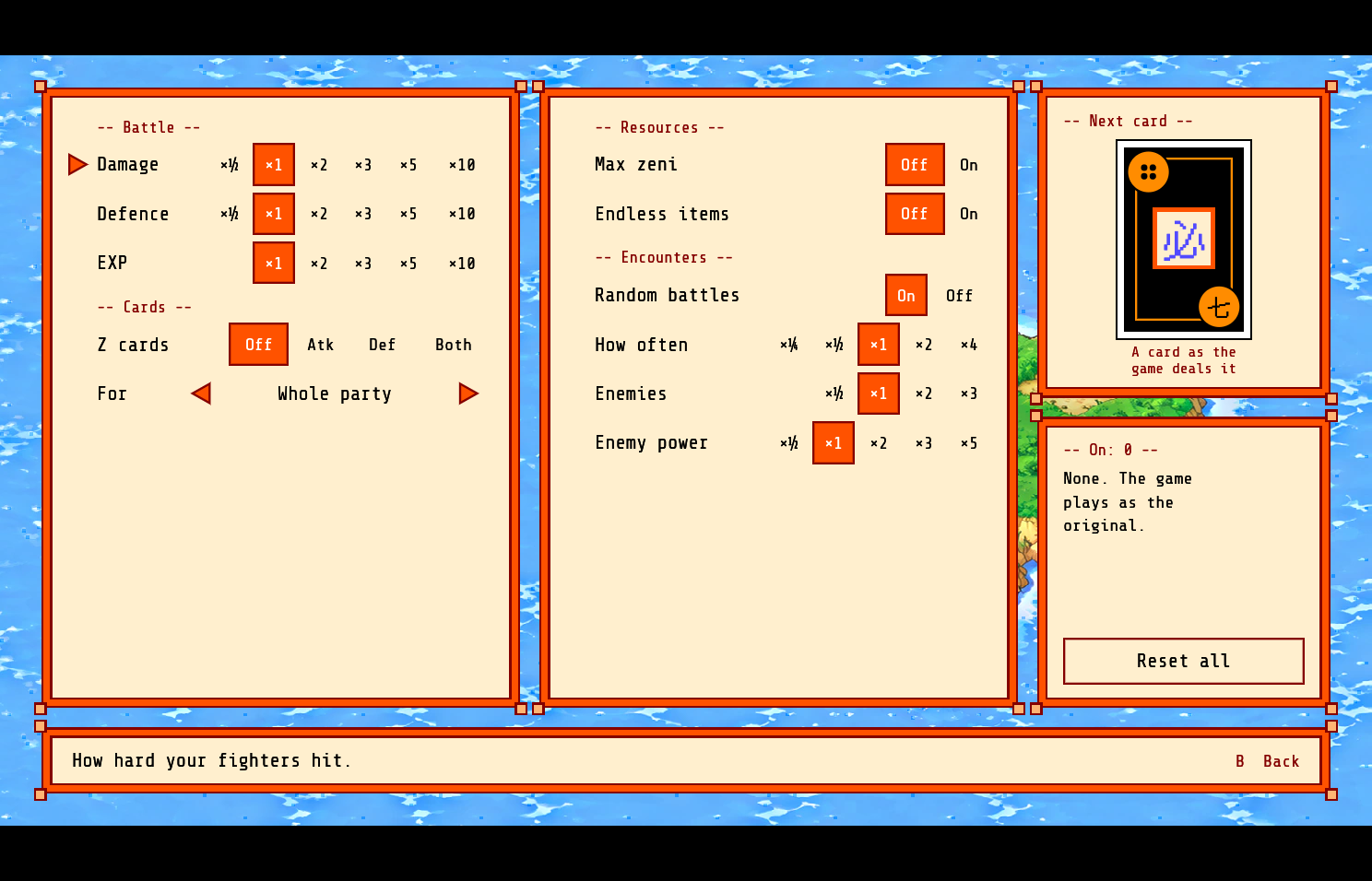
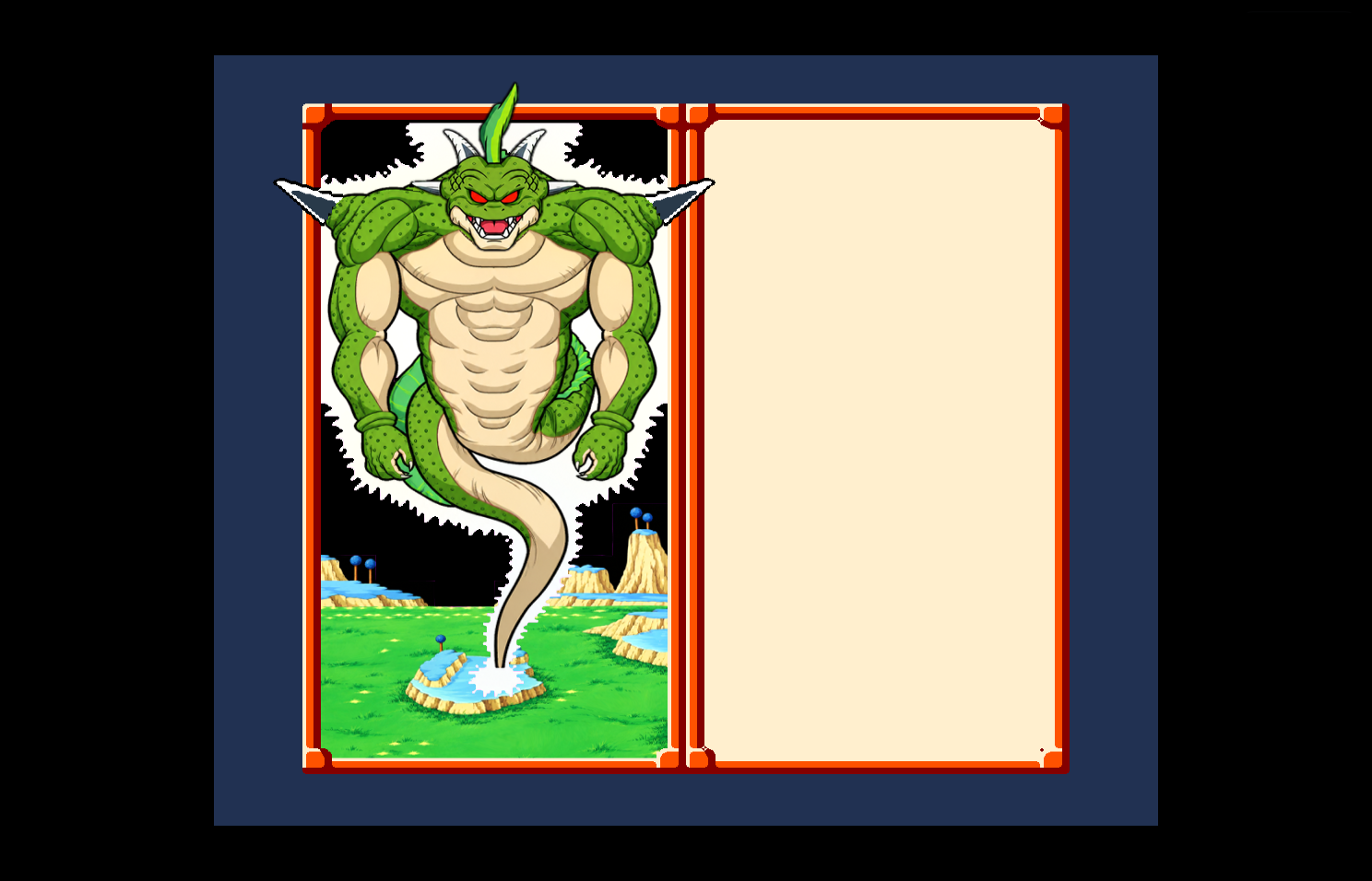
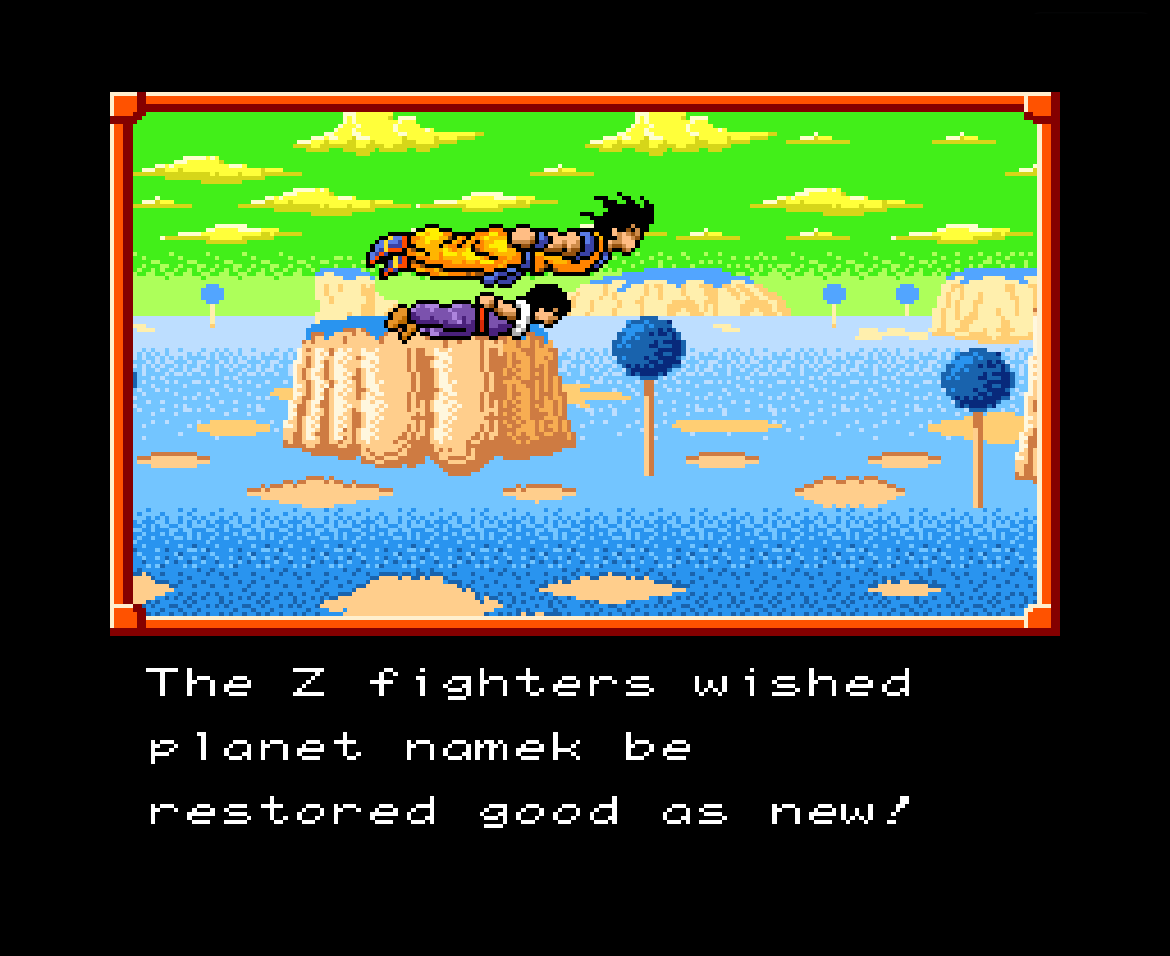
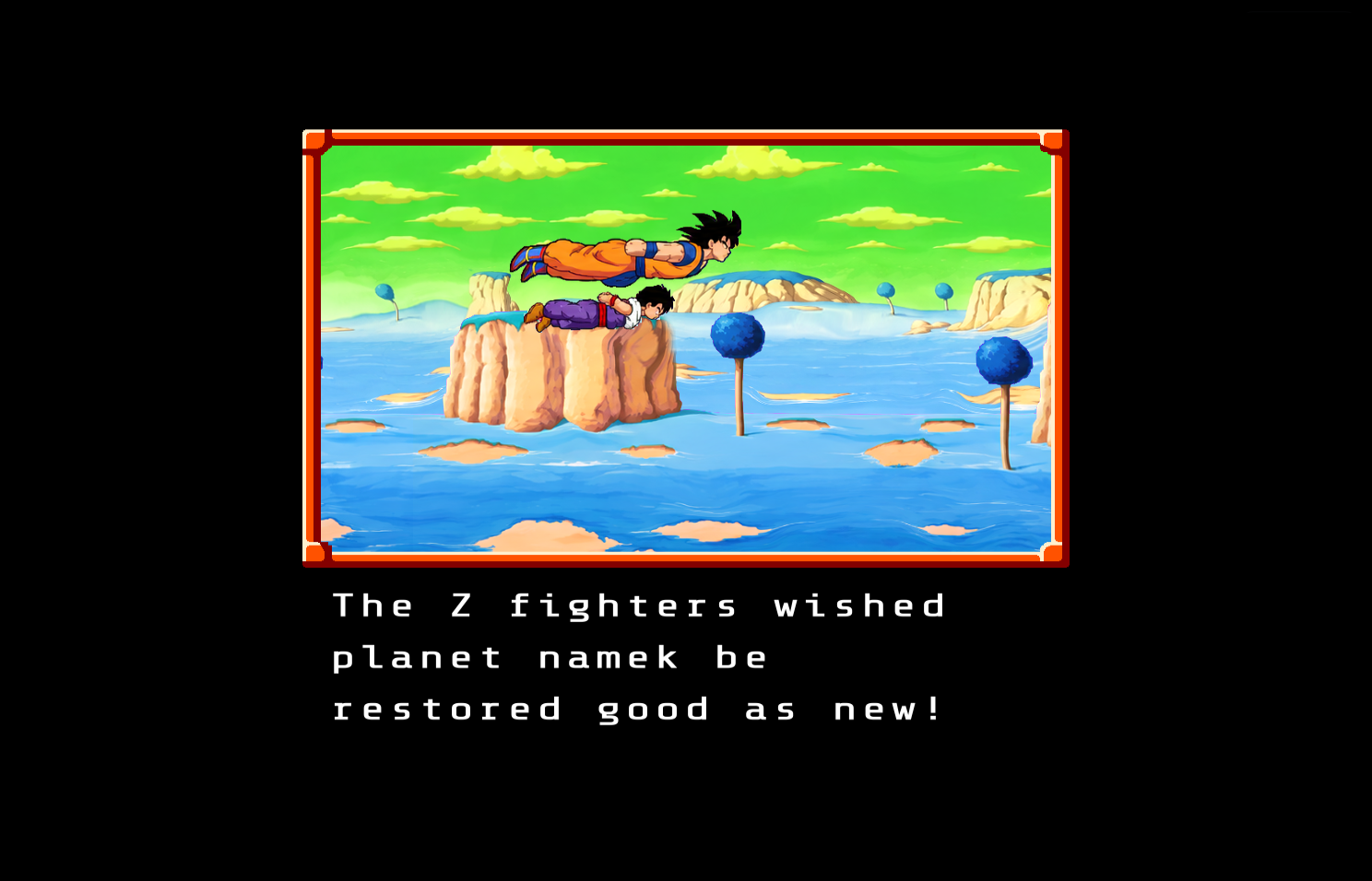
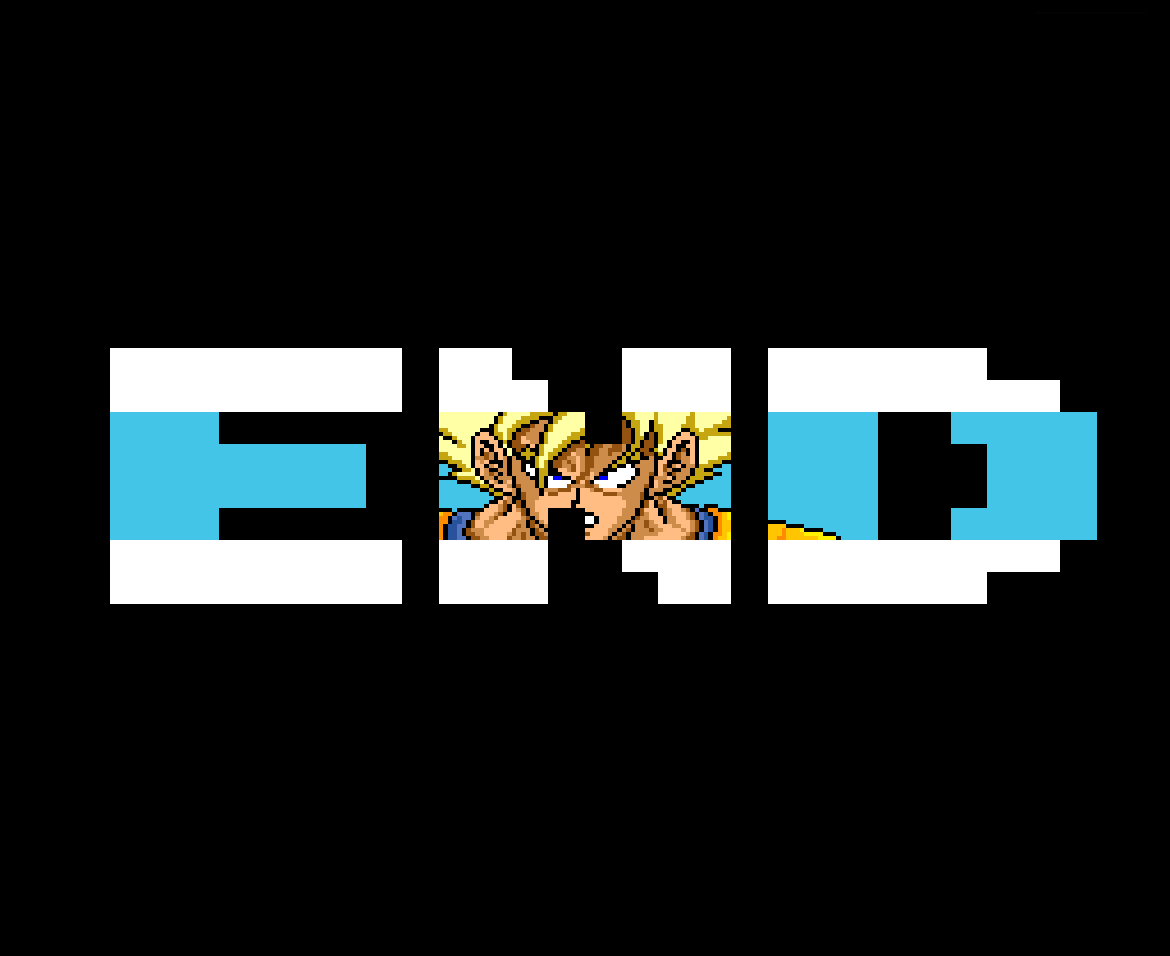
Classic on the left, Remastered on the right. The frames come from the project's reference replays;
tools/gallery/ lists exactly which frame or script makes each picture and regenerates them
from your own ROM.
| Classic | Remastered |
|---|---|
 |  |
 |  |
 |  |
 |  |
 |  |
 |  |
 |  |
 |  |
 |  |
 |  |
 |  |
 |  |
The new menus
They exist in the Remastered mode only (Play Remastered.bat, or --mode enhanced). While one is up, the keys
belong to it; the game gets no button until the original draws a message or a screen of its own.
| Key | Action |
|---|---|
| Arrow keys | move the cursor |
| X | confirm (a Cheats row: change its choice) |
| Z | back |
| Q / W | change the bag's tab (All, Allies, Tools) |
Field command window and Menu list. X on the field opens the command window (Talk, Look, Fly, Item, Menu; in a town there is no Fly, and in flight it is Land, Item, Menu), with a help window. The Menu list holds Cards, Status, Order, Text, Save, Cheats and Options. The corner portraits show each fighter's HP and KI bars, and a Zeni window shows your money.
Item screen. A bag of 60 slots with up to 99 units per stack, in two columns with x NN counts, three
tabs (All, Allies, Tools), the object's picture, its Pt price and its help text. Use takes one unit at once and
hands over to the original's own use window and messages, the same on the map and in battle; Drop asks Yes or No
and drops one unit. The Dragon Balls and
the story's objects are pinned at the top and cannot be dropped, and a full bag refuses what it is offered, with a
notice. The bag lives in saves/ssd.bag beside the battery save, one per save slot. The battle's Item screen keeps
the original's look.
Cheats. Up and Down choose a row, Left and Right (or X) cycle its choices, X on Reset all turns everything off. Rows: damage dealt x1/2 to x10, defence x1/2 to x10, EXP x1 to x10, Z cards (off, attack, defence, both; for the whole party or one character), maximum zeni, zeni gained (x1 to x10, from selling and from the story; a battle pays no zeni in this game), endless items, an item spawner (any object into the bag, with its description and how many; story objects such as the Dragon Balls and the Dragon Radar are red and ask before they are added, since they can break the story: save first), random battles on or off, how often they come (x1/4 to x4), enemies per battle (x1/2 to x3) and enemy power (x1/2 to x5). An "On: N" box counts what is active. Fights that the story expects you to lose (today Nail against Frieza) suspend the battle cheats: the screen says "Cheats off for this fight" for about two seconds and "Cheats back on" on the map. Each save slot keeps its own cheats, and a save made with a cheat on shows a CHEATS badge in the slot lists. Cheats act in the running game only and are never part of Classic.
Options. Six pages, chosen on the left (L and R change page); each says whether it is saved with the game or kept for this PC. Reset this page (Y) and Reset all (Select, with a Yes/No question) restore the defaults.
- Difficulty (saved with the game): Easy (enemy power x1/2, EXP x2, money x2), Normal (the original) or Hard (enemy power x2, money x1/2). The preset writes the same numbers as the Cheats screen, which stays the fine control (changing a cheat shows Custom); money here is the zeni the story's events give, since the original pays none for battles. Easy and Hard mark the save with the CHEATS badge.
- Gameplay (saved with the game): text speed (the original's five steps, Slowest to Fastest, the same setting as the Menu's Text entry), message auto-run after a short, normal or long wait, battle animation speed (x2 to x4: the attack animations run faster with the outcome unchanged; the music skips while they do), random encounters.
- Video (this PC): window or fullscreen, scale 2x to 8x, look (crisp or smooth), V-sync, 16:9 or the original 4:3, scanlines and a CRT filter. A change of display, scale or aspect asks Keep or Revert and reverts by itself after 10 seconds.
- Audio (this PC): one volume (the console mixes music and effects together) and stereo or mono.
- Controls (this PC): every SNES button and shortcut on the keyboard and on a gamepad; a key already in use is refused and the help says by which action.
- Accessibility (this PC): larger text, high-contrast menus (white windows, black text and frames) and a colour-blind-safe cursor (a bigger blue arrow with a bar under the row), with a sample window.
Getting started
Requirements. Windows 10 or 11 (64-bit), a graphics card with Vulkan or DirectX 12, and your own ROM. For Android, see Android below.
1. Get your ROM
Dump the game from a cartridge you own. The game accepts one of these (a 512-byte copier header is removed automatically):
| ROM | Size | CRC-32 | SHA-1 |
|---|---|---|---|
| Klepto v1.02 English translation, checksum fixed (the form the game keeps) | 1,048,576 bytes | A8CF4F2A | 6b612f6d99f2efc26f26fb22290bc732ada0ea6f |
| Klepto v1.02 English translation, as released (header checksum not fixed) | 1,048,576 bytes | 3BB02A05 | - |
| Japanese Rev 1 (the ROM the patch is made for), plus the patch below | - | ADE7B968 | 6b5725765ddde078350ec61221ddb9bb252066a7 |
The English text is the fan translation Klepto Software v1.02 (2016), a patch for the Japanese Rev 1 ROM. It
is distributed as an IPS patch, dbz102.ips, by ROM-hacking archives; it is not part of this project. Check your
files with any hashing tool (certutil -hashfile "your.sfc" SHA1 on Windows, or the file's CRC-32 in your
patcher) against the table above.
A dump of the same game that is none of those images (another fan translation, a rebuild with the header checksum
left wrong) can still be played with --force-rom: the copier header is stripped and the game runs on it. A forced ROM
is not cached, so --rom has to be passed on every run: the launchers do not pass it, so play a dump like that from the
command line, or from a shortcut of your own. Everything built from the canonical image is then your own risk: the
catalogue of names and texts, the HD art and the recompiled code are made for A8CF4F2A and are not guaranteed to
line up. The Rust routines and the recompiled functions are hooked at that image's addresses whatever ROM is loaded,
which is harmless while a translation changed only text and is not when it changed code (a font routine of another
width, a text engine somewhere else), so a run that goes wrong on a forced ROM is not a bug report for the project. The
flag also lets the shared HD pack be installed on such a ROM instead of being refused.
2. Apply the patch (Japanese Rev 1 only)
If you already have the English version in one of the first two rows, skip this step. With the Japanese Rev 1 ROM
you can patch it yourself with any IPS patcher, or let the game do it: pass the patch with the ROM in step 4
(--ips dbz102.ips, or select both files and drag them onto Set up my ROM.bat). The game applies the patch,
requires the result to have the CRC-32 3BB02A05, fixes the header checksum and checks that the final image has
the CRC-32 A8CF4F2A, and refuses anything else.
3. Download
Download from the Releases page:
dbz-ssd-recompiled-windows.zip: the game. It holdsssd-recompiled.exe,Play Classic.bat,Play Remastered.bat,Set up my ROM.bat, a quickstart and the licences. It is built without the recompiled code (that is made from your ROM, see below).hd-pack.zip(about 460 MB, optional, for the Remastered mode): the HD art, over 10,000 pictures. Put it next tossd-recompiled.exewithout unpacking it.dbz-ssd-recompiled-android.apk(optional): the game for Android phones and tablets (64-bit ARM, Android 8 or later), see Android.ssj-goku-hd.ssdpack,ssj-kaioken.ssdpack,free-progression.ssdpackandparty-boosts.ssdpack(optional): four mods, see Mods.
4. First launch
- Drag your ROM onto
Set up my ROM.bat(once). The game identifies it, keeps a clean copy under%LOCALAPPDATA%\dbz-ssd-recompiled\cache\rom\and never needs the original file again. From a command line this isssd-recompiled.exe --rom "path\to\rom.sfc". - Start
Play Classic.batfor the original game, orPlay Remastered.batfor the HD version. The first Remastered start builds the HD data from your ROM andhd-pack.zip(under a minute, with progress messages in the console window); after that it starts at once.--install-hd-pack <zip or folder>installs a pack from anywhere.
Keys. Arrows = D-pad, X = A, Z = B, S = X, A = Y, Q = L, W = R, Enter = Start, Right Shift = Select. Tab cycles the speed (x1, x2, x4, x8), P pauses, F5 and F9 save and load a state, 1 to 4 choose the state slot, F1 shows the debug panel, F12 saves a screenshot as a PNG in your Pictures folder, Esc quits. A standard gamepad works too (the SNES layout by position).
Where things are. Saves, states and the cached ROM are under %LOCALAPPDATA%\dbz-ssd-recompiled\
(SSD_DATA_DIR overrides the folder).
Android
Install dbz-ssd-recompiled-android.apk (allow installs from your browser or file manager when the phone asks). Copy your
ROM and, for Remastered, hd-pack.zip to the phone (the Download folder is fine). The first launch asks for the ROM, the
mode and the HD pack with the system file picker, and installs the pack (a few minutes on a phone). The touch controls are
drawn over the game; a gamepad works too. The touch MENU has Save state and Load state with their slot, Cheats, Options,
Restart and Quit.
Performance on phones can still be improved a lot: see Known bugs.
Mods
A mod (a data pack) changes the Remastered game and never Classic. Download its .ssdpack file, then in Remastered open
Options > Gameplay > Data packs and choose Install a pack...: pick the file (on Android the system's file picker,
on Windows the file dialog) and the game copies it into its mods folder. Switch the mod on (A) and apply (X); the game
restarts at the title. On Windows you can also put the file in %LOCALAPPDATA%\dbz-ssd-recompiled\mods\ yourself.
Four mods come with this release:
- Super Saiyan Goku HD: the Super Saiyan Goku's 27 battle poses redrawn with his hair standing up, past the box of
the original sprite (which keeps it flat). The HD pack holds this art itself since 0.3.9: the mod is only for an older
hd-pack.zip. - Super Saiyan Kaioken (not canon): Goku can use the Kaioken while he is a Super Saiyan, up to x10; each move made in both costs 10% of his maximum HP. With his Super Saiyan poses redrawn with the Kaioken's aura, on the new Super Saiyan art.
- Free progression (under test): the story moves on events, never on levels or battle power, and every enemy
follows your party's level: random battles are made for 3 levels below it and story and boss battles for 3 levels above
it (the
random_offsetandboss_offsetlines of thepack.tomlinside the.ssdpack, which is a zip, from -10 to 10; a pack with adifficultyofeasy,normalorhardinstead still works). The balance of the scaled bosses has not been played end to end yet: save often. Its 0.4.0 also raises the level cap to 999 (the party's EXP, BP, HP and KI go on past the game's table on the same curves, and the Super Saiyan Goku follows his level). - Party-wide boosts (not canon): in a battle, the Guru object (BP +50 percent), Porunga's second wish (+1 level) and the Launch object (when it works: it makes the fighter's attacks favourites) work on the whole party instead of the one fighter chosen. The object is used up once, and each fighter gets what the game gives a single use (its level cap, its refusals).
Making your own: the format of a pack is in docs/mods/.
Translations
The game's text and the HD menus can be translated by players, without any change to the game. A translation is a
<code>.tsv file of the game's text, and optionally a ui-<code>.tsv of the HD menus' words, in the data folder
(%LOCALAPPDATA%\dbz-ssd-recompiled\) or beside the executable; a #name line gives the name the game shows and a #font
line the font to draw it with (put the font in fonts\). The first launch and Options > Accessibility > Language list
English and every translation found. No translation is included: the format and the tool that lists the game's text are in
docs/DEVELOPER.md (text-dump).
Building from source
You need the Rust toolchain (rustup installs the version pinned in rust-toolchain.toml), CMake and a C compiler
(the MSVC build tools on Windows; SDL3 is built from source). No ROM is needed to build.
git clone <this repository>
cd <this repository>

# Classic build: the game without the recompiled code, laid out like the prebuilt download in dist\dbz-ssd-recompiled-windows
tools\build-classic.ps1            # (Git Bash: tools/build-classic.sh)

# or just run it
cargo run --release -- --rom "path\to\rom.sfc"      # first launch; later launches need no --rom
The recompiled build
tools\build-recompiled.ps1 -Rom "path\to\rom.sfc" # (Git Bash: tools/build-recompiled.sh --rom ...)
The script accepts your ROM (add -Ips dbz102.ips for the Japanese one), runs the recompiler on it
(cargo run --release -p xtask -- recompile, which writes .work/recomp/: the functions it finds from the
symbols file and the static call graph; traces made with tools/re/ add more), and builds with
--features recomp (about ten minutes). The launchers of the resulting folder start the game with --hooks rust.
The generated code comes from your ROM: it stays on your machine and is not for sharing.
The HD pack
A player installs hd-pack.zip as described above. To make the pack yourself you need the art store the art was
produced into (a folder per kind with an index.json):
cargo run --release -p xtask -- hd-convert                       # the base pack of your ROM
cargo run --release -p xtask -- hd-import <art store> --masks <silhouettes>   # put the art in it (developer flow)
cargo run --release -p xtask -- hd-pack-public <art store> hd-pack.zip --masks <silhouettes>   # the shared download
hd-pack-public writes the art as WebP (lossless for the sprites, pictures and cards; high-quality lossy for the
large map tiles), the indexes that find it, and nothing the ROM holds, then installs the result into a scratch
folder and compares it with the developer flow.
Developer commands
cargo run --release -p xtask -- <command>; docs/DEVELOPER.md documents each one:
make-replays, verify-replays, standalone-diff, coverage, bench, hd-parity, hd-wide, hd-art,
hd-tour, menu-test, recompile, framecheck, fuzz-recomp, disasm, routines, probe, shots, catalogue,
save-dump, save-edit, export-public, publish-check.
How it works
| Crate | What it does |
|---|---|
third_party/jgenesis/* | The vendored SNES core (CPU, sound processors, video), with a documented patch list |
ssd-rom | Identifies and normalises the ROM (CRC-32 and SHA-1, copier header, IPS patch, header checksum) |
ssd-oracle | A safe wrapper of the core: run frames, snapshot and restore, read and write memory, hooks, lockstep timing |
ssd-game | The Rust game logic: hand-ported routines, the Classic and Enhanced rulesets, the cheats |
ssd-recomp, ssd-recomp-gen | The 65816 to Rust recompiler, and the place its output is built in |
ssd-catalogue, ssd-save | The typed game data read from your ROM, and the battery save format |
ssd-hd, ssd-hdpack | The HD renderer (frame-end re-rendering, art binding, widescreen) and the HD pack builder and installer |
ssd-menus | The Enhanced menus, bag and cheats screens |
ssd-app | The ssd-recompiled program: window, input, audio, debug panel |
xtask | The developer commands: replays, verification, research tools, pack and export tools |
Lockstep verification. A replay is the recording of every frame's controller input from power-on. Two machines play it: the original, and one with the Rust routines. At each synchronisation point (the game's main-loop wait for the vertical blank) they must have the same work RAM, registers and timing; a difference stops the run and saves a state that reproduces it.
The recompiler decodes 65816 code from the ROM, finds function entries and register widths from traces, the symbols file and the jump tables, and emits Rust that goes through the core's bus; a block is cut where a timing event could come, so that the original runs only the few instructions around one. Everything it cannot prove it leaves to the original.
Nothing of the game is stored. The repository, the releases and the HD pack contain no ROM data: the game reads
tables, graphics and text from your ROM at run time, and the HD art is found by hashes of that data.
cargo xtask publish-check refuses any file that holds a run of ROM bytes.
Testing
cargo fmt -p ssd-rom -p ssd-oracle -p ssd-game -p ssd-app -p ssd-catalogue -p ssd-save -p ssd-hd -p ssd-hdpack -p xtask -p ssd-recomp -p ssd-menus -- --check
cargo clippy -p ssd-rom -p ssd-oracle -p ssd-game -p ssd-app -p ssd-catalogue -p ssd-save -p ssd-hd -p ssd-hdpack -p xtask -p ssd-recomp -p ssd-menus --all-targets -- -D warnings
cargo test  -p ssd-rom -p ssd-oracle -p ssd-game -p ssd-app -p ssd-catalogue -p ssd-save -p ssd-hd -p ssd-hdpack -p xtask -p ssd-recomp -p ssd-menus
cargo xtask publish-check
Tests that need your ROM are #[ignore]d and read SSD_ROM_PATH. The verification of the game itself needs the
ROM and the replays, which you make from your ROM with cargo run --release -p xtask -- make-replays (the scripts
that drive them are in the repository). See CONTRIBUTING.md.
Known bugs
This is a young project; these are the things we know are not right yet.
<!-- KNOWN-BUGS:BEGIN -->Remastered (HD)
- Field map hitches: walking or flying on the field, the picture stops for a moment every few seconds while the HD map art is read (#15); a fix is on the way.
- A few effects in battle (about 0.3 % of their pixels) and some figures that the original draws merged together for a frame are still drawn from the original's pixels, made bigger.
Both modes
- Fast-forward: x8 needs 480 emulated frames a second and holds it on the development machine when nothing else loads it (about 570); on a slower or busy machine it can top out lower (x4 needs 240 and holds).
- Japanese Rev 1 plus
--ipsis implemented and unit-tested, but has not been tried end to end with a real Japanese ROM. - Android performance can be improved a lot. The game runs the original machine cycle by cycle on one core, and the phone's system decides how fast that core may run: x1 is steady on a recent phone, x4 reaches about 220 frames a second, and long sessions warm the phone and use more battery than they should.
- Free progression (mod) is under test: the scaled bosses can be much harder or easier than in the original.
- Windows and Android only. Linux and macOS have not been tried.
Found another one? Please open an issue with the ROM's CRC-32, what you did and, if you can, a screenshot.
Roadmap
The project has a verified Classic game, a working recompiler and a complete Remastered mode. The plan from here goes from polish to new content. Dates are not promised; each milestone ships when it is verified.
Done
| Milestone | What it delivered | |
|---|---|---|
| M0 | Boot | The original game runs in a native window (SDL3, wgpu) with audio, keyboard and gamepad. The ROM is identified by CRC-32 and SHA-1, normalised (copier header, IPS patch, header checksum) and cached. |
| M1 | Verification machinery | A vendored SNES core with documented patches; hooks at original code addresses; per-call checking of every Rust routine; recorded replays and whole-session lockstep verification; a debug panel (routines, memory, debugger, replays); the symbols file that names the game's code and data. |
| M2 | Porting and catalogue | The first 59 routines ported to Rust and checked against the original; research notes on the game's data; a typed catalogue of characters, enemies, encounters, attacks and objects; the battery save format and a save editor; 20 scripted replays of the story's secrets and both endings. |
| M3 | The recompiler | A static 65816 to Rust recompiler that runs on your ROM; cycle-exact through the core's bus, with hand-over to the original where it cannot follow; verified on 28 replays, frame by frame, and by a differential fuzzer. |
| M4 | Enhanced menus and bag | The field command window, Menu list, Zeni window and Item screen redrawn in the original's style; a 60-slot bag with stacks of 99; story items pinned; Enhanced mode as a named set of differences that never touch Classic. |
| M5 | Cheats | The Cheats screen (damage, defence, EXP, Z cards, zeni, endless items, random battles, enemy count and power) with per-slot persistence and the scripted-fight safety. |
| M6 | HD graphics and widescreen | The frame-end HD renderer (pixel-exact against the PPU), 16:9, HD text, soft shadows, card tooltips, and the HD art: portraits and faces, fighters and effects, field sprites, maps, battle backgrounds, title and story pictures, cards, Mode 7 flights. |
| M7 | Options and difficulty | The Options screen in the original's style: difficulty presets over the cheats' numbers, gameplay (text speed, message auto-run, battle animation speed, random encounters), video (fullscreen, scale, look, 16:9 or 4:3, scanlines, CRT, V-sync, Keep or Revert), audio (volume, mono or stereo), keyboard and gamepad remapping, accessibility (larger text, high contrast, a colour-blind-safe cursor); saved with the game or kept for the PC. |
| M8 | HD polish | HD art for the last field sprites and the town rooms, story scenes checked by an audit of every replay (flicker, faces, margins, missing art), palette-exact recolouring of every layer, a fast-forward that keeps x8, and the scripted fights checked with cheats. |
| M9 | Android | The Remastered game on phones and tablets: touch controls in the original's style (a layout you can move, a large or full-screen picture, Restart and Quit), gamepads, your own ROM and the HD pack picked on the device and installed on the first launch, a steady speed and sound on adaptive-refresh screens, a pixel-art launcher icon and a signed release build. |
M10: Cheats, mod support and data packs (in progress, most of it in 0.3.0)
Done: the item spawner and the zeni multiplier, the data packs and everything below up to the two mods. Left: the documentation and acceptance of the pack tools and the review of the HD art. The field's menus are all in HD since 0.3.9 (Cards, Status, Order, Text and Save were the last).
- Two more cheats: an item spawner (every object, with a short description and how many to add; story objects such as the Dragon Balls and the Dragon Radar carry a red warning, since spawning them can break the story, so save first) and a zeni multiplier (x1 to x10 on every zeni gained).
- Virtual ROM banks: a pack adds or replaces data (maps, text, enemies, items, art) without touching the ROM.
- A scene-script language for events, dialogue and cutscenes, with the original's scripts expressible in it.
- Tiled map import: new maps authored in Tiled and compiled to the game's map format.
- Packaging: one file per mod, a manifest with dependencies and versions, and checks that refuse a pack that does not fit your ROM.
- A mod loader screen in the game: list, enable, disable and order packs; Classic stays untouched.
- Documentation and an example pack, which is also the first mod, not canon: Super Saiyan Kaioken. Goku can use the Kaioken while he is a Super Saiyan, up to x10, and every move made in both costs 10% of his HP; with new sprites for the mix of the two auras.
- A second mod, Free progression: the story moves on events, never on levels or BP, and the enemies scale to your party, with a difficulty setting.
- A review of all the HD art, character by character, before the new chapters.
M11: The Androids and Cell arc
A new story chapter after the Frieza saga, faithful to the anime, English only:
- New maps on the original's grid, new enemies and bosses (the Androids, Cell in his forms), new dialogue.
- Set pieces: the Hyperbolic Time Chamber and the Cell Games arena.
- Shops, civilians and regeneration rooms in the new places, in the spirit of the original's towns.
- Fusion, new transformations and new Z cards for the new fighters.
M12: The Majin Buu arc
- The Buu saga: the World Tournament, inside Buu, the Fusion Dance, and the final battles.
- Fusions as playable characters, with their own cards and attacks.
- Battle power beyond 24 bits, so the numbers of the later sagas fit.
- More new maps, shops, civilians and regeneration rooms.
M13: Platforms and controls
- Controller profiles (the remapping came with M7).
- Linux and macOS builds, and the Steam Deck (controller layout, handheld resolution).
- Packaged releases for each platform.
Ideas, maybe
- Online-free speedrun tools: input recording shown in game, a splits overlay.
- Photo mode at HD scale, with the UI hidden.
- Alternate soundtrack packs through the mod system.
- A bestiary and card collection screen.
- An accuracy mode that always plays the recompiled code, for comparison with the original.
- A lighter HD renderer on phones, for a steadier frame rate at the higher speeds.
FAQ
Is this a ROM hack or an emulator? Neither exactly. It contains an emulator core, and a rewrite of the game's logic that is checked against the original machine code, and (in Remastered) a renderer that redraws what the core drew. Everything the game needs comes from your ROM.
Can I play without the HD pack? Yes. Classic needs nothing, and Remastered without hd-pack.zip draws the game's
own pictures larger, with the HD text, 16:9, new menus and cheats.
Why do I need to give it my ROM? Because the game is not ours to share. The game keeps a normalised copy in your user folder and builds everything else from it.
cheats and the options saved with the game are kept in small files beside them (ssd.bag, ssd.cheats, ssd.options; the
settings of this PC are in ssd.settings), and a save that Classic plays afterwards rebuilds
the bag from the game's list.
Will there be a Linux, macOS or Steam Deck version? The dependencies (SDL3, wgpu) are portable but only Windows and Android are built and tested; Linux, macOS and the Steam Deck are on the roadmap (M13).
Why GPL-3.0? The emulator core it is built on is GPL-3.0, so the whole program is.
Where do I report a bug or a takedown request? In this repository's issues.
Credits
- jgenesis, by jsgroth and contributors: the SNES emulator core, vendored under the GPL-3.0.
- Klepto Software: the English translation (v1.02) that the English game is made from.
- The original game: Dragon Ball Z: Super Saiya Densetsu, published by Bandai in 1992, from the manga by Akira Toriyama and the anime by Toei Animation.
- Fonts (SIL Open Font License 1.1; the licence texts are in
assets/fonts/):- Share Tech Mono (Carrois Type Design): the HD text of the game and the Remastered menus.
- DotGothic16 (The DotGothic16 Project Authors): the Japanese kanji that the Remastered menus show.
- IBM Plex Sans (IBM Corp.) and JetBrains Mono (The JetBrains Mono Project Authors): the debug panel.
- Kaisei Decol (The Kaisei Decol Project Authors): the kanji and numerals of the HD battle cards in the art pack (the font itself is not distributed).
- The authors of snesrecomp and the other SNES static recompilation projects, which showed the approach works;
Mesen2 and Ghidra, used for the research behind the notes in
docs/re/. - The Dragon Ball and SNES preservation communities, whose notes on the game's secrets and data helped.
See NOTICE.md for third-party licences.
License
- Code: the GNU General Public License v3.0 (
LICENSE). The vendored jgenesis crates keep their own licence file, and the fonts keep the SIL Open Font License. - HD art pack (
hd-pack.zip, a separate download): CC BY-NC-SA 4.0, attribution to this project, no commercial use (LICENSE-ART.md). - The game's own code, graphics, sound and text belong to their owners and are not part of this project.