Dragon Quest IV
OrigenNintendo DS
TecnologíaPort Nativo C/C++ (Reimplementación de Motor)
Disponible paraWindows, Linux, macOS
Ver proyecto oficialSobre el proyecto
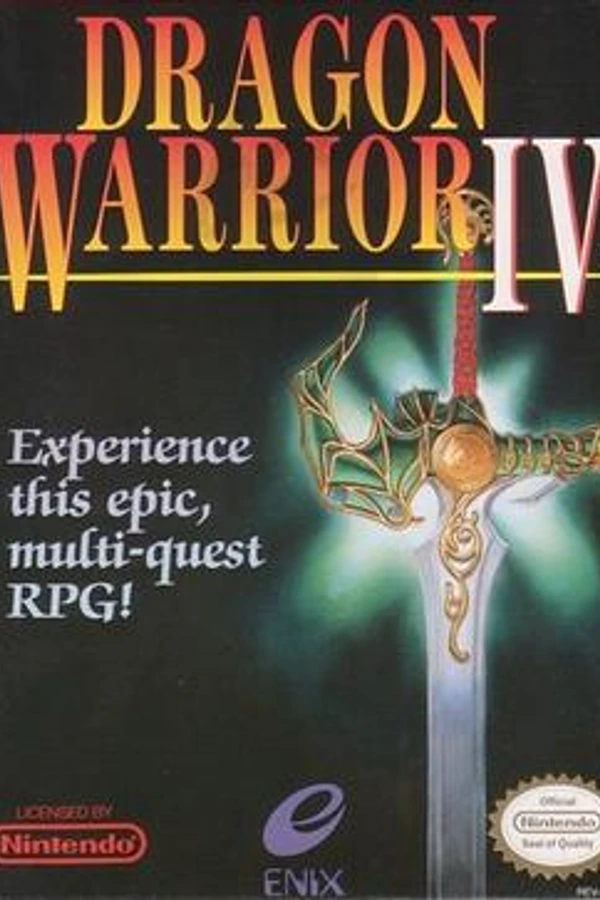
Dragon Quest IV: Capítulos de los Elegidos, publicado en Norteamérica como Dragon Warrior IV, es un videojuego de rol de la saga Dragon Quest y el primero de la llamada «trilogía de Zenithia». Desarrollado por Enix para el sistema Famicom, fue lanzado el 11 de febrero de 1990 en Japón. Una localización norteamericana salió a la venta en octubre de 1992, en tanto que una adaptación para PlayStation llegó al mercado nipón en 2001.
Información oficial del proyecto
Dragon Quest IV: Chapters of the Chosen
This is a decompilation of Dragon Quest IV (NDS), powered by ds-decomp.
It builds the following ROM: sha1: a9842d8d21df070e620779f461ed7cee4ca88b52
Setup
Prerequisites
- Use one of these platforms:
- Windows (recommended)
- Linux
- Install the following:
- Python 3.11+ and pip
- GCC 9+
- Ninja
- Install the Python dependencies:
python -m pip install -r tools/requirements.txt - Run the Ninja configure script:
python tools/configure.py eur - Place a clean ROM of the original game in the 'extract' folder and name it <baserom_dqiv_(region).nds>, with (region) being the appropriate region identifier. ex: baserom_dqiv_eur.nds.
Now you can run ninja to build a ROM for the chosen version. Currently, only the EUR version is supported.
Running ninja again after making any changes to the project (e.g. source files, delinks.txt, etc) should automatically re-run configure.py to ensure that all code gets compiled.
[!NOTE] Wibo is used by default. If you want to use Wine instead, run
configure.pywith-w <path/to/wine>.
Matching the base ROM
This is optional! You only need to follow these steps if you want a matching ROM.
First, extract the ARM7 BIOS from your DS device. Put the ARM7 BIOS in the root directory of this repository.
Now, rerun configure.py so it can update build.ninja to build a matching ROM.
Contributing
This project uses the object diffing tool objdiff to track differences between our decompiled C++ code and the base ROM's code.
- Download the latest release.
- Run
configure.py eurandninjato generateobjdiff.jsonin the repository root. - In
objdiff, set the project directory to the repository root. - Select your source file in the left sidebar.
- See the list of functions and data to decompile.