
Link's Awakening DX - Static Recompilation
The Legend of Zelda: Link's Awakening DX
OrigenGame Boy / Game Boy Color
TecnologíaRecompilación Estática (C/C++ nativo)
Disponible paraWindows, Linux, macOS
Ver proyecto oficialSobre el proyecto
The Legend of Zelda: Link's Awakening DX es un videojuego de acción y aventura publicado por Nintendo en 1998.
4 versiones de The Legend of Zelda: Link's Awakening DX
Estás viendo: Link's Awakening DX - Static Recompilation
Link's Awakening DX - Static Recompilationgithub.com/sp00nznet/LinksAwakeningLink's Awakening DX (multi-platform port)github.com/sp00nznet/linksawakening-portableLink's Awakening DX HD (Switch)github.com/Alexgg1014/The-Legend-of-Zelda-Link-s-Awakening-DX-HD-Alek-s-Ultimate-NX-EditionThe Legend of Zelda: Link's Awakening DX - LADXHD Updatedgitlab.com/bighead.0/ladxhd_updatedInformación oficial del proyecto
Link's Awakening DX — Static Recompilation
The Legend of Zelda: Link's Awakening DX (Game Boy Color, 1998), recompiled from the ROM into native C and built as a Windows program. There's no emulator: the game's code runs as compiled C, with a small interpreter for the few jumps the recompiler can't resolve ahead of time. You supply your own ROM; no game code is distributed here.
Part of the sp00nznet recomp projects, built on the
gb-recompiled toolkit and following
the same house style as the other recomp repos (generated code is never
committed, --headless --record on every port).
Status
v0.1.0, usable. Plays from boot through dungeons on Windows. Single-player only; the co-op overlay lives in la-mp.
| Area | State |
|---|---|
| CPU, banking (MBC5), interrupts | Working |
| PPU: CGB palettes, VRAM/WRAM banking, HDMA, double speed | Working |
| Audio (2× pulse, wave, noise) | Working |
| Battery save (SRAM) and save states | Working |
| Keyboard and gamepad, rebindable | Working |
| Headless run and MP4 recording | Working |
| Conformance harness | Not yet (see ROADMAP.md) |
Tested ROM: Legend of Zelda, The - Link's Awakening DX (USA, Europe) (Rev 2),
SHA-1 1c091225688d966928cc74336dbef2e07d12a47c. Other revisions are untested.
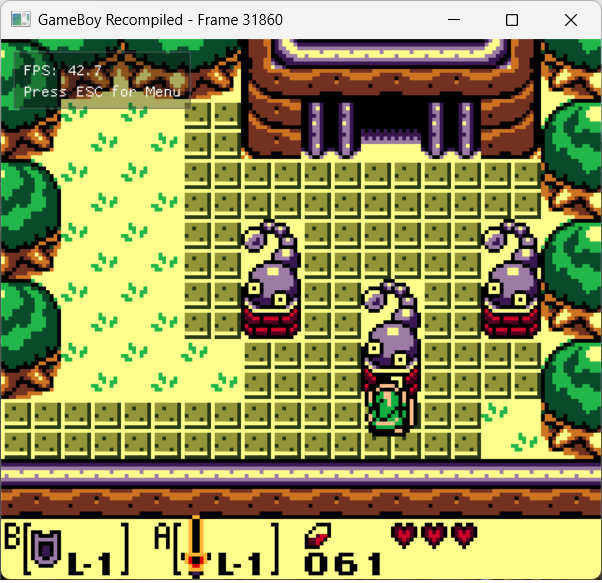
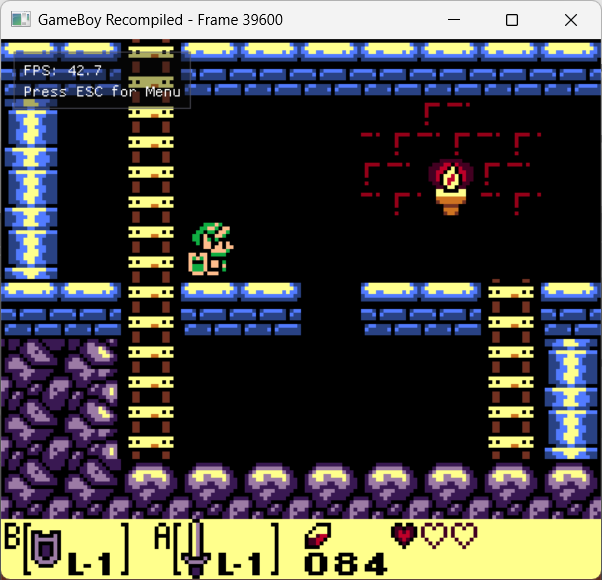
Screenshots
| Title Screen | File Select | Owl Dialogue |
|---|---|---|
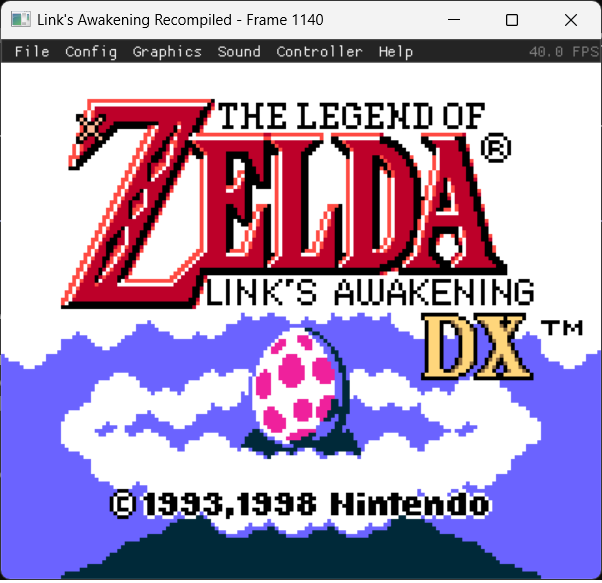 | 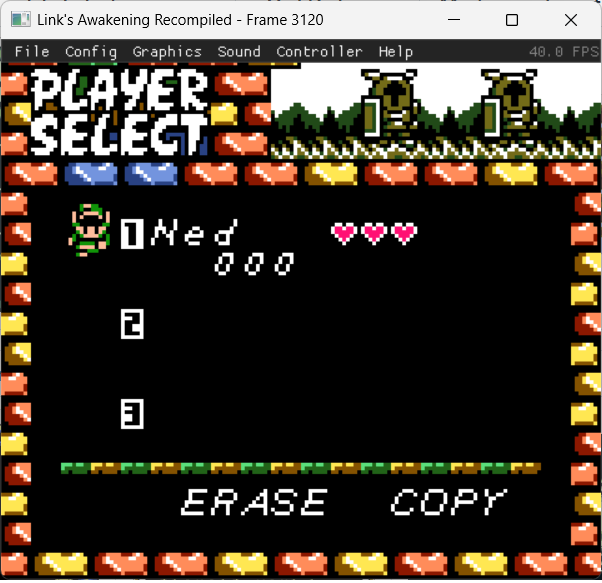 | 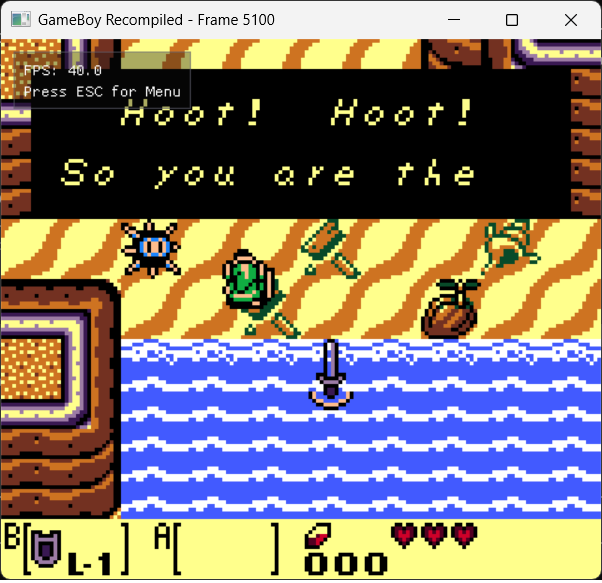 |
| Mysterious Forest | Tail Cave | Side-Scrolling |
|---|---|---|
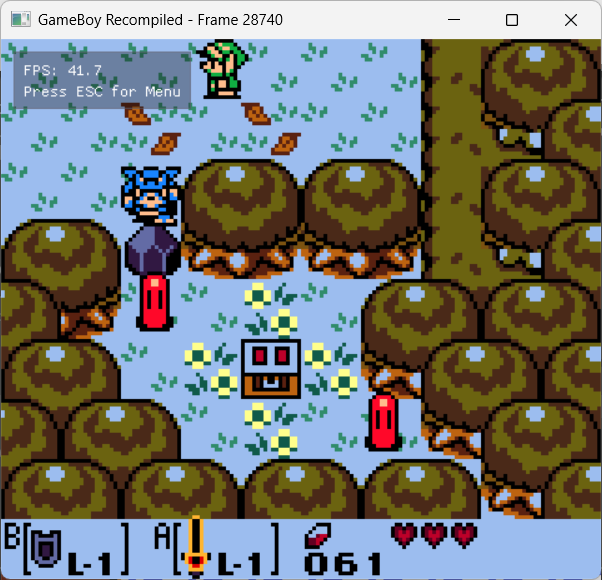 |  |  |
Getting Started
You need Windows 10 or 11 and your own Link's Awakening DX ROM (.gbc, or a
.zip containing one).
Installer (easiest)
- Download
LinksAwakening-Recomp-Installer-windows-x64.exefrom the latest release. - Run it and choose the folder your ROM is in (the
.gbc, or a.zipwith it inside). Windows SmartScreen asks first, because the installer isn't signed: More info, then Run anyway. - Press Build. It downloads this repo and the toolkit, installs MSYS2 if it's missing, recompiles your ROM and builds the game (5–15 minutes the first time), then shows a Play button.
The installer is recomp-launcher
with launcher/launcher.json; all it does is run
Setup.cmd's script with -Yes -Game <your folder>.
Quick start
- Download this repo: Code → Download ZIP, and unzip it anywhere.
- Double-click
Setup.cmd. - Answer its questions. It installs MSYS2 and the compiler packages if they're missing (it asks first), looks for your ROM in Downloads, Desktop and Documents (or asks for the path), recompiles it, and builds the game. The first build takes 5–15 minutes.
- Double-click Link's Awakening DX (recomp) in the folder.
If it stops, it prints one line saying what to do, and the details are in
setup.log. Rerun Setup.cmd after fixing it; finished steps are skipped.
tools\setup.ps1 -Yes -Game <folder or file> runs it without questions.
Step by step
These are the same commands Setup.cmd runs.
- Install MSYS2 from https://www.msys2.org (or
winget install -e --id MSYS2.MSYS2) toC:\msys64. - Install the packages from any terminal:
C:\msys64\usr\bin\pacman.exe -S --needed mingw-w64-x86_64-gcc mingw-w64-x86_64-cmake mingw-w64-x86_64-ninja mingw-w64-x86_64-SDL2 git - Open a terminal with the MinGW tools first on PATH. In PowerShell:
Trip-up: if$env:PATH = "C:\msys64\mingw64\bin;C:\msys64\usr\bin;$env:PATH"cmake --versiondoesn't say it came fromC:\msys64, another CMake is earlier on PATH; open a new window and run the line above again. - Get the source:
(Already cloned without submodules?git clone --recurse-submodules https://github.com/sp00nznet/LinksAwakening.git cd LinksAwakeninggit submodule update --init --recursive.Filename too long? Rungit config --global core.longpaths truefirst.) - Copy your ROM into the folder as
rom.gbc. - Build the recompiler:
cmake -S gbrecomp -B gbrecomp/build -G Ninja -DLA_HAS_MULTIPLAYER=OFF cmake --build gbrecomp/build --target gbrecomp - Recompile the ROM to C (about 5 seconds):
This writesgbrecomp\build\bin\gbrecomp.exe rom.gbc -o gengen/rom.c(~109 MB),gen/rom_rom.candgen/rom.h. - Build the game (5–15 minutes the first time;
rom.cis one huge file):cmake -S . -B build -G Ninja cmake --build build - Run it:
build\linksawakening.exe
Usage
linksawakening.exe [--headless] [--record OUT.mp4] [--frames N]
                   [--input SCRIPT] [--dump-frames DIR] [--screenshot-prefix P]
                   [--trace] [--trace-entries FILE] [--limit N] [--hw-trace FILE]
| Flag | Purpose |
|---|---|
--headless | No window and no audio device (safe over RDP); runs at normal speed |
--record OUT.mp4 | Pipe every frame to ffmpeg (needs ffmpeg on PATH) |
--frames N | Exit after N frames |
--input SCRIPT | Replay a deterministic input script |
--dump-frames DIR | Write every frame as an image into DIR |
--screenshot-prefix P | Prefix for screenshots taken at runtime |
--trace | Runtime instruction trace |
--trace-entries FILE | Per-function trace to FILE |
--limit N | Stop after N instructions (crash bisection) |
--hw-trace FILE | Per-scanline PPU state, to compare against SameBoy (tools/) |
Record the first 30 seconds without opening a window:
build\linksawakening.exe --headless --frames 1800 --record intro.mp4
Controls
| Game Boy | Keyboard | Gamepad |
|---|---|---|
| D-pad | Arrows / WASD | D-pad / left stick |
| A | Z / J | A / Cross |
| B | X / K | B / Circle |
| Start | Enter | Start |
| Select | Right Shift | Back / Select |
Save-and-quit combo (A+B+Start+Select) on a gamepad: A+B+X+Y. Bindings are
rebindable from the Controller menu and saved to bindings.cfg next to the
exe. The SRAM save is written next to the exe too.
Building from source
Step by step above is the build. How the pieces fit together, and why the generated C never enters the repo, is in docs/architecture.md. The SameBoy comparison tools are described in tools/README.md.
.
├── rom_main.c        entry point and CLI flags
├── CMakeLists.txt    builds gbrecomp/runtime + gen/ into linksawakening.exe
├── Setup.cmd         quick start (runs tools/setup.ps1)
├── gbrecomp/         submodule: sp00nznet/gb-recompiled (recompiler + runtime)
├── gen/              gitignored: recompiler output from your ROM
├── docs/             architecture
└── tools/            setup script, SameBoy tracer, trace comparator
Credits
- Recompiler and runtime: arcanite24/gb-recompiled, with our changes in sp00nznet/gb-recompiled
- Reference emulator for hardware traces: SameBoy by LIJI32 (MIT)
- Game knowledge: the LADX-Disassembly contributors
License
The code in this repository is MIT.
That covers the tools, build files and documentation. It does not and cannot cover The Legend of Zelda: Link's Awakening DX itself: the game's code, art, audio and data belong to their rights holders, are not distributed here, and you need your own legitimate copy. The C that the recompiler generates from your ROM is a derivative of the game, is outside the MIT grant for the same reason, and is deliberately never committed.