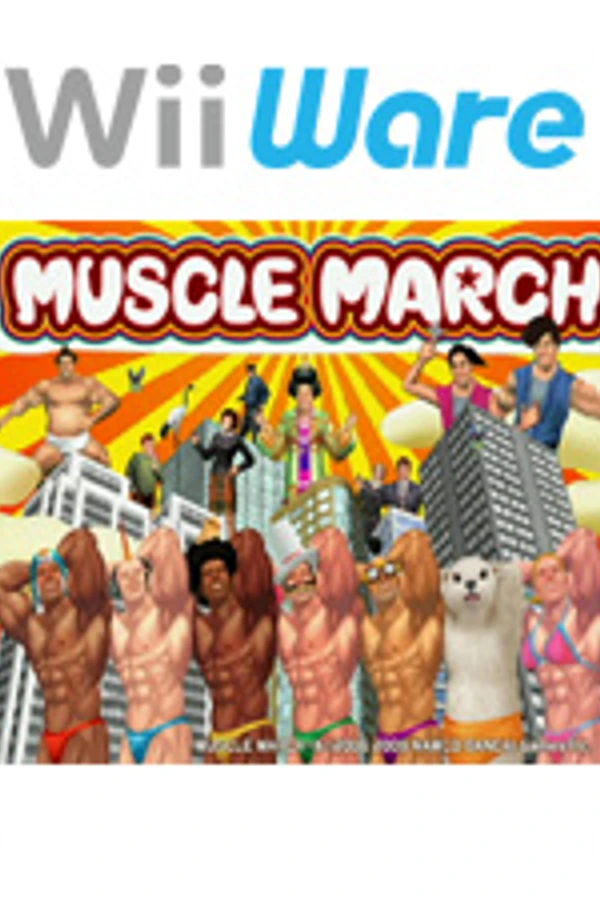
Muscle March (PC)
Muscle March
OrigenWii
TecnologíaRecompilación Estática (C/C++ nativo)
Disponible paraWindows, Linux, macOS
Ver proyecto oficialSobre el proyecto
Muscle March es un videojuego de acción y aventura publicado por Bandai Namco Entertainment en 2009.
Información oficial del proyecto
Muscle March Recomp
An unofficial native PC port of Muscle March (Namco Bandai, WiiWare, 2009) for macOS, Linux, Steam Deck and Windows, made by static recompilation.
Beta. It plays the whole game, but it hasn't been tested on many machines or controllers yet. Expect rough edges, and please report what you find.
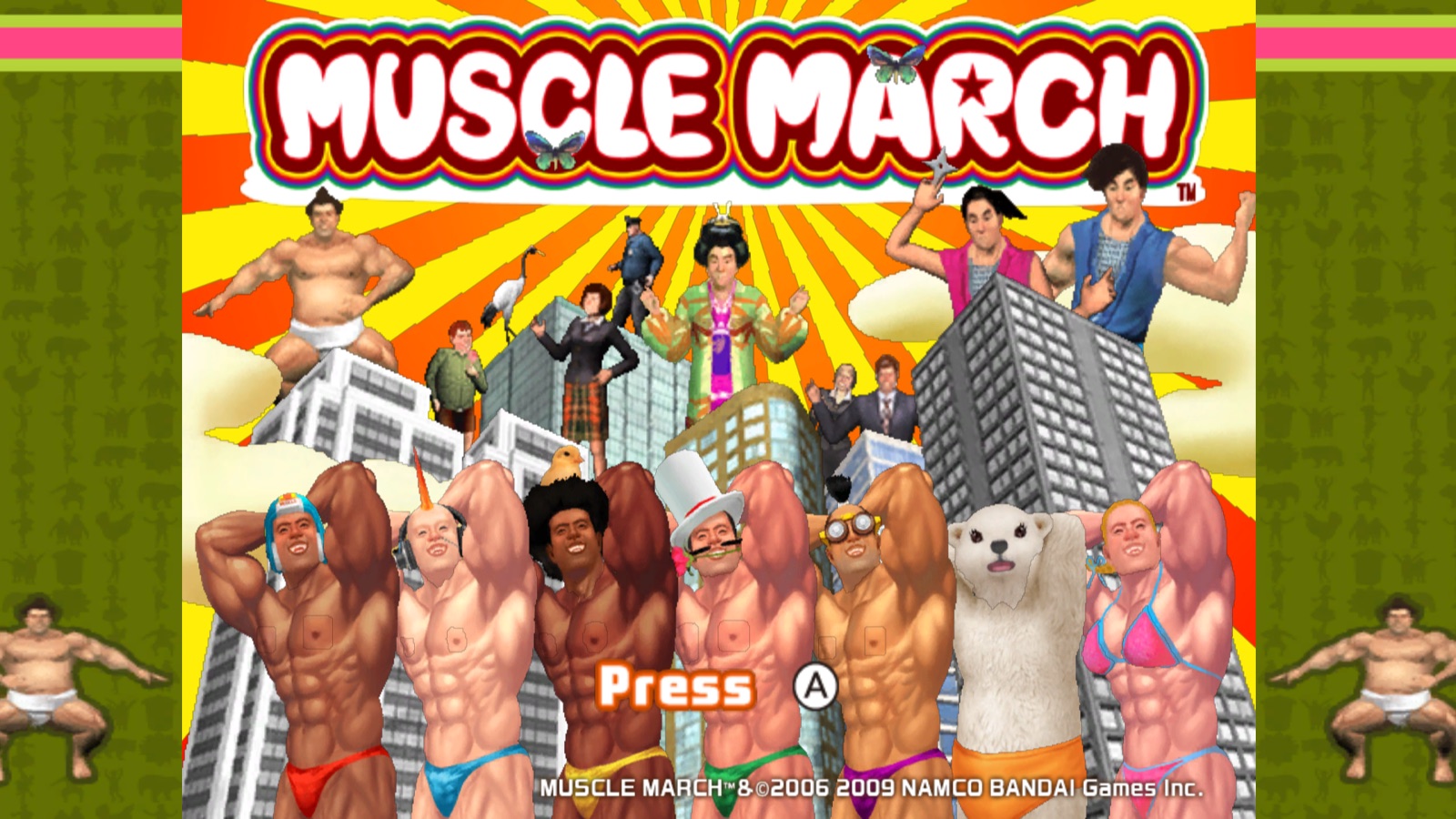
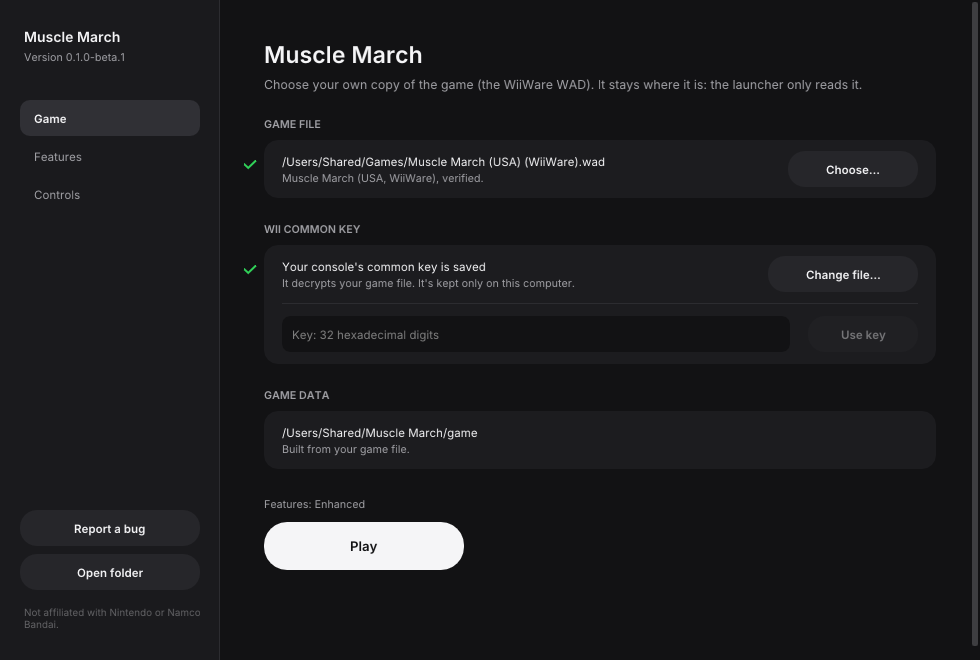
No game files are included. You need your own copy of the game (the WiiWare WAD) and your own Wii console's common key, which the launcher uses once to decrypt it on your computer.
This project is not affiliated with, endorsed by, or sponsored by Bandai Namco Entertainment or Nintendo. Muscle March is a trademark of Bandai Namco Entertainment Inc.; Wii and WiiWare are trademarks of Nintendo.
What it is
The game's PowerPC code is translated ahead of time into C++ and runs natively on a runtime that stands in for the Wii's hardware: graphics on Metal, Vulkan or OpenGL, its audio, storage and Wii Remote and Nunchuk. Nothing is emulated at the instruction level, so it runs at full speed on modest hardware, at any resolution, with any controller.
- Plays with a gamepad, keyboard and mouse, or real Wii Remotes with a Nunchuk.
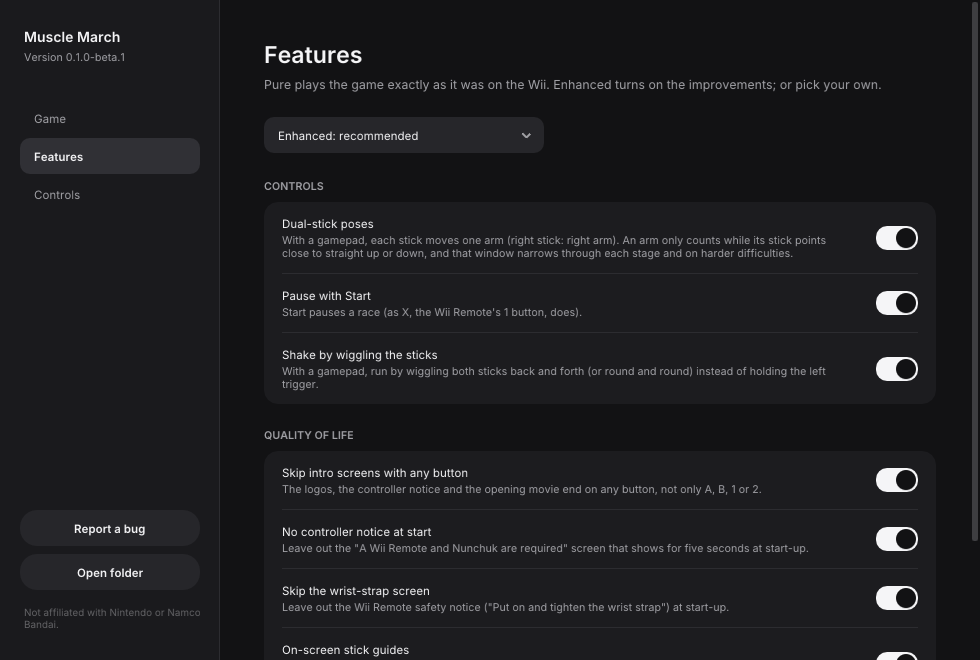
- Pure mode plays exactly as on the Wii. Enhanced mode (the default) adds the features below, each of which can be switched on or off in the launcher.
- Saves go in your own user folder, separate from the game file, which is only ever read.
Enhanced features
| Feature | What it does |
|---|---|
| Dual-stick poses | Each stick moves one arm: point them the way the arms go. Poses are instant. The window each stick has to be in narrows as a stage goes on and on harder difficulties. |
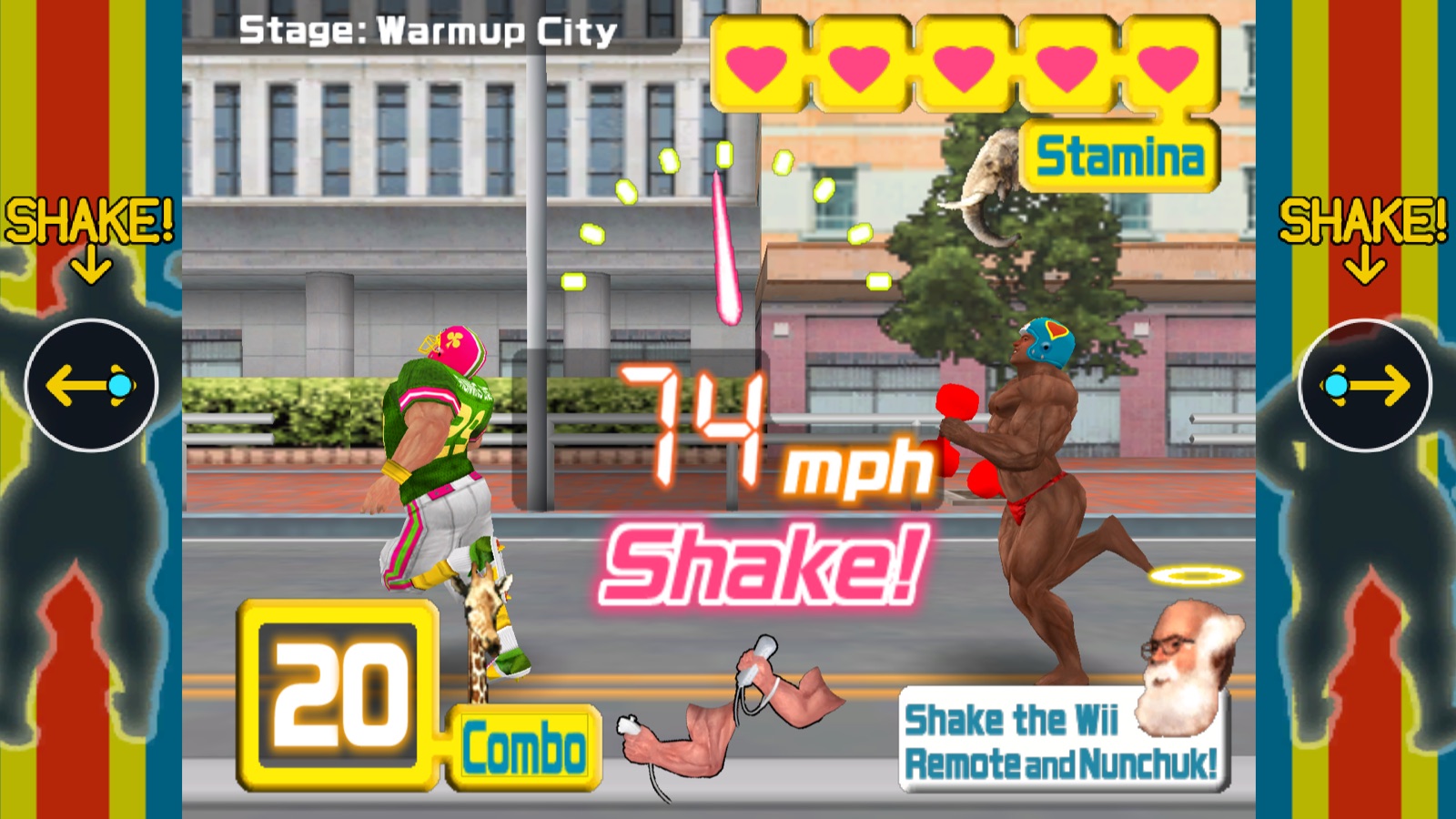
| Shake by wiggling the sticks | Run by wiggling both sticks back and forth (or round and round). |
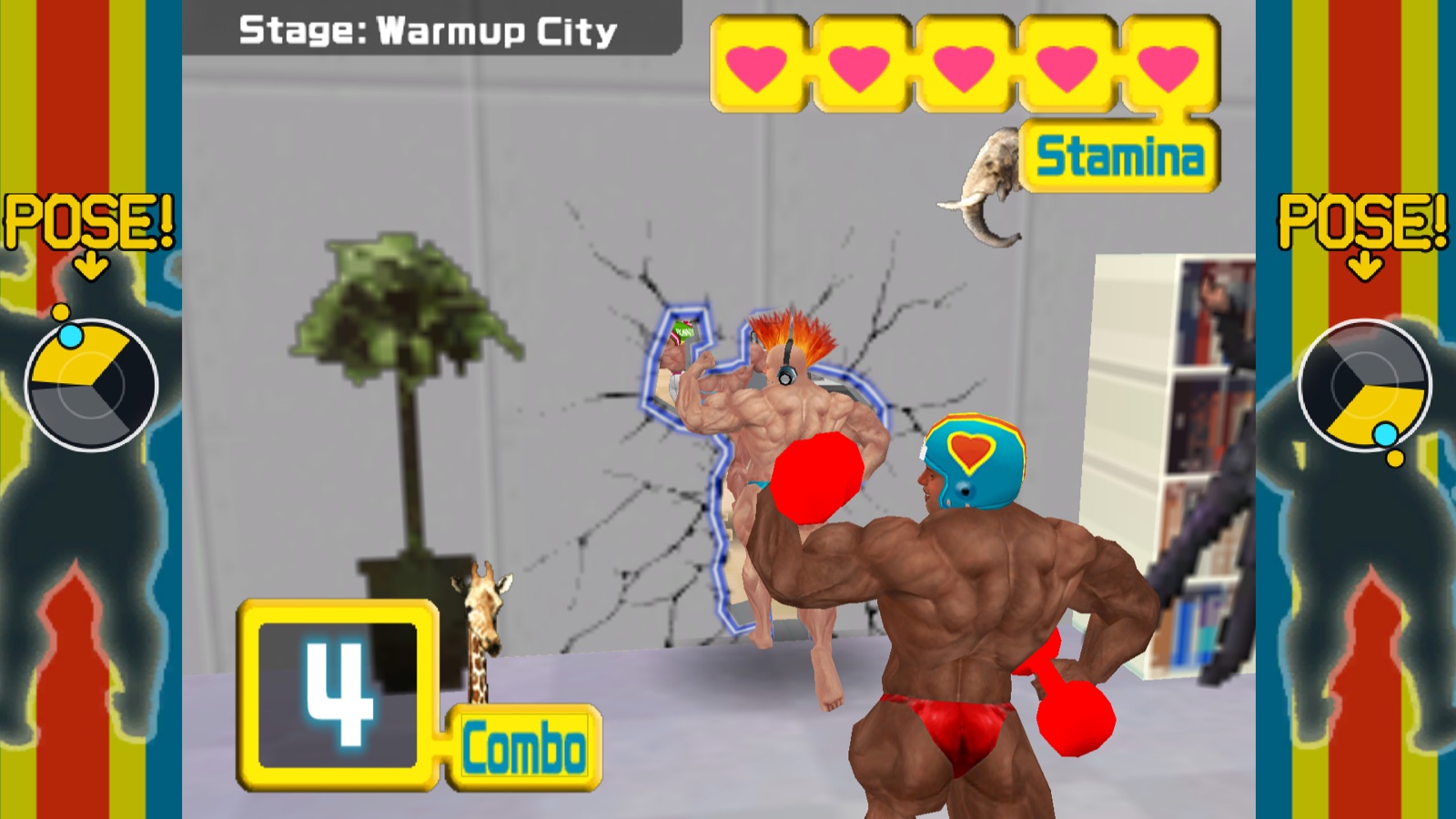
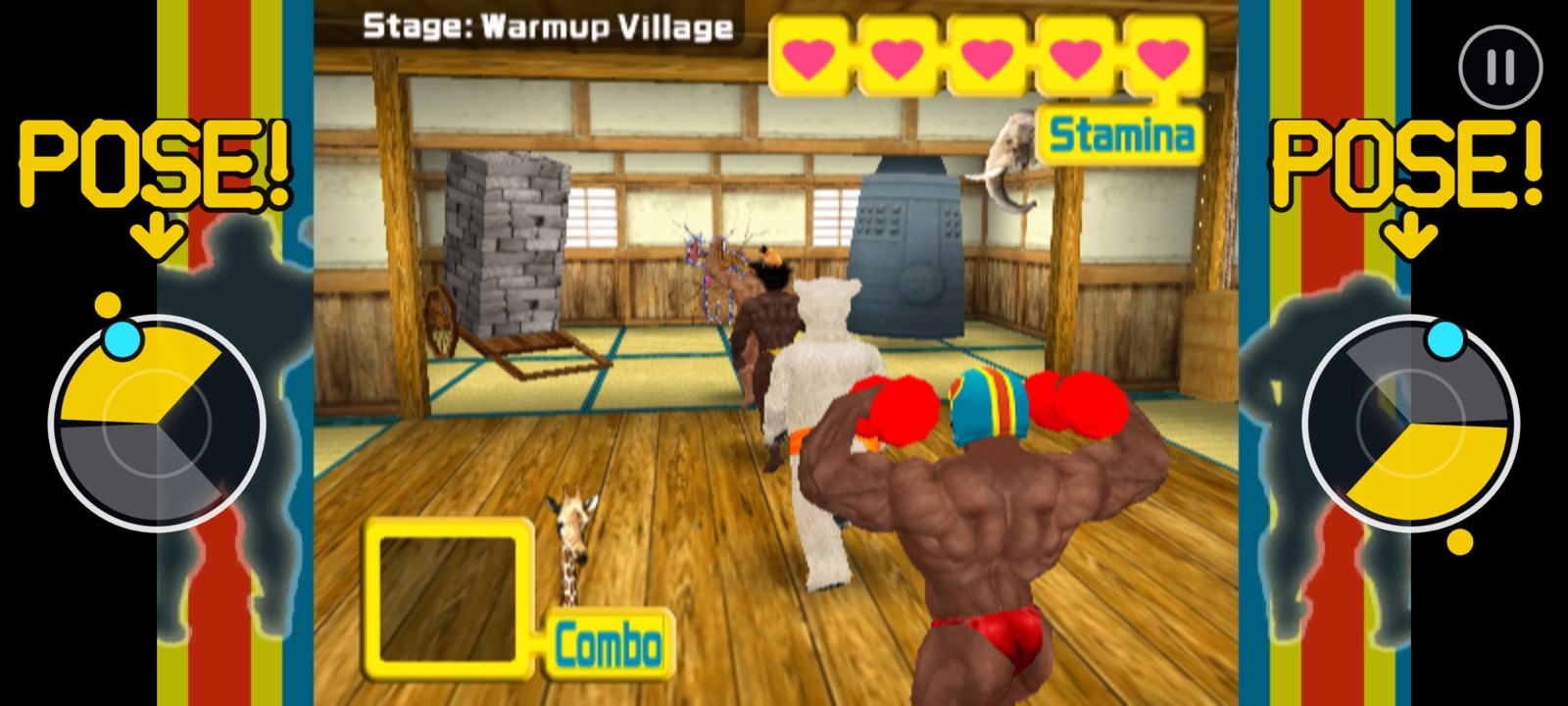
| On-screen stick guides | Dials in the picture's side pillars show your sticks while racing; "POSE!" and the windows to aim for appear ahead of each wall, "SHAKE!" when it's time to wiggle. |
| Touch controls | On a touch screen, the stick guides move to the sides of the screen and are the sticks: touch them to pose, rub them to run. With a pause button. |
| Pause with Start | Start pauses a race (as X, the Wii Remote's 1 button, always does). |
| Skip the wrist-strap screen | Leaves out the Wii Remote safety notice at start-up. |
| Skip intro screens | The logos, notices and opening movie end on any button. |
| No controller notice | Leaves out the "Wii Remote and Nunchuk required" screen at start-up. |
What you need
- Muscle March (USA) for WiiWare, as a WAD file:
Muscle March (USA) (WiiWare).wad(SHA-1ed99ce114d9793dbf21d5c9589d7947afebd4259). Other releases aren't supported yet. - Your Wii's common key: a key file from your console (for example
keys.binfrom a NAND backup), or the key itself as 32 hexadecimal digits. It's needed once. - One of:
- macOS 13 or later on Apple Silicon;
- Linux x86_64 or SteamOS (Steam Deck);
- Windows 10 or 11, 64-bit.
- A gamepad is recommended. Real Wii Remotes work too (pair them in your system's Bluetooth settings).
Installing
Download the build for your system from the releases page.
macOS
- Unzip
MuscleMarch-macOS.zipand move Muscle March.app to Applications. - The app isn't signed by Apple, so the first time, right-click it and choose Open, then
Open again. (Or run
xattr -dr com.apple.quarantine "/Applications/Muscle March.app".) - In the launcher, drop your WAD on the window (or press Choose…), then give your key file or key. The launcher builds the game's files from your WAD (a few seconds).
- Press Play.
Android
- Download
MuscleMarch-android.apkon the phone and open it; allow your browser or file manager to install apps when Android asks. (arm64 phones, Android 8 or newer.) - Copy your WAD to the phone. On the first start, choose it, then paste or type your key, or choose your key file.
- Press Install and play. The app builds the game's files from your WAD; later starts go straight to the game.
Steam Deck
See docs/STEAM_DECK.md for the full walkthrough: install in Desktop Mode, set up once in the launcher, then add it to Steam to play in Game Mode with the Deck's controls.
Linux
- Download
MuscleMarch-x86_64.AppImageand make it executable (chmod +x MuscleMarch-x86_64.AppImage, or Properties → Permissions). - Run it, choose your WAD and key in the launcher, and press Play.
Windows
- Unzip
MuscleMarch-windows.zipanywhere and runmusclemarch-launcher.exe. - If Windows SmartScreen warns about an unrecognized app, choose More info → Run anyway (the builds aren't code-signed).
- Choose your WAD and key in the launcher, and press Play.
Your settings, saves and the game's files built from your WAD live in your user folder:
~/Library/Application Support/Muscle March/ (macOS), ~/.local/share/Muscle March/
(Linux, Steam Deck) or %APPDATA%\Muscle March\ (Windows). Delete it to start over.
Portable mode: to keep everything in one place instead (a USB stick, several installs side by
side), put an empty file named portable.txt next to the launcher (on Linux next to the AppImage,
on macOS next to Muscle March.app). Settings, saves and the game's files then go in a user
folder beside it and nothing is written to your user folder. Things already set up in your user
folder aren't moved: copy its contents into user to keep them.
Controls
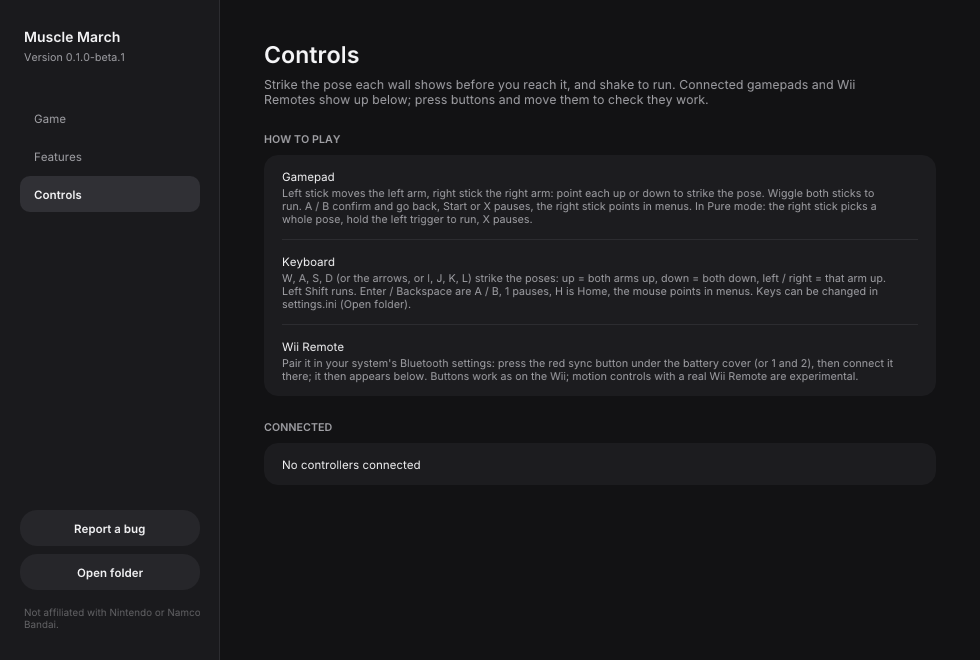
The game asks you to strike the pose shown on each wall before you reach it, and to shake the controllers to run.
| Action | Gamepad (Enhanced) | Gamepad (Pure) | Keyboard |
|---|---|---|---|
| Poses | Left stick = left arm, right stick = right arm: point each up or down | Right stick: up = both up, down = both down, left / right = one arm up | W, A, S, D, the arrows, or I, J, K, L: up = both arms up, down = both down, left / right = that arm up |
| Run (shake) | Wiggle both sticks | Hold the left trigger | Left Shift |
| A / B | A / B | A / B | Enter / Backspace |
| Pointer (menus) | Right stick | Right stick | Mouse |
| Pause (in a race) | Start, or X / West button | X / West button (the Remote's 1) | 1 |
| HOME | Guide | Guide | H |
Keys can be changed in settings.ini in your user folder. F9 saves a screenshot.
On a touch screen (the Android build), the two stick guides at the sides of the screen are the controls: touch a dial where its stick should point (the yellow window when a wall is coming), rub or drum on both dials to run, and tap the corner button or use the back gesture to pause. In menus, tap what you want. A connected gamepad takes over and plays as above.
Known issues
- Steam Deck / Linux performance is sometimes uneven while it's smooth on macOS; we're still narrowing it down. If you see slowdowns, please report your device and what was on screen.
- Windows builds are new and lightly tested.
- The builds aren't signed or notarized, so macOS and Windows warn the first time (see Installing).
- Real Wii Remotes: buttons work, motion controls are experimental.
- Only the USA WiiWare release of the game is supported.
Troubleshooting
- "That key doesn't decrypt this game file." The key must be your Wii's common key, and the WAD must be the USA release above.
- The game window is black or closes at once. Press Report a bug in the launcher: it opens
a new issue with your version, system and settings filled in. Attach
logs/game.logfrom your user folder (Open folder in the launcher), which holds the game's output from its last run. - My controller isn't detected. The launcher's Controls page shows what is connected and lets you test every button and stick.
Screenshots
 |  |
 |  |
 |  |
Feedback and contributing
This is a beta, and reports from real machines and controllers are the most useful thing right now. Please open an issue for bugs, crashes, glitches or ideas, with your system and what you were doing. Contributions are welcome: see CONTRIBUTING.md for how the project is built and the few rules that keep it legal (above all, never add anything from the game itself).
Building from source: docs/BUILDING.md. How the port works: docs/PORT.md, docs/GAME.md and docs/FEATURES.md.
Legal
This repository contains no code, graphics, sound or other data from Muscle March, and no keys. The release downloads contain the game's program code translated into native code by the recompiler; everything else the game needs (graphics, sound, levels) is built by the launcher from your own copy of the game, on your machine. Please don't open issues or pull requests with game files, keys or links to them.
The code is licensed under the GNU GPL v3.0, which the recompiler and runtime it builds on require. Third-party components and their licenses are listed in THIRD_PARTY_NOTICES.md.
Credits
- wiiparty-recomp by arelkair: the recompiler and runtime this port is built on.
- Dolphin: the Nunchuk extension encryption and the AX audio microcode reimplementation used here, and an invaluable reference.
- decomp-toolkit, SDL, Dear ImGui, Inter and stb.
- Namco Bandai, for a wonderfully strange game.