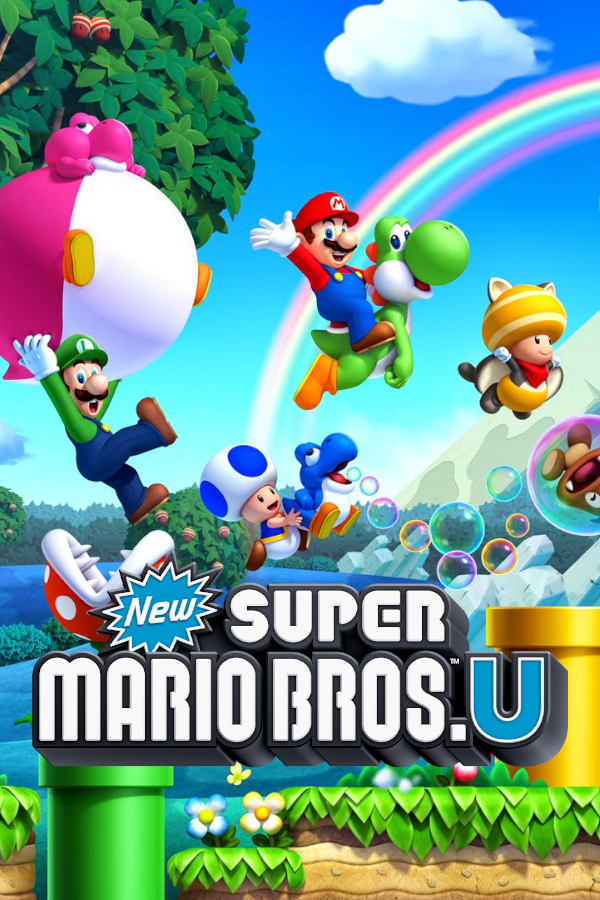
New Super Mario Bros. U
OrigenWii U
TecnologíaRecompilación Estática (C/C++ nativo)
Disponible paraWindows
Ver proyecto oficialSobre el proyecto
New Super Mario Bros. U es un videojuego de plataformas de 2012 desarrollado y publicado por Nintendo como título de lanzamiento para Wii U. Es la secuela de New Super Mario Bros. Wii y la cuarta y última entrega de la serie New Super Mario Bros., tras New Super Mario Bros. 2. En el juego, el jugador asume el papel de Mario en su camino para rescatar a la Princesa Peach y su castillo de Bowser. También es la primera entrega de la serie Super Mario en presentar gráficos de alta definición; el juego conserva el modo multijugador cooperativo de la entrega anterior.
2 versiones de New Super Mario Bros. U
Estás viendo: New Super Mario Bros. U
Información oficial del proyecto
New Super Mario Bros. U: Native Port / Recompilation
This project compiles your copy of New Super Mario Bros. U into a native program. The release includes the runtime, build tools, and installer.
[!IMPORTANT] There is no Nintendo code, no assets, and no game data in this project or its releases. You need your own legally dumped copy of the game. Nothing in this repo, in any release, or in the build process contains or downloads Nintendo IP.
Features
- Windows, macOS, Linux, Android, and iOS.
- Save states for a course or the world map.
- Mods Cemu level packs, and graphics packs.
- Up to four players, each with a controller.
Experimental:
- Higher frame rates. Frame rate is under Settings → Graphics. On Android, a high rate pauses when the device gets hot. See Higher frame rates and heat.
- A wider picture. Aspect ratio is under Settings → Display.
Controls
- Settings.
Press
F12, or click the right stick (R3). On macOS, Cmd+Comma. - Full screen.
F11or Alt+Enter. On macOS, Cmd+F. - Save states. Shift+F1–F5 saves slots 1–5. F1–F5 loads those slots.
- Screenshot.
F10saves the TV picture. - GamePad screen. Ctrl+G shows or hides it. On macOS, Cmd+G.
Supported versions
USA 1.3.0 is the version this port is written against. A matching 1.3.0 update is the full support path for a standalone USA or Europe disc. The USA and Europe base discs alone (title version 0) are playable. Combo packs are title version 0 and have no separate update folder.
| Region | Title ID | Title version | Status |
|---|---|---|---|
| USA | 00050000-10101d00 | 64 (1.3.0) | Supported |
| USA base disc | 00050000-10101d00 | 0 | Supported |
| Europe | 00050000-10101e00 | 80 (1.3.0) | Supported |
| Europe base disc | 00050000-10101e00 | 0 | Supported |
| USA (NSMBU + NSLU) | 00050000-1014b700 | 0 | Partially Supported |
| Europe (NSMBU + NSLU) | 00050000-1014b800 | 0 | Partially Supported |
| Japan | 00050000-10101c00 | — | Not supported yet |
Install
Download the release for your system from the Releases page. Put it in a folder you can write to. Start the app. The first start opens the installer. Each later start launches the game. Which file to open, and what the system requires, is on the page for your system under docs/user.
Choose your game
The installer accepts the versions in the table above. Give it one of these:
- Disc image.
Use a
.wuxor.wudfile and its keys. A matching 1.3.0 update is optional. - Cemu archive.
Use a
.wuafile. This option needs no keys. - Extracted folder.
Use a folder with
code,content, andmeta. A 1.3.0 update merged into that folder is optional.
The installer asks you to pick that file or folder.
Keys
Skip this step if you chose a Cemu archive or an extracted folder.
A disc image needs its disc key and the Wii U common key. Type or paste each key, or point at a key file. You can also add a matching 1.3.0 update. Key file formats are in docs/user/keys.md.
Wait for the build
The installer prepares the game on your computer. A disc image or a Cemu archive is extracted into the release folder. An extracted folder stays where it is. The installer then builds the native game.
The first start takes a few minutes. When it finishes, start the app again to play.
More
- Repair or change the game
- Where files live
- If the system blocks the app
- Terminal installer
- Logs for bug reports
- Other guides
Contributing
Build from source, CLI commands, and developer docs are in CONTRIBUTING.md.
Notes
This repository was forked from the Wind Waker HD recompilation.
The Collision Viewer is based on the collision viewer from Tsuru.
[!NOTE] This project is made with the help of AI agents.