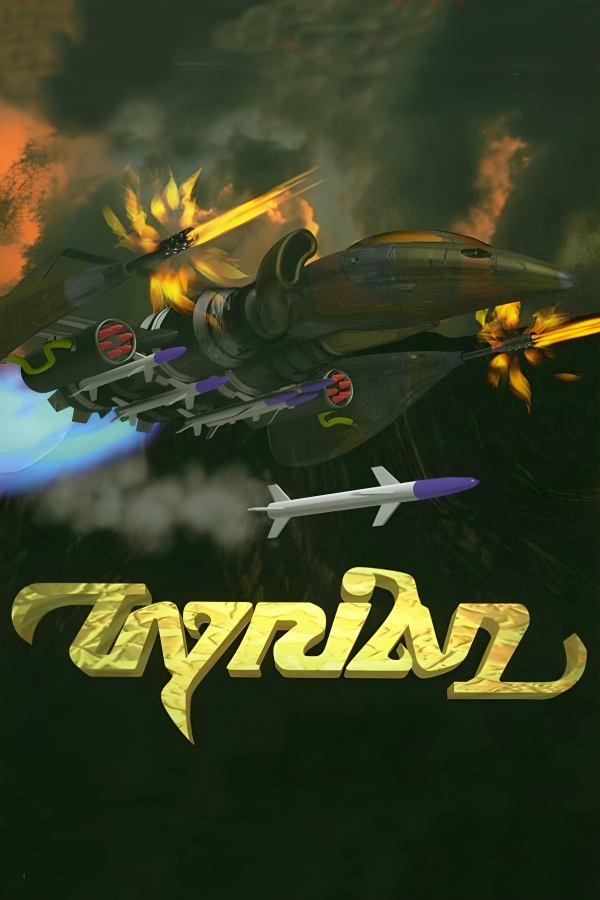
OpenTyrian
Tyrian
OrigenMS-DOS
TecnologíaPort Nativo C/C++ (Reimplementación de Motor)
Disponible paraWindows, Linux, macOS
Ver proyecto oficialSobre el proyecto
Tyrian es un matamarcianos de desplazamiento vertical para MS-DOS desarrollado por World Tree Games Productions y publicado en 1995 por Epic MegaGames.
Información oficial del proyecto
OpenTyrian
<img src="linux/icons/tyrian-128.png" width="128" height="128" align="right" alt="OpenTyrian icon">OpenTyrian is an open-source port of the DOS game Tyrian.
Tyrian is an arcade-style vertical scrolling shooter. The story is set in 20,031 where you play as Trent Hawkins, a skilled fighter-pilot employed to fight MicroSol and save the galaxy.
Tyrian features a story mode, one- and two-player arcade modes, and networked multiplayer.
Downloads
Download the appropriate build for your platform from the latest release, extract it, and run it:
| Platform | File | Run |
|---|---|---|
| Windows | opentyrian-<version>-windows-<arch>.zip | Unzip and run opentyrian.exe |
| macOS | opentyrian-<version>-macos-universal.zip | Unzip and open OpenTyrian.app |
| Linux | opentyrian-<version>-linux-<arch>.tar.gz | Extract and run ./opentyrian |
These builds contain everything needed to run the game, including the freeware Tyrian 2.1 data files.
The macOS app is not notarized. If Gatekeeper refuses to open it, right-click the app, choose Open, and confirm once.
Configuration
Configuration and saved game files are kept in one of the following locations:
| Platform | Location |
|---|---|
| Windows | %APPDATA%\OpenTyrian |
| macOS / Linux | $XDG_CONFIG_HOME/opentyrian or ~/.config/opentyrian |
On Windows and Linux, if opentyrian.cfg exists in the same directory as the
executable, the configuration and saved game files will be stored there instead.
Game Data
If you download a release build of OpenTyrian, the freeware Tyrian 2.1 data files are included and do not need to be downloaded separately.
Otherwise, download Tyrian v2.1 and extract the archive so that the files (with lowercase filenames) are in one of the following locations, searched in order:
- the directory given with
--data=DIR - a
datadirectory next to the executable (insideContents/Resourcesfor the macOS app) - the system directory the build was configured with
(
/usr/local/share/games/tyrianby default;C:\TYRIANon Windows) - the current directory
Building
Requirements: a C99 compiler, GNU make, pkg-config, SDL2, and, for network play, SDL2_net.
make
Network play is enabled automatically when SDL2_net is found.
A Visual Studio solution is provided in visualc/.
Command-Line Options
-h, --help                   Show help about options
-s, --no-sound               Disable audio
-j, --no-joystick            Disable joystick/gamepad input
-x, --no-xmas                Disable Christmas mode
-t, --data=DIR               Set Tyrian data directory
-n, --net=HOST[:PORT]        Start a networked game
--net-player-name=NAME       Set local player name in a networked game
--net-player-number=NUMBER   Set local player number in a networked game
                             (1 or 2)
-p, --net-port=PORT          Set local port to bind (default is 1333)
-d, --net-delay=FRAMES       Set lag-compensation delay (default is 1)
Network Multiplayer
Currently OpenTyrian does not have an arena; as such, networked games must be initiated manually via the command line simultaneously by both players.
opentyrian --net HOSTNAME --net-player-name NAME --net-player-number NUMBER
where HOSTNAME is the IP address of your opponent, NUMBER is either 1 or 2
depending on which ship you intend to pilot, and NAME is your alias.
OpenTyrian uses UDP port 1333 for multiplayer, but in most cases players will not need to open any ports because OpenTyrian makes use of UDP hole punching.
Links
- project: https://github.com/opentyrian/opentyrian
- irc: ircs://irc.oftc.net/#opentyrian
- forums: https://tyrian2k.proboards.com/board/5