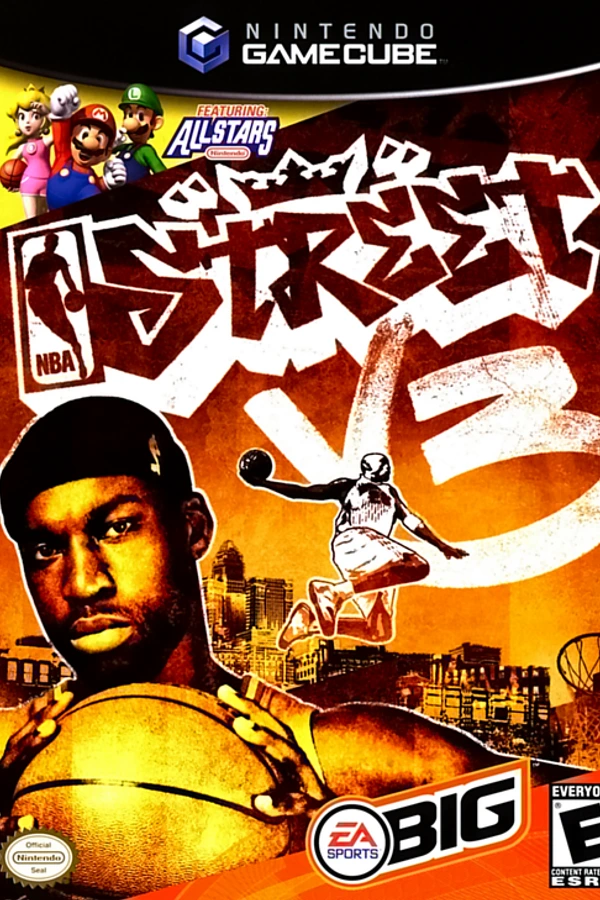
NBA Street V3
OrigenNintendo GameCube
TecnologíaRecompilación Estática (C/C++ nativo)
Disponible paraWindows
Ver proyecto oficialSobre el proyecto
NBA Street V3 es un videojuego creado por EA Sports BIG de la serie de videojuegos de NBA Street. El juego fue lanzado en el año de 2005 para las videoconsolas GameCube, Xbox y PlayStation 2. En este juego no salen tantas leyendas como en la versión anterior pero tiene mejores gráficos y mejor jugabilidad.
Información oficial del proyecto
NBA Street V3 — native port for PC and Mac
English | Español
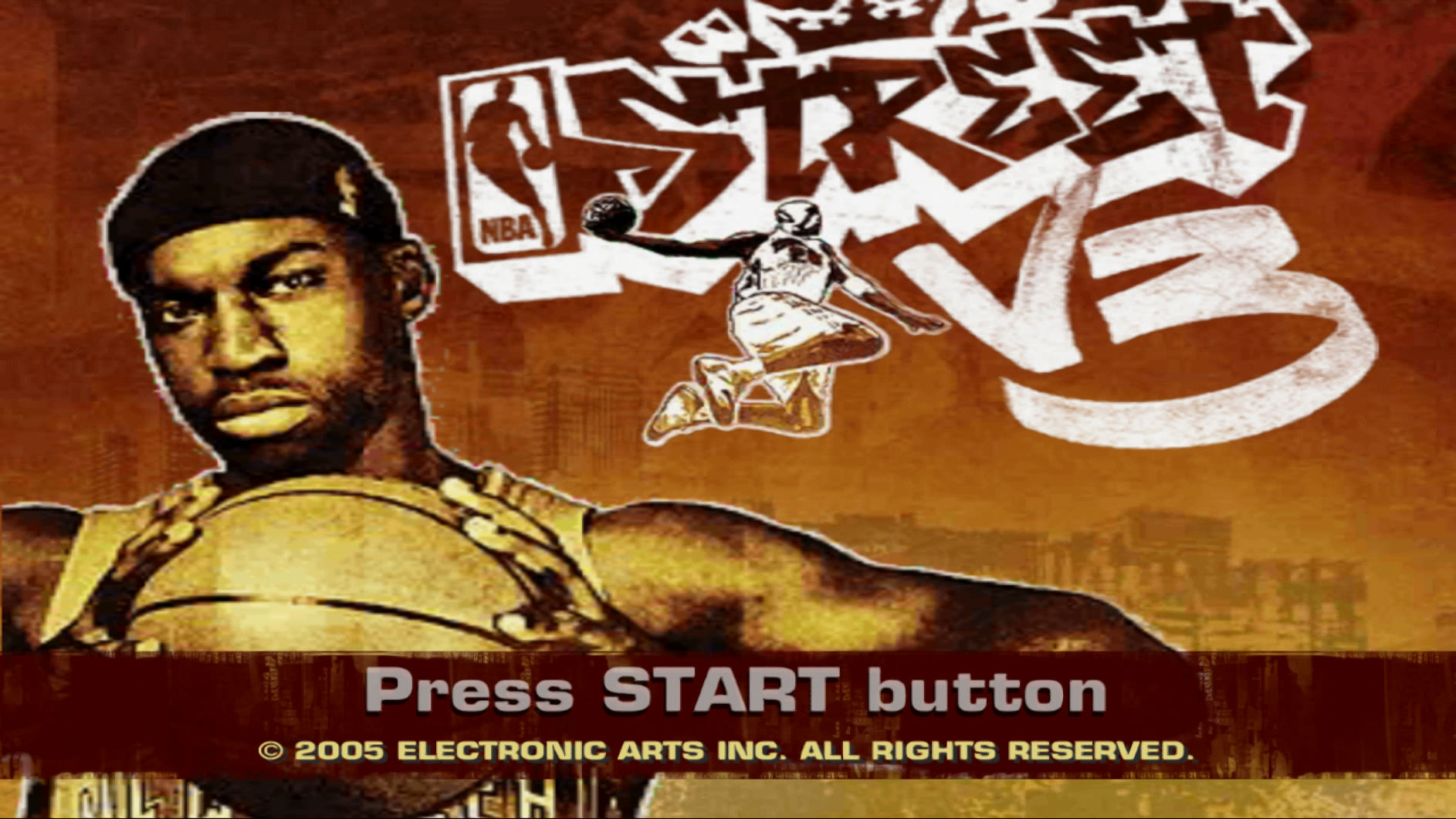
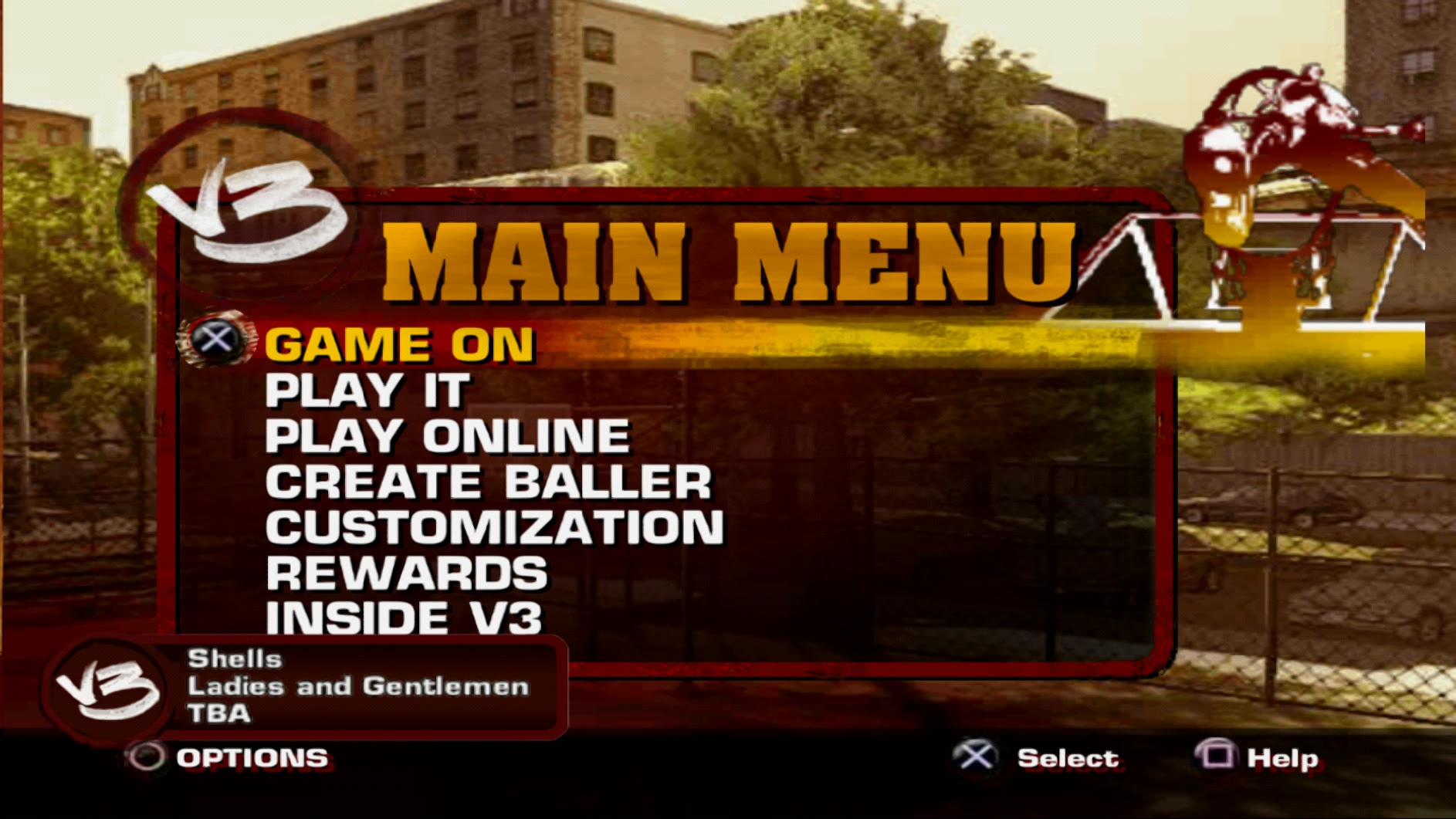
Play NBA Street V3 (PS2) as a native program on Windows and macOS (Apple Silicon), or in a web browser (experimental): high resolution, HD textures, controller support and working online play. The game is recompiled to native code with PS2Recomp and drawn on your GPU by the PCSX2 renderer.
You need your own copy of NBA Street V3 (USA, SLUS-21126) as an ISO file. No disc files are included: on Windows and with the Mac build scripts the game is built on your computer from your copy; the ready-to-play Mac app holds the game's code already recompiled, and reads everything else from your ISO.
 |  |
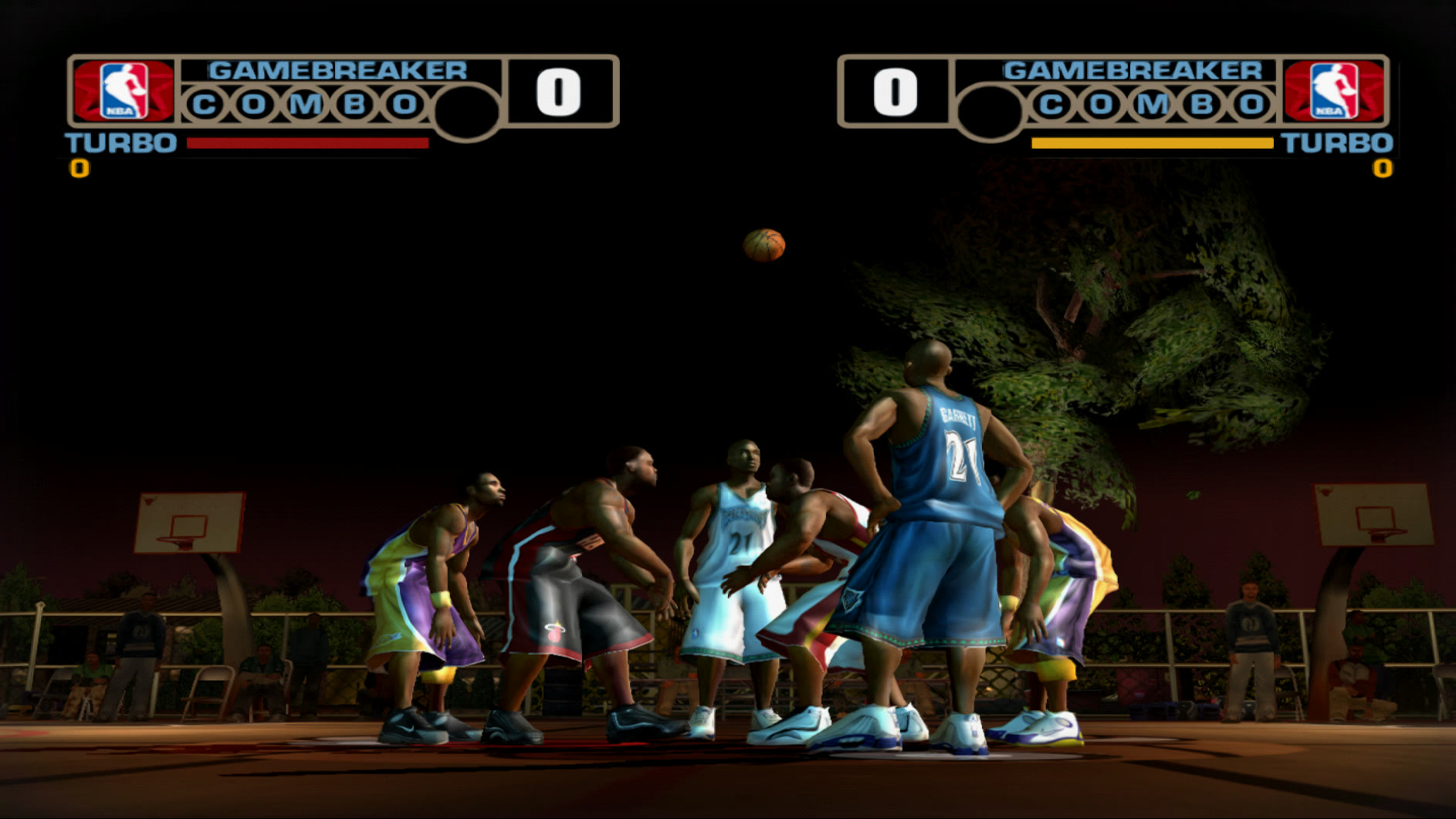 | 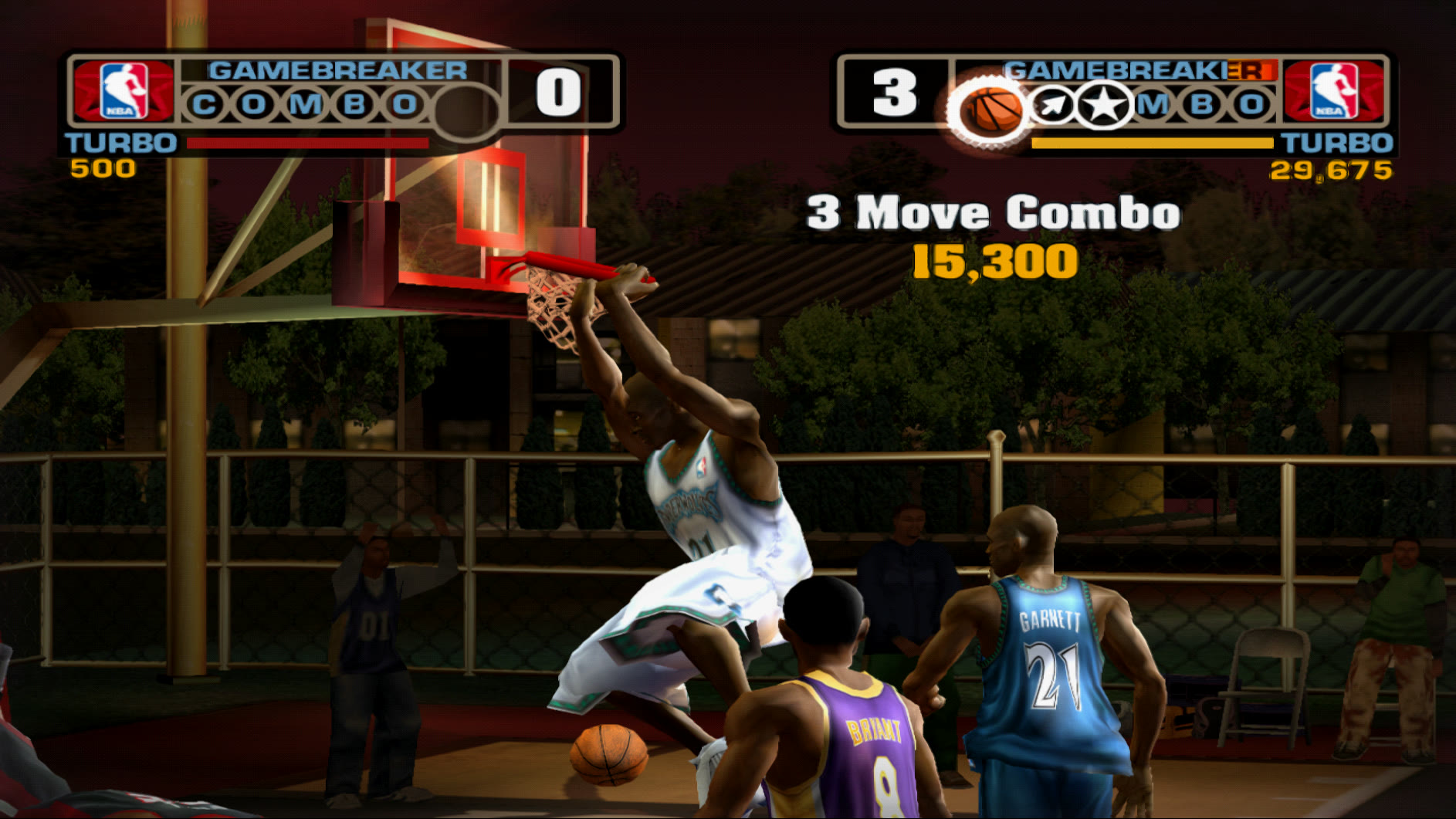 |
▶ PS2 vs. this port, comparison video
Features
- Native on Windows (x64) and macOS (Apple Silicon, arm64). The game's code is recompiled to native code: no CPU emulator while you play.
- Full speed: matches at 60 fps.
- Modern rendering: up to 8x internal resolution (5K), texture filtering, 16:9, fullscreen. Windows: Vulkan, Direct3D 11/12 or OpenGL, with AMD FSR 1 or NVIDIA DLSS. Mac: Metal.
- NVIDIA DLSS done properly (Vulkan and Direct3D 12): the game's real depth buffer plus motion
vectors estimated on the GPU, so DLSS accumulates detail over frames; a mask keeps fast-moving
limbs sharp. On Direct3D 12 it is a standard DLSS integration that DLSS add-ons can hook. The launcher shows the DLSS version and can switch to another
nvngx_dlss.dll(it warns before using a file that is not NVIDIA's signed DLSS). - Faithful sound: PCSX2's SPU2 (reverb, interpolation, volume sweeps) mixes the game's audio.
- HD textures (fan pack, installed automatically on Windows).
- Online play against a community server, no router setup needed.
- Controller and keyboard (Windows: Xbox-style/XInput; Mac: Xbox, PlayStation or MFi).
- In-game graphics menu: F1, Back+Start or hold START for 1.5 s.
- Normal saves on an emulated memory card.
- Browser version (experimental): the same recompiled game as WebAssembly, 60 fps in Chrome or Firefox, with sound, controller, HD textures and online play. The disc streams on demand: only the parts the game uses are downloaded, never the whole ISO. See what it does.
Play on Windows
- Download
NBAStreetV3-PC-<version>.zipfrom Releases and unzip it. - Double-click
Launcher.cmd, click Browse... and choose your ISO. - Click Prepare game (only once: it downloads the tools and builds the game from your ISO, about 1 hour; the window shows how many blocks are compiled and the time left).
- Click PLAY.
Play on Mac
Ready to play, nothing to compile: download NBAStreetV3-Mac-<version>.zip from
Releases (Apple Silicon, macOS 14 or newer).
- Unzip it and drag
NBAStreetV3.appto Applications. - First start only: the app is not signed with an Apple developer account. On macOS 15 or newer, double-click it, close
the warning, then System Settings > Privacy & Security > Open Anyway. On macOS 14, right-click > Open >
Open. Or run
xattr -dr com.apple.quarantine /Applications/NBAStreetV3.app. - Click Browse..., choose your ISO (the app checks it is SLUS-21126), pick the resolution and click PLAY.
The app mounts your ISO read-only while you play and keeps saves, graphics settings and logs in
~/Library/Application Support/NBAStreetV3. Online play (community server) is on by default. It is built with
tools/macos/app/ (build_ffmpeg.sh, build_runner.sh, make_dist.sh; launcher: NBAStreetV3.swift).
Or build it yourself (this is also how you get updates before a release). Needs a Mac with Apple Silicon (M1 or newer), macOS 14.4 or later, about 30 GB free and:
xcode-select --install                     # Apple's command line tools (once)
/bin/bash -c "$(curl -fsSL https://raw.githubusercontent.com/Homebrew/install/HEAD/install.sh)"   # Homebrew, if you don't have it
Then:
mkdir -p ~/NBAStreetRecomp && cd ~/NBAStreetRecomp
git clone https://github.com/recomp-code/street-recomp-v3.git nbastreet-v3-recomp
nbastreet-v3-recomp/tools/macos/install.sh ~/Downloads/NBAStreetV3.iso    # once, ~1 hour
nbastreet-v3-recomp/tools/macos/play.sh                                    # play
install.sh installs what is missing with Homebrew (CMake, Ninja, FFmpeg), downloads the sources and builds the graphics host and the game from your ISO. Run it again
after a git pull to update.
Play in the browser (experimental)
Built on a Mac that already ran the install above (it reuses the game code made from your ISO). For yourself only: serve it on your computer or a private server, never in public.
nbastreet-v3-recomp/tools/web/build.sh      # once: Emscripten, FFmpeg, Play! renderer, the game (1-3 hours)
nbastreet-v3-recomp/tools/web/serve.sh      # then open http://localhost:8088 in Chrome or Firefox
What the browser version does
-
Fast streaming, no install: the 4.7 GB disc is never downloaded. It is read in 1 MB HTTP Range pieces as the game asks for them. Read-ahead follows each stream (videos, music) and only grows once a reader really moves through the disc. A cold start downloads about 60 MB in its first 30 s, 23.5 MB of which is the game code (Brotli, 280 MB uncompressed).
-
Reliable start: every disc read has a deadline and is retried (a dead connection after a network change no longer leaves the game at "Arrancando el juego…"), and disc reads bypass the browser's HTTP cache, which made requests for the one disc file wait behind each other.
-
Instant second visit: the browser keeps the game code, and the disc pieces already read go into its Cache Storage, kept across visits. Disc reads run in the background, so the game never freezes waiting for the network.
-
60 fps, multi-threaded:
- WebGL2 runs in its own thread (OffscreenCanvas);
- a worker thread runs the PS2 vector unit (VU1, through a JIT to WebAssembly) and the GIF;
- the game thread sleeps in the game's own frame-wait loops instead of spinning, which saves battery;
- the graphics stream between the game thread and the VU1 worker is a lock-free ring with proper acquire/release ordering (on ARM phones and Apple silicon a weaker version could show a stale packet and freeze the picture).
-
Faster game code: the recompiled game is tuned for WebAssembly: registers are read and written as plain 64-bit values instead of 128-bit vectors, guest function calls take a short path, and the final link is fully optimized (
-O3). In a match on an M-series Mac the game thread went from ~48% to ~31% busy and the VU1 worker from ~62% to ~52%, which is what lets slower phones keep up. When the game swaps vector-unit microprograms (several times a frame) their compiled blocks are reused instead of being analyzed again. -
No shader stutter: every graphics shader variant the game uses is built during the loading screens, in the background where the browser allows it (
KHR_parallel_shader_compile), instead of in the middle of a frame (that took up to ~1 s on some phones). Variants met on a device are remembered (IndexedDB) and built ahead of time on the next visit. -
Sharp graphics:
- internal resolution 1x to 4x;
- AMD FidelityFX Super Resolution 1 (FSR 1: EASU edge-adaptive upscaling + RCAS sharpening) when the window is larger than the rendered image, e.g. phones at 1x: sharper than plain scaling at no measurable cost (on by default, "Escalado" setting);
- accurate blending, framebuffer effects and palettes ported to WebGL2;
- fullscreen.
-
HD textures: the fan pack in PCSX2 format, recognized with PCSX2's own texture hash and loaded image by image while the game shows it (decoded off-thread by the browser). Textures drawn through a clamp region (menu and HUD text,
<hash>-r<w>x<h>-…names) are matched too, with PCSX2's region hash. The pack covers ~240 distinct textures (jerseys, court props, some menu text), so most of the picture stays at the game's own detail. -
Clean sound:
- PCSX2's SPU2 (sound processor): reverb, noise, pitch modulation, the hardware's DMA timing and Gaussian interpolation, with a peak limiter on the output;
- played through an AudioWorklet with adaptive buffering;
- emulated time keeps flowing smoothly, and the IOP stays in step with the EE, so streamed music, commentary and video sound never repeat, buzz or click.
-
Online: the same community server as the PC version. The game's network adapter talks over one WebSocket to a small relay (
tools/web/net_relay.py) that can only reach the game server. -
Controllers and keyboard: any browser gamepad (standard or not) and keyboard.
-
Saves: kept in the browser (OPFS) across visits.
-
Settings on the start screen: resolution, FSR upscaling, 60/30 fps picture, HD textures, sound buffer, online.
-
Diagnostics: an "Enviar diagnóstico" button sends the browser, GPU, sound figures and the last log lines to the server (
tools/web/diag_server.py, optional), to look into slow devices. -
Works on desktop Chrome and Firefox and on Android Chrome. Phones start at 1x resolution and get a larger sound buffer.
-
Click Jugar (browsers only allow sound after a click). The first load downloads the game code (~24 MB compressed), then the browser keeps it; the disc streams in 1 MB pieces as needed.
-
Keys as in the table below (START = Enter, SELECT = Backspace); controllers work too.
?scale=1..4sets the internal resolution (default 2, 1 on phones),?debugshows renderer statistics. -
Settings on the start screen (kept in the browser): internal resolution, upscaling (FSR 1 or bilinear), picture rate, HD textures (the fan pack, read image by image as the game shows them; on by default), sound buffer and online. The same as page parameters:
?scale=1..4,?fsr=0/1,?fps=30,?hd=0/1,?audio=stable|normal|low,?online=0/1. -
Online works: the game's network goes over a WebSocket (
/net) totools/web/net_relay.pyon the server, which only reaches the game server. The network configuration is put on the browser's memory card the first time. -
Saves stay in the browser (OPFS).
-
On a server you need HTTPS and the COOP/COEP headers: see
tools/web/Caddyfile.server.
How it works: the runtime and the game run in WebAssembly threads; the PS2 graphics (GS, VIF1,
VU1) are drawn with the renderer of the Play! emulator on WebGL2,
with fixes for effects WebGL lacks, HD textures and FSR 1 (patches/play.patch) and a faster VU1 JIT
(registers in wasm locals, patches/play-codegen.patch); the SPU2 sound goes to an AudioWorklet.
Technical details (patches, updating, measuring): docs/BUILDING.md.
Server pieces: online needs tools/web/net_relay.py, the diagnostics button tools/web/diag_server.py
(both set up as shown in tools/web/Caddyfile.server).
Controls
| Windows | Mac | |
|---|---|---|
| D-pad / left stick | Arrows / WASD | Arrows / WASD |
| Square, Cross, Circle, Triangle | Z, X, C, V | Z, X, C, V |
| L1, R1, L2, R2 | Q, E, 1, 3 | Q, E, 1, 3 |
| START / SELECT | Enter / Backspace | Return / Delete |
| Graphics menu | F1 | F1 |
| Fullscreen | Alt+Enter or F11 | Option+Return or Ctrl+Cmd+F |
Controller: A = Cross, B = Circle, X = Square, Y = Triangle.
Online
In the game: PLAY ONLINE → YES → "1 - NBA Street Online (DHCP)". The first time, create an account (any e-mail; don't reuse a real password) and a persona, then an online baller. PLAY → PICKUP GAMES → PLAY NOW matches you with the next player.
For developers
| Path | What it is |
|---|---|
patches/ps2recomp.patch | Changes to PS2Recomp 2c5fbb9 (recompiler, runtime, IOP, network, audio, macOS) |
patches/pcsx2.patch | Changes to PCSX2 d073d75 (live renderer pcsx2-gsrunner -live, macOS window, arm64 microVU) |
game/ | Recompiler config for SLUS-21126, game fixes, network settings |
tools/ | Windows scripts (install.ps1, builds, debugging, textures) |
tools/macos/ | Mac scripts (install.sh, play.sh, build.sh, build_pcsx2.sh, run_scripted.sh) |
tools/macos/app/ | The ready-to-play Mac app: launcher (NBAStreetV3.swift), build_ffmpeg.sh, build_runner.sh, make_dist.sh |
patches/ps2recomp-web.patch | Browser build, on top of ps2recomp.patch (Emscripten, web platform, Play! GS host) |
patches/play.patch, play-dependencies.patch, play-codegen.patch | Changes to Play! 83700b2c (WebGL2 GS fixes, HD textures, wasm exceptions, VU JIT) |
tools/web/ | Browser build (build.sh, serve.sh, Caddy configs) |
docs/BUILDING.md | Manual Windows build, HD textures, how online works |
docs/PORTING_NOTES.md | Technical notes: architecture and every bug fixed |
Never upload game files (ISO, ELF, generated code, extracted textures, saves).
License and credits
GPL-3.0, like PS2Recomp and PCSX2. Based on PS2Recomp by ran-j and contributors and PCSX2 (GS, microVU, DEV9). The Mac version runs VU1 on the arm64 microVU recompiler from ARMSX2. NBA Street V3 is property of Electronic Arts; this project is not affiliated with EA. The repository includes no game content.