
Road Trip (Android)
Road Trip
OrigenPlayStation 2
TecnologíaPort Nativo C/C++ (Reimplementación de Motor)
Disponible paraAndroid, macOS
Ver proyecto oficialSobre el proyecto
Road Trip es un videojuego de carreras en 2022.
Información oficial del proyecto
Road Trip Recomp
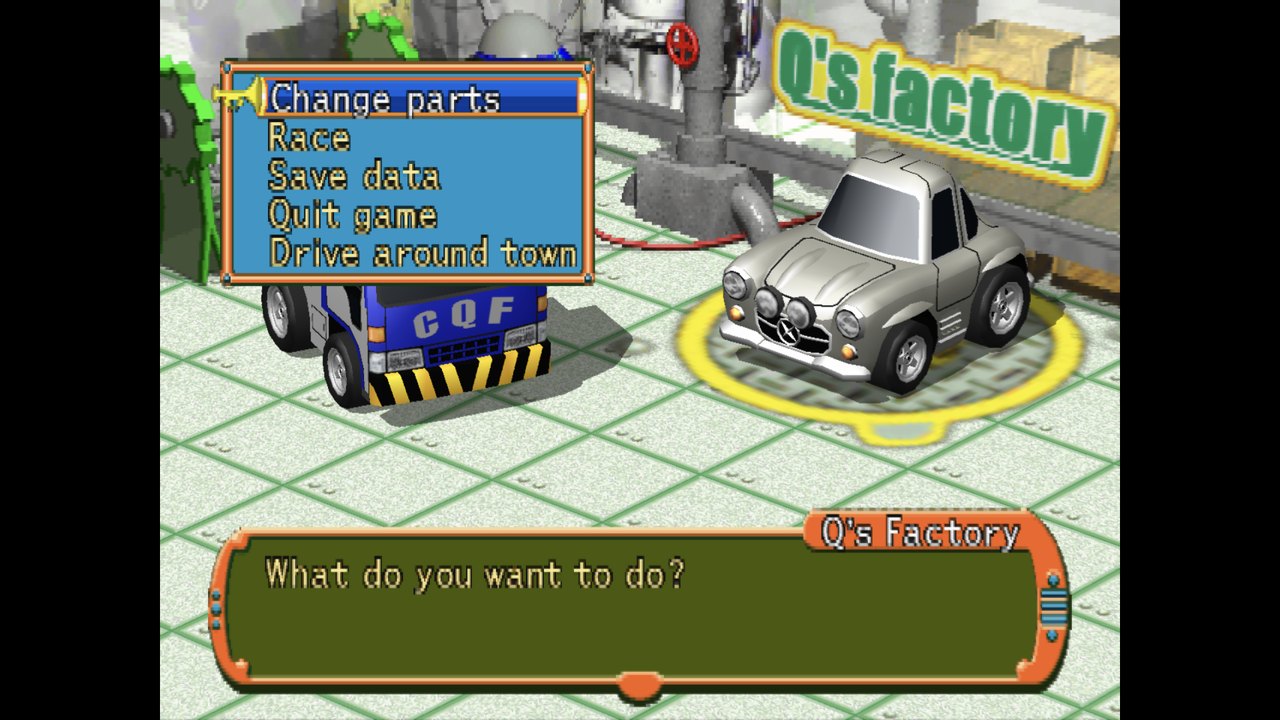
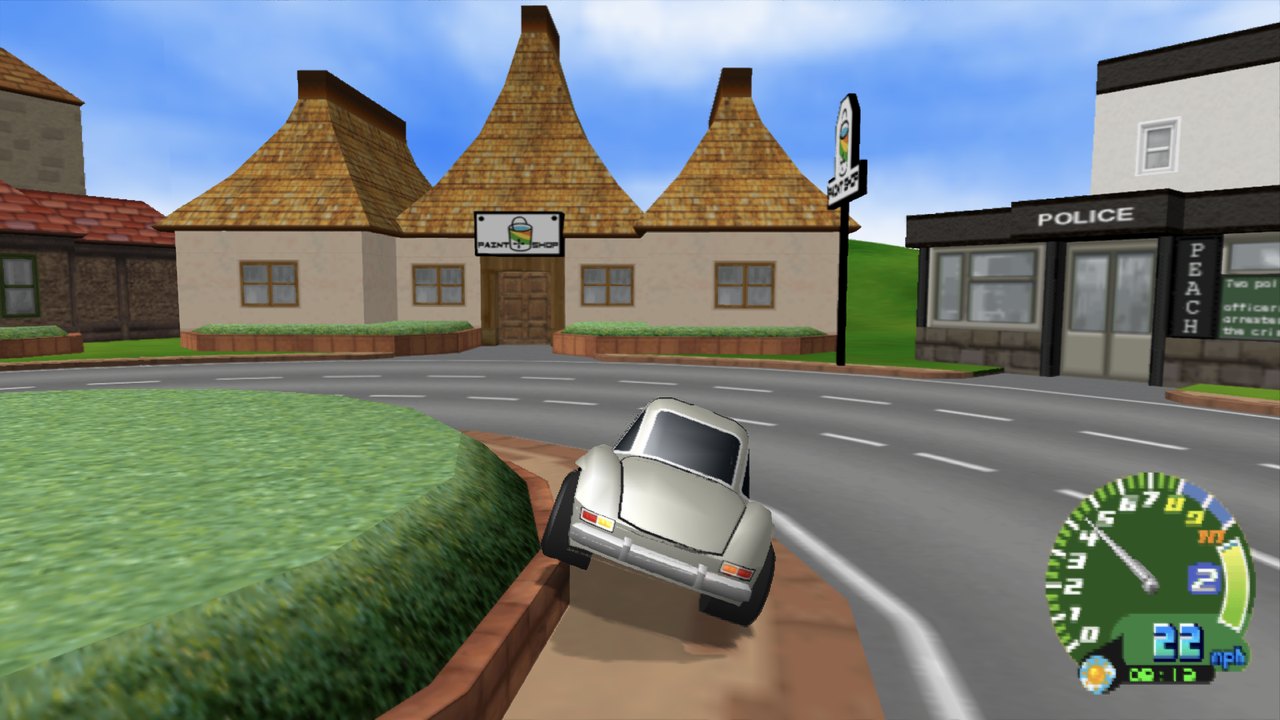
Road Trip (Choro Q HG 2, PS2, 2002), running natively on Windows, macOS and Android, with widescreen, high resolution, 120 Hz, HD texture packs, save states and a second-screen map.
This isn't an emulator. The game's program is statically recompiled into native code, built on PS2Recomp. And it doesn't ship the game: the app builds it on your device, from your own disc, the first time you open it.
No game code or data is included, not even in the built app. On first launch the app reads your disc image, recompiles the game's program and compiles it with your device's own compiler. You need your own copy of Road Trip (USA, SLUS-20398).
Features
- Native speed. The game, its vector unit (VU1) microcode and the sound driver run as native code; graphics are drawn on your GPU through Vulkan (Metal on the Mac).
- Sharper picture. Up to 4x render resolution, a progressive picture without the PS2's interlacing, and upscalers: AMD FSR 1 and FSR 3, NVIDIA DLSS and Intel XeSS (Windows), Snapdragon GSR 1/2, Arm ASR, MetalFX (Mac), plus FXAA, SMAA and TAA.
- Widescreen. 16:9, 16:10, 21:9 and 32:9, with the HUD kept at its shape, centred or at the screen edges.
- 120 and 240 Hz. Extra frames are re-rendered from the game's own geometry, not interpolated, so they add no latency.
- HD texture packs. Dump the game's textures, upscale them, and load them as a pack.
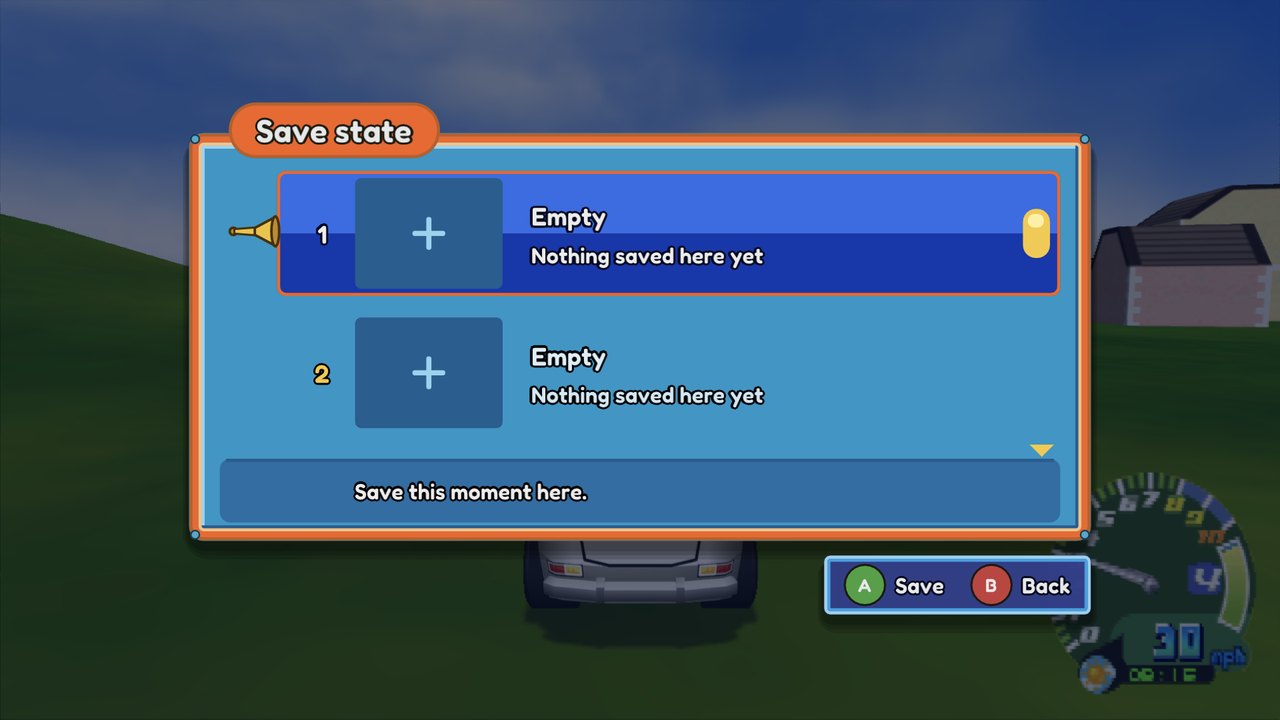
- Save states. Four slots with pictures, from the in-game menu.
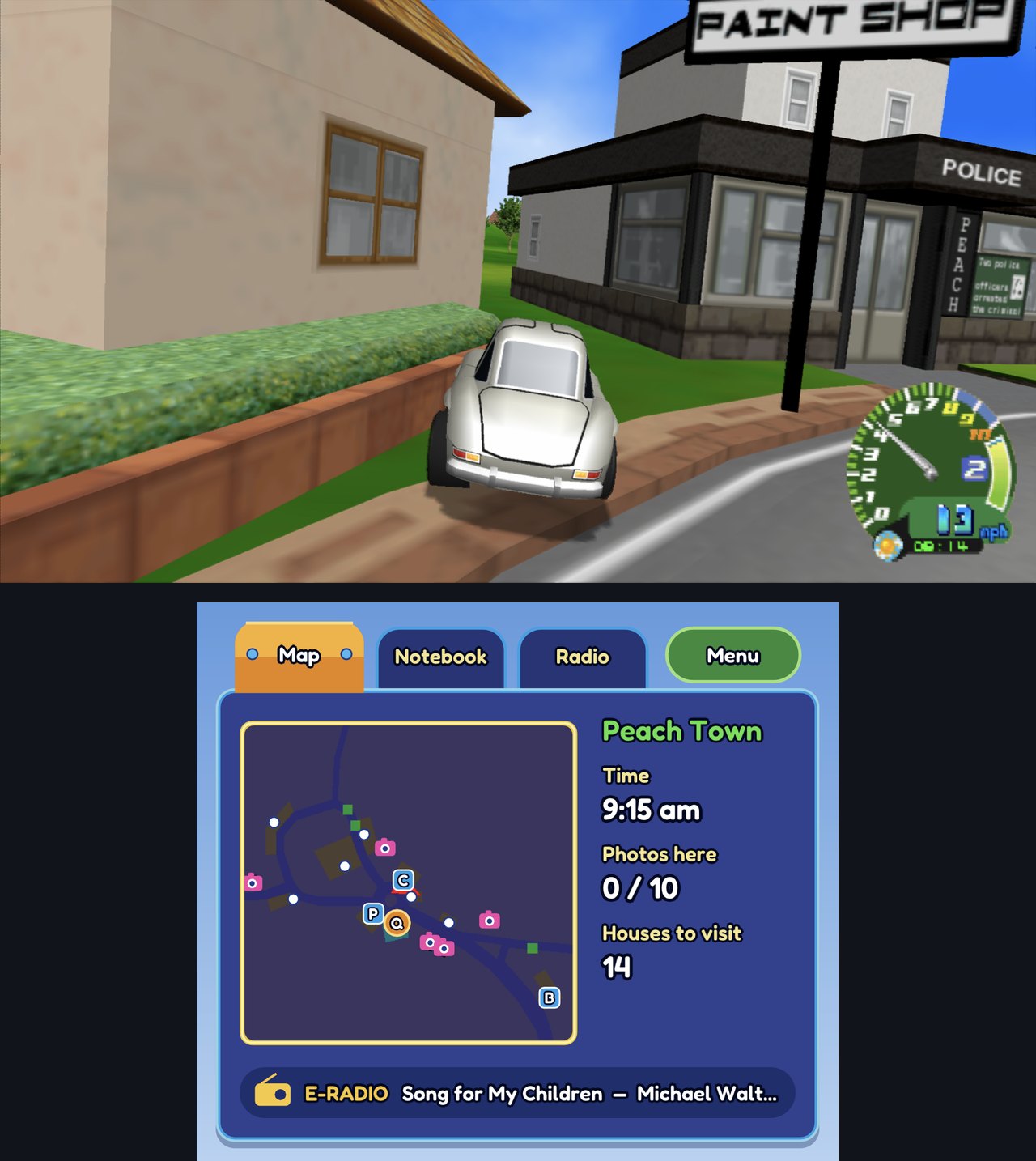
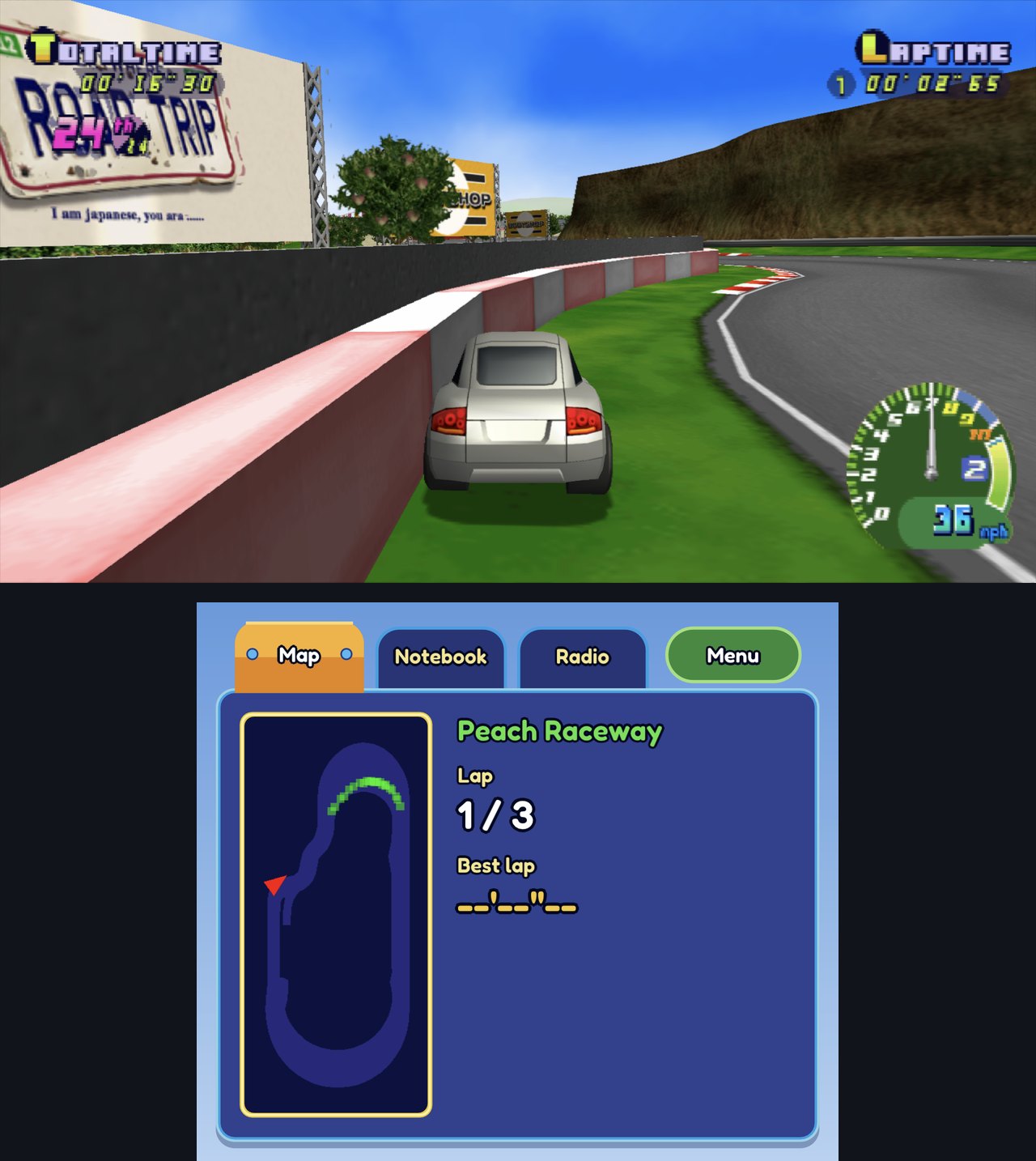
- Second screen. On dual-screen devices such as the AYN Thor, the lower screen shows the map (in towns, field areas, on the highways and in races), your notebook (stamps, coins, money), the radio, and lap times in races.
- Enhanced map. On one screen, the game's minimap is replaced by a sharp one in the same spot that marks Q's Factory, the shops and the places you haven't visited yet (the default with the Hardware renderer; Options → Display → Map → Original brings the game's back).
- Modern controls. Gas and brake on the triggers (analogue), reversing by holding brake, or the game's own layout, or your own. Rumble follows the road surface, the engine and collisions, and plays on the phone's motor when the pad has none.
- Your settings are kept. The game never saved its options; ours are saved, and the in-game menu (Guide button, Esc or F3) changes them while you play.
 |  |
 |  |
What you need
Your own copy of Road Trip (USA, SLUS-20398), as a disc image: .cue/.bin, .iso or .chd.
The app checks it against the known good dump (Redump) and tells you if yours looks different.
macOS
- A Mac with Apple Silicon, macOS 13 or later.
- Apple's Command Line Tools (a free download from Apple). If they're missing, the app offers to
install them; you can also run
xcode-select --installin Terminal.
Windows
- Windows 10 (1903) or 11 on a 64-bit x86 PC (SSE4.1 or newer), with a Vulkan 1.3 GPU and driver (NVIDIA, AMD or Intel; any current driver).
- About 2 GB free for the game files and the build. Nothing else to install: the compiler the app builds the game with ships inside it.
Android
- Android 12 or later on a 64-bit ARM device with a Vulkan GPU. Developed on the AYN Thor (Snapdragon 8 Gen 2); other Snapdragon 8-series handhelds and phones should work.
- About 2 GB free for the game files and the build.
Install
Download the latest zip (Windows), DMG (Mac) or APK (Android) from Releases.
Windows: unzip RoadTripRecomp-<version>-Windows-x64.zip anywhere you can write to (not
Program Files; the folder must stay together) and run RoadTrip.exe. SmartScreen may warn about
an unsigned app: More info → Run anyway. Settings, saves and the game built on your PC live in
%LOCALAPPDATA%\RoadTripRecomp. AMD FSR 3 is included and works on any GPU.
Portable: RoadTripRecomp-<version>-Windows-x64-portable.zip is the same app, but it keeps all its
data in a data folder next to RoadTrip.exe (that's what its portable.txt does), so the folder
must be writable; move or copy the folder and everything goes with it. Only your graphics driver's
shader cache and Windows' own records (such as the file picker's recent folders) end up elsewhere.
Optional, for NVIDIA DLSS and Intel XeSS: download RoadTripRecomp-<version>-Windows-x64-DLSS-XeSS-addon.zip
from the same release and unzip its files into the same folder as RoadTrip.exe (next to
rt_fsr3.dll; say yes to merging the licenses folder). They are a separate download because
NVIDIA's and Intel's licences don't allow bundling their libraries into this GPL app. Then pick the
upscaler in Options → Graphics → Upscaling; an upscaler only shows in the list when it works on
your GPU:
| Upscaler | Needs |
|---|---|
| AMD FSR 3 | any GPU (included) |
| NVIDIA DLSS | an NVIDIA RTX GPU with a current driver, and the add-on |
| Intel XeSS | a recent GPU (Intel Arc runs it best; NVIDIA and AMD work too), and the add-on |
An upscaler only has work to do when the window is bigger than the game's render resolution. At the
default Supersampling (8x) the game renders 1280x896, so you'll see the difference in a larger
window or fullscreen on a 1440p or 4K display; a lower Supersampling renders smaller and gives the
upscaler more to do (faster, softer).
If DLSS or XeSS is missing from the list, check that the add-on's files sit beside RoadTrip.exe,
that your GPU is supported, and that your graphics driver is up to date.
macOS: open the DMG and drag Road Trip to Applications. If macOS says the app can't be
checked for malicious software, open System Settings → Privacy & Security and choose
Open Anyway (or run xattr -dr com.apple.quarantine "/Applications/Road Trip.app").
Android: open the APK on the device and allow installing from that source. Updating from a build signed with another key needs the old app uninstalled first (your saves live in the app's storage, so back them up via a save in the game's memory card first if you care about them).
First launch
- Pick your disc image when asked.
- The app copies the game files off it (about 512 MB) and builds the game for your device: under a minute on an M-series Mac, about 2.5 minutes on the AYN Thor. A progress bar shows the time left. This happens once; later launches start straight away.
- Play. Start Adventure from the title screen, or try a Quick Race.
Controls
The keyboard and every connected controller work together. Player 1 is the keyboard and the first controller; a second controller is player 2.
| Keyboard | Controller | |
|---|---|---|
| Steer / menus | Arrow keys | D-pad or left stick |
| Gas (Modern) | RT | |
| Brake / reverse (Modern) | LT (hold at a standstill to reverse) | |
| Cross (confirm, Classic gas) | X, Space | A |
| Circle | C | B |
| Square (Classic brake) | Z | X |
| Triangle (back) | V | Y |
| L1 / R1 | Q / E | LB / RB |
| L2 / R2 | 1 / 3 | LT / RT |
| Start / Select | Enter / Tab | Menu / View |
| Our menu (settings, save states) | Esc or F3 | Guide, or Back + Start held |
Change the driving layout (Modern, Classic or Custom), rebind controls, set dead zones, rumble strength and which controller belongs to which player under Menu → Controllers.
Settings worth knowing
Everything is in the in-game menu (Options). A few highlights:
- Display: Display mode (Window, Borderless fullscreen or Fullscreen on Mac and Windows; Alt+Enter or F11 switches), aspect ratio and HUD position; Map: Enhanced (the default: sharp, with places to visit marked; Hardware renderer, one screen) or the game's Original; Frame rate 60/120/240; Frame skip (Auto keeps the game at full speed on slower devices by pausing generated frames first).
- Graphics: Renderer: Hardware (default, light on the GPU) or Accurate (paraLLEl-GS, which emulates the PS2's graphics chip exactly at a much higher GPU cost; takes effect at the next start); render resolution (supersampling), the upscaler, anti-aliasing and sharpness; Interlacing off (default) gives a clean progressive picture.
- Texture pack: choose a pack from your packs folder (see below).
- Second screen (dual-screen devices) and the performance overlay.
HD texture packs
- Turn on texture dumping (
dump = trueunder[textures]insettings.toml), play, and the game saves every texture it uses as PNG, named by a hash of its pixels. - Edit or upscale them (any size), keeping the file names.
- Put them in a folder under
textures/packs/and pick it under Options → Texture pack.
A pack is converted once to a compressed format the first time it's used (ASTC on Android and Mac, BC7 on Windows), so it loads smoothly while you play and takes a quarter of the memory.
Where the folders are:
- macOS:
~/Library/Application Support/RoadTripRecomp/textures/ - Android:
Android/data/io.github.silentsudin.roadtrip/files/textures/, reachable from a computer over USB.
Your data
- macOS:
~/Library/Application Support/RoadTripRecomp/, holdingdisc/(the game files from your disc),game/(the game built from them),saves/(memory cards),states/(save states) andsettings.toml. - Windows:
%LOCALAPPDATA%\RoadTripRecomp, with the same contents as on macOS (open it with%LOCALAPPDATA%in the Explorer address bar); the portable zip's is thedatafolder next toRoadTrip.exe. Texture packs go intextures\packs. - Android: the app's own storage; texture packs and dumps as above.
Don't share anything from these folders except your own texture packs: they hold the game's files.
Status and known issues
Adventure (towns, fields, shops, races) and Quick Race are playable on all three platforms. Known
issues are tracked in
Issues. Bug reports are welcome:
please say which device, and attach the log if you can (Android: adb logcat -s RoadTrip).
Building it yourself
See docs/DEVELOPING.md for building the Mac and Android apps, the regression
suite and how the recomp works. In short, on an Apple Silicon Mac (on Windows,
python scripts/pipeline.py bootstrap build run after winget install Kitware.CMake Ninja-build.Ninja;
it fetches the pinned llvm-mingw toolchain itself):
brew install cmake ninja python molten-vk
git clone https://github.com/silentsudin/RoadTripAdventure-recomp.git && cd RoadTripAdventure-recomp
python3 scripts/pipeline.py all run
No disc image is needed to build the app.
Related work
- ran-j/PS2Recomp: the PS2 static recompiler this is built on
(our fork: silentsudin/PS2Recomp, branch
roadtrip). - Arntzen-Software/parallel-gs: the GPU GS.
- mholeys/choroq-hg2-decomp: a decomp of the PAL release (SLES-51356).
- mholeys/roadtrip-choroq-tools: documentation and tools for the game's asset formats.
- loveemu/tsq2psf: the TSQ/TVB music format.
Licence
This project is licensed under the GNU General Public License v3.0 (LICENSE), as is
PS2Recomp, which it's built on. The apps also include third-party components under their own
licences (LGPL, MIT, BSD, zlib, Apache-2.0, SIL OFL); their notices ship with the apps (in the
Mac app's Contents/Resources/licenses, the Windows build's Resources\licenses (the DLSS/XeSS
add-on carries NVIDIA's and Intel's own in its licenses folder) and the APK's assets/licenses) and are listed in
scripts/collect_licenses.py.
Road Trip and Choro Q are trademarks of their owners (Takara / E-game; published in North America by Conspiracy Entertainment). This project isn't affiliated with or endorsed by them, and contains none of their code or data.