
Star Wars: The Clone Wars (PC)
Star Wars: The Clone Wars
OrigenXbox
TecnologíaPort Nativo C/C++ (Reimplementación de Motor)
Disponible paraWindows
Ver proyecto oficialSobre el proyecto
Star Wars: The Clone Wars puede referirse a:
Información oficial del proyecto
Star Wars: The Clone Wars — PC
A native Windows port of the 2002 Xbox game Star Wars: The Clone Wars (LucasArts / Pandemic Studios), built by static recompilation: the game's x86 code is translated into C and compiled into a Windows executable. There is no emulator. Graphics go through Microsoft's real Direct3D 8, sound through the Windows audio mixer, and controllers through XInput.
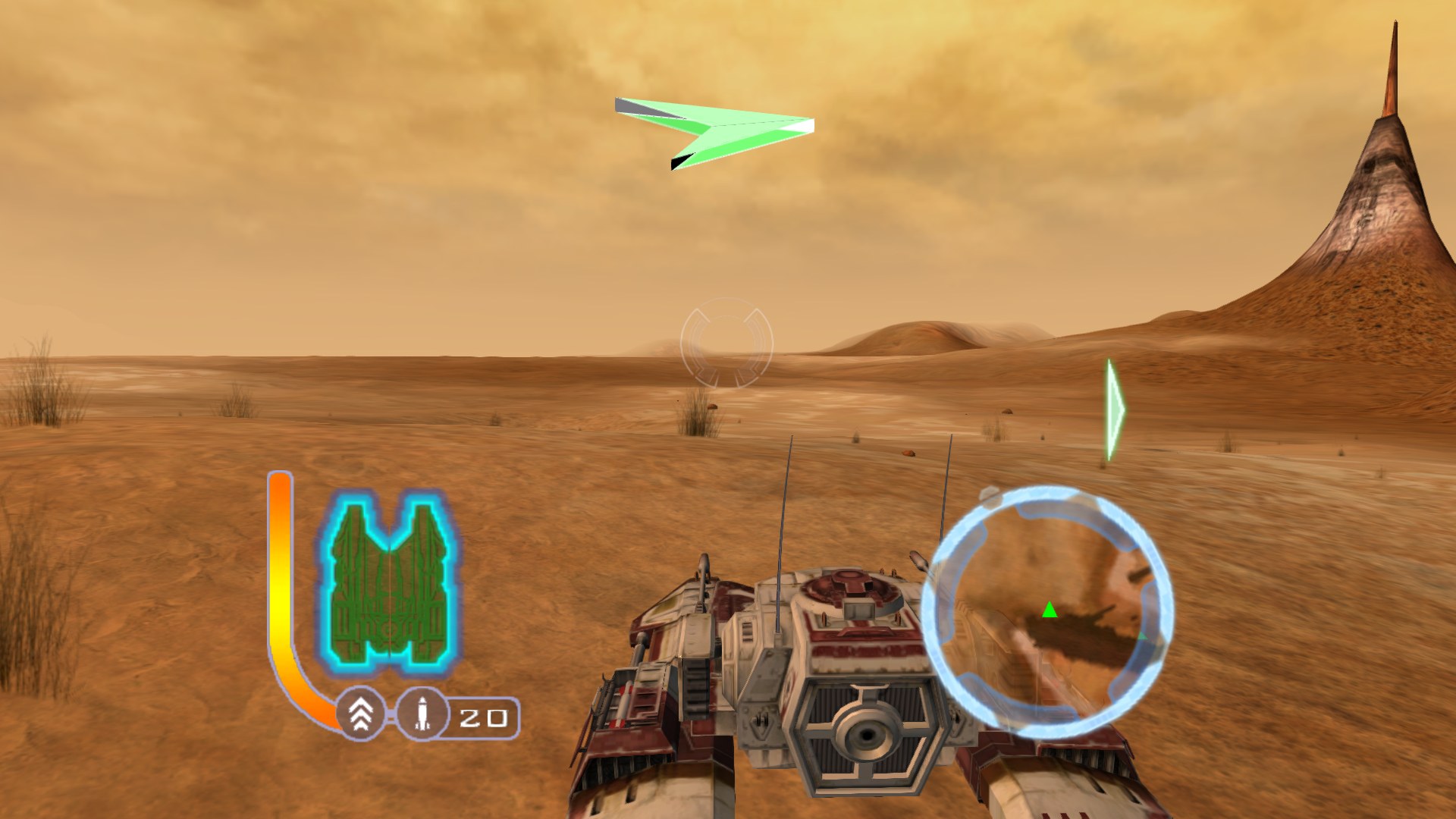
No game data is included. You need a disc image of your own copy of the
original Xbox game (USA release). The source code in this repository contains
nothing from the game; the build regenerates the translated code from your
default.xbe. The ready-to-run .exe on the Releases page is built that way:
it contains the game's program code, translated, but none of its graphics,
sound, levels or movies, which come from your disc image.
Playing
Required disc: Star Wars: The Clone Wars for the original Xbox, USA
(NTSC-U) retail release: the Redump dump "Star Wars - The Clone Wars (USA)"
(its default.xbe is dated 2003-04-04). Full disc dumps and trimmed .xiso
images both work. European (PAL) and other versions are not supported; the
game checks your image on first start and tells you if it is a different
version.
- Download
CloneWars-PC.zipfrom the Releases page and unzip it into an empty folder. - Put your disc image (
.isoor.xiso) in the same folder. - Double-click
CloneWars32.exe.
The first start unpacks the disc image into that folder (about 1.5 GB) and then starts the game; after that it starts straight away, and the image can be deleted. Nothing needs to be installed: Windows 10 or 11 is enough. (Windows "N" editions need Microsoft's Media Feature Pack, for the movies.)
Features
- Any resolution, windowed or borderless full screen
- True widescreen: the 3D view is widened by the game's own camera, so more of the world is visible and nothing is stretched. Menus, HUD and 2D art keep their original 4:3 layout, pillarboxed.
- FXAA anti-aliasing
- Locked 60 fps, matching the original's frame pacing
- Xbox controller support, plus keyboard
- Online play with a friend by join code (System Link over the internet; in testing, see below)
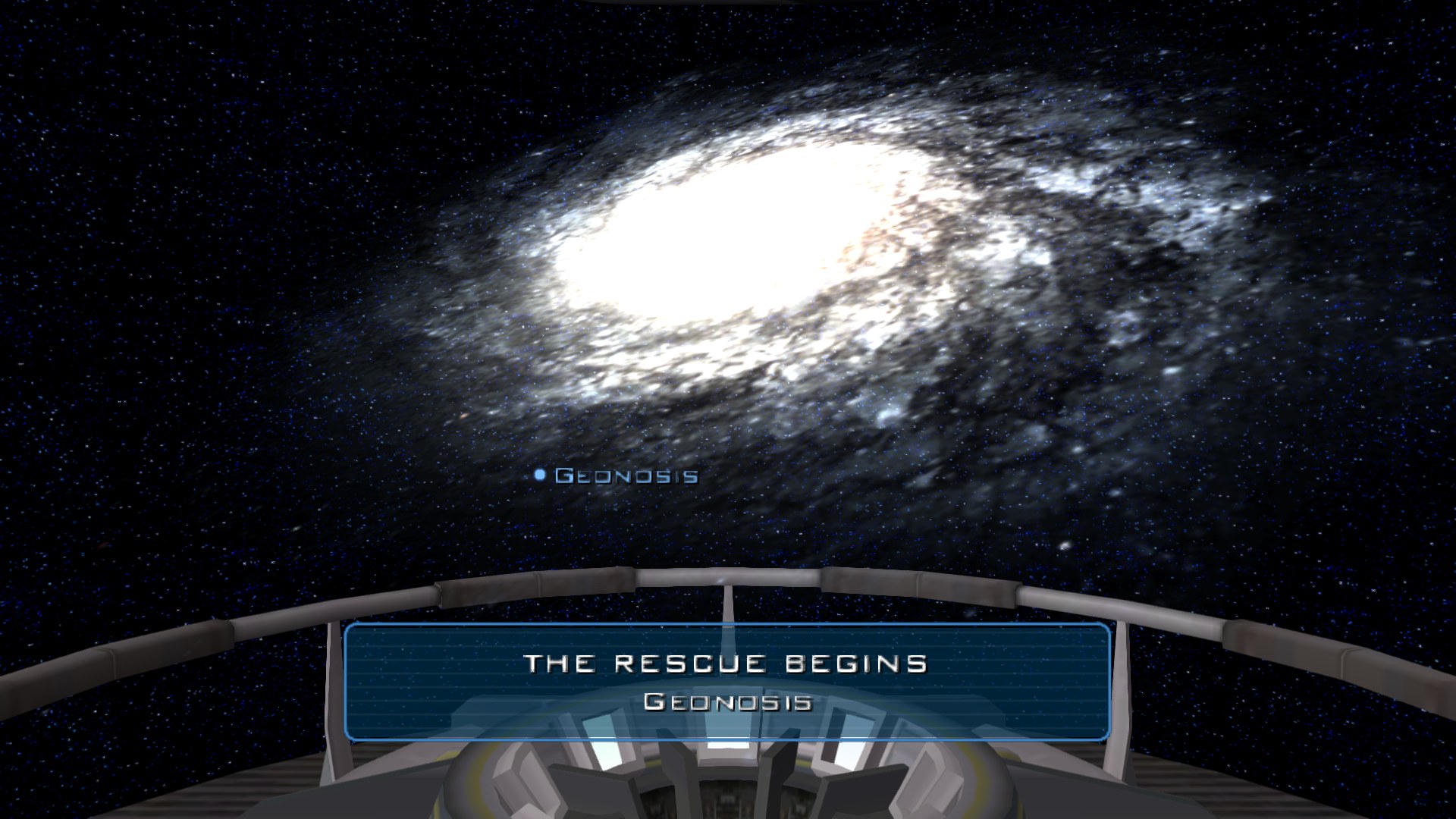 | 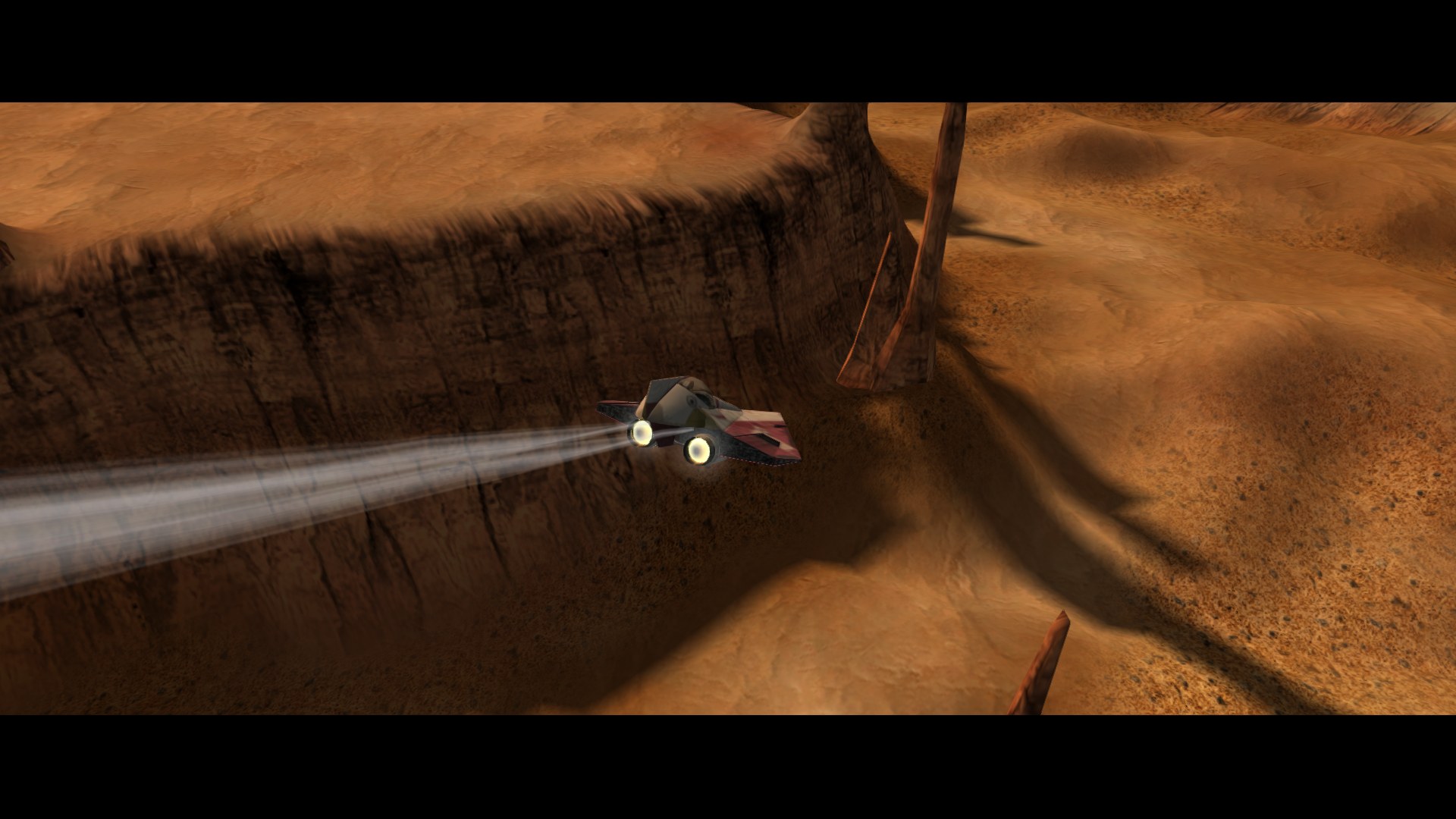 |
| Galaxy map, 1920x1080 | In-engine cutscene, 1920x1080 |
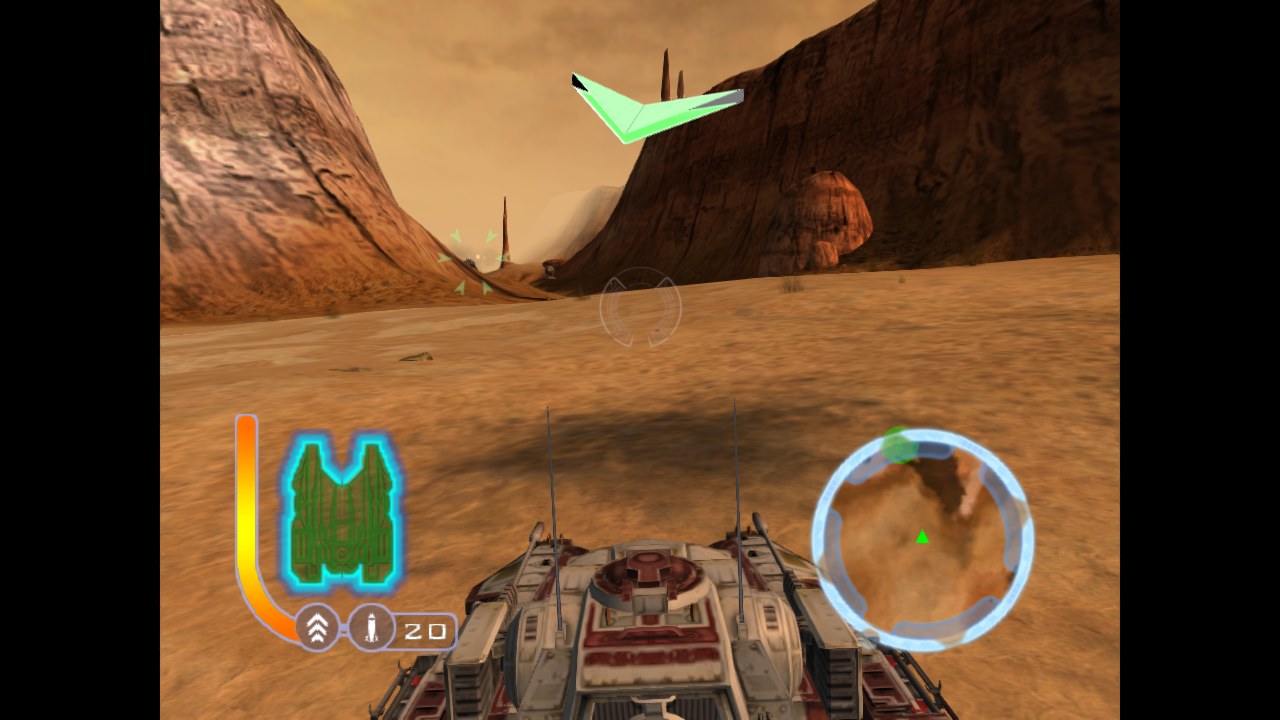 | 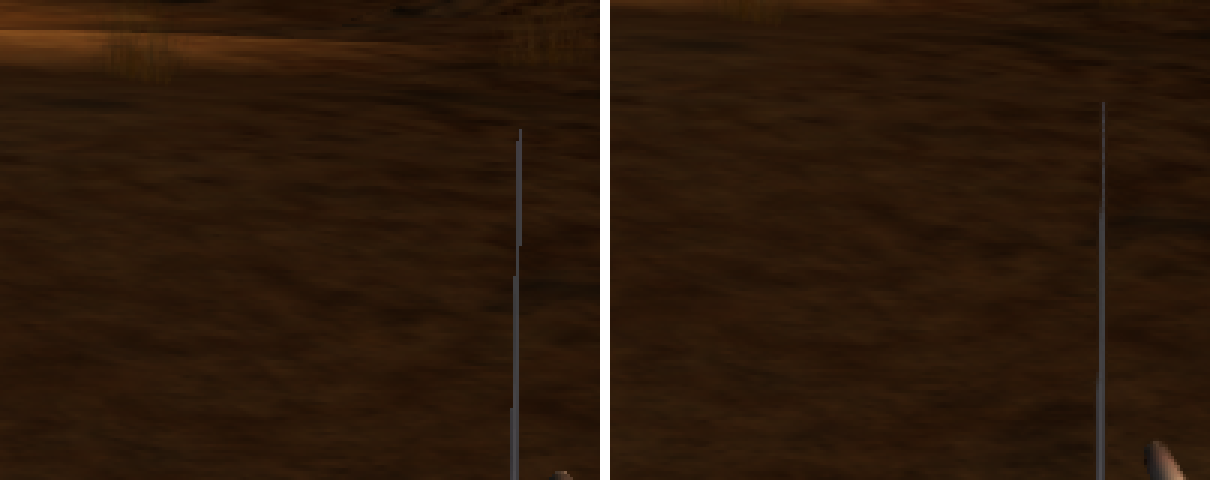 |
Widescreen=0: the original 4:3 picture | FXAA off (left) and on (right), 3x zoom |
Settings
CloneWars.ini is created next to the executable on first run:
[Video]
Width=1280        ; 0 = monitor resolution
Height=720
Fullscreen=0      ; 1 = borderless window covering the monitor
Widescreen=1      ; 0 = original 4:3 picture with side bars
FXAA=1
Widescreen is supported at 16:9. Ultrawide (21:9 and wider) is not supported; it runs, but use it at your own risk. At any wide setting, an enemy in the extra side area (outside the original 4:3 view) gets an off-screen arrow instead of a target marker.
Keyboard: Enter = Start, Esc = Back, arrows = D-pad, WASD = left stick, Z/X/C/V = A/B/X/Y, Q/E = triggers.
Saves are stored in %LOCALAPPDATA%\CloneWarsRecomp.
Online play (testing)
The game's System Link mode works over the internet. A friend joins with a short code; there is no server, account or extra app. (The code is listed in the public BitTorrent network, which only tells your friend's copy where to find yours. The game itself goes directly between the two PCs.)
Hosting:
- Main menu: Network Play → System Link → Create.
- Your code appears in white at the bottom of the screen, for example
JOIN CODE: ABCD-EFG(also in the window title, and copied to the clipboard). Send it to your friend. - When they show up in the lobby, choose Launch.
Joining:
- Main menu: Network Play → System Link → Search.
- A box asks for the code. Type it (with or without the dash) and press Join. You land in the host's lobby.
The first time, Windows Firewall asks whether to allow the game on networks: allow it, on both PCs. Both players need the same version of the game.
This is new and has been tested on one PC only. If a join does not connect, the host can forward UDP port 34100 on their router to their PC and try again. Please report what happened: both players' internet type (home broadband, mobile hotspot, etc.), and whether the joiner found the lobby.
Attach both players' online.log to the report. The game writes it next
to CloneWars32.exe every time it runs (the run before is kept as
online.old.log, so send that one if the game has been restarted since). It
records each step of hosting and joining with the time, and contains no
personal details: internet addresses are cut to their first half
(68.38.*.*).
Status
Single player is playable, and all 40 maps (campaign, split-screen and the
system-link maps) load and run in an automated test (tools/smoke_maps.py).
Known gaps:
- Pre-baked terrain sun shadows are not drawn yet.
- A few pixel shaders fall back to a simplified version.
- Split-screen runs but has had little play-testing.
- Online play is new and untested between two separate homes.
Building
Requirements
- Windows 10/11, Visual Studio 2022 (Desktop C++ workload), CMake 3.20+
- Python 3.10+ with
capstone(pip install capstone) - DirectX 8.1 SDK headers and
d3d8.lib, for the 32-bit renderer (default locationC:\Program Files (x86)\DXSDK, override with-DDXSDK8_DIR=...) - Your own dump of the game disc (NTSC-U retail, XBE built 2003-04-04)
1. The recompiler toolkit
This project is built on xboxrecomp
(MIT). It needs a handful of fixes that live in patches/xboxrecomp.patch.
Clone the toolkit next to this repository and apply the patch:
git clone https://github.com/sp00nznet/xboxrecomp.git
cd xboxrecomp
git checkout 6f55eaa
git apply ../StarWars-CloneWars-PC/patches/xboxrecomp.patch
2. Generate the translated code from your XBE
Copy your default.xbe to game/default.xbe, then from the xboxrecomp
folder:
python -m tools.xbe_parser   ../StarWars-CloneWars-PC/game/default.xbe --json ../StarWars-CloneWars-PC/game/analysis.json
python -m tools.disasm       ../StarWars-CloneWars-PC/game/default.xbe -v --force --seed-functions ../StarWars-CloneWars-PC/tools/icall_seed_functions.json -o ../StarWars-CloneWars-PC/tools/disasm
python ../StarWars-CloneWars-PC/tools/merge_fragments.py ../StarWars-CloneWars-PC/tools/disasm/functions.json
python -m tools.func_id      ../StarWars-CloneWars-PC/game/default.xbe -v
python -m tools.abi_analysis ../StarWars-CloneWars-PC/game/default.xbe -v
python -m tools.recomp       ../StarWars-CloneWars-PC/game/default.xbe --all --split 1000 --gen-dir ../StarWars-CloneWars-PC/src/recomp/gen --game-name "Star Wars: The Clone Wars" --disasm-dir ../StarWars-CloneWars-PC/tools/disasm
merge_fragments.py re-joins functions the disassembler splits after an
early return; without it the game hangs at boot. A function the disassembler
missed shows up at run time as [ICALL] Failed to resolve VA: add its
address to tools/icall_seed_functions.json and run the three steps again.
Then, from this repository, mark the functions replaced by hand-written code:
python tools/apply_manual.py
3. Build
The renderer uses the 32-bit d3d8.dll, so build for Win32:
cmake -S . -B build32 -A Win32
cmake --build build32 --config Release
The build copies CloneWars32.exe two folders up (../..). Arrange the
folders so that lands in your game directory, the folder holding
default.xbe, data.zwp and the Data, Movies, Bins and Addon
folders, or copy the .exe and .pdb there yourself. Run it from there.
Source layout
The game runs as a hybrid. The title's x86 code, translated to C, is the base. Recovered original source replaces it piece by piece as it is verified.
| Path | What it is |
|---|---|
src/host/ | Entry point, directory and save setup (main.c), controller and keyboard input (input.c) |
src/platform/ | The title's Xbox libraries replaced: Direct3D 8 renderer with shader translation, widescreen, resolution scaling and FXAA (d3d8.c); DirectSound and audio mixer (dsound.c); movie playback hooks (xmv.c) |
src/overrides/ | Hand-written replacements for individual translated functions |
src/game/ | Recovered original game source, one file per original source file. missions/ holds every mission script |
src/game/glue/ | Bridge between recovered source and translated code |
include/game/ | Shared declarations for the recovered source |
tools/ | Seed lists for the disassembler and helper scripts; gc_*.py match recovered source to the Xbox build |
patches/xboxrecomp.patch | Changes to the xboxrecomp toolkit |
The recovered source is on by default in the 32-bit build (CW_RECOVERED_GAME).
tools/gc_bind.py generates the glue after the recovered files change. At run
time, CW_RECOVERED=0 in the environment runs the translated code instead, and
CW_BRIDGE_TRACE=1 logs every call the recovered code makes into the engine.
Credits
- Shaymin: the recovered original source in
src/game/, from their matching decompilation of the GameCube version, and the analysis behind it (function names, source file layout, data layouts). - xboxrecomp by sp00nz (MIT);
the patch in
patches/modifies files from it and is under the same licence. - Star Wars: The Clone Wars is © Lucasfilm Ltd. This is an unofficial fan project and is not affiliated with or endorsed by Lucasfilm, Disney, or Electronic Arts.