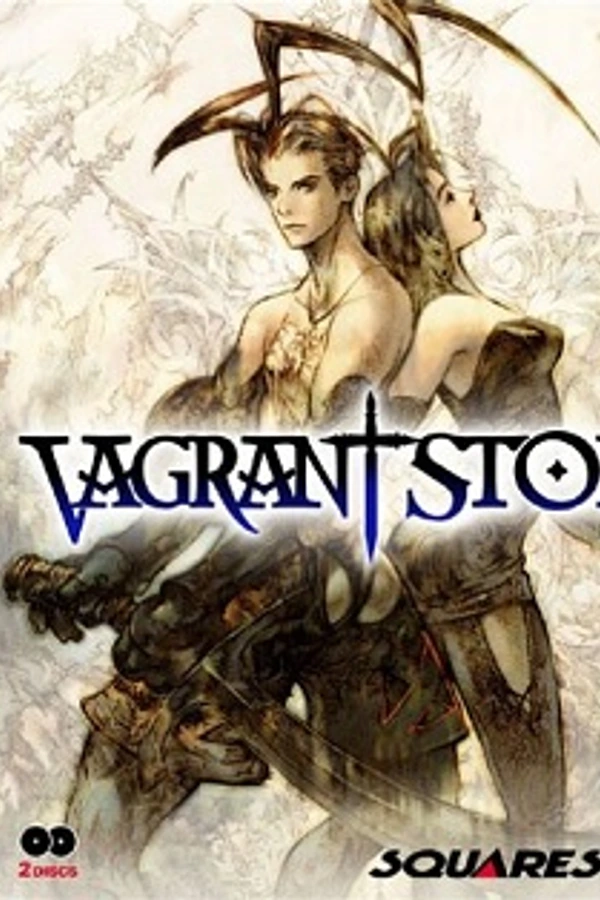
Vagrant Story
TecnologíaPort Nativo C/C++ (Reimplementación de Motor)
Disponible paraWindows, Linux, macOS
Ver proyecto oficialSobre el proyecto
Vagrant Story es un juego JRPG desarrollado y publicado por Square Co., Ltd., para la consola de videojuegos PlayStation. El juego fue lanzado en el año 2000, y ha sido relanzado a través de la PlayStation Network para las consolas PlayStation 3 y PlayStation Portable. Se caracteriza por su fascinante argumento, la creación/modificación de armas, resolución de acertijos y el uso de Magia. Vagrant Story fue desarrollado principalmente por el equipo responsable de Final Fantasy Tactics, con Yasumi Matsuno como productor, escritor y director.
2 versiones de Vagrant Story
Estás viendo: Vagrant Story
Información oficial del proyecto
Rood Reverse
A reverse engineering of Vagrant Story for PlayStation 1, with a goal of enabling interoperability with modern hardware and fixing bugs in the original game.
This project does not contain any of the original files from the game disk, you must own a copy of the game.
Many thanks to the Chrono Cross Decompilation for much of the sound library code.
Heavily inspired by and indebted to the incredible work of the sotn-decomp team and the PS1/PS2 decompilation Discord server.
Grateful to the authors of Data Crystal’s Vagrant Story page for their excellent work and insights.
Thanks also to the following amazing projects (and their dependencies):
Status

Core libraries

Main game engine


Effects


Menus


Title and Ending Sequence


(Naive) Quickstart
- n.b.: You may want to consider parellizing make with something sensible like
-j8. - Fork the project
- Install system dependencies and copy disk image (see "Setup" below)
- Run
maketo perform an initial split & build - Pick a function to decompile, use
make decompmeto create a scratch on decomp.me - Claim and decompile the scratch
- Copy the decompiled code where it belongs
- Optionally use
make permuteif needed - Run
make remake, and finallymake formatif the code compiles successfully - Open a PR
Setup
The project is mostly self-configuring but requires a minimal amount of setup.
- Make sure the following packages are installed, older versions may also work but this is not tested. This configuration works as-is on Ubuntu 26.04 on WSL; depending on your distro you may need additional packages.
| Package | Minimum Version |
|---|---|
| clang-format | 21.1.8 |
| g++ | 15.2.0 |
| binutils-mipsel-linux-gnu | 2.45.90 |
| make | 4.4. |
| python3 | 3.14.4 |
| python3-venv | 3.14.4 |
| unzip | 6.00 |
| wget | 1.25.0 |
Take a look at ./Dockerfile for a minimal setup on Ubuntu
- Dump your original disk to
disks/SLUS-01040.bin - Run
maketo finish installation and perform an initial build
Build targets
makeshould be all that is needed most of the time. The first execution will configure the remaining dependencies in thetoolsdirectory and extract the files from the disk; from then on it will perform a minimal rebuild.make decompme TARGET=path/to/nonmatchings/source.suploads the target function to a new decomp.me scratch.make permute TARGET=path/to/nonmatchings/source.sinvokes the permuter for the target assembly file.make remakewill delete and re-split the targets; this can be necessary if the dependency management has failed to identify everything that needs rebuilding (in which case a bug report is appreciated!), or if the configuration has changed enough to be no longer valid (e.g. orphaned .d files).make formatformats the source files and symbol addresses for consistency. Please run this before submitting a PR.make commit-checkis a convenience that runsformatfollowed byremakemake cleansimply deletes thebuildandnonmatchingsdirectoriesmake clean-allwill completely reset the project, including dropping any source changes and data files (but not the disk image). Use with caution.