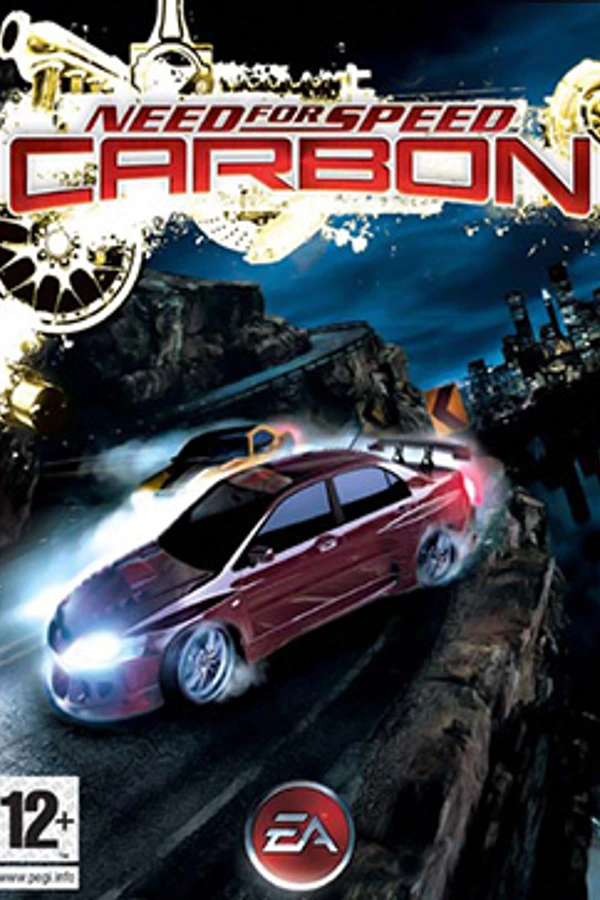
Need for Speed: Carbon (nfs-carbon-mac)
Need for Speed: Carbon
TecnologíaPort Nativo C/C++ (Reimplementación de Motor)
Disponible paraWindows, macOS
Ver proyecto oficialSobre el proyecto
Need for Speed: Carbon (En castellano: Need for Speed: Carbono) es un videojuego de carreras desarrollado por EA Black Box y publicado por Electronic Arts. Es la décima entrega de la saga de videojuegos Need for Speed. Fue mostrado por primera vez en la conferencia de Sony durante el E3 de 2006. Es el primer juego de la saga lanzado para PlayStation 3 y Wii y presenta un énfasis marcado en las carreras ilegales nocturnas. El videojuego presenta a la actriz y modelo Emmanuelle Vaugier como su modelo.
3 versiones de Need for Speed: Carbon
Estás viendo: Need for Speed: Carbon (nfs-carbon-mac)
Información oficial del proyecto
Need for Speed: Carbon — Native for Apple Silicon Macs
<img width="1710" height="1107" alt="Screenshot 2026-10-10 at 5 58 31 PM" src="https://github.com/user-attachments/assets/fa1c42ff-4a63-4c6f-98d3-0a1411428b9c" />A native macOS build of the 2006 PC game, made by static recompilation: the game's own x86 code is translated to C ahead of time and compiled for Apple Silicon, with a Metal renderer, native audio and native controller support. There is no emulator, no Wine and no CrossOver.
You need your own copy of the game. This repository contains no game code, executables, artwork, sound, movies or tracks. The build takes the files from your installation and makes the app on your Mac. Nothing it builds is meant to be shared.
This project is not affiliated with or endorsed by Electronic Arts. Need for Speed and Carbon are trademarks of Electronic Arts Inc.
Status: Fully playable. Career, races, the garage and the menus work at 60 fps with sound.
Play it on your Mac
- Have your own installed copy of the PC game (version 1.4, see below) on your Mac.
- Download the Setup app (
NFS-Carbon-Setupdisk image) from the latest release, open it, and choose or drop your game folder. The app is not notarized: the first time, open it, click Done, then System Settings → Privacy & Security → Open Anyway. - Click Build. The first build takes a while (a one-time analysis of NFSC.exe); then the game is in your Applications folder.
The Setup app holds no game files: it builds the game on your Mac from your copy. You can also build in
Terminal with ./setup.sh "/path/to/Need for Speed - Carbon" (add --button-icons for the controller
icons).
What works
- Native Apple Silicon app with a sharp icon made from the game's own logo; saves and settings in
~/Library/Application Support/NFS Carbonlike any Mac game. - Game Mode: macOS gives the game priority on the CPU and GPU and lowers controller and AirPods latency when it runs full screen.
- Widescreen (a port of ThirteenAG's widescreen fix): any resolution and aspect ratio in Options → Video, from 640×480 to 4K, including the screen's native sizes. The field of view is Hor+ and the HUD is moved out to the edges.
- Settings page (F10, fn+F10 on a Mac keyboard), on a native macOS Liquid Glass panel (frosted
glass before macOS 26), works with the mouse, keyboard or controller:
- Graphics: full screen, borderless or windowed; render resolution (the game's own resolution by default, 1.5x for smoother edges, or the full screen); sharper upscaling to the screen with Apple's MetalFX (on by default); frame limit (original, 40, 60, or an experimental 120 FPS); world texture filtering up to 16x anisotropic; a performance overlay with frame times (also F11).
- Mods: skip intro movies, hide the closed online modes, how much you see to the sides, no rubberbanding (opponents don't catch up), and cheats (off by default: infinite nitrous and speedbreaker, engine power, opponent engine power).
- Controller: console layout on/off, looking around with the right stick on/off, rumble strength, and which button names to show (automatic, Xbox, PlayStation, Switch Pro).
- Controllers (a port of NFS-XtendedInput): the console layout (RT gas, LT brake, A handbrake, B nitrous, X speedbreaker, Y crew, RB/LB shift up/down, RS click look back, d-pad down camera), triggers as analog pedals, rumble from the game's own force feedback (crashes and road surfaces), console-style menu prompts while a pad is in use, and the controller's own button names (Xbox, PlayStation, Switch Pro). Remapping in Options → Controls still works.
- Look around with the right stick while driving, like modern racing games: push it the way you want to look (down looks behind) and the camera glides back behind the car when you let go.
- HD menus, HUD and fonts (optional, a checkbox in the Setup app): NFS Carbon Remastered UI by BadassBaboon, downloaded from nfsmods.xyz and installed into the app's own copy of the game, with the fonts and cursor kept at their original size as Aero_'s HD Content Support does on Windows. Menus, HUD, fonts, the world map, minimap, track maps and the neon barrier arrows on the tracks are HD. Adds about 300 MB to the app.
What you need
- An Apple Silicon Mac and the Xcode Command Line Tools (
xcode-select --install). - Python 3.
- Your installed PC game, version 1.4, with an unwrapped
NFSC.exe(SHA-256baaaaec33873d4ba7e4dbae6a5212049ffdcf9679a35d865d7625b4189952fd3; the build checks it) and themsvcr71.dll/msvcp71.dllfrom the game folder.
Build it by hand (for development)
GAME="/path/to/Need for Speed - Carbon"         # your game folder, the one with NFSC.exe
cd nfsc-mac
python3 -m venv .venv && .venv/bin/pip install -r kit/requirements-dev.txt
.venv/bin/python tools/setup.py --install "$GAME" --link-only
.venv/bin/python tools/rebase_pe.py "$GAME"
.venv/bin/python tools/fetch_tools.py            # Ghidra + Java, once; prints two paths
.venv/bin/python tools/analyze.py --ghidra-home <Ghidra path> --java-home <Java path>
.venv/bin/python tools/build.py --regenerate
.venv/bin/python tools/setup_kit/package.py --game "$GAME" --install
The last step puts Need for Speed Carbon in /Applications. The app holds your copy of the game, so
don't share it. Logs from each launch are in ~/Library/Application Support/NFS Carbon/Logs.
How it works
The translator, runtime, Direct3D 9 → Metal renderer, audio and input hosts are
recomp-kit by veritr1x, included in kit/ with this port's
changes (history in docs/kit-patches/ and git). This repository adds what makes Carbon run:
game.toml: the game's identity, extra entry points, and translate-time fixes (operand redirects, instruction patches) that stand in for the binary patches PC mods make.mods/core/nfsc/: the built-in mod (widescreen, resolution list, controller layout, prompts, rumble and right-stick camera, cheats).tools/: Ghidra analysis, DLL rebasing, build wrappers, andsetup_kit/(packaging, launcher, icon).CLAUDE.md: the bring-up notes — every problem found, its evidence and its fix.
The approach and much of the setup follow the Need for Speed: Most Wanted Mac port.
Credits
- recomp-kit — veritr1x
- Need for Speed: Most Wanted Mac port — elforeign, whose setup, mod and controller work this port started from
- NFSCarbon.WidescreenFix (WidescreenFixesPack) — ThirteenAG, MIT; reimplemented in
mods/core/nfsc - NFS-XtendedInput — xan1242 (Lovro Pleše) and Berkay Yiğit, MIT; button icons by Aero_ (not included; see NOTICE)
See NOTICE for the licences.