webcm
Linux RISC-V virtual machine, powered by the Cartesi Machine emulator, running in the browser via WebAssembly
OriginGitHub WebAssembly emu
TechnologyCross-platform native emulator (JIT / dynamic)
Available forWeb, Web
View official projectAbout the project
Emulator indexed on PortsNative optimized to run titles from GitHub WebAssembly emu on Web, Web. Offers high compatibility, graphic enhancements, and modern controller support.
Official project information
WebCM
WebCM is a serverless terminal that runs a virtual Linux directly in the browser by emulating a RISC-V machine.
It's powered by the Cartesi Machine emulator, which enables deterministic, verifiable and sandboxed execution of RV64GC Linux applications.
It's packaged as a single 32MiB WebAssembly file containing the emulator, the kernel and Alpine Linux operating system.
Networking supports HTTP/HTTPS requests, but is subject to CORS restrictions, therefore only endpoints that allow cross-origin requests will work.
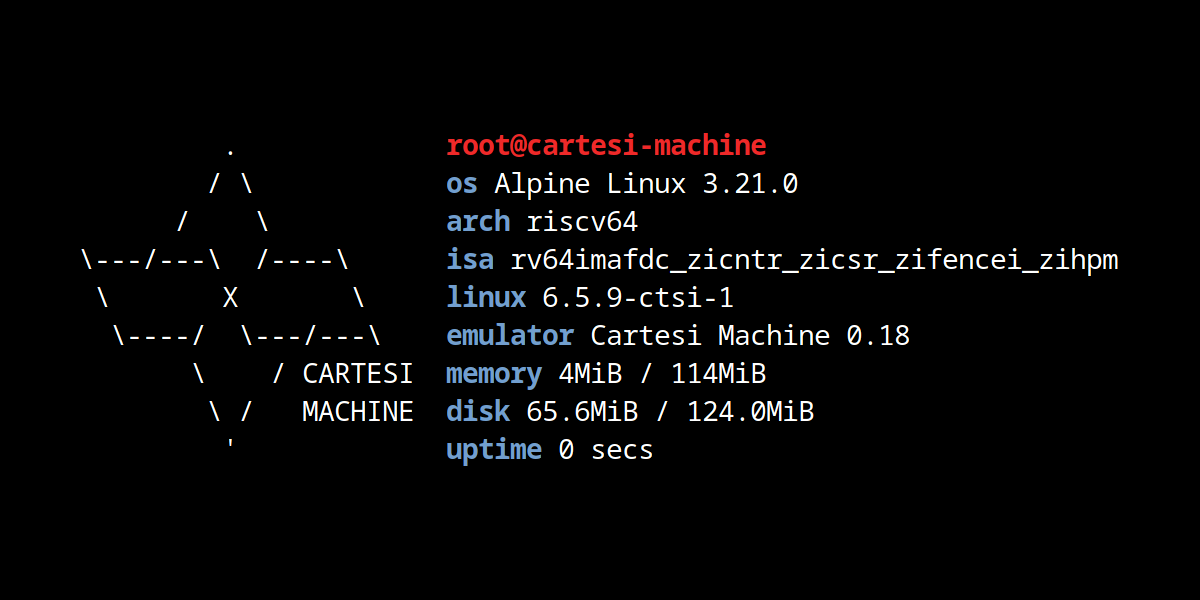
Try it now by clicking on the image above.
Building
Assuming you have Docker installed and also set up to run riscv64 via QEMU, just do:
make
It should build required dependencies and ultimately webcm.mjs and webcm.wasm which are required by index.html.
Testing
To test locally, you could run a simple HTTP server:
python -m http.server 8080
Then navigate to http://127.0.0.1:8080/
Customizing
To add new packages in the system you can edit what is installed in rootfs.Dockerfile and rebuild. You can also add new files and scripts to the system by placing them in the skel subdirectory.
Networking
The virtual machine has internet access via HTTP/HTTPS through a proxy architecture. All DNS queries inside the VM resolve to localhost, redirecting network traffic to an internal proxy service.
When the VM makes HTTP/HTTPS requests, the internal proxy intercepts them and forwards them to the host browser. The browser then executes these requests using the Fetch API and tunnels the responses back to the VM through the proxy.
This architecture enables installing Alpine packages from permissive mirrors and querying public APIs. However, since requests are executed in the browser context, only endpoints that permit cross-origin requests (CORS) will be accessible.
Testing the network
You can use curl to test HTTPS networking, for instance you can query your IP with:
curl ifconfig.me/ip
Installing packages
You can install packages on the system using the APK (Alpine package manager), for example:
apk add gcc
gcc hello.c -o hello && ./hello
Cloning git repositories
You can clone git repositories from GitHub via HTTPS by prepending https://cors.isomorphic-git.org/ to the URL (to bypass CORS restrictions), for example:
git clone --depth=1 https://cors.isomorphic-git.org/github.com/leachim6/hello-world.git
lua hello-world/l/Lua.lua
How it works?
The Cartesi Machine emulator library was compiled to WASM using Emscripten toolchain. Then a simple C program instantiates a new Linux machine and boots in interactive terminal.
To have a terminal in the browser the following projects were used: