halfix
x86 PC emulator that runs both natively and in the browser, via WebAssembly
OriginGitHub WebAssembly emu
TechnologyCross-platform native emulator (JIT / dynamic)
Available forWeb, Web
View official projectAbout the project
Emulator indexed on PortsNative optimized to run titles from GitHub WebAssembly emu on Web, Web. Offers high compatibility, graphic enhancements, and modern controller support.
Official project information
Halfix x86 emulator
Halfix is a portable x86 emulator written in C99. It allows you to run legacy operating systems on modern platforms.
Why?
I made this mostly for fun, and because it was a great way to learn about the x86 PC architecture. On a more practical level, it can be used for:
- Testing out or developing operating systems
- Running old programs or operating systems that no longer work on modern computers or you wouldn't want to risk running on your personal computer.
- Simulating other x86-based systems (the CPU component can be isolated relatively easily and used in other projects)
- Testing web browser performance
Building and Running
You will need node.js, a C99-compatible compiler, zlib, and Emscripten (only if you're targeting the browser). Make sure that the required libraries are in a place where the compiler can find them. No pre-build configuration is required.
The display driver uses libsdl, but if you're on Windows, there's a native port that uses the Win32 API and doesn't require SDL.
# Debug, native
node makefile.js
# Debug, Emscripten, asm.js
node makefile.js emscripten
# Debug, Emscripten, WebAssembly
node makefile.js emscripten --enable-wasm

# Release, native
node makefile.js release
# Release, Emscripten, asm.js
node makefile.js emscripten release
# Release, Emscripten, WebAssembly
node makefile.js emscripten --enable-wasm release

# Win32 API build (no SDL required)
node makefile.js win32
# Win32 API build, release
node makefile.js win32 release

# For more options and fine tuning
node makefile.js --help

# Chunk an image
node tools/imgsplit.js os.img

# Run in browser
http-server
Check the project wiki for more details.
System Specifications
- CPU: x86-32 (FPU, MMX, SSE, SSE2, some SSE3, PAE)
- RAM: Configurable - anywhere from 1 MB to 3584 MB
- Devices:
- Intel 8259 Programmable Interrupt Controller
- Intel 8254 Programmable Interval Timer
- Intel 8237 Direct Memory Access Controller
- Intel 8042 "PS/2" Controller with attached keyboard and mouse
- i440FX chipset (this doesn't work quite so well yet)
- 82441FX PMC
- 82371SB ISA-to-PCI bus
- 82371SB IDE controller
- ACPI interface
- Intel 82093AA I/O APIC
- Display: Generic VGA graphics card (ET4000-compatible) with Bochs VBE extensions, optionally PCI-enabled
- Mass Storage:
- Generic IDE controller (hard drive and CD-ROM)
- Intel 82077AA Floppy drive controller (incomplete, but works in most cases)
- Dummy PC speaker (no sound)
Compatibility
It boots a wide range of operating system software, including all versions of DOS, most versions of Windows (excluding Windows 8), newer versions of OS/2 Warp (3 and 4.5), ReactOS, some varieties of Linux (ISO Linux, Damn Small Linux, Red Star OS 2, Buildroot, Ubuntu), 9Front, NeXTSTEP, several hobby OSes, and probably more.
See Compatibility for more details.
Self-Virtualization
Can you run the emulator inside the emulator?
Yes, but not very quickly.
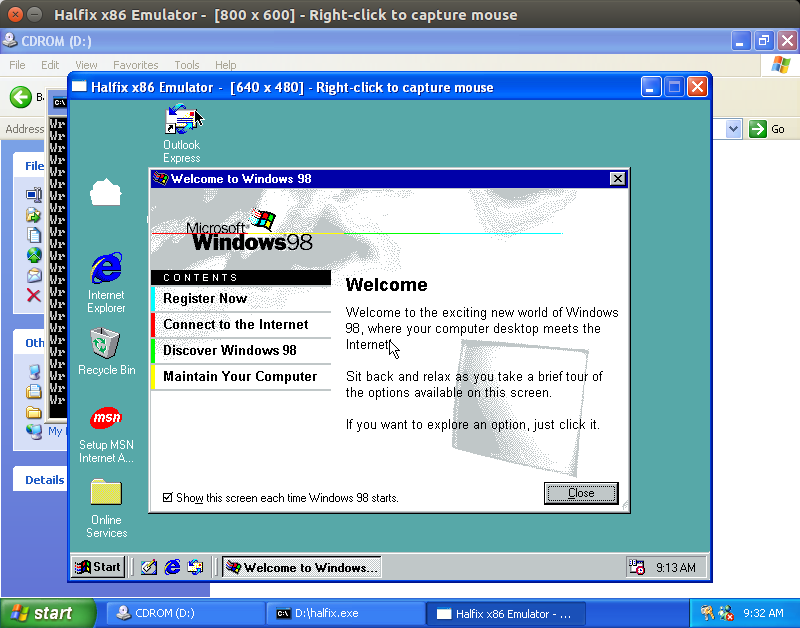
Screenshots
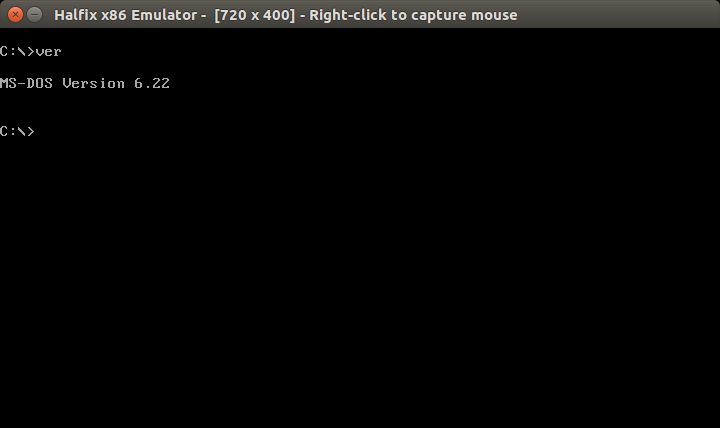
MS-DOS
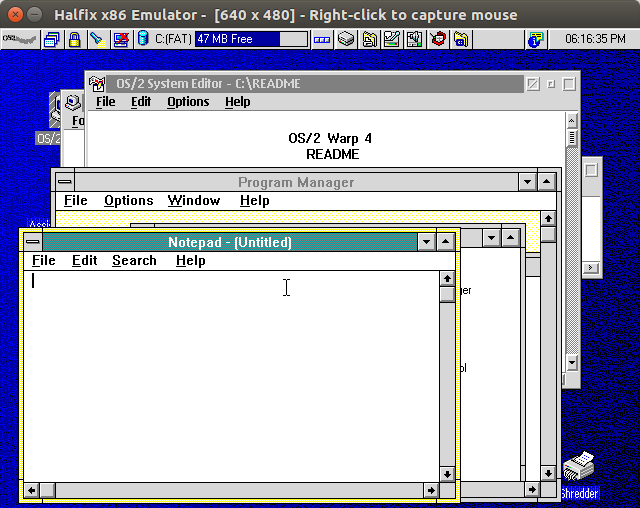
OS/2 Warp 4.5
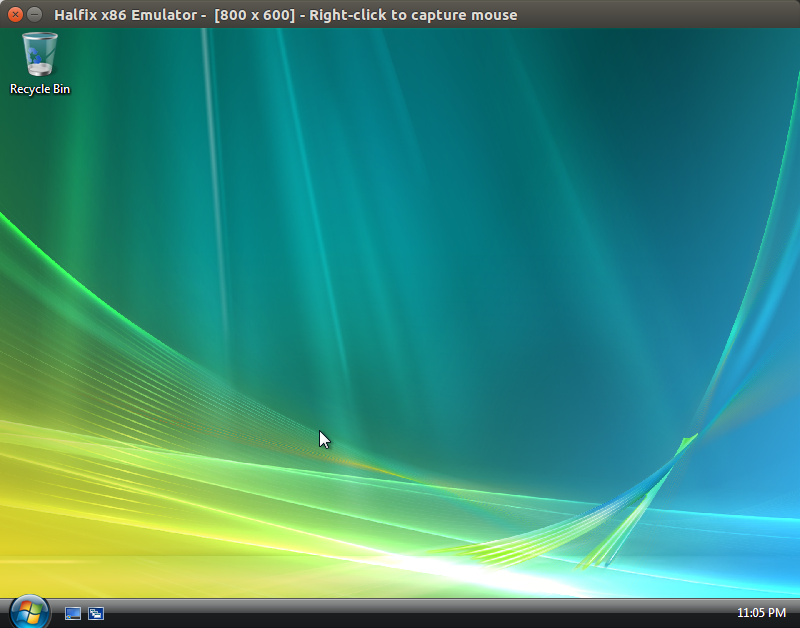
Windows Vista
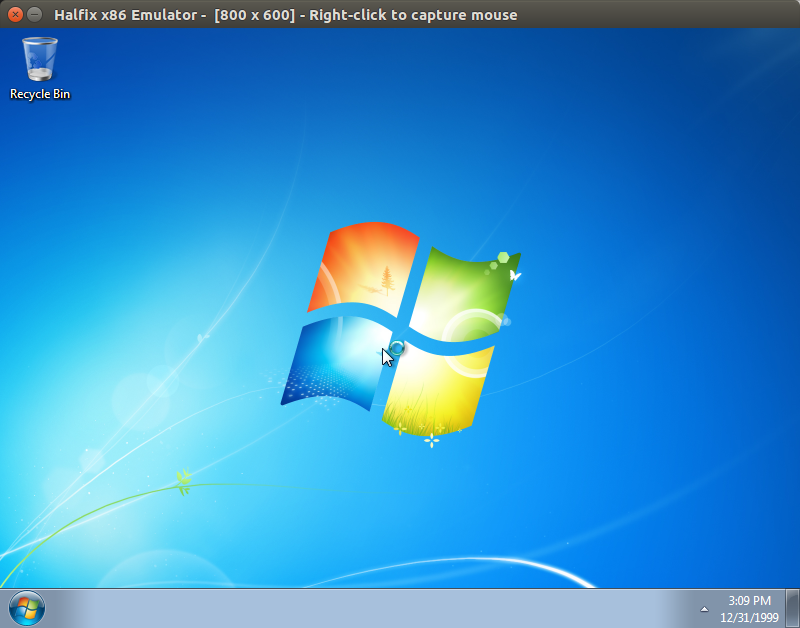
Windows 7
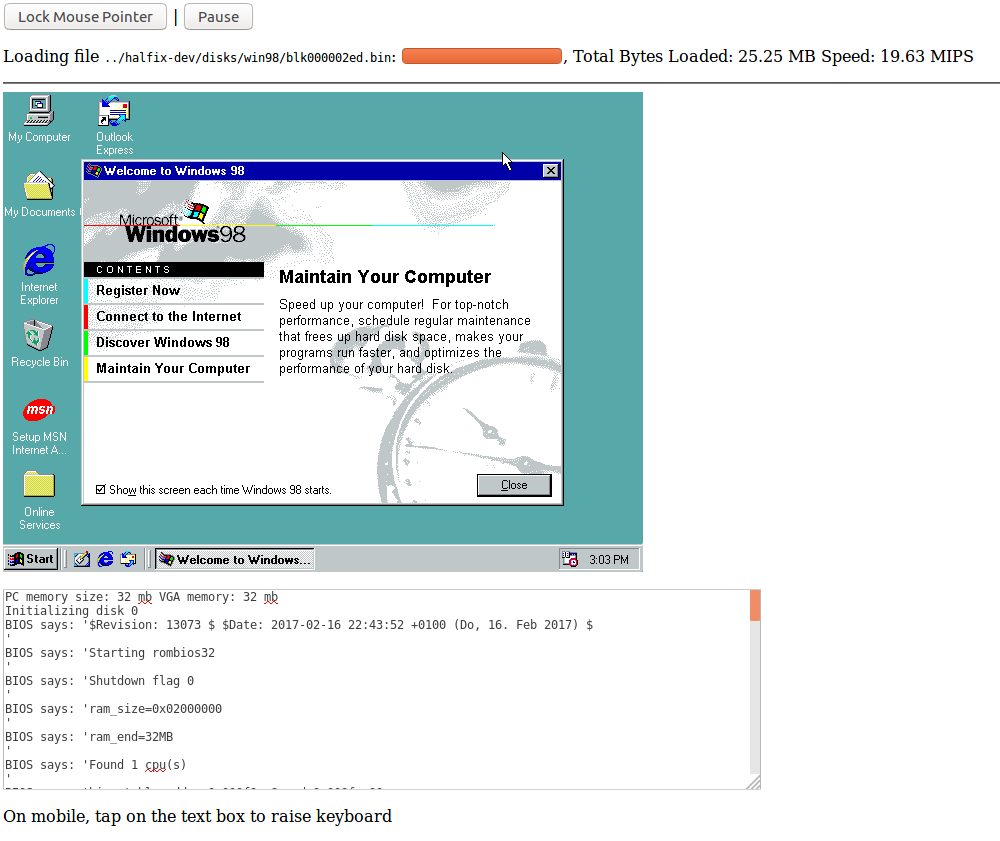
The same Windows 98 disk image as in the Halfix in Halfix screenshot running in Firefox
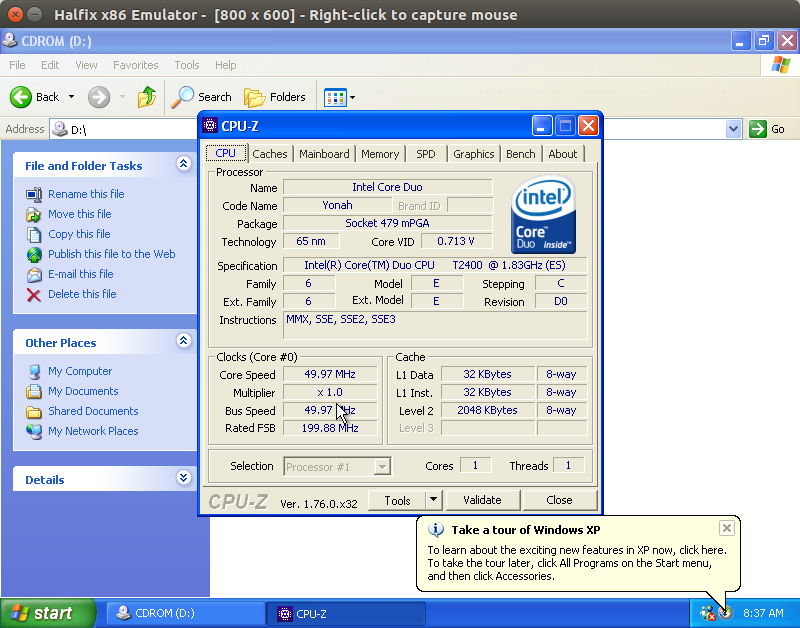
CPU-Z on Windows XP
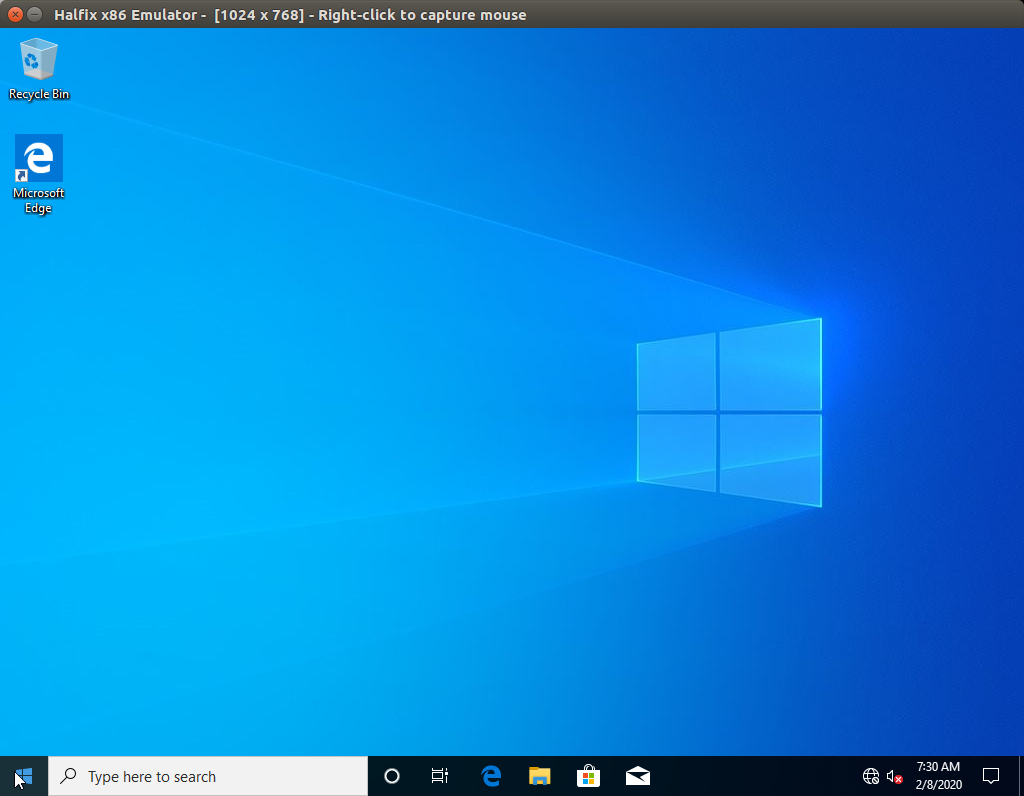
Windows 10
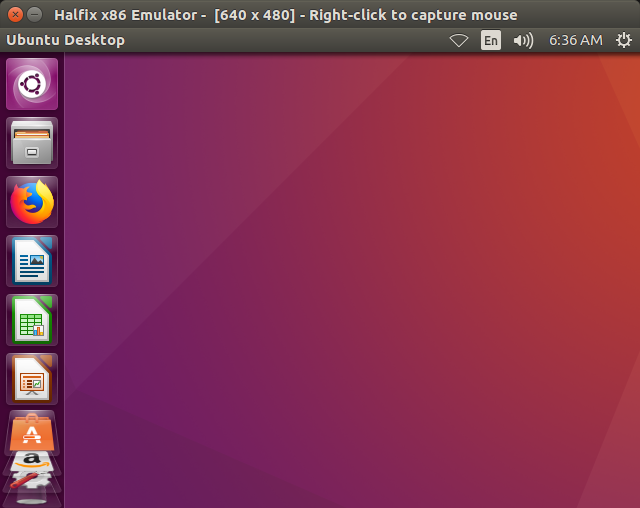
Ubuntu
Transferring Files
Create a directory with all the files you want to transfer and create an ISO image.
mkisofs -o programs.iso -max-iso9660-filenames -iso-level 4 programs/
Now update the configuration file as follows:
# Note: it does not hae to be ata0-slave.
# I have not tested it with anything but ata0-slave.
[ata0-slave]
inserted=1
type=cd
file=/tmp/programs.iso
driver=sync
Now boot up your operating system and copy the files from the CD-ROM to the hard drive.
Known Issues
- SSE3 is not fully supported
- Performance isn't terrible, but it isn't fantastic either (70-100 MIPS native, 10-30 MIPS browser)
- Timing is completely off
- Windows 8 doesn't boot (see this issue)
- FPU exceptions are probably very incorrect
- Most devices aren't complete, but enough is implemented to boot modern OSes.
- The configuration file parser isn't very good
License
GNU General Public License version 3
Similar Projects
Credits
The FPU emulator uses an modified version of Berkeley SoftFloat from the Bochs emulator.