
Aegis Wing (PC)
Aegis Wing
OriginXbox 360
TechnologyStatic recompilation (native C/C++)
Available forWindows
View official projectAbout the project
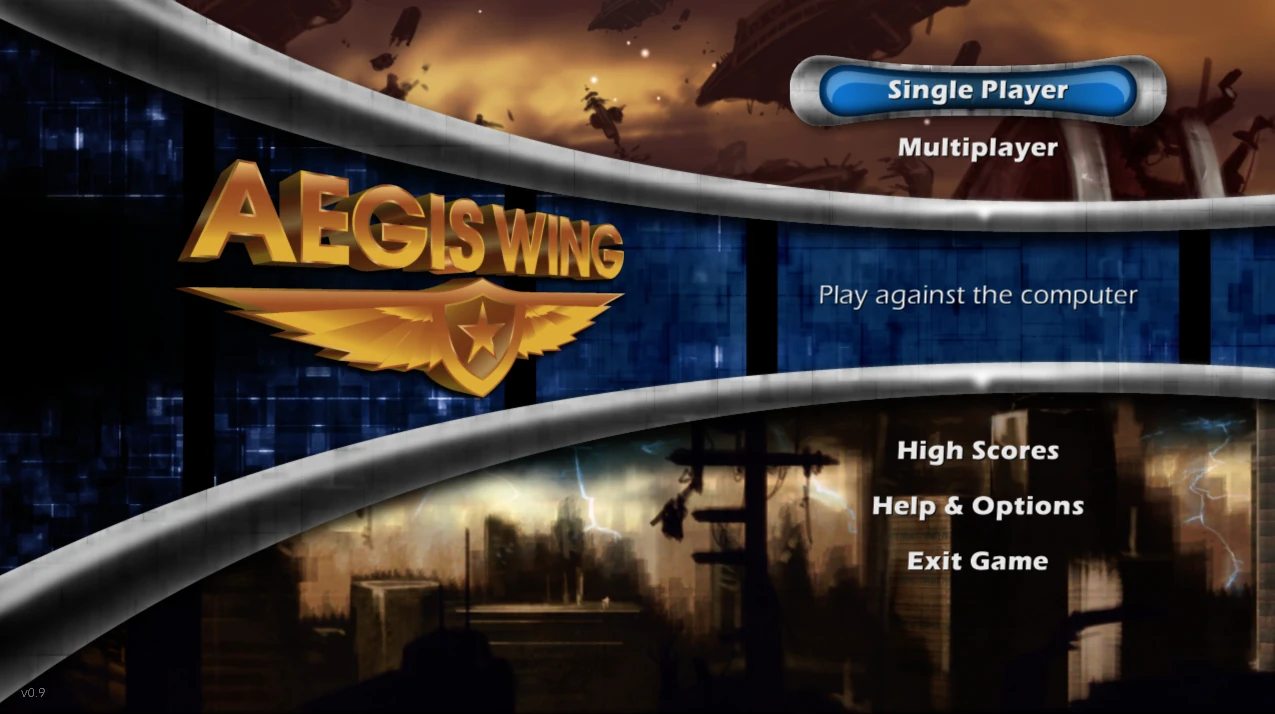
Aegis Wing es un videojuego de disparos de desplazamiento lateral de 2007 desarrollado por Carbonated Games y tres becarios independientes de Microsoft para Xbox Live Arcade, publicado por Microsoft Game Studios. El juego se lanzó a nivel mundial el 16 de mayo de 2007 y estuvo disponible de forma gratuita para todos los miembros de Xbox Live en Norteamérica.
Official project information
Aegis Wing XBLA PC Recomp
A native Windows PC version of Aegis Wing, the 2007 Xbox Live Arcade shoot-'em-up, created through static recompilation with ReXGlue. It supports up to 4K resolution and a stable 60 FPS for gameplay. Keyboard and mouse, Xbox controllers, local four-player co-op, LAN and online multiplayer has also been added through virtual LAN services.
You need your own copy of Aegis Wing. This project contains no original game executable, graphics, sound, music or other game data. The first time you start it, it reads the Xbox 360 Aegis Wing package you provide, checks that it is the supported version and imports the game data into its own folder on your PC.
If you enjoy the Aegis Wing XBLA PC Recomp and would like to support future projects, you can tip me on Ko-fi.

Requirements
- Windows 10 or 11, 64-bit
- A graphics card with DirectX 12 support
- Your own Aegis Wing Xbox Live Arcade package (the Xbox 360 game file for
Title ID
5841083C)
Nothing else needs installing; the Visual C++ runtime is included. An Xbox controller is optional.
Install and play
- Download the release ZIP from the Releases page and extract it to a writable folder (not Program Files).
- Open Aegis Wing.exe. The first time, a setup window opens. If your
package sits beside it (or in a
Game Packagefolder next to it) it is found and imported automatically; otherwise drag it onto the window or choose Browse package. The window tells you straight away if it is the wrong file or an unsupported version. - Pick any optional extras (Unlock Stage Select, fullscreen, desktop shortcut; all off unless ticked), then press PLAY.
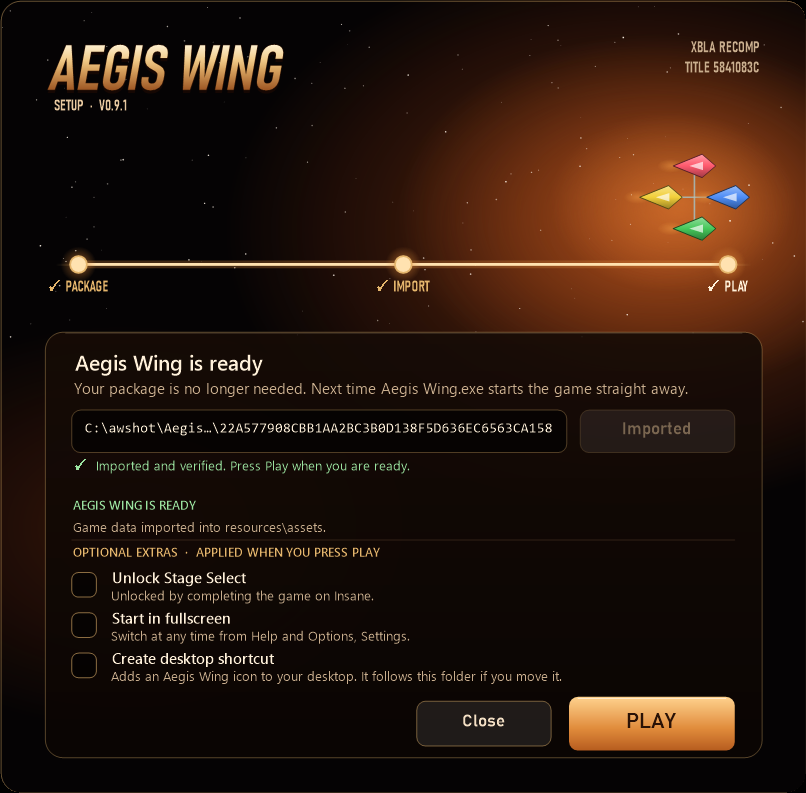
From then on Aegis Wing.exe starts the game straight away. The game runs
from resources\runtime, the imported game data is in resources\assets and
saves, high scores and settings are in resources\userdata, so the folder can
be moved or backed up as a whole. Start Aegis Wing.exe --setup to change the
extras or import again; your saves and settings are kept. Coming from release
0.9.0 or 0.9.1 (Setup Aegis Wing.exe and a Game folder)? Extract this release
next to it or inside it and the old install is found, with your saves and
settings carried over; the old folder is never changed.
The launcher only reads your package and never changes it. It needs no installation, no administrator rights and writes nothing to the registry. Neither it nor the game contacts Xbox Live.
Features
- Native Windows PC build: no emulator, runs as a normal Windows program
- Single player and local co-op for up to 4 players on one PC
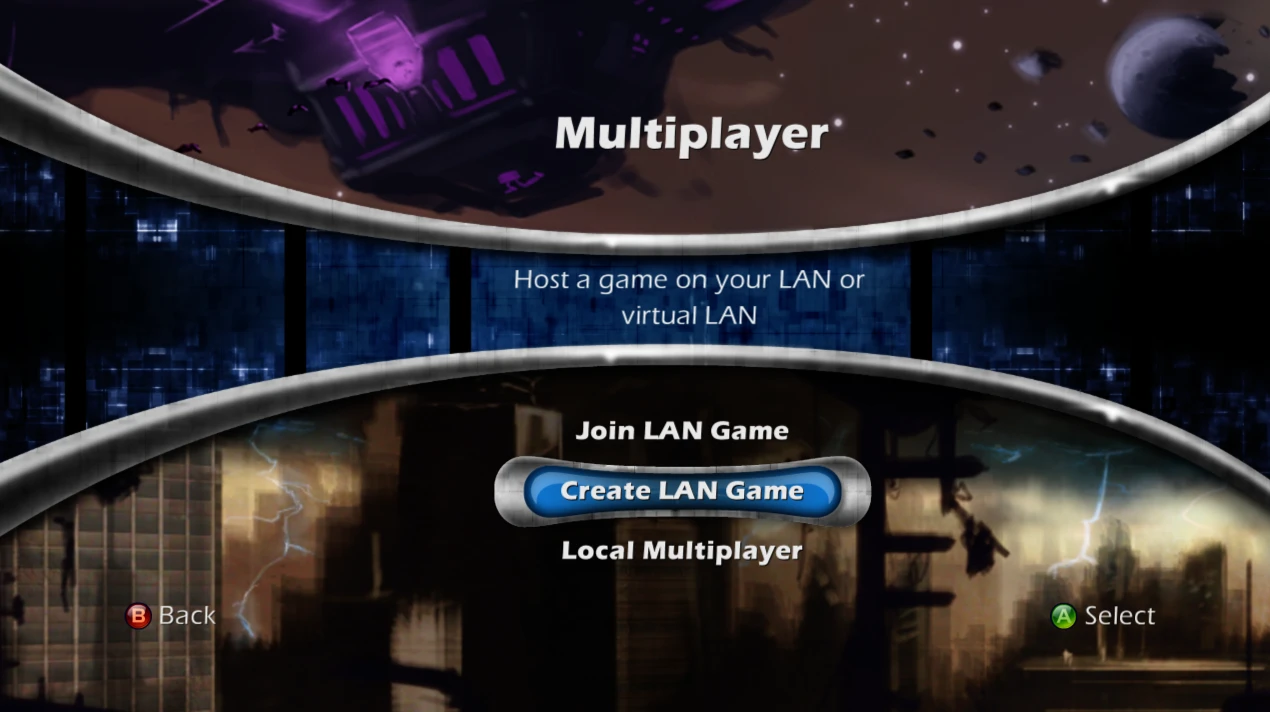
- LAN multiplayer (Multiplayer → Join LAN Game / Create LAN Game), and
online multiplayer through virtual LAN services such as ZeroTier,
Radmin VPN and Tailscale
- Up to 4K (3840×2160) with stable 60 FPS gameplay
- Xbox controller support, plus full keyboard and mouse support in menus and gameplay
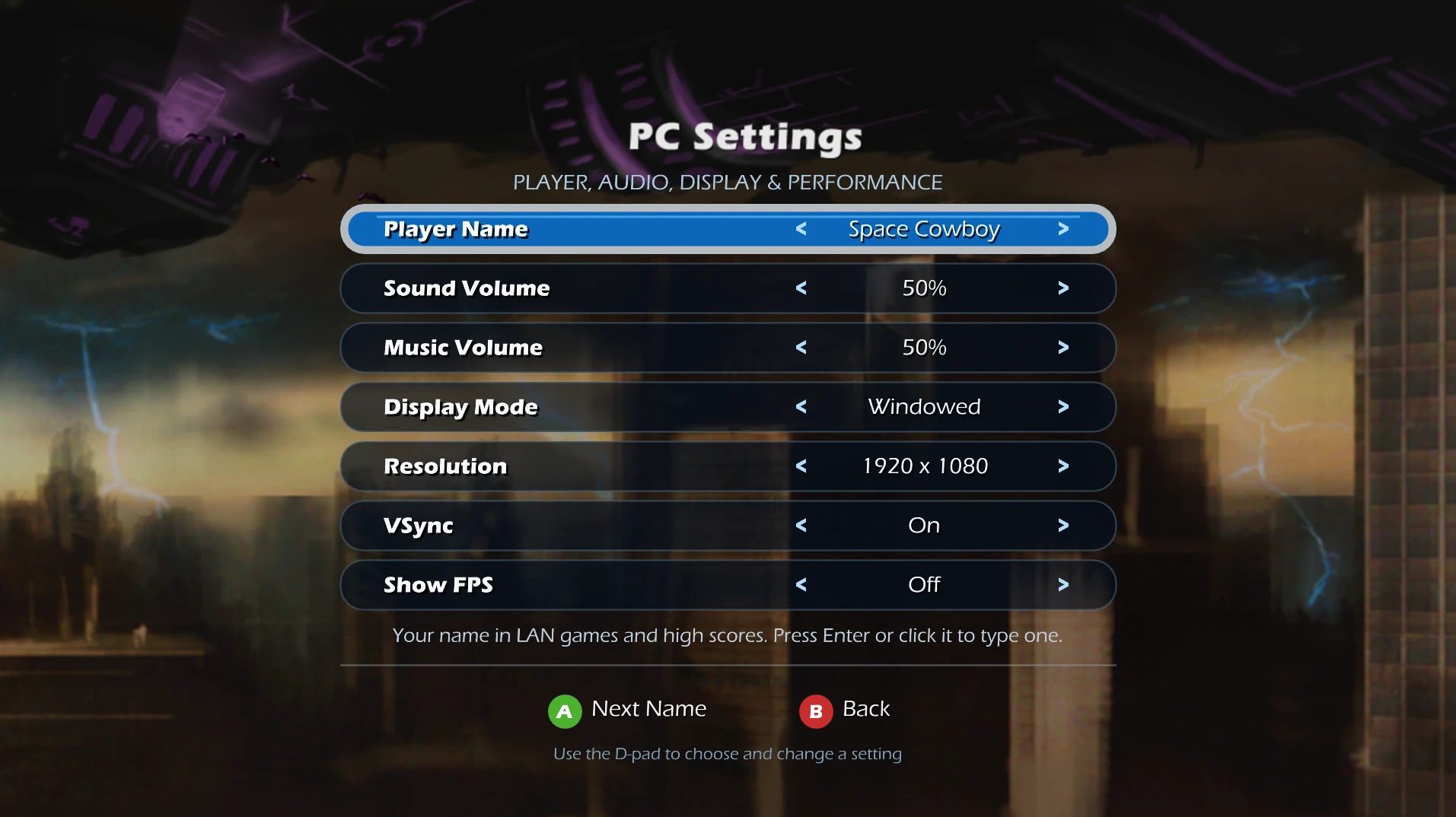
- Settings menu (Help & Options → Settings): player name, sound and music
volume, windowed or fullscreen, resolution, VSync and an optional FPS
counter
- Local high scores in place of the Xbox LIVE leaderboards
- Optional Stage Select unlock in the setup window (normally earned by completing the game on Insane)
- Portable: saves, settings and high scores stay in the game folder
Controls
| Key / button | Action |
|---|---|
| Arrow keys | Fly, move through menus |
| Space | A (fire, confirm) |
| Shift | B (back) |
| Escape | Back in menus, pause during play |
| Enter | Start |
| X, Y | X and Y buttons |
| Mouse | Point at menu items; left click is A, right click is B |
An Xbox controller works as on the console. Without a controller, the title screen says Press Any Key, and any key or click continues.
Known limitations
- Windows only for now.
- Only the Xbox Live Arcade release with Title ID
5841083C(game program version 0.0.1.3) is supported; the launcher refuses other builds. - Xbox LIVE features are not available: multiplayer works through LAN or a virtual LAN only, and achievements and online leaderboards are replaced or removed.
- The launcher and the game are not digitally signed, so Windows SmartScreen may warn the first time; choose More info → Run anyway. Windows also asks for network access the first time you join or create a LAN game.
If something goes wrong, include the newest files from
resources\runtime\logs when reporting it.
For Developers
Building from source. You need Git, CMake, Ninja, Clang and Windows PowerShell, plus your own Aegis Wing package.
ReXGlue is the rexglue-sdk submodule, pinned to upstream v0.9.0. This
project's changes to it are kept in patches/rexglue.patch, which CMake
applies automatically. ReXGlue's dependencies are nested deeply, so enable
long paths when cloning:
git -c core.longpaths=true clone --recurse-submodules --shallow-submodules https://github.com/CaiusCodes/Aegis-Wing-XBLA-PC-Recomp.git
Extract your package into game/, build the code generator, generate the
recompiled code from your own default.xex, then build the game:
.\tools\Extract-STFS.ps1 -Path <your package> -OutputDir game
cmake --preset win-amd64-release
cmake --build --preset win-amd64-release --target rexglue
.\tools\Regenerate-Code.ps1
cmake --preset win-amd64-release
cmake --build --preset win-amd64-release --parallel
The game is built to out/build/win-amd64-release/Aegis Wing.exe.
tools\Regenerate-Code.ps1 checks the XEX, runs the code generator and
applies the PC changes in tools/Apply-GeneratedPcPatches.ps1; the generated
code is never edited by hand or committed. .\tools\Make-Release.ps1 builds
the release ZIP: the launcher (packaging/launcher, built by
packaging/Build-Launcher.ps1), the game in resources\runtime, README and
licences; never any game data. A game exe that sits in a folder named
runtime keeps its data in the folder above it; every other build (such as
out/build/...) keeps assets and userdata beside the exe.
Licence and credits
This project's own code is released under the BSD 3-Clause licence (see
LICENSE, which also lists what it does not cover).
tools/Extract-STFS.ps1 and the launcher's package reader
(packaging/launcher/stfs.cpp) are derived from
Velocity and are GPL-3.0, which makes
the launcher program (Aegis Wing.exe in the release root) GPL-3.0 as a
whole; the game in resources\runtime is a separate program. ReXGlue,
which includes code derived from Xenia, and its
third-party libraries keep their own licences; see
packaging/licenses.
Aegis Wing, Xbox and Xbox 360 are trademarks or property of Microsoft. This is an unofficial fan project, not affiliated with or endorsed by Microsoft.