Grand Theft Auto · Carnage3D
Grand Theft Auto
OriginMS-DOS / Windows
TechnologyNative C/C++ port (engine reimplementation)
Available forWindows, Linux
View official projectAbout the project
Carnage3D es un videojuego de mundo abierto, lanzado en 2000.
Official project information
Carnage3D

This is open source Grand Theft Auto 1 remake project.


Status
Currently it is in very early stage, a progress so far: https://youtu.be/KnqaO0YZzZY
Thanks to modern technologies, it is now possible to play directly in web browser! Try it https://codenamecpp.github.io/carnage3d/web/carnage3D_wasm.html (tested in Chrome v85 64 bits and Firefox v81.0.1 64 bits, will not work in Edge).
Tools and technologies used
Compiling on Linux
At the moment, makefile configured so project will build with clang compiler.
Before build project make sure to install dependencies:
- apt install libglew-dev libglm-dev libgl1-mesa-dev xorg-dev clang
- apt-get install libopenal-dev
Run these commands in terminal:
- git clone --recurse-submodules https://github.com/codenamecpp/carnage3d
- cd carnage3d
- make
Compiling on Windows
You will need Visual Studio 2015 to build the project. Before compile, add system environment variable SDKDIR with path where all the dependencies lives. These dependencies are:
- GLEW
- GLM
- OpenAL-Soft
Configure
Game needs to be configured before launch, there is example config document in gamedata/config/sys_config.json.default - it must be copy-pasted to same directory but withoud ".default" suffix: gamedata/config/sys_config.json .
Most important param there is gta_gamedata_location - it is location of GTA1 gamedata resources.
How To Run
Original GTA1 game resources required in order to play (Full or DEMO). Demo version still available for download https://www.rockstargames.com/gta/extras/demos.html .
It is possible to download and play demo version of the game easily just typing a few commands in console:
- make get_demoversion
- make run_demoversion
Note that game must be compiled and configured before this step as described above.
Tested on Ubuntu Linux, Windows 7, Windows 10.
Command Line Params
- To select specific level to play you can add command line argument -mapname, for example: -mapname SANB.CMP
- To specify the game data location add argument -gtadata followed by path
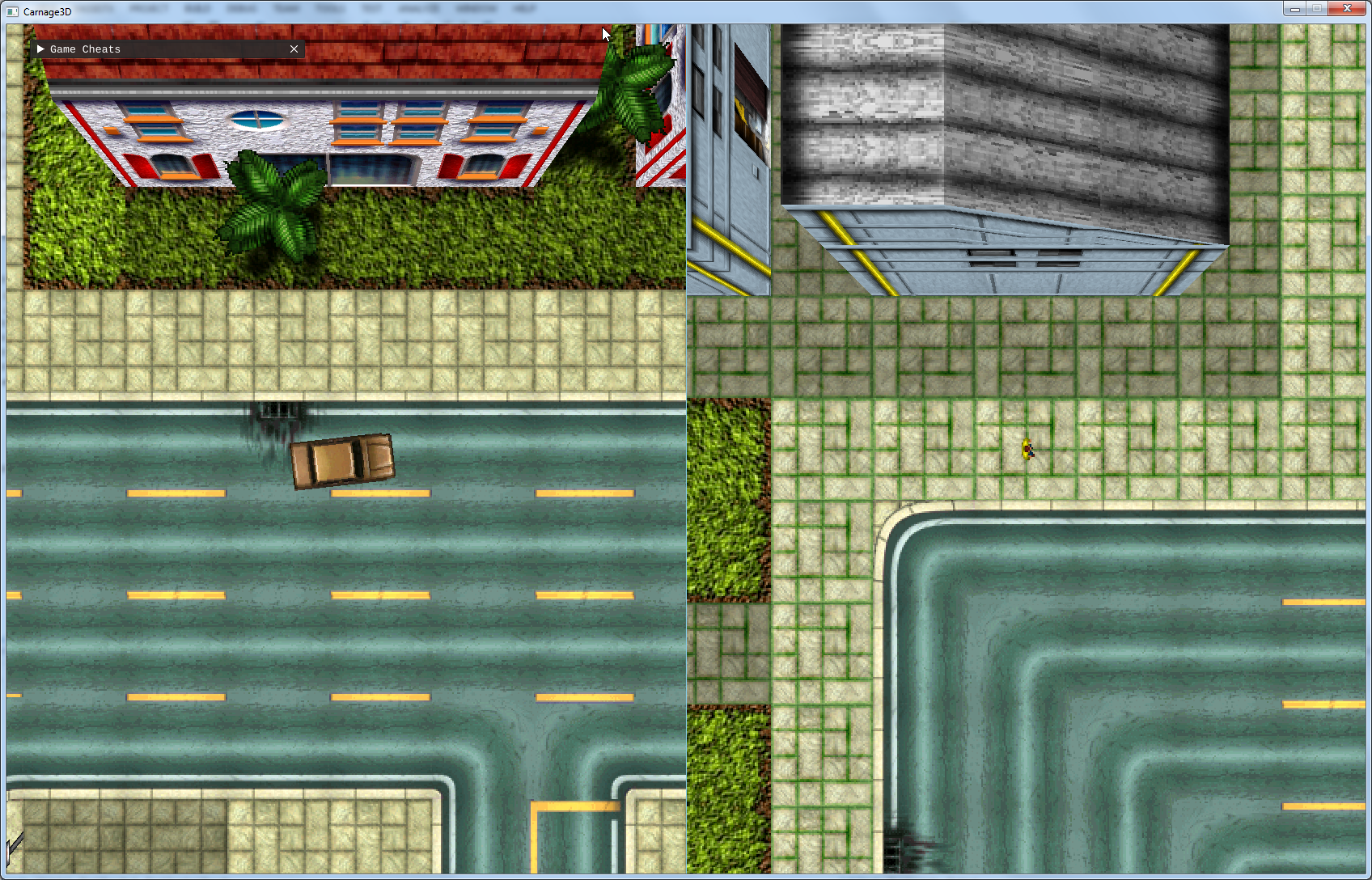
- To enable split screen mode add -numplayers, for example -numplayers 2, max 4 players is supported
Controls
It is similar to original:
- Arrow keys to walk/drive in directions
- Space to slide on car
- Enter to enter or exit car
- Tab to enable or disable car emergency lights (if it present)
- Z, X to change current weapon and Ctrl to shoot
When in "Free Look" camera mode, moving with W, S, A, D keys.
In addition there is support of xbox-compatible gamepads. To enable it or change default key bindings create config file gamedata/config/inputs.json (copy-paste template inputs.json.default) and modify it as you wish.
Other GTA 1/2 re-implementations
Screenshots
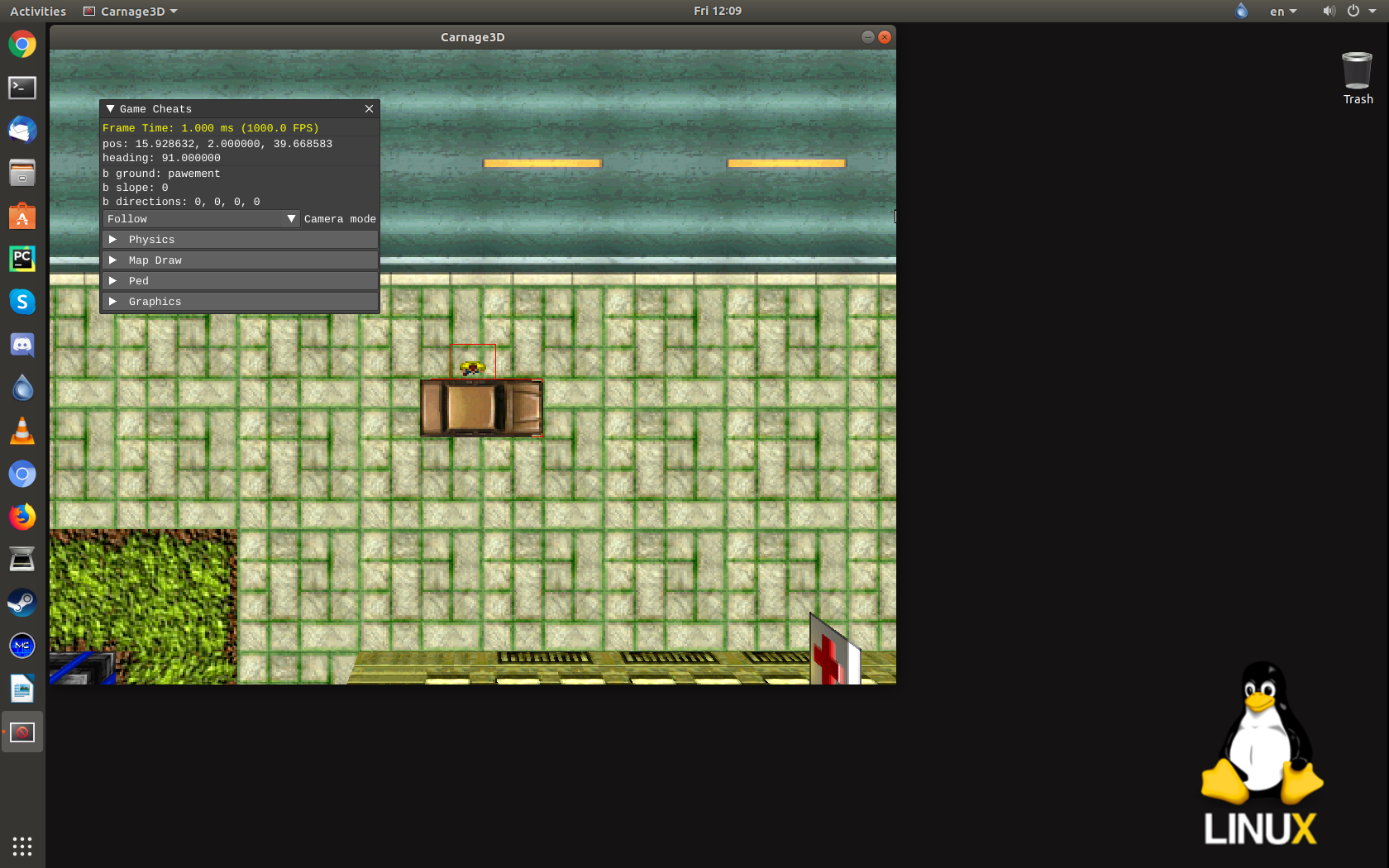
First test launch on Linux
Split screen test on Windows