
TimeSplitters
OriginPlayStation 2
TechnologyNative C/C++ port (engine reimplementation)
Available forWindows
View official projectAbout the project
TimeSplitters es un videojuego de disparos en primera persona y la primera entrega de la serie de videojuegos homónima, que salió a la venta coincidiendo con las navidades de 2000. Su modo de juego es la acción frenética y directa. Fue este videojuego el que estrenó en PlayStation 2 los disparos en primera persona.
Official project information
TimeSplitters (PS2) static recompilation
A static recompilation of TimeSplitters (PlayStation 2, Free Radical Design, 2000; the USA release, SLUS-200.90) to native code for Windows, Linux and the original Xbox. The game's MIPS program and VU microcode were translated to C++ with PS2Recomp and run on a runtime that replaces the PS2 hardware: the Graphics Synthesizer is drawn on the GPU, the sound chip and IOP are modelled, the memory cards are folders.
No game data is included. You need your own dump of the TimeSplitters (USA)
PS2 disc (a .bin/.cue, a .bin or an .iso); the program unpacks it on
the first start.
Downloads: see the releases.
Screenshots
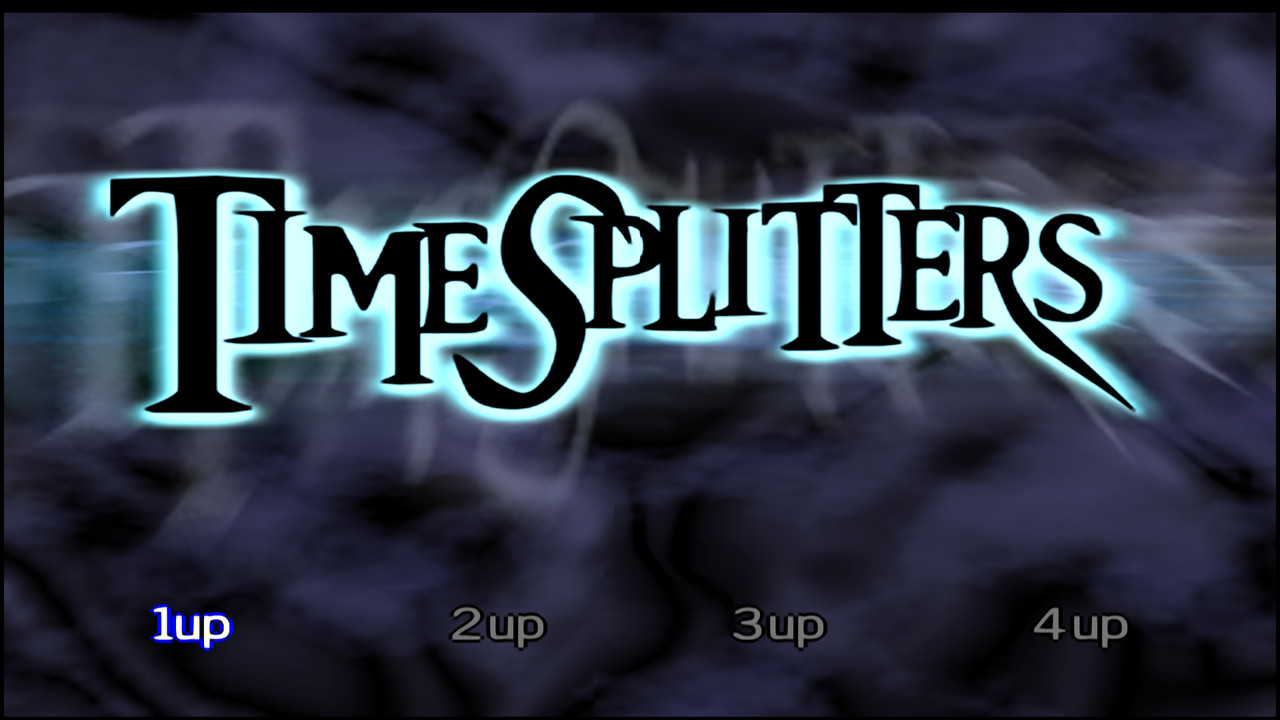 | 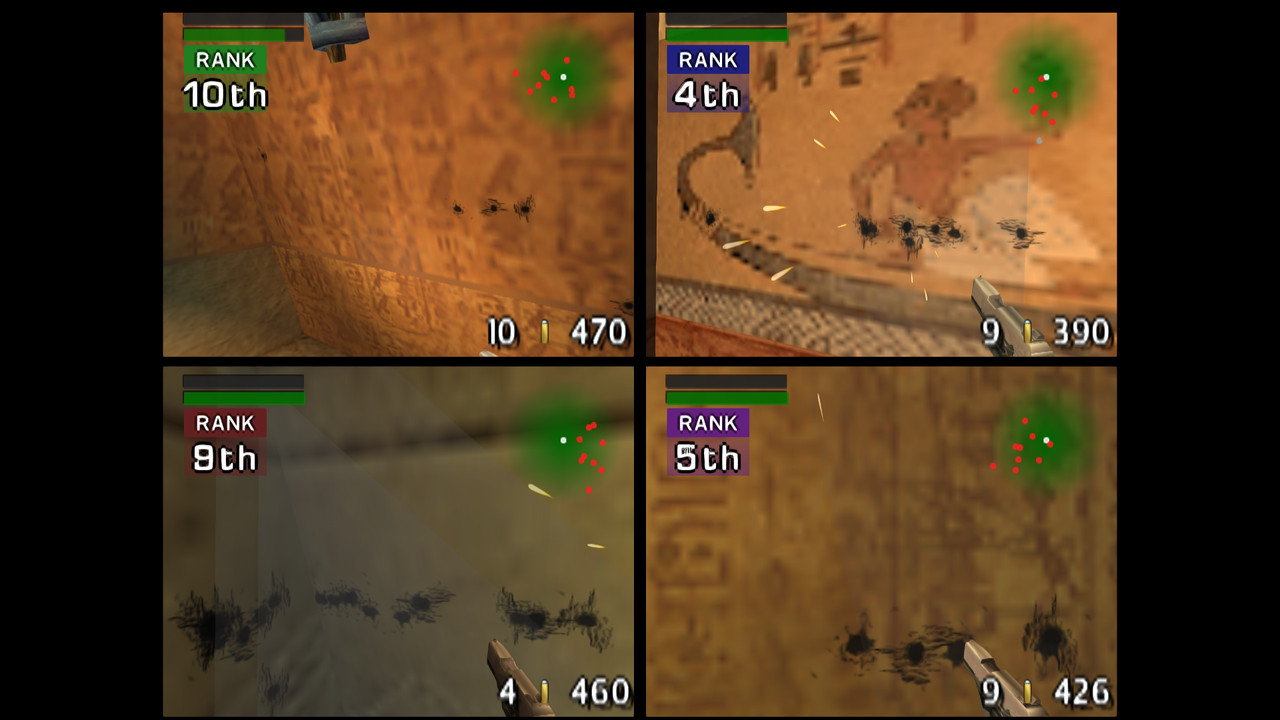 |
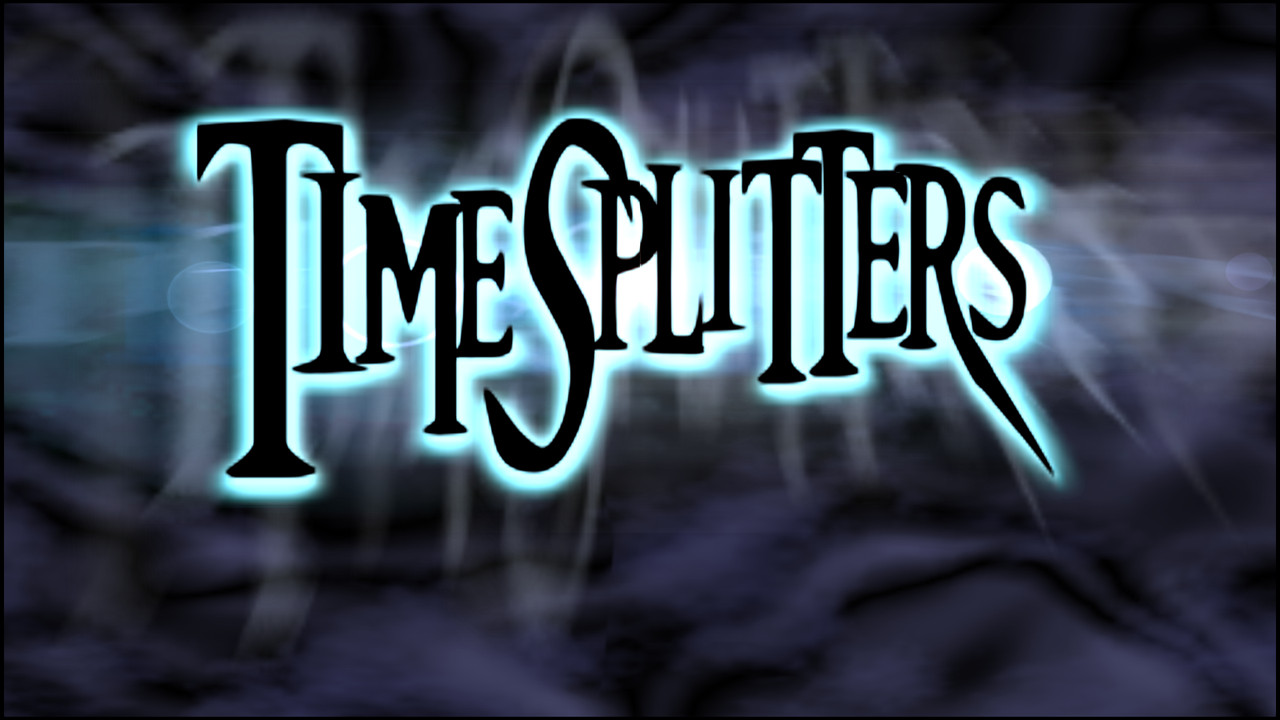
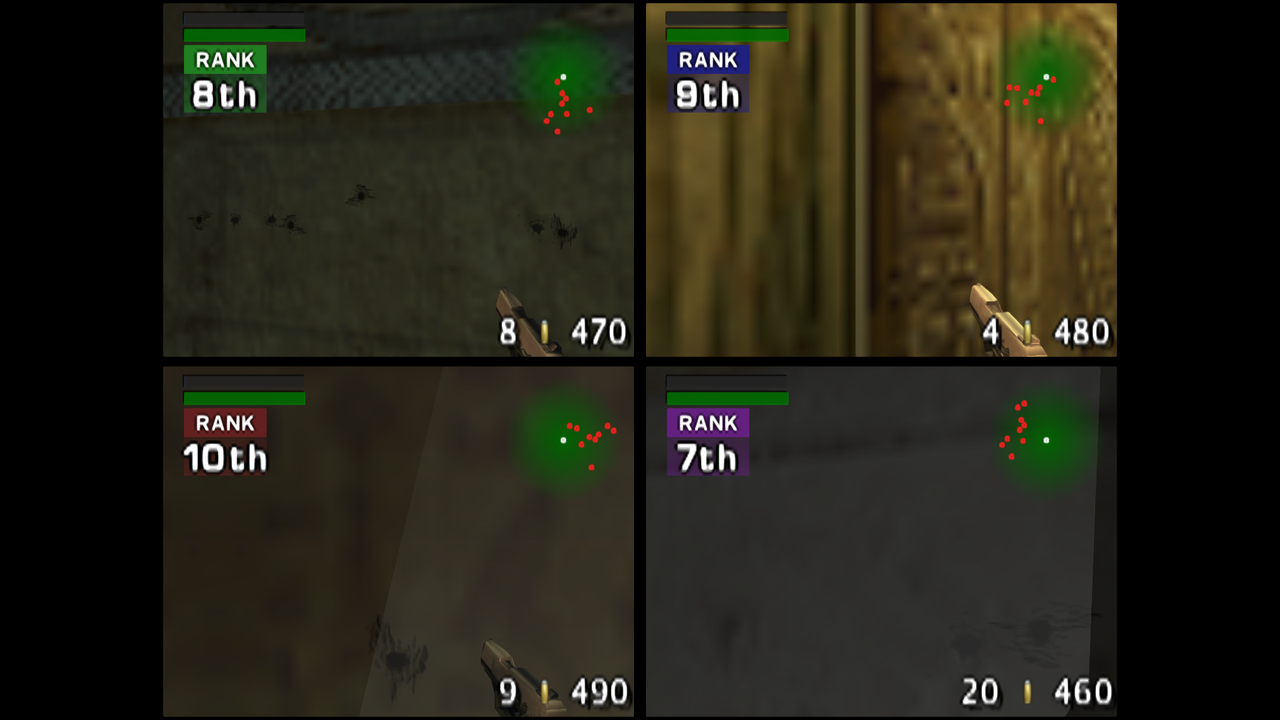
| Windows: title screen (1080p, widescreen, 4x render scale, FXAA) | Windows: four-player split screen in Tomb |
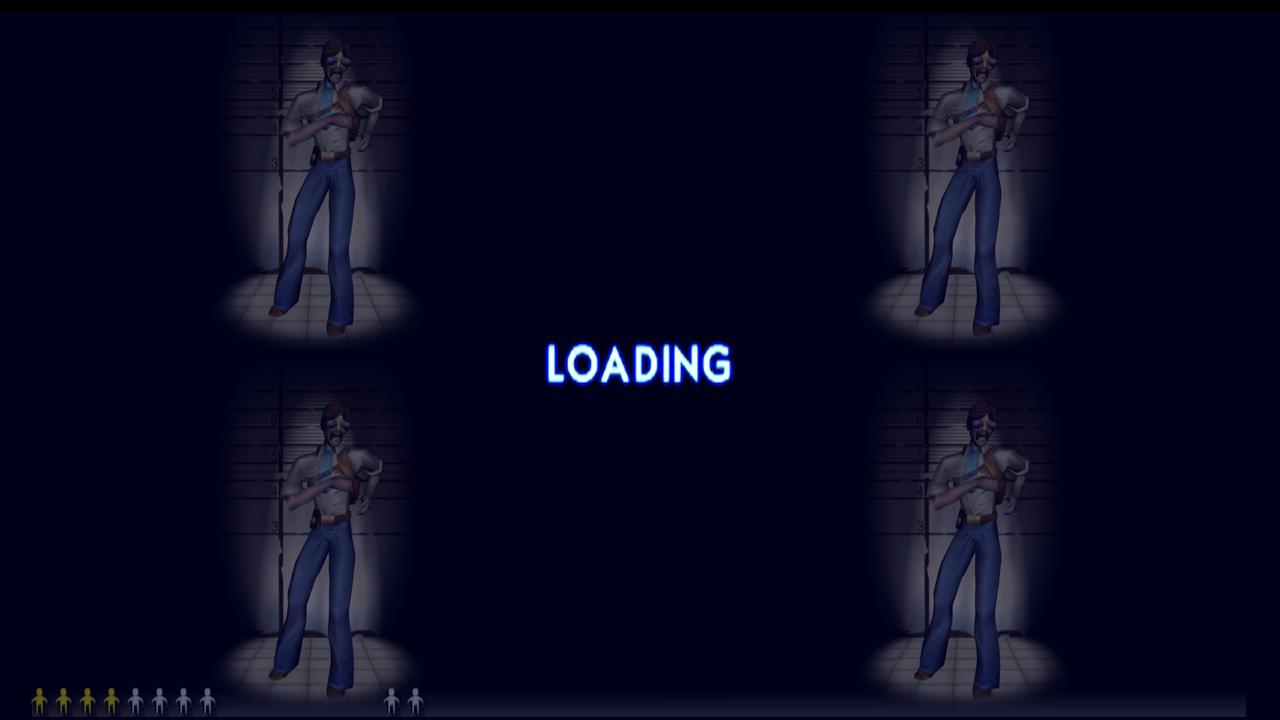 | 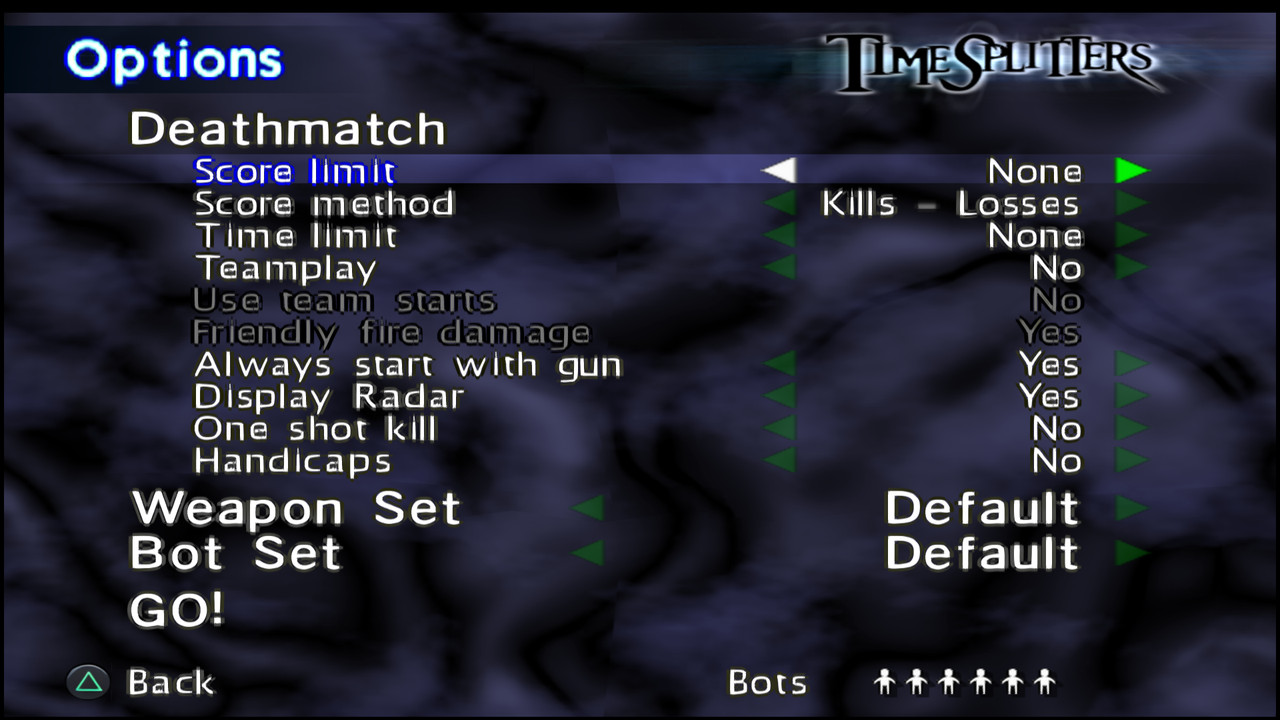 |
| Windows: widescreen loading screen | Windows: Deathmatch options |
 |  |
| Linux (Ubuntu under WSL2): title screen | Linux: four-player split screen in Tomb |
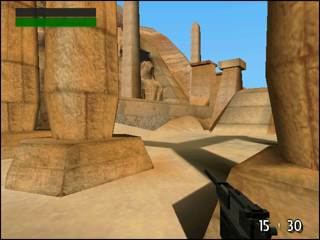 | 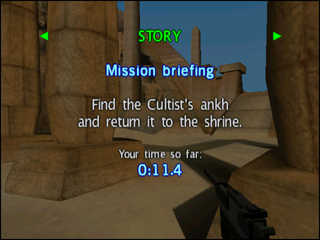 | 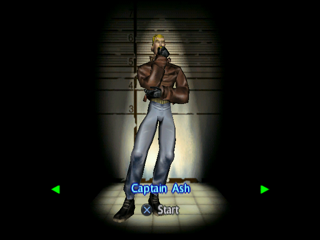 |
| Xbox: story mode, 1935 Tomb | Xbox: mission briefing | Xbox: character select |
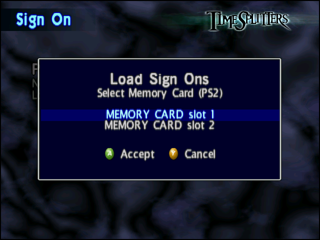 | 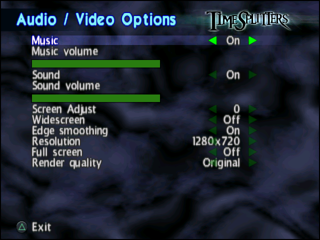 | 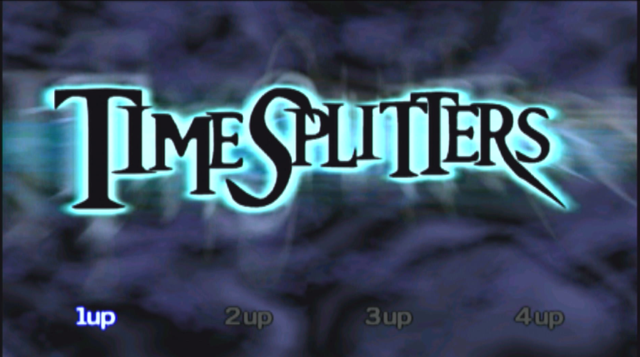 |
| Xbox: Load Sign Ons, with Xbox button prompts | Xbox: Audio / Video Options | Xbox: title screen, captured from the TV |
The Xbox pictures are framebuffer grabs from a real console (640x480, shown here at half size) and one capture of its TV output.
Features
- The full game: story, arcade, challenges, the map maker, cheats and unlocks, as on the PS2.
- One to four players in split screen, on the PC with up to four controllers.
- PC: any window size or borderless fullscreen, 16:9 widescreen (the game
shows a wider view; the HUD keeps its proportions), rendering at up to 4x
the PS2 resolution, FXAA edge smoothing, and texture replacement from PNG
files. All of it is set from the game's own Audio / Video Options menu or
from
timesplitters.ini. - Xbox: runs from the hard disk of a modded original Xbox, draws with the NV2A GPU, shows the Xbox controller's buttons in the game's prompts, and keeps saves where the dashboard lists them.
- Saves work on every platform: the two PS2 memory cards are folders on the PC and dashboard saves on the Xbox.
- Music and sound play natively (the game's music tracks are decoded by the runtime; sound effects go through a model of the SPU2).
Setup
Windows
Unzip TimeSplitters-Recomp-<version>-windows.zip into a folder you can
write to, put your disc dump next to timesplitters.exe and double-click it.
The first start unpacks the disc into a game-data folder (about 600 MB, a
minute or two, with a progress window) and the game starts; later starts go
straight to the title screen. Details, the folder layout and modding notes:
README-PC-SETUP.md.
Requirements: a 64-bit Windows 10 or 11 with an OpenGL 3.3 graphics driver. The program needs no DLLs beside it.
Linux
Unpack TimeSplitters-Recomp-<version>-linux-x86_64.tar.gz, put your disc
dump in the folder and run ./timesplitters from it. The prebuilt program
was built on Ubuntu 26.04 and needs its OpenGL and X11 libraries; on
other distributions build it from source (a few minutes). Under WSL2 start it
with GALLIUM_DRIVER=d3d12 to use the Windows GPU. Everything else is as on
Windows: README-LINUX.md.
Xbox
The Xbox version is a folder on the Xbox hard disk. The release carries only
the program (default.xbe with its dashboard icons); the game files are made
from your disc dump on a Windows PC by Prepare Xbox Files.exe, which comes
with the Windows release (its xbox folder holds the same program):
- Unzip the Windows release and put your disc dump in the folder.
- Double-click
Prepare Xbox Files.exeand choose where to make the folder. In well under a minute it makesTSRecomp(about 1.1 GB): the program, the disc as an.isowith Xbox button pictures patched in, the game files, and a texture pack prepared for the Xbox GPU. - Copy the whole
TSRecompfolder to the Xbox hard disk (FTP, for example asE:\TSRecomp) and startdefault.xbein it from your dashboard.
Saves live in E:\UDATA\54530001 (shown as "TimeSplitters" in the
dashboard), so replacing TSRecomp with a newer version keeps them. Full
steps and the folder contents: README-XBOX-SETUP.md.
Controls
Controllers come first. On Windows the game reads XInput (Xbox-style)
controllers, up to four, one per player; on Linux it reads /dev/input
joysticks. The buttons map to the PS2 pad as you would expect: A, B, X, Y are
Cross, Circle, Square, Triangle; the bumpers are L1 and R1, the triggers L2
and R2; Start and Back are Start and Select; the sticks are the sticks. The
Xbox version uses the console's own controllers and shows their buttons in
the game's prompts.
On the PC the keyboard and mouse count as one more device, beside up to four
controllers. Each player is the device they first press something on:
player 1 is whichever device is used first, the next device used becomes
player 2, and so on, so the four players can be any mix (three controllers
and the keyboard, say). A controller that is unplugged frees its player's
place. Moving the mouse looks around (the right stick); the left button is
R1 (fire), the right L1, the middle R2. The pointer stays in the window while
it has focus. In the front end's menus the pointer is free: pointing at an
item highlights it, a left click chooses it (or steps an option such as On /
Off to its next value), the wheel steps an option either way, and a right
click goes back. (The pause menu during play still takes keys and the pad.) Names (Sign On, the map maker) can be typed straight on the
keyboard, Backspace and Enter included. The game's button prompts show the
buttons of the device used last: an Xbox controller's A, B, X, Y, Back, LB
and LT, or the keys. The game's Audio / Video Options page switches the mouse
on or off and sets its speed (1-10), and switches V-Sync (frames shown in
step with the display, no tearing; on by default); all three are saved in
timesplitters.ini.
The keyboard:
| PS2 | Keyboard |
|---|---|
| Left stick (move) | W, A, S, D |
| Right stick (look) | I, J, K, L |
| D-pad | Arrow keys |
| Cross (accept) | Enter |
| Triangle (back, cancel) | Esc |
| Circle | C |
| Square | Z |
| L1 / R1 | Q / E |
| L2 / R2 | Left Shift / Right Shift |
| Start (pause) | P |
| Select | Tab |
While playing on the PC: F9 toggles FXAA, F10 widescreen, F11 fullscreen;
Alt+F4, Exit Game (on the Select Game Type page: choose it twice within
three seconds; in the pause screen's SETUP tab: then Confirm), or holding
Select + Start for two seconds quits. The default settings (timesplitters.ini) are a 1920x1080 window,
widescreen, FXAA and 4x render scale.
Known issues
- Xbox speed: about 28-30 frames per second in one-player story levels, but about 11 in four-player fights. No fog, no GPU points or lines, and textures are stored compressed (world textures above 256 pixels at half size).
- Linux: tested on Ubuntu 26.04 under WSL2 (keyboard, saves, four-player match). Controllers on Linux are untested. The prebuilt binary needs that distribution's libraries; otherwise build from source.
- Sound: reverb, noise and pitch modulation are not modelled; held tones may click.
- The Windows program needs no DLLs beside it and no Visual C++ redistributable: the C++ runtime is linked into it.
- More, with the state of each subsystem, in KNOWN-ISSUES.md.
Building from source
Windows (the release build): Visual Studio 2022 (MSVC 14.44), CMake and
Ninja. The game's own files must be in project\game-data (made by
scripts\prepare_game.py from your disc dump). Configure
source\PS2Recomp with -G Ninja -DCMAKE_BUILD_TYPE=Release -DTS_GAME_SOURCE_DIR=<repo>\project\game -DPS2X_BUILD_RECOMP=OFF -DPS2X_BUILD_ANALYZER=OFF -DPS2X_BUILD_TEST=OFF -DPS2X_BUILD_STUDIO=OFF -DPS2X_ENABLE_DEBUG_UI=OFF and build the timesplitters and
prepare_xbox_files targets; raylib is fetched by CMake on the first
configure. The build is build-release\timesplitters\timesplitters.exe, one
program with no DLLs (TS_STAGE_TO_ROOT also copies it to the repository
root). FFmpeg is off: the game plays no PS2 movies.
Linux: packages, configure line and notes in README-LINUX.md.
Xbox: the release-dual branch, nxdk at
C:\nxdk and MSYS2; bash src/xbox/build.sh. See
src/xbox/README.md.
Branches
master holds the PC (Windows and Linux) build. release-dual holds the
same code with the Xbox build on top; the Xbox-only changes are compiled in
only for the Xbox, so the PC program built from either branch is the same.
Legal
This is an unofficial fan project and is not affiliated with or endorsed by Free Radical Design, Eidos Interactive, Deep Silver or Embracer. TimeSplitters is their property. No game data, code or assets from the disc are included here or in the releases: the recompiled program contains only the translated machine code of the game, and every data file is made from the disc you own.
The recompiler and runtime are built on PS2Recomp, which is under the GNU
General Public License version 3 (source/PS2Recomp/LICENSE); this
repository's own code is distributed under the same terms. The Xbox build
uses nxdk (the Xbox Development Kit by XboxDev), whose components are under
the MIT, Apache 2.0, NCSA, CC0 and NVIDIA Cg licences, and PC builds use
raylib (zlib licence). There is no separate licence file at the top of this
repository.