KirbyRecomp · Super Kirby Clash
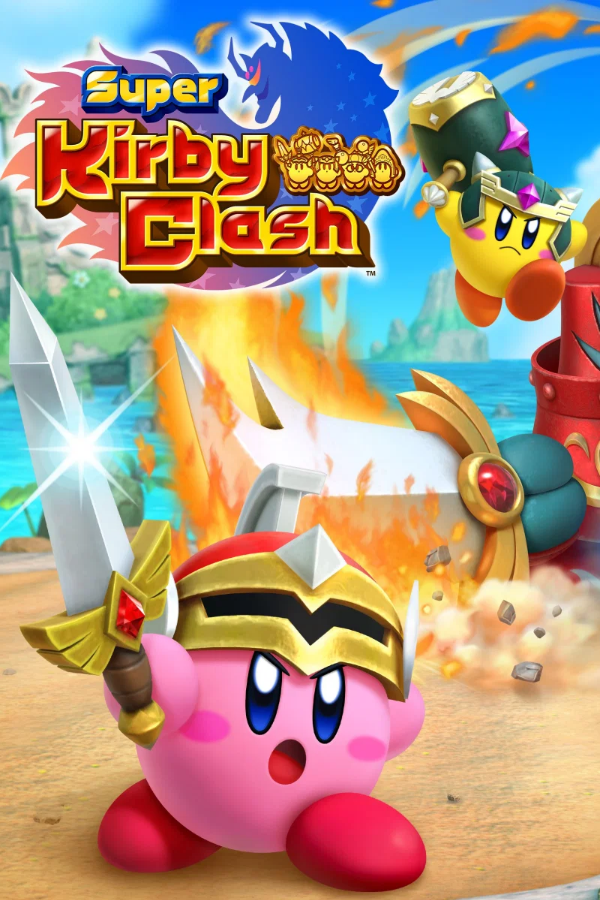
Super Kirby Clash
OriginNintendo Switch
TechnologyStatic recompilation (native C/C++)
Available forWindows
View official projectAbout the project
KirbyRecomp: proyecto comunitario relacionado con Super Kirby Clash. Comprueba los requisitos del desarrollador y utiliza solo archivos procedentes de tu propia copia original.
Official project information
KirbyRecomp
Experimental native Windows port of Super Kirby Clash, based on LASRecomp's ARM64-to-C translator and Vulkan renderer.
You must supply your own dumped ExeFS and RomFS. The setup EXE contains the open-source setup program, portable Python and runtime/build source. Game executables, assets, keys, generated game code and precompiled game binaries are not distributed. The game code is translated and compiled locally from the files you provide. No package decryption is included.
<img width="1275" height="714" alt="image" src="https://github.com/user-attachments/assets/aae73991-ecba-4447-a3f2-f21636bdde16" />Windows setup EXE
Download KirbyRecompSetup-v0.3.0-alpha.exe and its SHA-256 file from the release. The setup EXE includes portable Python; no system Python installation or administrator rights are needed. It is currently unsigned.
- Run the setup EXE and choose an empty installation folder. The default is
%LOCALAPPDATA%\KirbyRecomp. An existing setup installation can be updated in place. - Browse to your own extracted ExeFS and RomFS folders.
- Click Build game. Setup installs the compiler/build dependencies from PyPI, downloads native libraries from the official MSYS2 repository, validates your dump, translates the game code and compiles your local executable. The first build needs internet access, several GB of disk space, and several minutes.
- Click Play game. Reopen
KirbyRecompSetup.exein your installation folder for future launches. Your selected folders are remembered after a successful build.
Install tools can prepare the environment before selecting a dump. Cancel
stops the current tool/compiler process group; verified generated objects can be
reused on the next attempt. Diagnostic output is also written to setup.log.
Keep your RomFS at the selected location. Close the game before rebuilding.
Requires Windows 10/11 x64 with built-in tar.exe, an AVX2/FMA-capable CPU and a
Vulkan 1.3 GPU. Only RTX 4070 SUPER has been verified. The setup EXE is precompiled;
the game's executable is built locally from your files. NSP/XCI import is not included.
Build and play from source
- Install 64-bit Python 3.12 or newer and enable its Windows launcher or add it to PATH. Use Windows 10/11 x64, an AVX2/FMA-capable CPU, and a Vulkan 1.3 GPU with current drivers. Only NVIDIA RTX 4070 SUPER has been verified so far.
- Download and extract the source kit from Releases, or clone this repository. Keep several GB of free disk space for generated files and the compiler. Internet access is needed during initial tool/library setup.
- Double-click Build Kirby.cmd. Paste your ExeFS folder path, then your RomFS folder path. The script installs the pinned Python packages and Zig compiler, downloads native libraries from the official MSYS2 repository, validates your dumps, translates the executable modules and compiles your local port. The first build can take several minutes; subsequent builds reuse verified objects.
- Double-click Play Kirby.cmd. Keep your RomFS folder available at the selected location. Close the game before rebuilding.
Expected dump layout (select each of the two folders when prompted):
My dump/
  exefs/
    main
    main.npdm
    rtld
    sdk
    ... other NSO modules, if present
  romfs/
    gfx/
    map/
    mint/
    msg/
    snd/
    ... all remaining extracted assets
A flat dump with both executable files and asset folders also works: select the same
folder for both prompts. An NSP/XCI or the asset folders alone are insufficient.
Use matching ExeFS and RomFS from your own copy. The title must be Super Kirby Clash
(01003FB00C5A8000, ARM64). The tested main NSO build ID starts with
c9649e053bd7be2751ef0b00e7c03f5d59695b94; other revisions are unverified.
For command-line setup after installing requirements into a virtual environment:
.\.venv\Scripts\python.exe tools/setup_kirby.py --exefs "D:\My dump\exefs" --romfs "D:\My dump\romfs"
Add --check-only to validate without generating or compiling. Local paths are
stored in ignored kirby-local.json and kirby-launcher.path. If you move your
RomFS, rerun the build with its new path. Keep your local build private: the
resulting executable and relocated .image files contain your game's code/data.
Controls and saves
| Keyboard | Switch input |
|---|---|
| Arrows / WASD | Left stick and D-pad |
| Enter / Z | A (confirm) |
| X / Backspace | B |
| C / V | X / Y |
| Q / E | L / R |
| Left / right Shift | ZL / ZR |
| Escape / Tab | Plus / Minus |
| F1 | Open native video settings |
| F11 | Toggle fullscreen |
| F12 | Save a screenshot to the local build's build/window.png |
SDL controllers use Nintendo face-button positions (right=A, bottom=B). Only player one is connected. Focus the game window for keyboard input.
Default save: generated-kirby/probe/save/save_0/savedata.dat.
Default diagnostic log: generated-kirby/probe/runtime.log.
Back up your save folder before changing builds.
Video settings
Press F1 in the game for the custom settings window. Choose independent window
and render dimensions, fullscreen, and Original / 60 / 120 FPS. Click Save settings
and restart the game. F11 toggles fullscreen immediately. The settings window pauses
the main game loop. Choices are stored beside your local executable in
kirby-settings.ini; saves are kept separately.
Custom dimensions support widths of 320-7680 and heights of 180-4320 pixels. The game keeps its 16:9 composition, with bars for other window shapes. Render resolution changes the GPU targets, not just the window size.
The 120 FPS option is experimental rendering at up to 120 frames per second.
Gameplay consumes fixed 60 Hz updates based on elapsed time; this avoids doubling
movement and timers. There is no frame interpolation: motion driven by those fixed
updates can still look like 60 FPS. Achieved frame rate depends on the scene and GPU.
Timing overrides are enabled only for the checked main build
c9649e053bd7be2751ef0b00e7c03f5d59695b94; other versions keep original timing.
Original mode remains the default.
Alpha status
Verified locally: title screen, opening story, village dialogue and movement, quest menus, profile and shop panels, the first battle scene and its real-time timer, keyboard/controller input, game audio, and local save creation/reload. The three supplied modules translate into 79,391 native functions. The 3D color-LUT layout bug causing neon scene colors is fixed. Missing profile/shop UI was caused by an ignored depth-clamp command, now implemented in Vulkan. The shop's mipmap-query shaders are supported as well.
Full battles and later stages have not been validated. Unknown required services or unsupported instructions can stop the runtime with a diagnostic. This is an experimental alpha, not a complete-game compatibility claim. Nintendo online services, purchases, multiplayer and downloaded content are unavailable.
Development
py -3 -m venv .venv
.\.venv\Scripts\python.exe -m pip install -r requirements-build.txt
.\.venv\Scripts\python.exe -m unittest discover -s tests -v
.\.venv\Scripts\python.exe tools/smoke.py
.\.venv\Scripts\python.exe tools/test_runtime.py
.\.venv\Scripts\python.exe tools/fetch_native_deps.py
.\.venv\Scripts\python.exe tools/test_shaders.py
.\.venv\Scripts\python.exe tools/test_textures.py
.\.venv\Scripts\python.exe tools/test_settings.py
.\.venv\Scripts\python.exe tools/build_installer.py
.\.venv\Scripts\python.exe tools/test_installer.py
Tests use original synthetic fixtures. The CPU smoke test compares 30 translated ARM64 cases with Unicorn. Native tests check contended mutexes, event ownership, IPC/domain lifetime, save persistence/path confinement, shader translation and the 3D color texture layout. They do not require commercial game files. CI runs these checks on Windows.
switchrecomp.py also exposes analyze, generate, compile-objects and package
inventory commands. See --help, porting notes and
upstream provenance.
Optional development diagnostics: KIRBY_TRACE=1, KIRBY_TRACE_SVC=1,
KIRBY_TRACE_IPC=1, and KIRBY_FUNCTION_BUDGET=<count>. Test automation can use
KIRBY_INPUT_SCRIPT=180-188:A,300-308:A or a KIRBY_TEST_CONTROL file with button
names, AUTO_A, SHOT=<id> and DEBUG=<id>. Normal launches enable none of these.
Credits and license
MIT license for this project's code; LASRecomp's license and original notices are
retained under vendor/lasrecomp. SMAA and the Ryujinx-derived audio mixer retain
their attributions under vendor/lasrecomp/third_party. Dependencies downloaded
during setup retain their own licenses. Super Kirby Clash belongs to its respective
owners. This is an independent project and is not affiliated with Nintendo or HAL
Laboratory. No game files are covered by the source license.