WEB GAMEACTION / ADVENTUREWEBBETA
Alley Cat — Recomp Web
OriginIBM PC / DOS (1984)
TechnologyWebAssembly (WASM) / WebGL / native canvas
Available forWeb
View official projectAbout the project
Recompilación del arcade DOS Alley Cat, con versión Web 1.3 y controles de teclado. Disponible desde la página oficial del port.
Official project information
Author's original READMEOpen on GitHub ↗
Alley Cat (x86-64 recomp)



A recompilation of Alley Cat (Bill Williams, SynSoft/IBM, 1984) from its original DOS executable for x86_64 platforms.
[!IMPORTANT] About 99% of the code is LLM-generated and only roughly reviewed. If you have concerns about AI-generated code, avoid this project.
| CGA (default) | PCjr (-pcjr / Ctrl-P) |
|---|---|
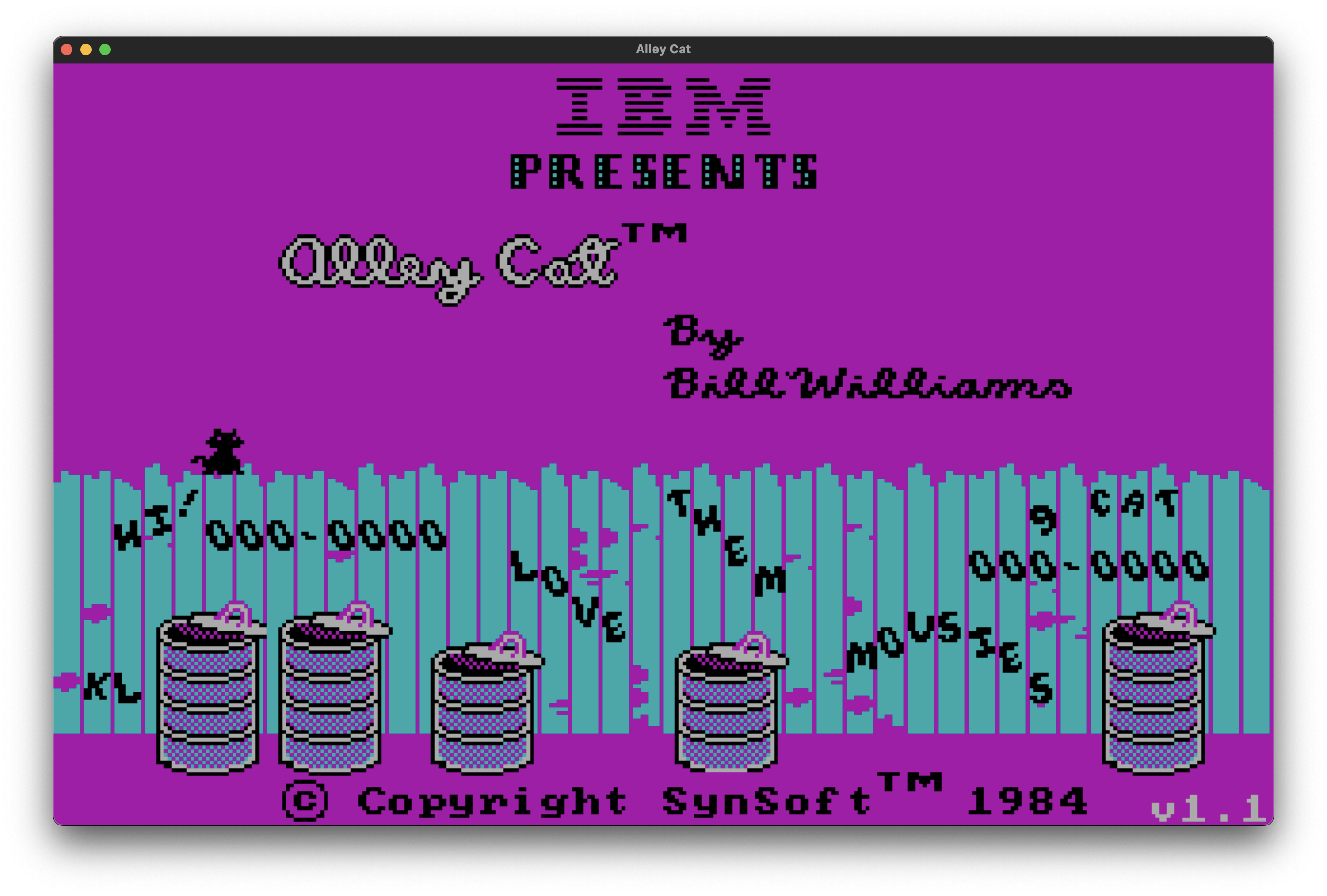 | 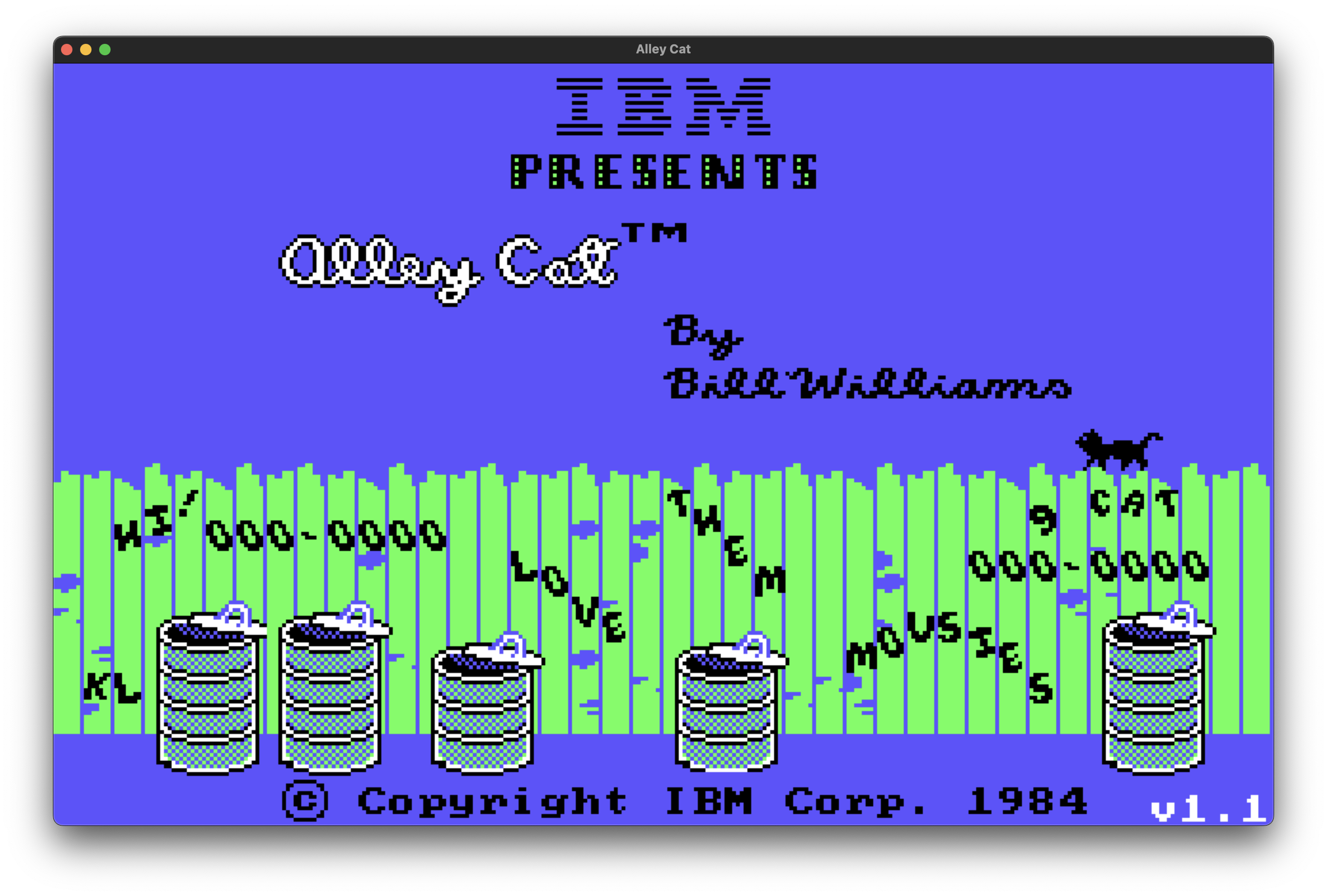 |
Platforms and downloads
| Platform | Latest release | Package to choose |
|---|---|---|
| Web | 1.3 | Play in your browser |
| Windows x64 | 1.3 | windows-x86_64 ZIP |
| Linux x64 | 1.3 | linux-x86_64 archive |
| macOS Intel (x64) | 1.3 | macos-x86_64 ZIP |
| macOS Apple Silicon (ARM64) | 1.3 | macos-x86_64 ZIP — runs under Rosetta 2 |
The macOS build is not signed or notarized: allow it under Privacy & Security or run xattr -dr com.apple.quarantine <folder>.
Controls
- In the options menu,
K,H,TandA(or 1 to 4) choose the skill level. The skill sets the starting difficulty; the game raises it as you complete levels. - Use the cursor keys to move the cat and jump.
Alt(PC) orOption(MacOS) performs special actions:- Room 6 (milk bowls, sleeping dogs): hold it next to a bowl to drink from it. A full bowl takes several sips, and the room has 12 bowls.
- Room 7 (hearts cat room): drops a picked-up gift on the nearest shelf at the cat's position. A rival cat that walks into a gift takes it and stays away for a while. Each completed room adds one gift, up to 8.
Ctrl-S: turns the sound on and offCtrl-R: returns to the title screenEsc: pauses the game whie playing; quits the game on the title screen.
New (not in the original game):
F10,Ctrl-WandCtrl-Q: quits at any timeCtrl-L: adds a life, up to9Ctrl-K: infinite lives (counter gets set to 0)Ctrl-I: invincibility against the dog, the cat head in the garbage cans and the rival cats in the hearts cat room; nothing is thrown from the windowsCtrl-P: toggles the IBM PCjr colors and the CGA colors. With-pcjron the command line, the game starts directly with the PCjr colors.Alt-EnterorF11(Cmd-EnterorCmd-F11on macOS): toggles fullscreen. The game starts in fullscreen by default. With--windowon the command line, it starts in a window.
Building
See BUILDING.md for requirements, build steps, the source layout and how the port works.