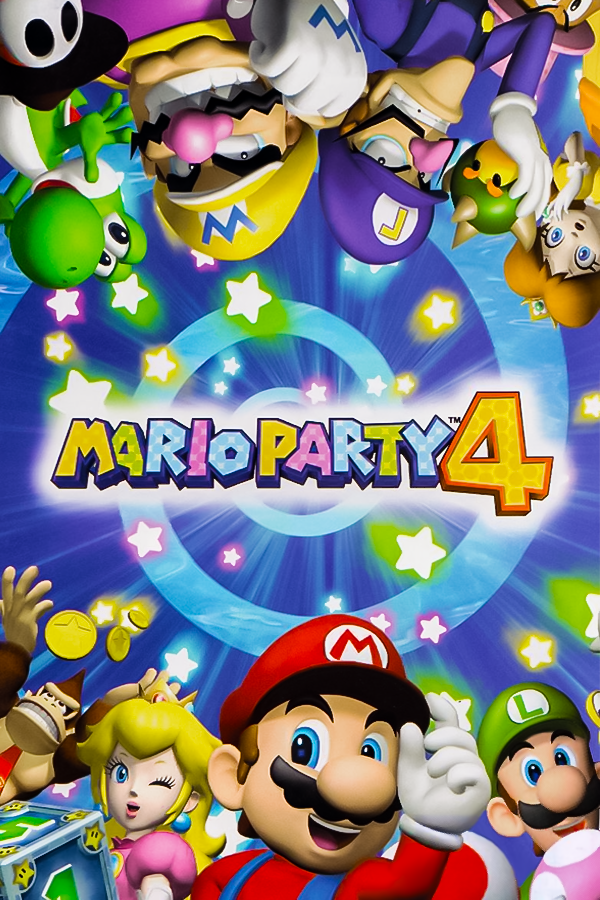
Mario Party 4 Recompiled
Mario Party 4
OriginGameCube
TechnologyStatic recompilation (native C/C++)
Available forWindows, Linux
View official projectAbout the project
Mario Party 4 es la cuarta parte de la saga Mario Party, desarrollada por Hudson y distribuida por Nintendo y es el primer videojuego de la saga para el Nintendo GameCube. Su lanzamiento en Norteamérica fue el 21 de octubre de 2002.
3 versions of Mario Party 4
You're viewing: Mario Party 4 Recompiled
Official project information
Mario Party 4



A work-in-progress decompilation of Mario Party 4. While the two USA versions are completely matching, most non-game-engine code is not documented at all. Work on the PAL and JP versions is currently stale, as it involves a lot of repetitive work, which could be done much easier later when there is special tooling for porting splits and symbols between versions.
There is NO working PC port yet, but it is in the making.
This repository does not contain any game assets or assembly whatsoever. An existing copy of the game is required.
Version Completion:
GMPE01_00: Rev 0 (USA) ✅GMPE01_01: Rev 1 (USA) ✅GMPP01_00: Rev 0 (PAL) ❌GMPP01_01: Rev 1 (PAL) ❌GMPP01_02: Rev 2 (PAL) ❌GMPJ01_00: Rev 0 (JP) ❌
Dependencies
Windows
On Windows, it's highly recommended to use native tooling. WSL or msys2 are not required.
When running under WSL, objdiff is unable to get filesystem notifications for automatic rebuilds.
- Install Python and add it to
%PATH%.- Also available from the Windows Store.
- Download ninja and add it to
%PATH%.- Quick install via pip:
pip install ninja
- Quick install via pip:
macOS
- Install ninja:
brew install ninja - Install wine-crossover:
brew install --cask --no-quarantine gcenx/wine/wine-crossover
After OS upgrades, if macOS complains about Wine Crossover.app being unverified, you can unquarantine it using:
sudo xattr -rd com.apple.quarantine '/Applications/Wine Crossover.app'
Linux
- Install ninja.
- For non-x86(_64) platforms: Install wine from your package manager.
- For x86(_64), wibo, a minimal 32-bit Windows binary wrapper, will be automatically downloaded and used.
Building
-
Clone the repository:
git clone https://github.com/mariopartyrd/marioparty4.git -
Initialize and update submodules:
git submodule update --init --recursive -
Copy your game's disc image to
orig/[GAMEID]. The supported game IDs are listed above.- Supported formats: ISO (GCM), RVZ, WIA, WBFS, CISO, NFS, GCZ, TGC
- After the initial build, the disc image can be deleted to save space.
-
Configure:
python configure.pyTo choose a version other than the USA Rev 0 one, add
--version [GAMEID]to the command. -
Build:
ninja
Diffing
Once the initial build succeeds, an objdiff.json should exist in the project root.
Download the latest release from encounter/objdiff. Under project settings, set Project directory. The configuration should be loaded automatically.
Select an object from the left sidebar to begin diffing. Changes to the project will rebuild automatically: changes to source files, headers, configure.py, splits.txt or symbols.txt.