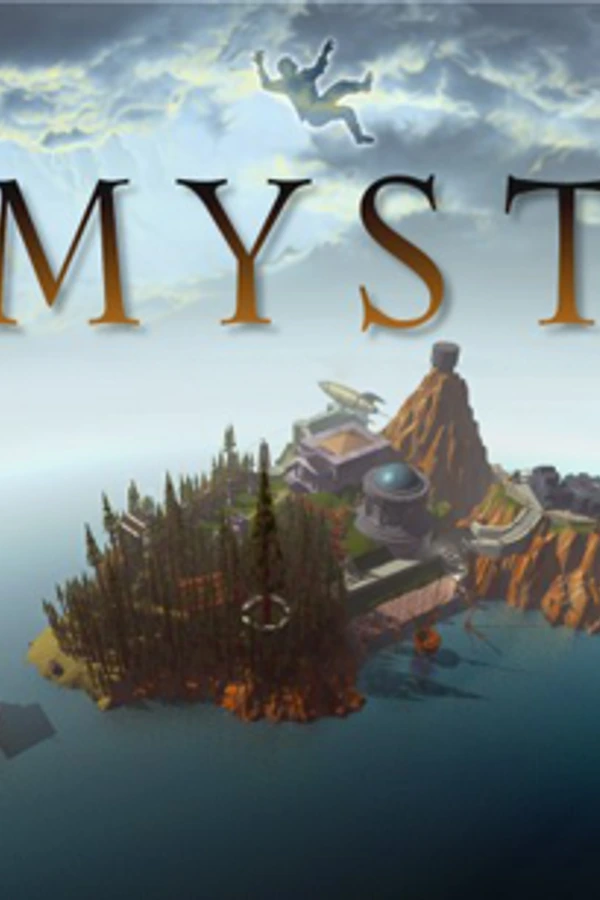
MYST (DS)
MYST
About the project
Myst es un juego de aventura gráfica de tipo point-and-click diseñada por los hermanos Robyn Miller y Rand Miller. Fue desarrollado por Cyan, Inc, en Washington y publicado y distribuido por Brøderbund. Los hermanos Miller comenzaron su trabajo con Myst en 1991, en un ordenador Macintosh, y su adaptación a la plataforma Windows fue lanzada el 24 de septiembre de 1993.
Official project information
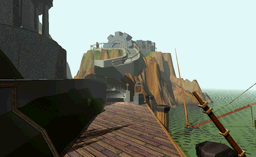
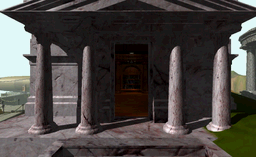
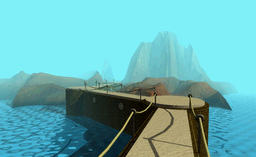
A homebrew port of Myst to the Nintendo DS and DSi. The island, the four ages, the movies, the sound and the puzzles run off an SD card or flashcard, on real hardware or in an emulator.
It contains no game data. The download is the program only; a converter turns your own copy of Myst into files the DS can read.
 |  |  |
What you need
- A Nintendo DS with a flashcard, a DSi with homebrew, or an emulator such as melonDS.
- An SD card with a couple of gigabytes free — the movies are stored frame by frame so the DS can play them without decoding.
- Your own copy of Myst for Windows (the CD, or an install of it). Masterpiece Edition also gives you the in-game help book; any other edition simply won't have it.
- ffmpeg and ffprobe, used to read the QuickTime movies. Put the two
programs next to the converter, or in an
ffmpegfolder beside it, and it will find them.
Getting it running
- Convert the game. Download the converter for your system from the releases page and run it. The wizard asks for four things: where Myst is, where your SD card is, what to convert, and then it runs. Expect it to take a while — it is reading every frame of every movie.
- Copy the ROM. Put
myst-nds-port.ndsanywhere on the same card and launch it the way you normally launch homebrew (TWiLight Menu++, your flashcard's menu, or dragging it into an emulator). - Play. The first boot spends a moment preparing the island, then drops you at the main menu.
The converter writes everything into _nds/myst_nds/data at the root of the card,
and the game creates its saves and notes there too. If you play in melonDS, the
converter can also write a ready-made SD card image instead of loose files —
just remember to switch melonDS's FolderSync off, or it will ignore the image.
The converter's own README covers all of that in detail.
Controls
The game is played with the stylus on the bottom screen — look around, walk, and press, pull or turn anything the cursor changes shape over. The buttons are shortcuts:
| Button | |
|---|---|
| X | Zoom the current view to Myst's original resolution — for small print, dials and the telescope |
| Y | Open your notebook |
| L | Slip a picture of what you are looking at into the notebook |
| R | Open the help book (Masterpiece Edition only) |
| SELECT | Save or load |
| START | Back to the main menu |
In the menus, the D-pad moves and A chooses. Settings holds:
- Zip nav — Myst's original zip mode: jump straight to somewhere you have already been.
- Help — show the help book button (only useful with Masterpiece Edition data).
- Debug — a log console on the top screen, for reporting problems.
- Delete JSON files — frees space on the card by removing the converter's data files once the game has built its own faster copies of them.
Building from source
./setup-env.sh     # creates ./env with everything the build and the converter need
./make.sh          # produces myst-nds-port.nds
You will need BlocksDS (installed through the
Wonderful toolchain) and Nitro Engine
Advanced, which the ROM is built
against. .github/workflows/release.yml sets both
up from scratch on a clean machine, so it doubles as the exact recipe.
Credits
- Cyan — for Myst.
- ScummVM — its Myst engine is the reference this port's game logic was rebuilt from.
- BlocksDS, Nitro Engine Advanced and ArchitectDS — the toolchain, the 3D engine and the build system.
Legal
The code in this repository is licensed under Apache-2.0 (see LICENSE).
Myst, its artwork, music and text are the property of Cyan and are not distributed here, in any form. This project only converts data you already own, on your own machine. It is a fan project, not affiliated with or endorsed by Cyan.