ControlMole (3DS plugin)
Nintendo 3DS
OriginUnknown
TechnologyDevelopment tool / build utility
Available forWindows, Linux
View official projectAbout the project
Tool and utility indexed on PortsNative for configuration, decompilation, or execution support on modern platforms.
Official project information
ControlMole App | Promotion
Heads up, the mod also exists as an app for your phone (which i developed), for both Android and IOS. You can check it out at https://controlmole.app/ ᕙ( •̀ ᗜ •́ )ᕗ
ControlMole for 3DS
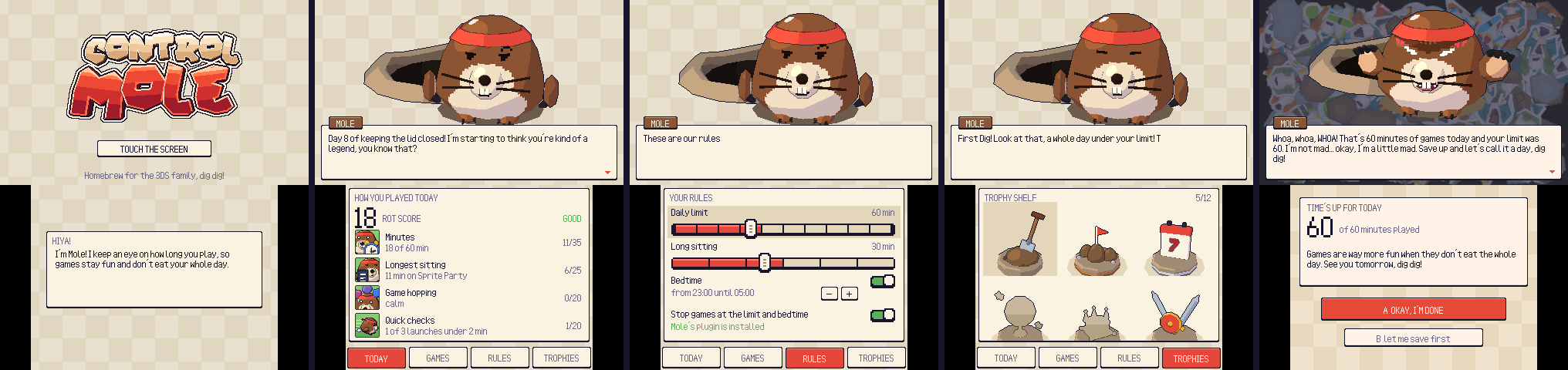
A homebrew version of ControlMole for the Nintendo 3DS. Mole keeps an eye on how long you play: you set a daily limit and a bedtime, and when time's up he pops out of his molehill over your game and tells you to call it a day.
There are two parts:
- The app (
ControlMole.3dsx/ControlMole.cia) shows Mole on the top screen and has four tabs on the touch screen. Today has your score for the day, Games lists what you played and whether each game counts, Rules holds the limits, and Trophies has the shelf of trophies you can earn by staying under your limit. - The plugin (
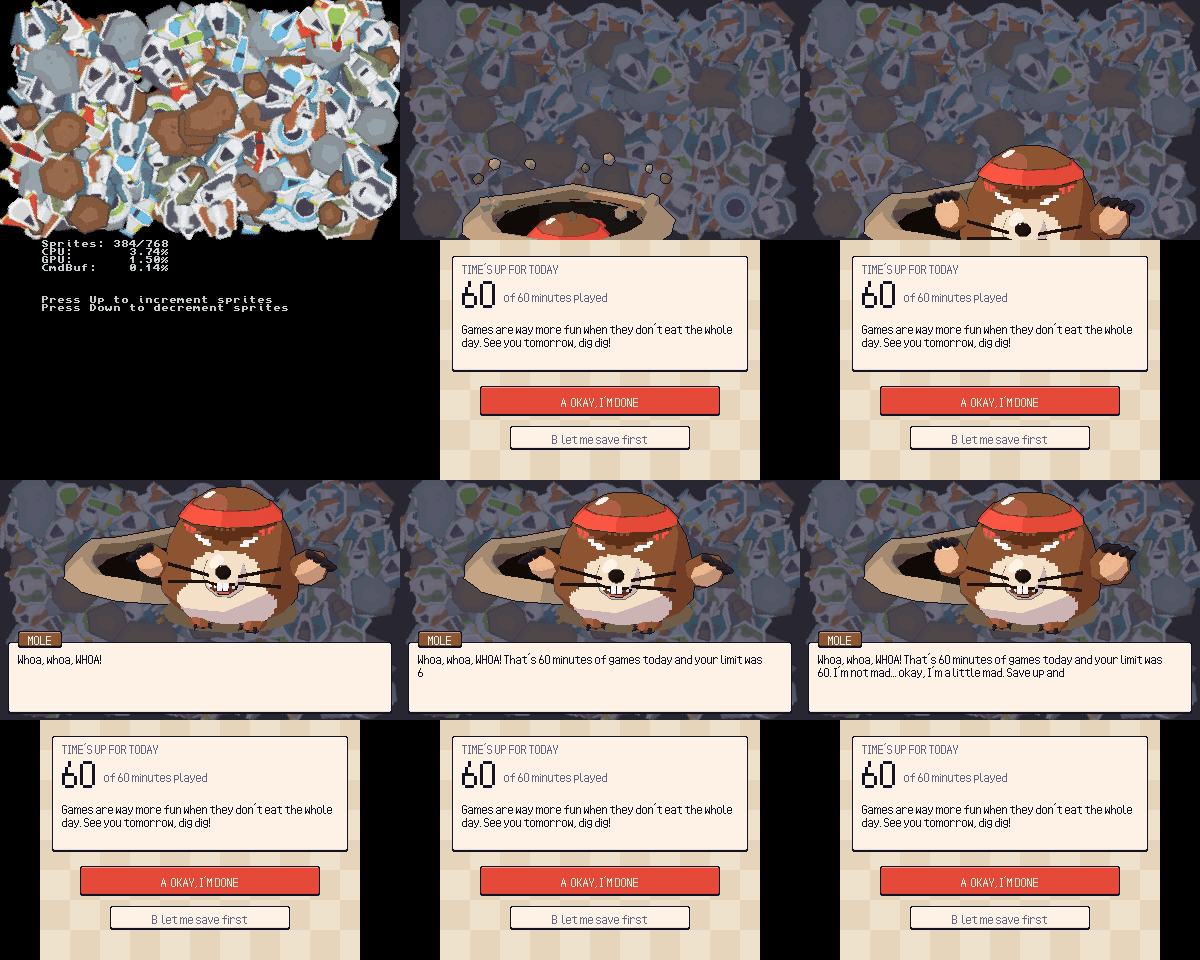
ControlMole.3gx) is a Luma3DS game plugin that runs inside every game. It counts the minutes you play, warns you five minutes before the limit, and pauses the game once you hit the limit or your bedtime. From there you can press A to close the game, or B to get one 3-minute break a day so you can save.
You need a 3DS with Luma3DS installed.
Installing
- Install
ControlMole.ciawith FBI, or putControlMole.3dsxinsdmc:/3ds/and run it from the Homebrew Launcher. - Copy
ControlMole.3gxtosdmc:/luma/plugins/default.3gx. - Open the Rosalina menu (L + Down + Select) and turn on the plugin loader.
- If you want sound in the app, dump your DSP firmware with DSP1 once.
- Open ControlMole and set your rules.
The app and the plugin share their files in sdmc:/3ds/ControlMole/: settings.ini holds your rules, and plays.log gets a line for every play session.
Building
The build runs in Docker, so you don't need devkitPro installed:
./build.sh
That gives you ControlMole.3dsx and plugin/ControlMole.3gx. If makerom and bannertool are in ~/Tools (or you point MAKEROM and BANNERTOOL at them), you get ControlMole.cia as well. ./build.sh clean cleans up.