CPS-2 Recomp
CPS-2 arcade collection
OriginArcade
TechnologyDevelopment tool / build utility
Available forWindows, Linux, macOS
View official projectAbout the project
Tool and utility indexed on PortsNative for configuration, decompilation, or execution support on modern platforms.
Official project information
CPS-2 Recomp


Unofficial native PC ports of Capcom's CPS-2 arcade games (and a CPS-1 one), for macOS, Linux (Steam Deck and ARM64 included), Windows and Android, in one download with one launcher. Each game's program is translated ahead of time into C++ and runs on a machine written for this project, not an emulator. The fighting games add a full training mode, online play with rollback, widescreen and new modes.
No game files are included. You need your own copy of each game: its arcade ROM set (a CPS-2 game's with its key file). Only the versions named below work for each game, and this project cannot help you get one.
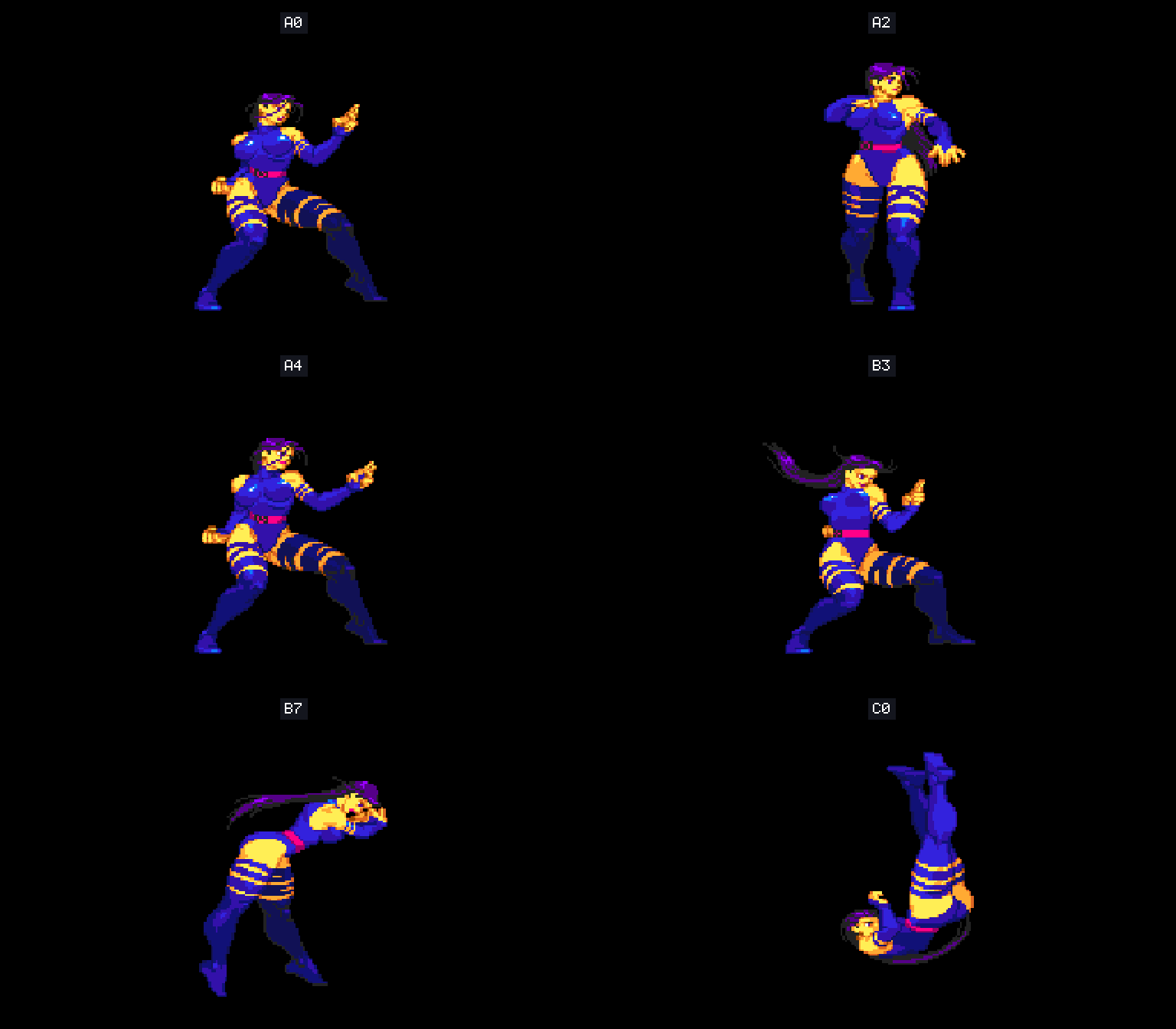
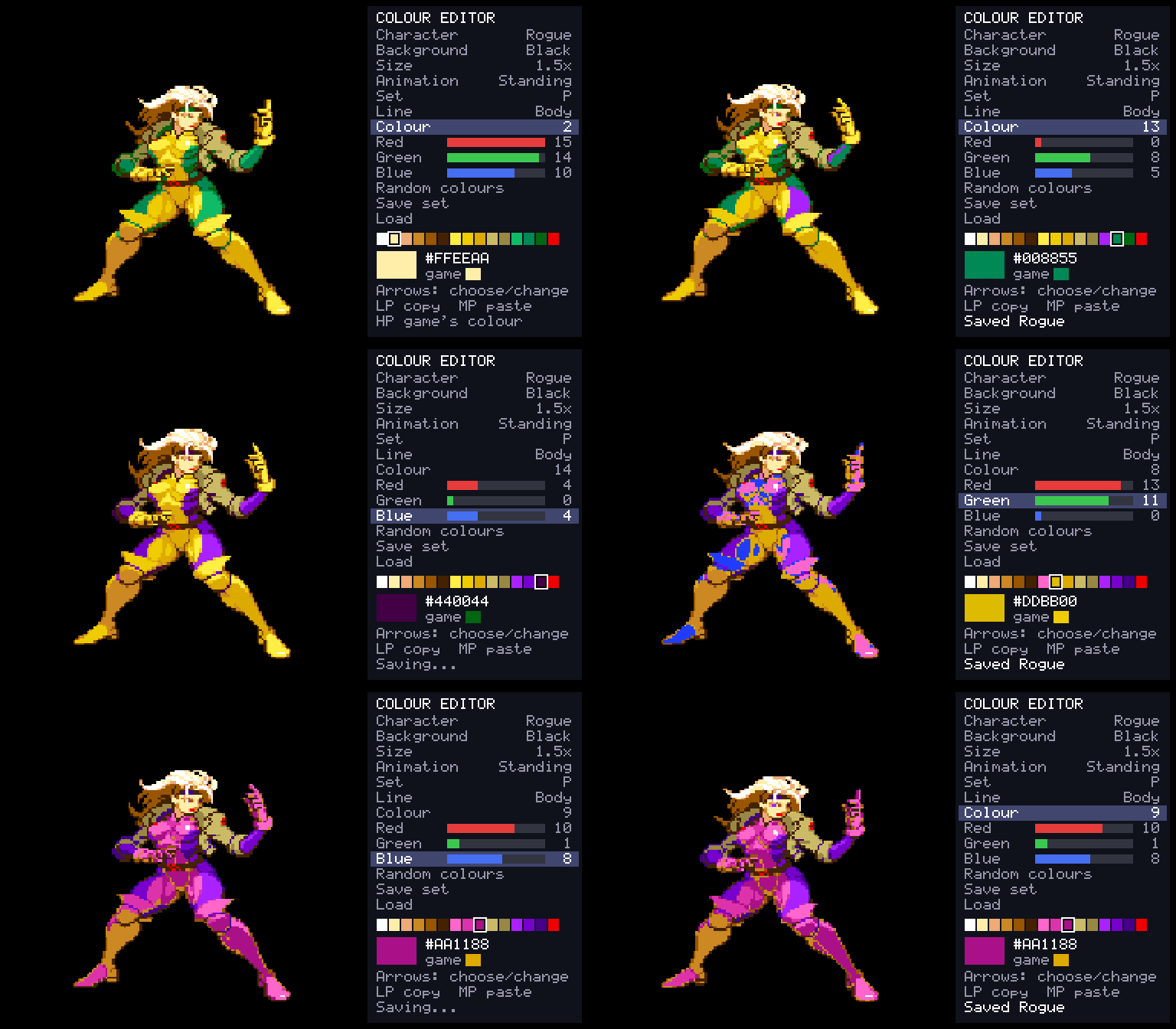
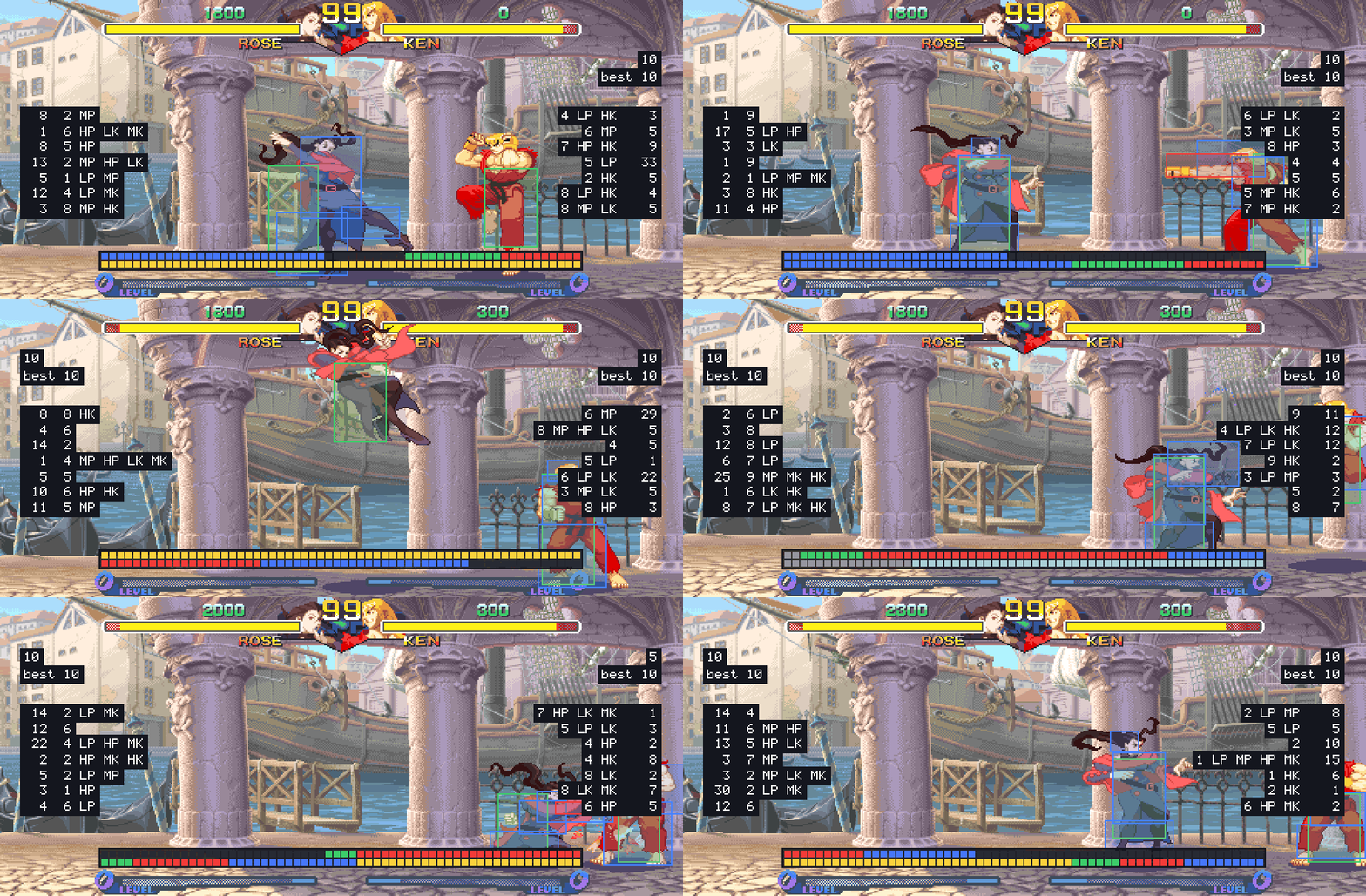
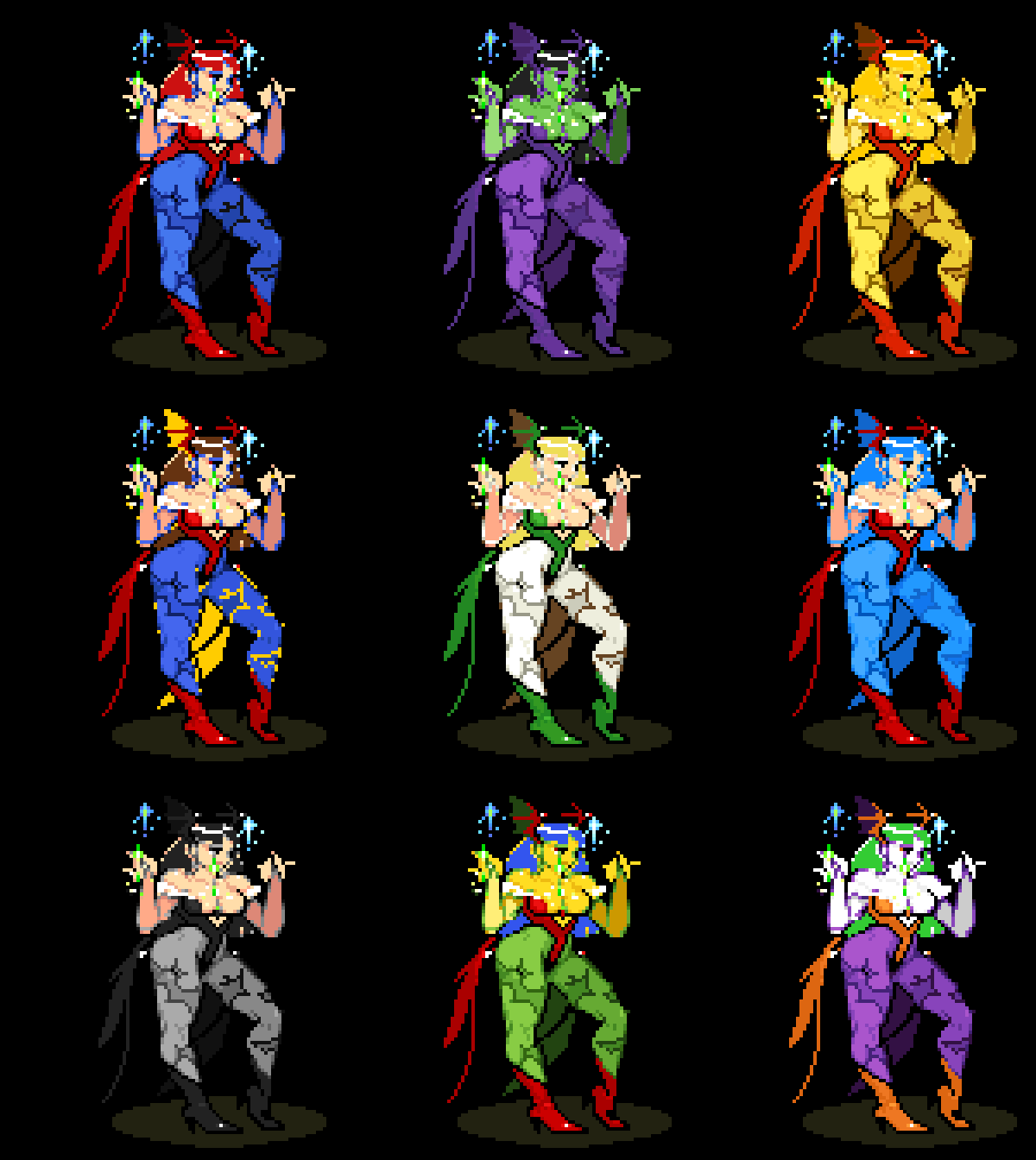
The games
| Game | ROM set | Notes |
|---|---|---|
| Super Street Fighter II Turbo (1994) | ssf2xjr1 (Japan 940223) | The tournament revision; Akuma and the old characters without codes |
| Hyper Street Fighter II (2004) | hsf2 (USA 040202) | Every character in each game of the series' version, against each other; Akuma without a code |
| Street Fighter Alpha (1995) | sfa (Europe 950727) | |
| Street Fighter Alpha 2 (1996) | sfa2u (USA 960430) | Team battle and Marvel-style tag (2 vs 2 for four players) |
| Street Fighter Zero 2 Alpha (1996) | sfz2al (Asia 960826) | Alpha 2's later revision, with the EX characters |
| Street Fighter Alpha 3 (1998) | sfa3u (USA 980904) | Team battle and tag; Balrog, Juni and Juli without codes |
| Super Gem Fighter Mini Mix (1997) | sgemf (USA 970904) | |
| X-Men: Children of the Atom (1994) | xmcota (Euro 950331) | Juggernaut, Magneto and Akuma without codes |
| Marvel Super Heroes (1995) | msh (Europe 951024) | Dr. Doom and Thanos without codes |
| X-Men vs. Street Fighter (1996) | xmvsf (Europe 961004) | Tag-team co-op, and 2 vs 2 for four players |
| Marvel Super Heroes vs. Street Fighter (1997) | mshvsf (Europe 970625) | Tag-team co-op, and 2 vs 2 for four players |
| Marvel vs. Capcom (1998) | mvsc (Europe 980123) | Tag-team co-op, and 2 vs 2 for four players |
| Super Puzzle Fighter II Turbo (1996) | spf2t (Europe 960529) | A puzzle training mode and CPU battle |
| Darkstalkers: The Night Warriors (1994) | dstlk (Europe 940705) | Huitzil and Pyron at a switch |
| Night Warriors: Darkstalkers' Revenge (1995) | nwarr (Europe 950316) | Huitzil and Pyron at a switch |
| Vampire Savior (1997) | vsavj (Japan 970519) | Tag team battle |
| Vampire Savior 2 (1997) | vsav2 (Japan 970913) | Donovan, Phobos and Pyron back |
| Vampire Hunter 2 (1997) | vhunt2 (Japan 970929) | Night Warriors' cast on Vampire Savior's engine |
| Vampire Savior Definitive (beta) | vsavj and vsav2 (and dstlk, sfa2u for their stages) | Vampire Savior with all eighteen characters, and the first Darkstalkers' and Alpha 2's stages |
| Alien vs. Predator (1994) | avspu (USA 940520) | Beat-'em-up: three players, a stage to start at, score attack |
| Cadillacs and Dinosaurs (1993, CPS-1) | dino (World 930201) | Beat-'em-up: three players, a stage to start at, score attack |
| The Punisher (1993, CPS-1) | punisheru (USA 930422) | Beat-'em-up: two players, a stage to start at, score attack |
| Giga Wing (1999) | gigawing (USA 990222) | Shoot-'em-up: practice with true hit boxes, score attack, caravan, boss rush |
Each game's page has all it does, with pictures.
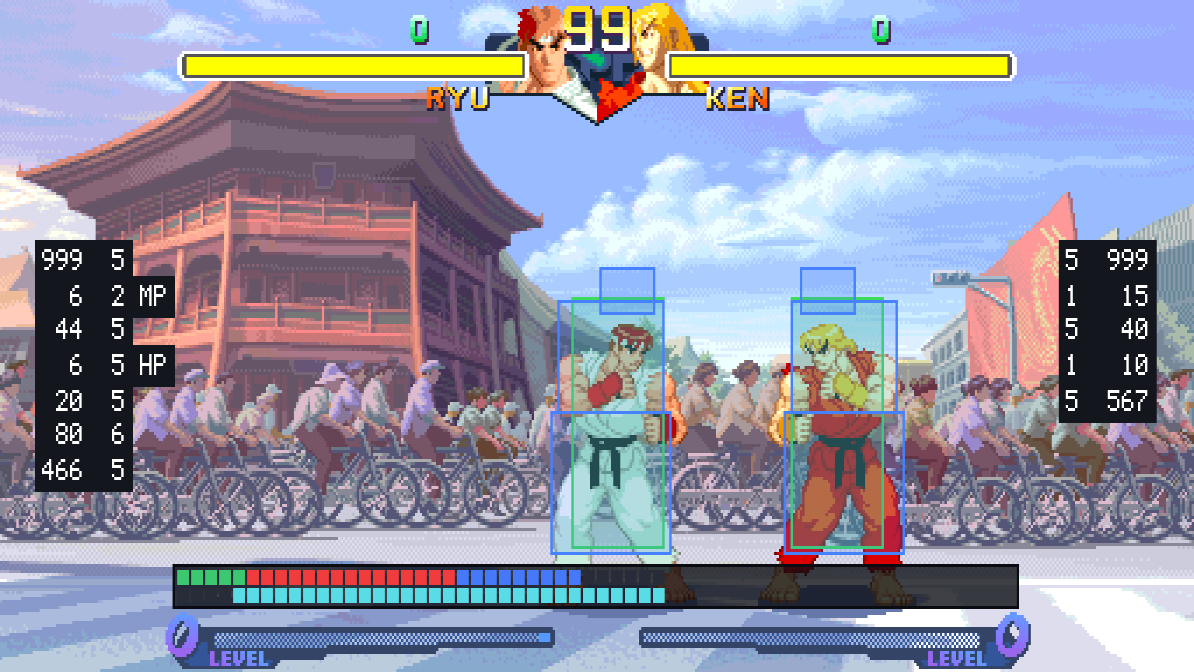 | 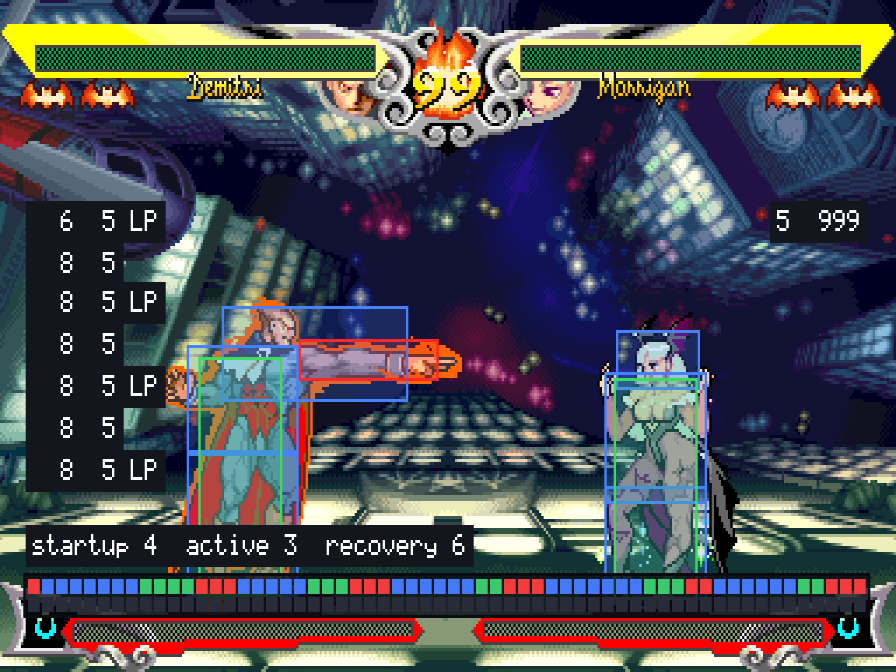 | 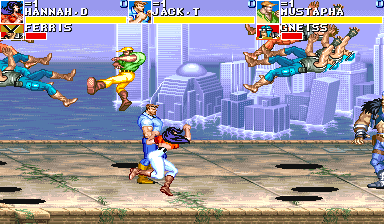 |
Training mode
Every fighting game has a full training mode, from the in-game menu:
- Hit boxes (and throw boxes in Alpha 2 and 3), frame data and a frame meter, an input display, and a combo and damage readout (and stun, in the Street Fighter games and Pocket Fighter).
- A dummy that stands, crouches or jumps, guards (high, low or after the first hit), techs, gets up quickly, reverses, and records and replays what you show it (each game's page says what its dummy can do).
- Health and meter refilled, a stage of your choice, and start over from the round's beginning with one button.
Online play
Two players on two machines, with rollback netcode. Any mix of macOS, Linux, the Steam Deck and Windows can play each other.
- Host a match from the launcher, or from the game you're playing (its menu's Online page: you play on until someone joins), and give the other player its code: they type it on the launcher's Online page. If you've set your name, the match is also listed in the lobby, where anyone can pick it from Open matches. Nothing needs setting up on either router.
- The waiting room lists the players whose Online page is open: Invite one to a match in any game, and they Accept from their launcher.
- Both players need the same version of CPS-2 Recomp (the launcher shows yours at the top); a match on another version is greyed in the list. Your ROM sets may be different regions of the game: the match is the host's region (best effort: the same set is surest).
- Each player presses Start to come in, as at the arcade. The match uses the host's board settings (difficulty, timer, rounds); cheats are off.
- On screen: both players' names, the ping (and the input delay, if you like), and the win streak of a player who keeps winning.
- Chat with the other player during a match: press T (or a gamepad's right stick, or the touch screen's Chat) and type, on a keyboard or your system's on-screen keyboard. It goes straight between the two games.
- A dropped connection waits for the other player to come back with the same code.
More about online play →: the lobby, the waiting room, joining by address, and how rollback works.
Everything else
- Widescreen in the fighting games: 16:9, with more of the stage on each side (more).
- Alternative modes in the fighting games: survival, ring out, an endless battle the game plays itself, and in most a tag team battle; plus a stage viewer and a model viewer (more).
- Shoot-'em-up practice in Giga Wing: any stage or straight at its boss, back to the start with one button, the ships' true hit boxes and the enemies' shots shown (more); and a score attack, a caravan and a boss rush (more).
- The picture your way: sharp or smooth scaling, 4:3 or square pixels, and RetroArch shaders (CRT, scanlines, xBRZ and more, or your own preset). A camera zoom follows either fighter or keeps both in view (more).
- Controls: keyboard, gamepad or arcade stick, every button changeable per player and per game.
- An in-game menu: save states, speed and pause, frame advance, cheats and every option.
- Arcade timing: the processor slows down where and as much as the real board does, checked frame by frame against a cycle-exact model of it (docs/TIMING.md). Off unless you choose it.
- Run-ahead, the board's operator settings, free play, rapid fire, and straight to the title at start-up.
- A custom soundtrack: your own music files in place of the board's music (how).
- Multi game: play several games one after another, such as an endless battle through every stage of each (more).
- Updates in the launcher, and a portable mode that keeps everything on a drive you carry (the launcher).
Getting started
- Download the build for your system from the releases page and unpack it.
- Open the launcher (
CPS-2 Recomp.app,cps2recomp-launcher). On its Games page, Choose folder… and pick the folder you keep your ROM sets in: it finds each game's set by name (sfa2u.zipor a folder of the set's files). Your ROM sets are only ever read. - Press Play beside a game.
While playing, Esc or F1 opens the in-game menu (on a gamepad: the left stick's click, or Start and Select
together).
- macOS: the app isn't notarized: the first time, right-click it and choose Open. Move it to Applications first, so that it can update itself.
- Windows: run
cps2recomp-launcher.exe. - Linux: run
cps2recomp-launcher.
Android
- Download
CPS2Recomp-android.apkfrom the releases page on your phone or tablet and open it to install it (Android 9 or later, 64-bit ARM; allow installs from your browser or file manager when asked). - Open CPS-2 Recomp and press Add ROM sets… on its Games page: choose your sets' zips, as many at once as you like. They are copied into the app's folder.
- Press Play beside a game.
The games show a stick and buttons on the screen; a gamepad connected over Bluetooth or USB works too, and takes their place. Back, or the screen's Menu, opens the in-game menu.
Steam Deck
- In Desktop Mode, download
CPS2Recomp-linux-x86_64.tar.gzfrom the releases page, extract it, and move theCPS2Recompfolder somewhere it can stay (a newApplicationsfolder in your home folder, say). - Copy your ROM sets into one folder on the Deck.
- Open
cps2recomp-launcher, Choose folder… on the Games page, and pick that folder. - On each game's page, press Add to Steam. The games then appear in Gaming Mode under Non-Steam.
What you need
- The ROM set of each game you want, as named in the table above: a zip (with its parent set's zip beside it if your
collection keeps the shared files there) or a folder of its files. The launcher checks every file and says which
is missing or different. Other regions of the same release work too, played as the board plays in that region:
the Marvel games', Super Gem Fighter's (Pocket Fighter in Japan), Puzzle Fighter's, Alpha's, Alpha 3's, Super
Turbo's, Alien vs. Predator's and Giga Wing's; each game's page names them. Other revisions don't work: each port is made from
one version's program. Vampire Savior Definitive needs both
vsavjandvsav2, and shows the first Darkstalkers' and Alpha 2's stages withdstlkandsfa2utoo. - macOS 13 or later (Apple silicon or Intel), Linux x86_64 or ARM64 (SteamOS included), Windows 10 or 11, 64-bit, or Android 9 or later on 64-bit ARM, with Vulkan.
- A gamepad or stick is recommended (six buttons for the fighting games).
How it works
Each game's 68000 program is translated ahead of time into C++ and compiled into that game's program, and the parts its features touch are rewritten by hand as readable C++, each checked call by call against the game's own code. The board (video, the QSound chip, the sound CPU, the settings memory) is code written for this project, not an emulator. The toolkit is shared by every game, so a fix or a feature there reaches all of them.
Building from source
With your own ROM sets in rom/<id>/ (ignored by Git), CMake, Ninja, SDL 3 and Python 3:
make GAME=sfa2              # twice the first time
make GAME=sfa2 explore      # once, about ten minutes: finds the game's code and translates it
make collection             # every game whose ROM set is here, and the launcher
docs/BUILDING.md has every platform and the checks; docs/TOOLKIT.md has how the toolkit works and how a game is added.
Feedback and contributing
Bug reports and pull requests are welcome: see CONTRIBUTING.md for the rules (above all: nothing from any game, ever, and never a key). Security reports go by SECURITY.md.
Related projects
| Project | What |
|---|---|
| satrecomp | The same kind of toolkit for Sega Saturn games |
| recomp-common | The in-game menu, settings and launcher this project and satrecomp share |
License and credits
GPL-3.0-only. THIRD_PARTY_NOTICES.md has the notices in full.
- The program cipher (
machine/cps2crypt.*) is MAME's (BSD-3-Clause), worked out by Andreas Naive and Nicola Salmoria. The QSound model follows MAME's (superctr, Valley Bell), and the hardware facts follow MAME's CPS-2 and CPS-1 drivers. The CPS-1 sound CPU's Kabuki cipher (machine/kabuki.*) is written from the facts MAME'skabuki.cpppublishes (Nicola Salmoria); its keys are not here: the port works each out from the player's own ROM. - The launcher's look comes from the launcher of wiiparty-recomp by
arelkair (GPL-3.0-or-later), in
recomp-common/launcher/. - The programs use SDL 3 (zlib), Dear ImGui (MIT) and the Inter font (SIL OFL 1.1); the release archives carry their licenses.
The repository holds no game data and nothing derived from it.
This project is not affiliated with, endorsed by, or sponsored by Capcom or Marvel. Street Fighter, Super Puzzle Fighter, Super Gem Fighter, Pocket Fighter, Vampire Savior, Vampire Hunter, Night Warriors, Darkstalkers, Mega Man, Strider, Captain Commando and Giga Wing are trademarks of Capcom Co., Ltd.; X-Men, Marvel Super Heroes, The Punisher and their characters are trademarks of Marvel Characters, Inc.; Alien vs. Predator and Cadillacs and Dinosaurs are trademarks of their owners; "CPS-1", "CPS-2" and "QSound" are names and trademarks of their owners, used here only to say what the programs work with.