Xbox 360 Kernel
OriginXbox 360
TechnologyDevelopment tool / build utility
Available forWindows, Linux, macOS
View official projectAbout the project
Tool and utility indexed on PortsNative for configuration, decompilation, or execution support on modern platforms.
Official project information
Xbox 360 Kernel Decompilation


A work-in-progress decompilation of The Xbox 360 Kernel.
This repository does not contain any game assets or assembly whatsoever. An existing copy of the kernel is required.
Supported versions:
21256.18_D (xboxkrnld.exe): Kernel version: 17489.0
The SHA1 hashes for the files are:
a303e3404e8dd0b9e9defd38aa6c37e04eb19101xboxkrnld.exe625c54f4f273c66fd7a08e8b2ff7d1167983eebaxboxkrnld.pdb
Info
Join the Discord server
Dependencies
Windows
On Windows, it's highly recommended to use native tooling. WSL or msys2 are not required.
When running under WSL, objdiff is unable to get filesystem notifications for automatic rebuilds.
- Install Python and add it to
%PATH%.- Also available from the Windows Store.
- Download ninja and add it to
%PATH%.- Quick install via pip:
pip install ninja
- Quick install via pip:
macOS
-
Install ninja:
brew install ninja -
Install wine-crossover:
brew install --cask --no-quarantine gcenx/wine/wine-crossover
After OS upgrades, if macOS complains about Wine Crossover.app being unverified, you can unquarantine it using:
sudo xattr -rd com.apple.quarantine '/Applications/Wine Crossover.app'
Linux
- Install ninja.
- For non-x86(_64) platforms: Install wine from your package manager.
- For x86(_64), wibo, a minimal 32-bit Windows binary wrapper, will be automatically downloaded and used.
Building
-
Clone the repository:
git clone https://github.com/AleBello7276/xkrnl-decomp.git -
Copy your game's disc image to
orig/21256.18_D.- Supported formats: ISO (GCM), RVZ, WIA, WBFS, CISO, NFS, GCZ, TGC
- After the initial build, the disc image can be deleted to save space.
-
Configure:
python configure.pyTo use a version other than(not a thing currently)21256.18_D, specify it with--version. -
Build:
ninja
Diffing
Once the initial build succeeds, an objdiff.json should exist in the project root.
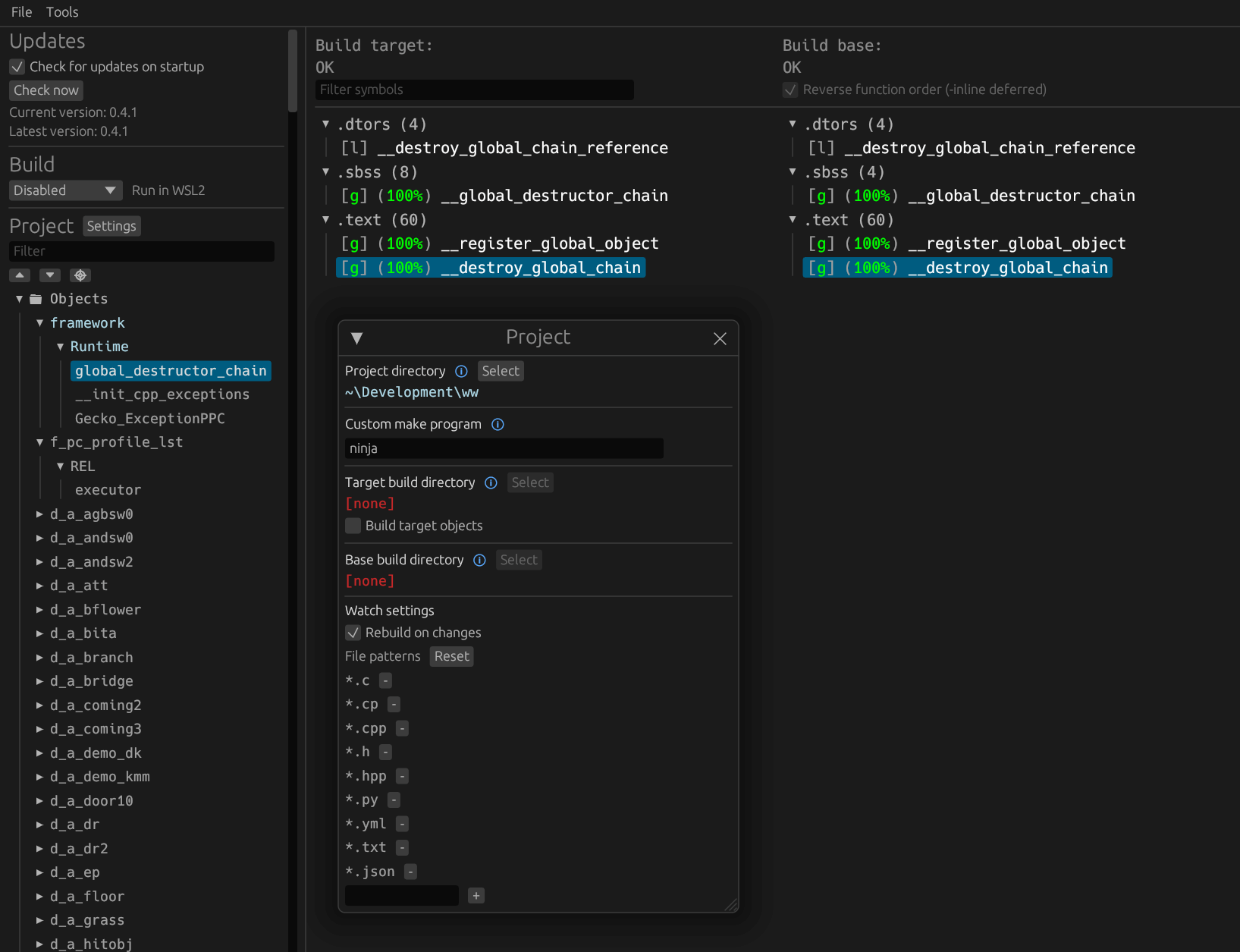
Download the latest release from encounter/objdiff. Under project settings, set Project directory. The configuration should be loaded automatically.
Select an object from the left sidebar to begin diffing. Changes to the project will rebuild automatically: changes to source files, headers, configure.py, splits.txt or symbols.txt.