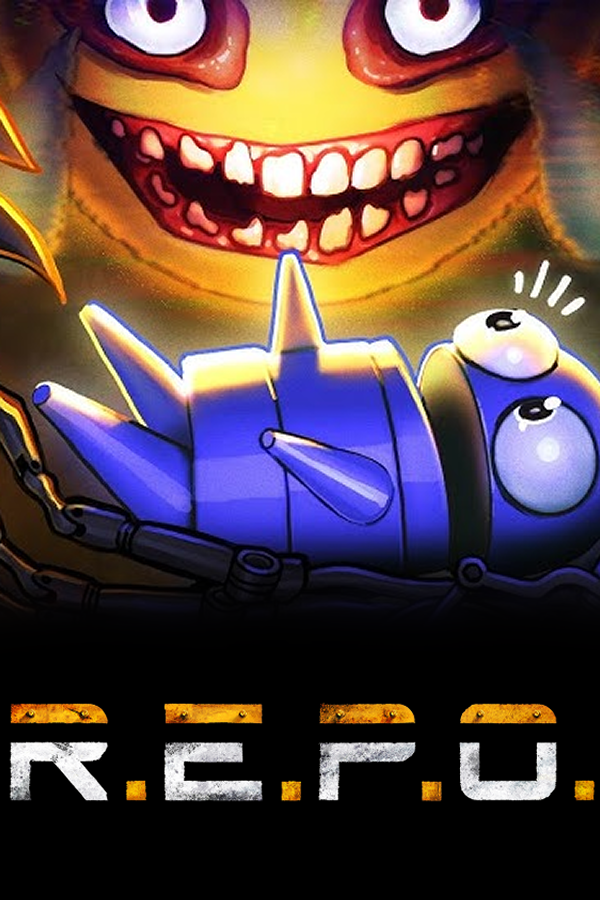
R.E.P.O. (Android)
R.E.P.O.
OriginWindows
TechnologyNative C/C++ port (engine reimplementation)
Available forAndroid, iOS
View official projectAbout the project
R.E.P.O. es un videojuego cooperativo de survival horror desarrollado por Semiwork para PC. Fue lanzado en Steam como acceso anticipado el 28 de febrero de 2025. En su año de estreno, fue uno de los 5 videojuegos nuevos más vendidos en la plataforma.
Official project information
R.E.P.O. Mobile Port (Android & iOS)
An unofficial mobile port of the game R.E.P.O. for Android and iOS smartphones. This port brings the game to your pocket, featuring both standard touch controls (Flat mode) and an immersive Smartphone-VR mode (compatible with Google Cardboard).
[!WARNING] ANTI-PIRACY DISCLAIMER To play this port, you MUST own a legal copy of the original PC game. Piracy is not supported.
🌍 Crossplay with PC (Steam)
Want to play with your friends who are on PC? Crossplay is fully supported! However, PC players must install a special compatibility mod to play with mobile users. 👉 EVRMod (PC Crossplay Mod)
📦 Installation Guide
- Install the App: Download and install the port application (APK for Android, IPA for iOS) on your smartphone.
- Get the Game Data: Open the local files of your original PC version of the game and locate the
REPO_Datafolder.- iOS: Simply transfer the
REPO_Datafolder directly to the root of the game's directory on your device using the «Files» app. - Android: Compress the
REPO_Datafolder into a.ziparchive.
- iOS: Simply transfer the
- Launch and Extract: Open the installed app on your phone.
- iOS: Just press the red button.
- Android: Pressing the button will open a file selection menu. Find the
.ziparchive you created, select it, and wait for the processing to finish.
- Setup and Play: Done! Don't forget to bind your buttons in the settings (except for movement, which is permanently assigned to the virtual stick) and adjust the graphics settings to suit your device's performance.