Rhythm Heaven Fever
TechnologyNative C/C++ port (engine reimplementation)
Available forWindows, Linux, macOS
View official projectAbout the project
Beat the Beat: Rhythm Paradise en Europa, Rhythm Heaven Fever en América o Minna no Rhythm Tengoku en Japón es el tercer videojuego de la serie Rhythm Tengoku, que consta de cuatro videojuegos en Japón y tres en el resto del mundo. La traducción del título de la versión japonesa es Todo el mundo Rhythm Heaven/Paradise, la versión norteamericana se traduce a La fiebre del paraíso del ritmo y la europea como Sigue ese ritmo: El paraíso del ritmo. Está desarrollado por Nintendo y TNX.
Official project information
Rhythm Heaven Fever

A work-in-progress decompilation of Rhythm Heaven Fever.
Supported versions:
SOME01: USA
Dependencies
Windows:
On Windows, it's highly recommended to use native tooling. WSL or msys2 are not required.
When running under WSL, objdiff is unable to get filesystem notifications for automatic rebuilds.
- Install Python and add it to
%PATH%.- Also available from the Windows Store.
- Download ninja and add it to
%PATH%.- Quick install via pip:
pip install ninja
- Quick install via pip:
macOS:
-
Install ninja:
brew install ninja
wibo, a minimal 32-bit Windows binary wrapper, will be automatically downloaded and used.
Linux:
- Install ninja.
wibo, a minimal 32-bit Windows binary wrapper, will be automatically downloaded and used.
Building
- Clone the repository:
git clone https://github.com/conhlee/rhf.git - Using Dolphin Emulator, extract your game to
orig/SOME01.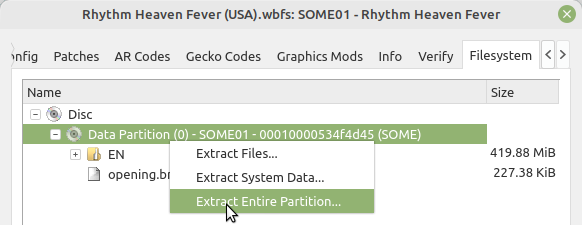
- To save space, the only necessary files are the following. Any others can be deleted.
sys/main.dol
- Optionally, you can include the following files:
files/EN/content2/rev_tengoku.brsar- all files in the directory:
files/EN/content2/cellanim
- To save space, the only necessary files are the following. Any others can be deleted.
- Configure:
To use a version other thanpython configure.pySOME01(USA), specify it with--version. - Build:
ninja
Diffing
Once the initial build succeeds, an objdiff.json should exist in the project root.
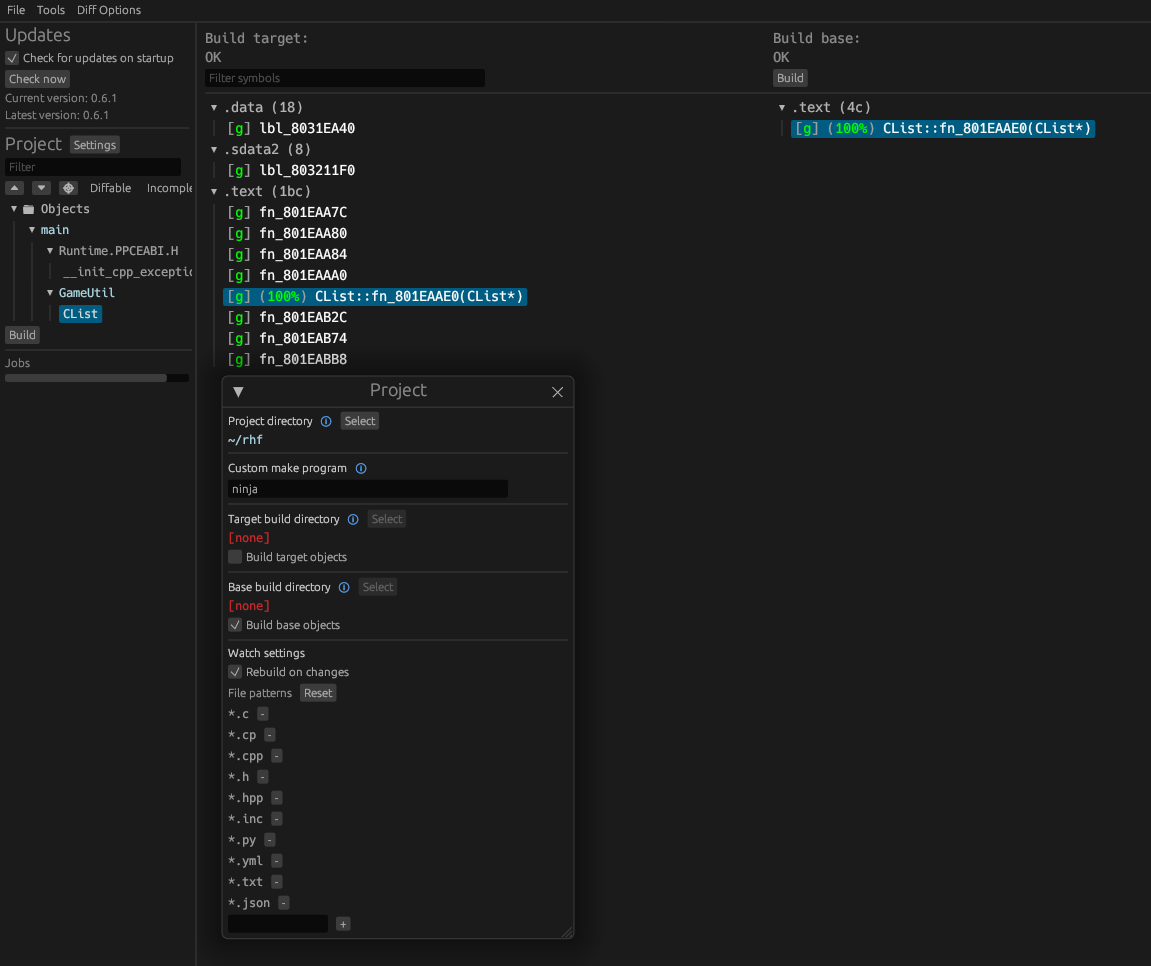
Download the latest release from encounter/objdiff. Under project settings, set Project directory. The configuration should be loaded automatically.
Select an object from the left sidebar to begin diffing. Changes to the project will rebuild automatically: changes to source files, headers, configure.py, splits.txt or symbols.txt.