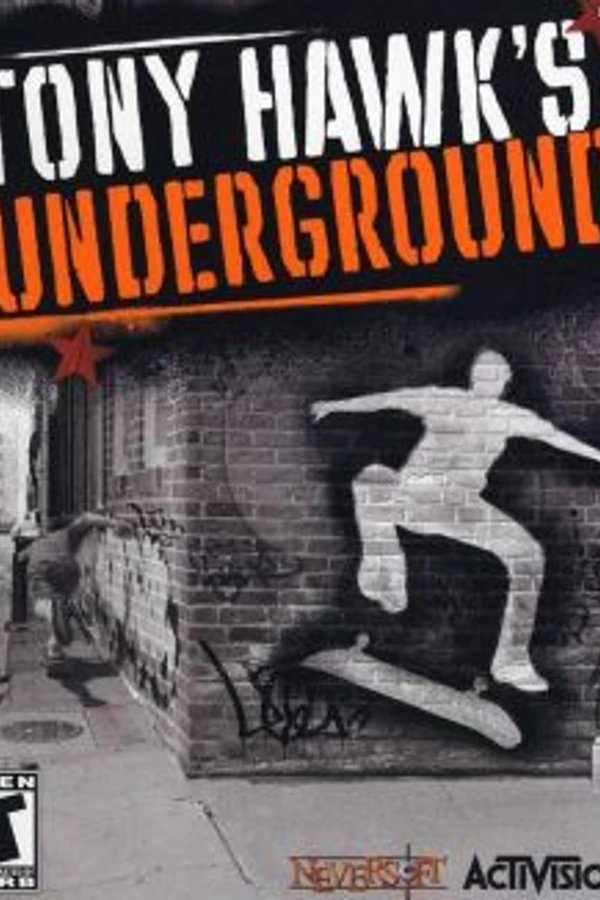
Tony Hawk's Underground (PS Vita)
Tony Hawk's Underground
About the project
Tony Hawk's Underground es un videojuego de monopatinaje de 2003 y la quinta entrega de la serie Tony Hawk's, después de Tony Hawk's Pro Skater 4. Fue desarrollado por Neversoft y publicado por Activision para GameCube, PlayStation 2, Xbox y Game Boy Advance. En 2004, se publicó para Windows en Australia y Nueva Zelanda como una versión de bajo presupuesto.
Official project information
THUG Vita
Tony Hawk's Underground (2003), running natively on the PS Vita.
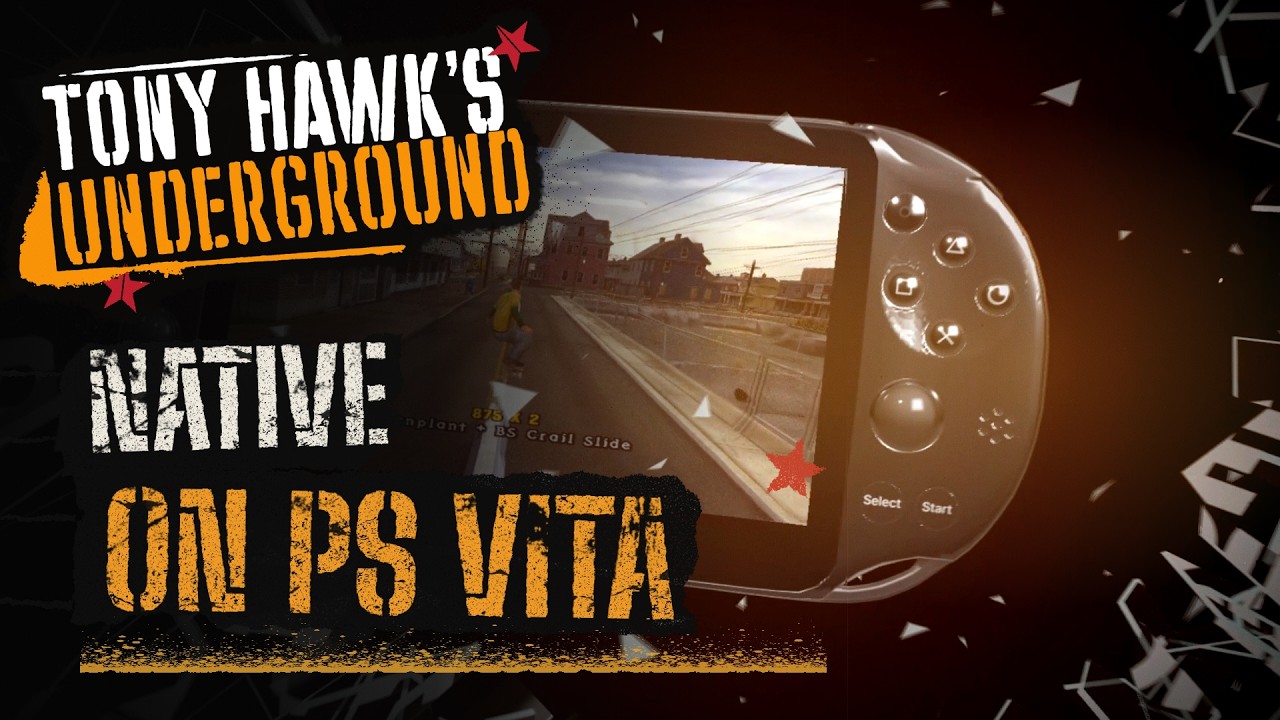
This isn't an emulator or a wrapper: the game runs natively on the Vita's ARM processor, with a graphics backend written for it on top of vitaGL.
Download the latest version from the Releases page. You need your own copy of the game: this repository and the release don't include any game data.
The game is fully playable: Story mode, free skate, Create-a-Skater and every level. Most of them run at or near 60 fps.
How it was made
This port was built with agentic AI and a custom harness, over several months. The harness drives a real PS Vita from the computer: it builds the game, sends it to the console, plays it, takes screenshots and reads the logs, then fixes what it finds and starts again. I spent a lot of that time polishing it as much as I could, comparing it against the original Xbox version.
If something looks wrong or crashes, please open an issue. Issues are welcome, and the more detail the better: which level, what you were doing, a photo if you can.
What you need
- A PS Vita running custom firmware (HENkaku / Enso). If yours isn't set up yet, vita.hacks.guide walks you through it. PS TV and external controllers (DS3, DS4, DualSense with a plugin) work with the DualShock layout, see Vita Options.
- VitaShell to install the game and copy files.
libshacccg.suprxinur0:data/. The game compiles its shaders on the console and can't start without it. If you've never set it up, install ShaRKF00D, run it once, and it puts the file in the right place.- The Xbox version of Tony Hawk's Underground, USA release, as a disc image (ISO) dumped from a disc you own. Other versions (PS2, GameCube, PAL) won't work: the game reads the Xbox data files directly.
- About 3.2 GB free on your memory card (1.6 GB without the videos).
Installing
-
Extract the game data. Open the ISO with extract-xiso:
extract-xiso -x "Tony Hawk's Underground (USA).iso"You get a folder with a
datafolder inside. That's the part you need. Keep everything in it, includingmovies(the intro, pro and sponsor videos) andstreams(music and voices). If space is tight, you can deletemovies: the videos are then skipped and the game carries on normally. -
Copy it to the Vita. Using VitaShell, copy that
datafolder so you end up with the line below. USB is much faster than FTP for this (FTP can take an hour or more).ux0:data/thug/Data/Upper or lower case doesn't matter on the memory card. Just make sure you don't end up with one folder inside another (
Data/data/). -
Install the game. Download
thug_vita.vpkfrom the Releases page, copy it anywhere on the Vita, open it in VitaShell and install it. -
Play. Tap the bubble on the home screen, then Start.
The first launch of a level takes a while (around ten seconds for the bigger ones). That's normal.
Controls
| PS Vita | Xbox pad | What it does |
|---|---|---|
| Left stick / D-pad | Steer, walk, balance | |
| ✕ | ✕ | Ollie, jump |
| □ | □ | Flip tricks |
| ○ | ○ | Grab tricks |
| △ | △ | Grind, lip tricks |
| L | Left trigger (L1 + L2) | Spin left in the air. On the ground: nollie (tap again for pressure). Revert when landing on a ramp. On foot: reset the camera |
| R | Right trigger (R1 + R2) | Spin right in the air. On the ground: switch stance. Revert when landing on a ramp. On foot: hold to grab ledges and ladders (push the left stick up to climb) |
| L + R in the air | Spine transfer, acid drop, vert recovery | |
| SELECT | White | Get off the board, or back on (caveman) |
| SELECT + R | Black | Create-a-Park: zoom out (SELECT alone zooms in) |
| START | START | Pause menu |
It's the Xbox layout: the Xbox pad also has only two triggers, and each one does both jobs. The touchscreen and the rear touchpad are not used.
Vita Options
The port adds its own settings menu: Options > Control Setup > Vita Options
(from the main menu or the pause menu). Changes apply right away and are kept
in ux0:data/thug/controls.txt, which you can also edit by hand:
| Setting | What it does |
|---|---|
Controller / dualshock_layout=1 | DualShock layout, for a PS TV, an external DS3/DS4/DualSense pad, or trigger grips on the rear touchpad: L1, L2, R1 and R2 are separate buttons like on PS2 (L1/R1 spin, L2 nollie, R2 switch/revert, L1+R1 gets off the board, L2 or R2 in the air for spine transfers). The rear touchpad halves act as L2/R2. Default: PS Vita |
Camera Up/Down, Camera Left/Right / invert_right_y, invert_right_x | Invert the right stick (camera) |
Skater Up/Down / invert_left_y | Invert the left stick up/down (also invert_left_x in the file) |
Frame Rate / framerate=30 | Lock the game to 30 fps (steadier in the heaviest levels). Default 60 |
Delete the file to get the defaults back.
Saves
Saves go to ux0:data/thug/save/. They're separate from the game itself:
deleting or reinstalling the game doesn't touch them.
RetroFlow cover
If you use RetroFlow Launcher,
there's a cover in covers/THUG00001.png, made by
u/BlazeRed16. Copy it to:
ux0:data/RetroFlow/COVERS/Sony - PlayStation Vita/THUG00001.png
In RetroFlow, open the game's settings with △, set its category to PS Vita, then rescan your games.
Good to know
- Videos. The intro, pro and sponsor videos play from the
moviesfolder. Press START or ✕ to skip one. - HD HUD. The score panel, special bar, balance meter, stance icons, trick text and menu theme icons use the HD redraws made by the THUG Pro team. Same layout as the original, just sharper. The other fonts are the original ones.
- No online or LAN play. The game's online service shut down years ago, and LAN isn't supported on the Vita.
- A few small visual details can still differ from the Xbox version. If you spot one, an issue with a photo helps a lot.
Troubleshooting
The game closes right away, or never gets past a black screen.
Check that ur0:data/libshacccg.suprx exists (see What you need).
It starts, then can't find the game files.
The folder has to be exactly ux0:data/thug/Data/, with the files from the
Xbox USA disc inside.
Reporting a crash. The game keeps a short log at ux0:data/thug/thug.log.
Attaching it to your issue helps a lot.
Building from source
You need the vitasdk with its vitaGL, vitaShaRK and
math-neon packages (vdpm vitaGL vitashark mathneon), CMake and a Unix shell (built on
macOS; the include paths are case-insensitive, so a case-sensitive Linux
filesystem needs extra work).
cmake -S vita -B vita/build \
      -DCMAKE_TOOLCHAIN_FILE=$VITASDK/share/vita.toolchain.cmake \
      -DTHUG_RELEASE=ON
make -C vita/build
The videos need a small FFmpeg build with only the Bink decoders. Build it
once, before CMake (it installs to ~/vita-build/ffmpeg-bink, where CMake
looks for it; without it the game builds fine and skips the videos):
curl -LO https://ffmpeg.org/releases/ffmpeg-7.1.1.tar.xz && tar xf ffmpeg-7.1.1.tar.xz
sh Code/Gel/Movies/Vita/build_ffmpeg_bink.sh "$PWD/ffmpeg-7.1.1" /tmp/ffmpeg-bink-build ~/vita-build/ffmpeg-bink
THUG_RELEASE=ON builds the public version. Without it you get the development
build, with a debug server on the network and test shortcuts.
The LiveArea images and the boot screen are made from the game data, so they're not in the repository. Generate them before building:
pip install pillow numpy opencv-python playwright && playwright install chromium
THUG_DATA=/path/to/data python3 vita/livearea/generer.py
It needs an internet connection the first time, to fetch a font.
The HD HUD is made from the THUG Pro files, also outside the repository. With
a THUG Pro install, generate it once; CMake then packs it into the VPK (it
looks in ~/vita-build/thug-hd, or set -DTHUG_HD_DIR=...; without it the
VPK uses the original graphics):
python3 vita/tools/thugpro_hd.py /path/to/data /path/to/THUGPro ~/vita-build/thug-hd
Credits
- Neversoft and Activision made the game. This project isn't affiliated with or endorsed by them, and all trademarks belong to their owners.
- kisak-thug, the PC project this port builds on.
- The THUG Pro team for the HD redraws of the HUD and theme icons.
- FFmpeg (LGPL 2.1+) for the Bink video decoder.
- vitaGL by Rinnegatamante, and the vitasdk team.
- u/BlazeRed16 for the RetroFlow cover.
- Anthropic, whose Claude models did most of the porting work through the harness.