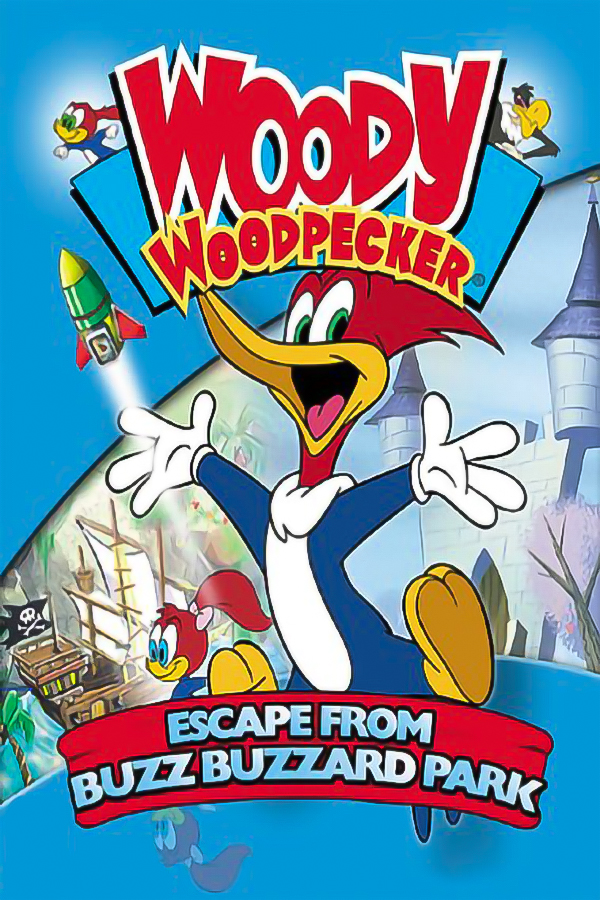
Woody Woodpecker (PSP)
Woody Woodpecker: Escape from Buzz Buzzard Park
About the project
Woody Woodpecker: Escape from Buzz Buzzard Park es un videojuego de plataformas publicado para PlayStation 2, Windows y Game Boy Color en 2001 por DreamCatcher Interactive. El juego se basó en la serie animada El nuevo show del Pájaro Loco.
2 versions of Woody Woodpecker: Escape from Buzz Buzzard Park
You're viewing: Woody Woodpecker (PSP)
Official project information
reWoodpecker -> Woody Woodpecker: Escape from Buzz Buzzard Park for PlayStation Portable
An experimental native game engine bringing the mechanics and 3D platforming experience of Woody Woodpecker: Escape from Buzz Buzzard Park to the PlayStation Portable.



[!IMPORTANT] Hardware Compatibility Notice
This port is primarily designed and optimized for PlayStation Portable models equipped with 64 MB of RAM, specifically the PSP-2000 and PSP-3000.
Due to the PSP-1000's limited 32 MB of RAM, this model may experience significant performance limitations, increased loading times, reduced stability, or compatibility issues.
While support for the PSP-1000 is not entirely ruled out, the PSP-2000 and PSP-3000 are strongly recommended for the best possible experience.
Woody PSP Studio 1.1.0 beta · engine r8
The engine uses PSPSDK directly. The PSP code is C++17; the converter is C++20 with Qt Widgets. Game assets and disc images are not included.
This is still a beta. Rendering and performance vary between levels, background music is experimental, and the full campaign has not been verified on every PSP model. Bug reports should include the level, PSP model, firmware and settings used.
What is included
- The PSP engine: level loading, gameplay, collision, EKO scripts, rendering and audio.
- Woody PSP Studio: a native C++/Qt converter for the PS2 USA release, SLUS-20341, supplied as BIN + CUE.
- Profiles for PSP-1000, PSP-2000, PSP-3000, PSP Go and PSP Street, with automatic or explicit 32/64 MB memory settings.
- English and Portuguese converter interfaces. English is the default.
The converter produces PSP/GAME/WOODYPSP with EBOOT.PBP, converted data and the selected settings. It validates the disc layout, writes into a temporary directory and refuses to overwrite an existing game package. Existing saves are left alone.
Engine
The PSP executable is built with psp-g++. Exceptions and RTTI are disabled. It uses the SDK's GU, audio, controller, display, power and kernel APIs, plus the toolchain's standard runtime. PSPGL, EGL and SDL are not linked into the PSP build.
Rendering uses sceGu with RGB565 double buffers and a 16-bit depth buffer. The engine keeps a small OpenGL-style drawing vocabulary internally; native_gu.cpp implements it directly on the PSP GU. That header is an internal interface, not an external OpenGL dependency.
World geometry uses visibility checks, packed vertex buffers and separate rigid-mesh caches for opaque and glowing surfaces. Translucent sprites are inserted into stable depth buckets once per frame; the renderer no longer rescans the entire sprite list for each bucket. Large primitives are clipped on the CPU where the GE guard window would otherwise discard them. Textures can retain their original size or use a lower mip level; suitable UI textures use an exact 256-colour palette with alpha preserved. Buffers submitted to the GE stay alive until the draw list has finished.
The runtime requests the extended memory mode and checks available heap at startup. The 32 MB profile uses smaller caches and transient buffers. Later PSP models provide more headroom, but selecting a 64 MB profile cannot make that memory available on a PSP-1000. The CPU runs at 333 MHz through scePowerSetClockFrequency.
Shadows are disabled. Character outlines are optional. Internal resolution, texture quality, filtering, particle count and draw distance can be reduced in Studio. The FPS selection is a frame cap, not a promise that every level will reach it. Lower resolutions are scaled to the full PSP display. The sky stays inside the selected far plane, so lowering draw distance does not cut holes in it.
Audio
Sound effects, dialogue and background music have separate playback paths. The PSP mixer submits 256-frame blocks at 44.1 kHz. Music decoding and file reads happen outside the output mixer, with a ring buffer for read-ahead.
The Eko VAG music decoder handles stereo data in 0x400-byte channel blocks and keeps separate predictor histories for left and right. Treating these blocks as a single mono stream was a cause of incorrect playback speed in earlier builds.
Background music is off by default. Effects and dialogue remain enabled. Studio has an explicit experimental music checkbox; enable it if you want to test music, but stuttering is still a known issue on some setups.
Source layout
converter/
  main.cpp             Qt interface, language selection and command-line entry
  convert.cpp          Disc reader, asset conversion and package generation
  convert.hpp          Conversion settings and public API
  assets/              Application icon
  CMakeLists.txt       Desktop build and embedded EBOOT resources
  build.ps1            MSVC build, checks and Qt runtime deployment
  setup-qt.ps1         Download and verify the Qt development packages

woody/
  build.sh             Build the PSP executable and copy it into dist
  runtime/
    engine.hpp         C++ game entry point
    launch_psp.cpp     PSP startup, memory profile and runtime settings
    platform_psp.cpp   Input, files, display and platform services
    native_gu.cpp      Direct PSPSDK rendering backend
    presentation_psp.cpp  Startup and loading screens
    extras_psp.cpp     PSP replacements for unsupported desktop features
    native/GL/         Internal drawing constants and declarations
    vendor/src/        Gameplay and resource loaders
    Makefile           C++17 PSPSDK build
Inside vendor/src, main_engine.cpp owns the game loop and menus. level.cpp reads level resources and contains the collision and matrix routines. player.cpp handles movement and cameras; instance.cpp, enemy.cpp and boss.cpp handle scene objects. ekovm.cpp runs the level scripts. render_gl.cpp prepares geometry for the GU backend, while hud.cpp, audio.cpp and hnm.cpp handle the HUD, sound and legacy media paths.
The animation clock lives in animation_clock.hpp. It keeps loop time bounded and preserves the current phase when moving from a charge loop into peck recovery. Long frames can advance through several chain parts without leaving the character on an expired pose.
Loading backgrounds use frames rendered from the original level data, with the HUD excluded. These are scene captures, not a claim of pixel-for-pixel reproduction of the PS2 loading artwork. The release converter embeds the prepared backgrounds; source builds can run without those optional image files.
The code keeps these systems as separate modules. File-format structures remain plain data so their layout and resource parsing are easy to inspect.
Build the PSP engine
Install PSPSDK with its C++ toolchain and make. On Windows, build this part through WSL. Set PSPDEV and add its bin directory to PATH, or place the SDK at .toolchains/installed/pspdev.
bash woody/build.sh
The build generates woody/runtime/EBOOT.PBP and copies it to dist/PSP/GAME/WOODYPSP. That executable still needs the converted game data. Optional XMB art can be placed in woody/runtime/presentation/ICON0.PNG and PIC1.PNG before building.
Build Woody PSP Studio
On Windows, install the MSVC x64 C++ build tools and CMake. Build the PSP engine first: Studio embeds that EBOOT in its own executable.
powershell -ExecutionPolicy Bypass -File converter/setup-qt.ps1
powershell -ExecutionPolicy Bypass -File converter/build.ps1
The setup script downloads the Qt 6.10.0 MSVC packages from Qt's official server and checks their published hashes. The build script compiles Studio, runs its self-test and deploys the required Qt and MSVC DLLs beside the executable. Keep those DLLs and plugin folders with the EXE.
The default output is dist/WoodyPSP-Studio-1.1.0. To keep an older copy open while building a new package:
powershell -ExecutionPolicy Bypass -File converter/build.ps1 -PackageName WoodyPSP-Studio-1.1.0-beta-cpp
Open Studio, select the original BIN and matching CUE, choose a destination and set your PSP profile. Copy the generated WOODYPSP folder into PSP/GAME on the PSP storage.
Testing and reports
Development checks cover clipping, matrices, rigid mesh caching, texture palettes, collision, resource loading and the PSP audio path. Host tests use address and undefined-behaviour sanitizers. PPSSPP is used for boot, rendering, level loading and clean-exit checks.
These checks do not establish real PSP frame rates or prove that the entire campaign is bug-free. Hardware testing is still needed, especially for level transitions, memory limits and music playback.
If you report a problem, include the build revision from woodypsp-errors.log, the level, the settings and a short description of what triggers it. Keep a copy of your save before testing a beta build.
Credits and licence
Port and Studio by Wendersondiazx. Distributed under GPL-3.0-or-later. See LICENSE, NOTICE and the preserved upstream licence in woody/runtime/vendor/LICENSE.
Qt remains dynamically linked and is distributed under its applicable open-source terms. No commercial game assets, ROMs or disc images are included in this repository. This is an independent fan project, unaffiliated with the original game's publishers, rights holders or Sony.