
Kingdom Hearts: Chain of Memories (ReKHCoM)
Kingdom Hearts: Chain of Memories
OrigenGame Boy Advance
TecnologíaPort Nativo C/C++ (Reimplementación de Motor)
Disponible paraAndroid, Windows
Ver proyecto oficialSobre el proyecto
Kingdom Hearts: Chain of Memories es un videojuego japonés creado exclusivamente para Game Boy Advance por Square Enix. El juego retoma la historia donde acaba Kingdom Hearts para PlayStation 2 y los primeros 50-60 días de Kingdom Hearts 358/2 Days. Su secuela inmediata es Kingdom Hearts II.
3 versiones de Kingdom Hearts: Chain of Memories
Estás viendo: Kingdom Hearts: Chain of Memories (ReKHCoM)
Información oficial del proyecto
ReKHCoM
Native and browser ports of Kingdom Hearts: Chain of Memories (Game Boy Advance), built on top of the matching decompilation by Pheenoh/khcom.
The decompiled game runs as a native program (Windows, Linux, Steam Deck, Android, the browser and the supported consoles), with its own renderer, audio and launcher, with widescreen and ultrawide support at the cartridge's original speed.
<p align="center"> <a href="https://github.com/MatyMeatBoy/ReKHCoM/releases/latest"><b>⬇ Download the latest release (v2.2.5)</b></a> · <a href="https://matymeatboy.github.io/ReKHCoM/"><b>▶ Play in your browser · Beta</b></a> · <a href="CHANGELOG.md">Changelog</a> · <a href="https://github.com/MatyMeatBoy/ReKHCoM/tags">Previous version tags</a> </p>Works with the European, US and Japanese cartridges (your own dump; no ROM is included), in all five European languages, English (US) and Japanese.
What's new in v2.2.5
The 2.2.5 update focuses on launcher font readiness, Android startup recovery, Linux keyboard/audio packaging and HD media controls. See the changelog for the complete scope and remaining device checks.
Windows and Linux desktop/Steam Deck retain their stable release status. Android, browser, PS4, PS5, Vita, Switch and Anbernic remain beta; features and physical-device coverage vary by platform. See the changelog and open reports.
- Desktop stability: guard empty/single-page menu ranges and preserve the desktop32 zero-divisor compatibility behavior in Windows/Linux64 game code, with bounded fault recovery and original exception reporting.
- HD gameplay polish: corrected card-frame seam pixels, synthesis presentation and world-map contours at the full white-fade endpoint, preserving transparent requirements and original artwork.
- Audio continuity: improved intro/title priming, pause/resume and bounded underrun recovery while preserving game timing and sample production.
- Linux HD video: remove artificial waits after successful partial reads; use pause/skip confirmation and a separate video FPS display.
- Import reliability: accept verified short MP4 alignment tails without relaxing container bounds; distinguish Android ROM ZIPs from HD archives and preserve failed-import recovery.
- Desktop cursor: hide after four seconds of inactivity and restore it on movement or the appropriate focus/entry transition.
- Automatic architecture after updates: prefer a compatible 64-bit runtime once per release; retain explicit session overrides and subsequent manual choices, with 32-bit available for compatibility.
The established v2 features remain available:
- Optional HD mod: import your own ReMIX music, movies and 97 story scenes, with separate movie/cutscene switches. HD mod.
- Sharper HD presentation: cards, title and Options, smooth warm menu lights, and cached fonts/posters that reduce first-open work. HD graphics.
- Three graphics presets: HD, GBA Enhanced and GBA Classic, with reset-to-preset defaults. Options.
- Scene gallery: GBA, HD and ReKHCoM lists with 199 clean static posters, imported-HD selection and native fallbacks. Gallery details.
- CRT output: native 320×240, horizontal-only 1920×240/2560×240, or exact 640×480, with nearest filtering. CRT modes.
- More consistent controls: keyboard/gamepad/trigger remapping, clean binding resets and reliable press/release handling. Control details.
- Linux 64-bit and Steam Deck: a native 64-bit host and automatic GPU rendering on Deck. Downloads.
- Optional quick states: off by default, with an explicit warning that achievements pause while enabled. Achievements.
- Portable HD packs: export your imported mod for supported Android/console hosts; updated ports retain their beta labels. Platform downloads.
- Game-wide fixes: battle, startup and audio fixes, synchronized deck transitions and better widescreen scene borders. Changelog.
Downloads
The current stable PC release is v2.2.5. Choose the package for your platform on the release page; previous versions remain listed under tags. The v2.2.5 publication record links every package, its SHA-256, the Web deployment and the checks still awaiting physical devices.
| Platform | Download | Status |
|---|---|---|
| Windows | Latest release | Stable |
| Linux (x86 / x86-64) | Latest release | Stable |
| Steam Deck | Latest release | Stable |
| Android | Latest release | Beta |
| Browser | Play online | Beta |
| PS5 | Latest release | Beta |
| PS4 (GoldHEN) | Latest release | Beta |
| Nintendo Switch (Atmosphère) | Latest release | Beta |
| PS Vita (HENkaku) | Latest release | Beta |
| Anbernic (RG34XX and similar) | Latest release | Beta |
Betas are still being debugged: reports are welcome.
What's new in v1.9.14
- Android: phones that keep the game's usual memory range busy (Poco F8 Ultra, Huawei Mate XT) load the game elsewhere (#22, #34); the error box can share its log; remapping a key can be cancelled from a gamepad (#37); "Hide touch controls" hides every touch button (#38).
- Windows: faster widescreen drawing, spread over several CPU cores.
- Nintendo Switch and PS Vita betas, Discord status, Return to title screen from Options, and the HD mod (beta: Re:Chain of Memories' music, movies and subtitles imported from your own KINGDOM HEARTS HD 1.5+2.5 ReMIX), all from the v1.9.13 test build.
Achievements
The official RetroAchievements set of the European cartridge (90 achievements, by its authors at retroachievements.org). From v1.9.11 they are earned as you play, with or without an account, and kept on your computer; each one was checked against the official definitions in the situation it rewards. The launcher, the web page and the in-game Options list show the set with its badges. Signing in to RetroAchievements in the launcher is optional: while you are signed in, each unlock is also sent to your RetroAchievements account the moment it pops (softcore), so it shows up on your profile, and the launcher shows your account's progress. Unlocks earned without an account stay on your computer.
<p align="center"><img src="docs/screenshots/achievement_unlock.png" width="49%"> <img src="docs/screenshots/achievement_unlock2.png" width="49%"></p>Two real unlocks from beating Axel on the first floor, with their badges and the game's language.
The gameplay, menu, language and launcher screenshots below were captured from v1.8.3. The unchanged new-game selection screens remain reference images.
<p align="center"><img src="docs/screenshots/mapcards.png" width="49%"> <img src="docs/screenshots/status.png" width="49%"></p>Highlights
- 16:9 and ultrawide without stretching. Fields and battles show more of the world on any window shape, 16:10 to 32:9; the menus that stay GBA-sized get margins drawn from the screen's own art (bars, boxes, panels, stipple, checkerboards) on the picture's exact pixel grid at any scale. An Aspect ratio option keeps the picture at 16:9 or 21:9 on wider monitors.
- Original pace, smoother sound. Play at the cartridge's original speed, with optional audio smoothing and native movie playback.
- Launcher. Installs and checks your dump (SHA-1), picks the version, language, graphics, sound, controls and saves; imports GBA saves.
- Two ways to play. New Game asks for the version: the original, exactly as on the cartridge, or Re:Chain of Memories, with PS2-inspired difficulty levels, HD text and one-button dodge and stock.
- HD text and smooth audio as optional enhancements.
Ultrawide monitors
The view expands to 21:9 and 32:9 screens: the world gets wider, the HUD stays in the corners and the menus carry their own art out to the edges.
<p align="center"><img src="docs/screenshots/ultrawide.png" width="98%"></p> <p align="center"><img src="docs/screenshots/ultrawide_menu.png" width="98%"></p>Original or Re:Chain of Memories
Every new game starts by asking which version to play. Original is the Game Boy Advance game exactly as on the cartridge. Re:Chain of Memories brings improvements from the PS2 remake: a choice of difficulty, faster dialogue, HD text and one-button dodge and stock. Each save remembers its version, and everything can be changed later with START + SELECT.
| Difficulty | Effect |
|---|---|
| Beginner | Sora takes half damage and deals a quarter more. |
| Standard | As the original: the cartridge's damage. |
| Proud | Sora takes half again as much damage and deals less. |
Movies, as large as your screen allows
In Fill height mode the movies are cropped to the video, without their letterbox, and scaled up at their own proportions. With HD text on, the subtitles use a crisp font at the window's resolution.
<p align="center"><img src="docs/screenshots/movie_extended.png" width="49%"> <img src="docs/screenshots/subtitles_hd.png" width="49%"></p>Pixel text or HD text
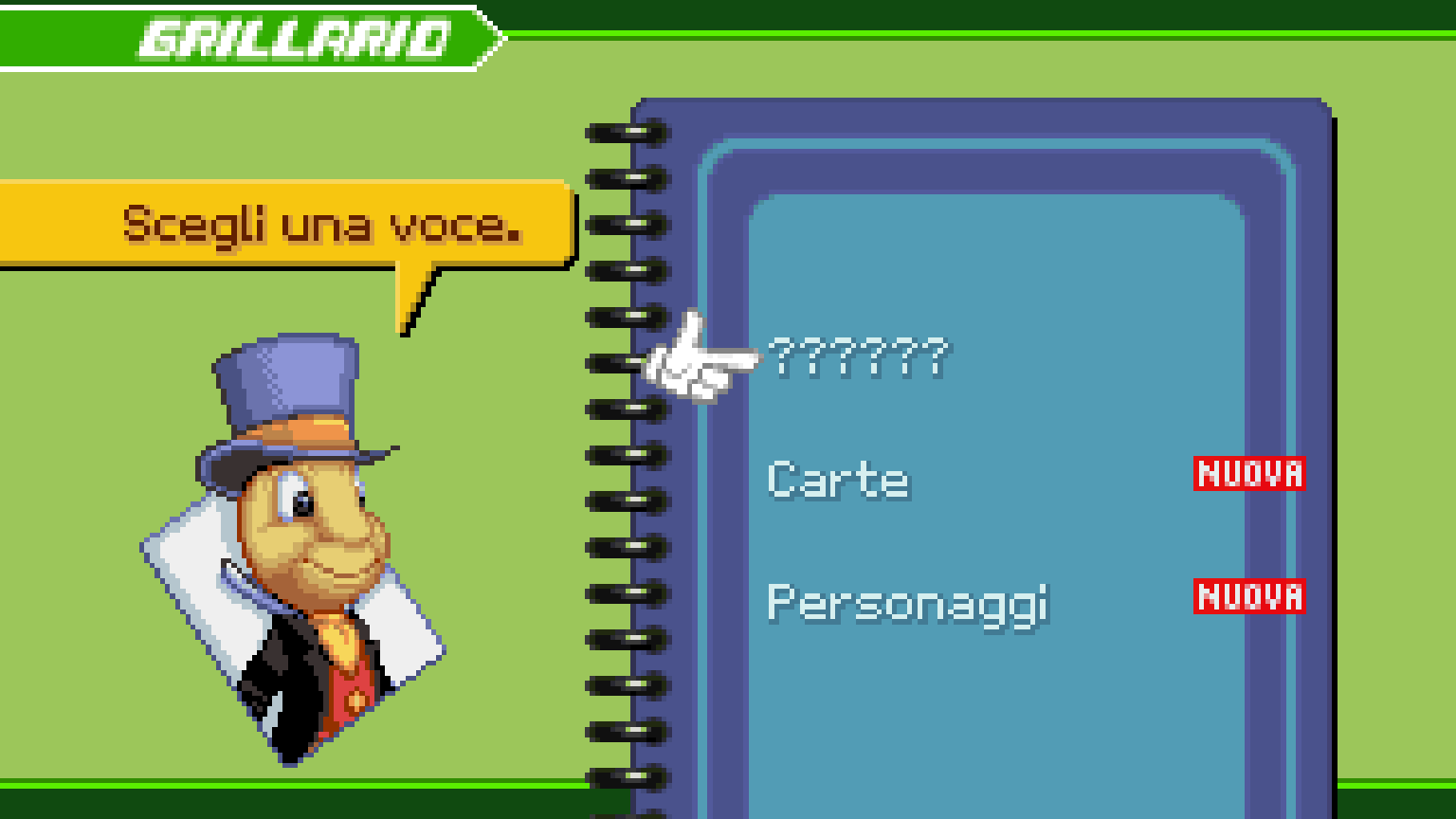
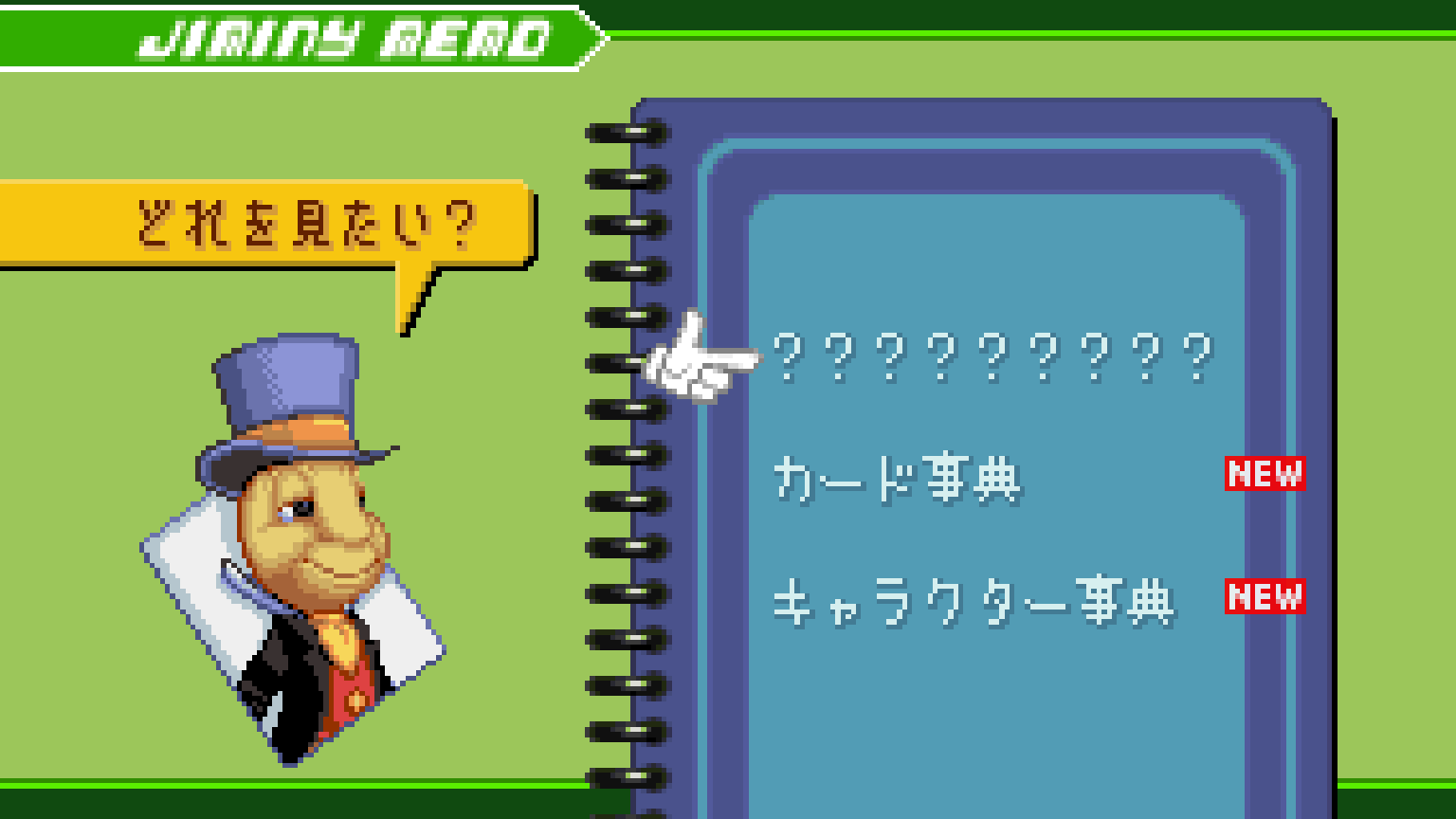
<p align="center"><img src="docs/screenshots/moogle_px.png" width="49%"> <img src="docs/screenshots/moogle_hd.png" width="49%"></p>Every language of every cartridge
| English (US) | Français | Deutsch |
|---|---|---|
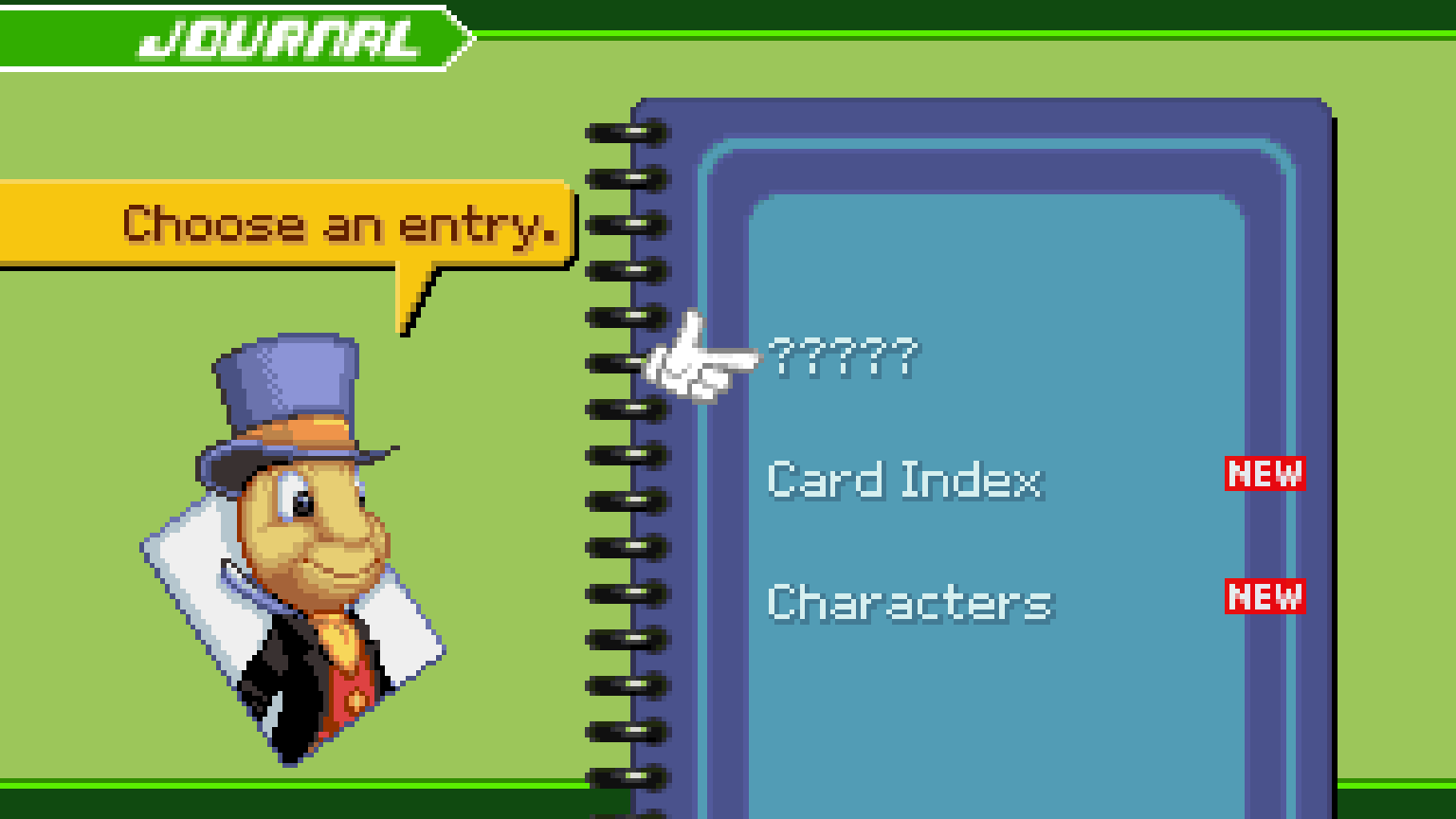 | 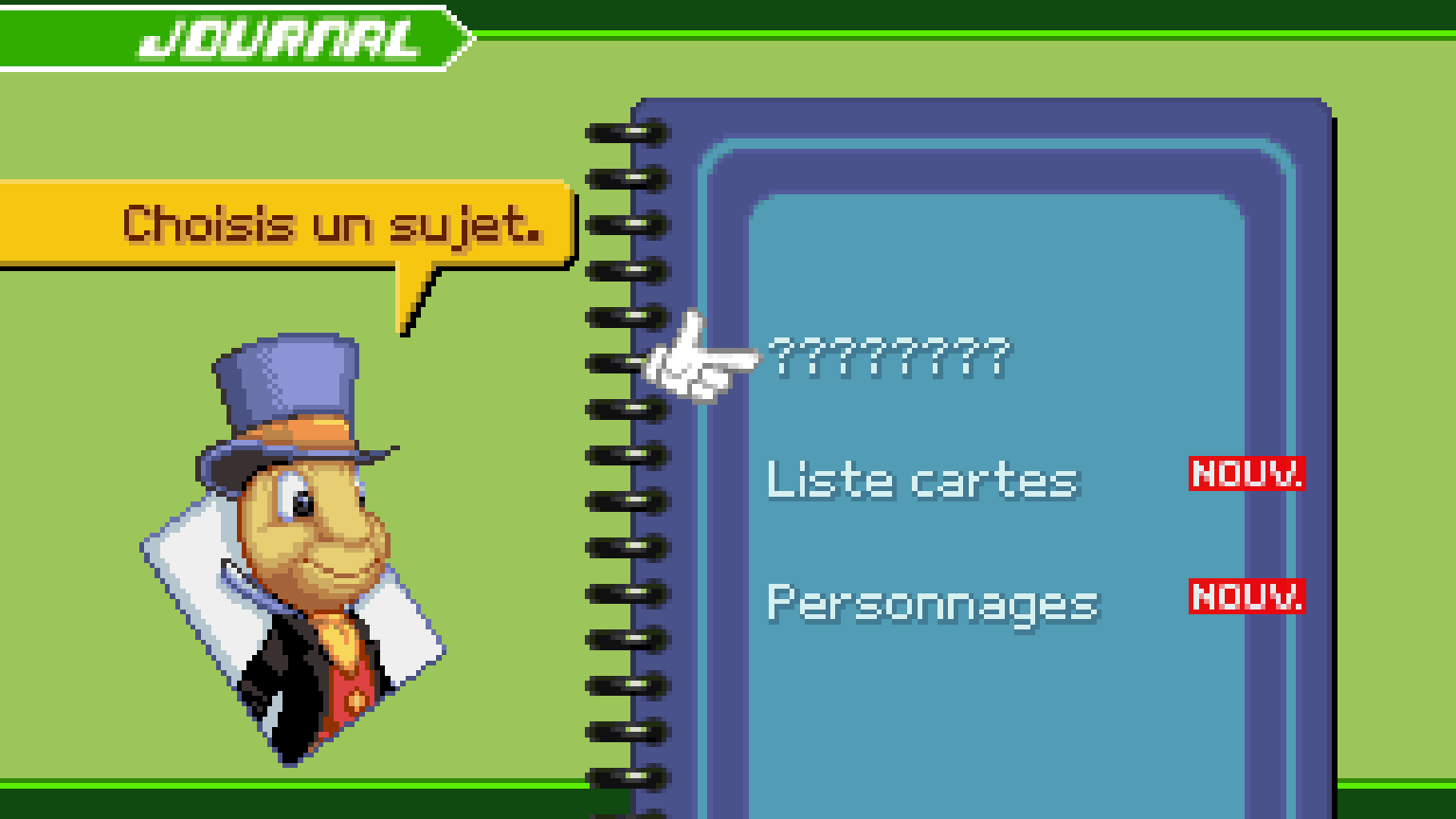 | 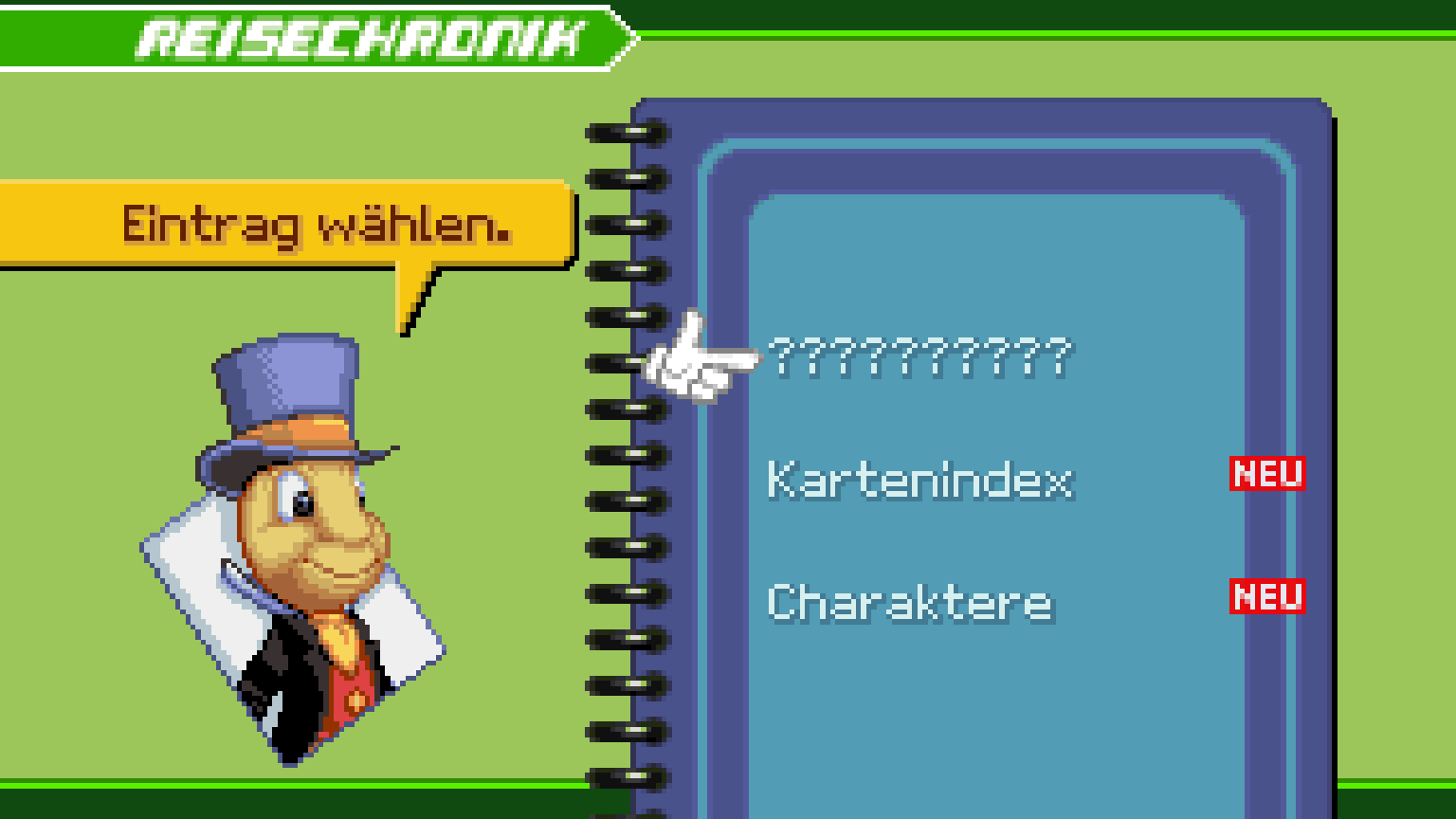 |
| Español | Italiano | 日本語 |
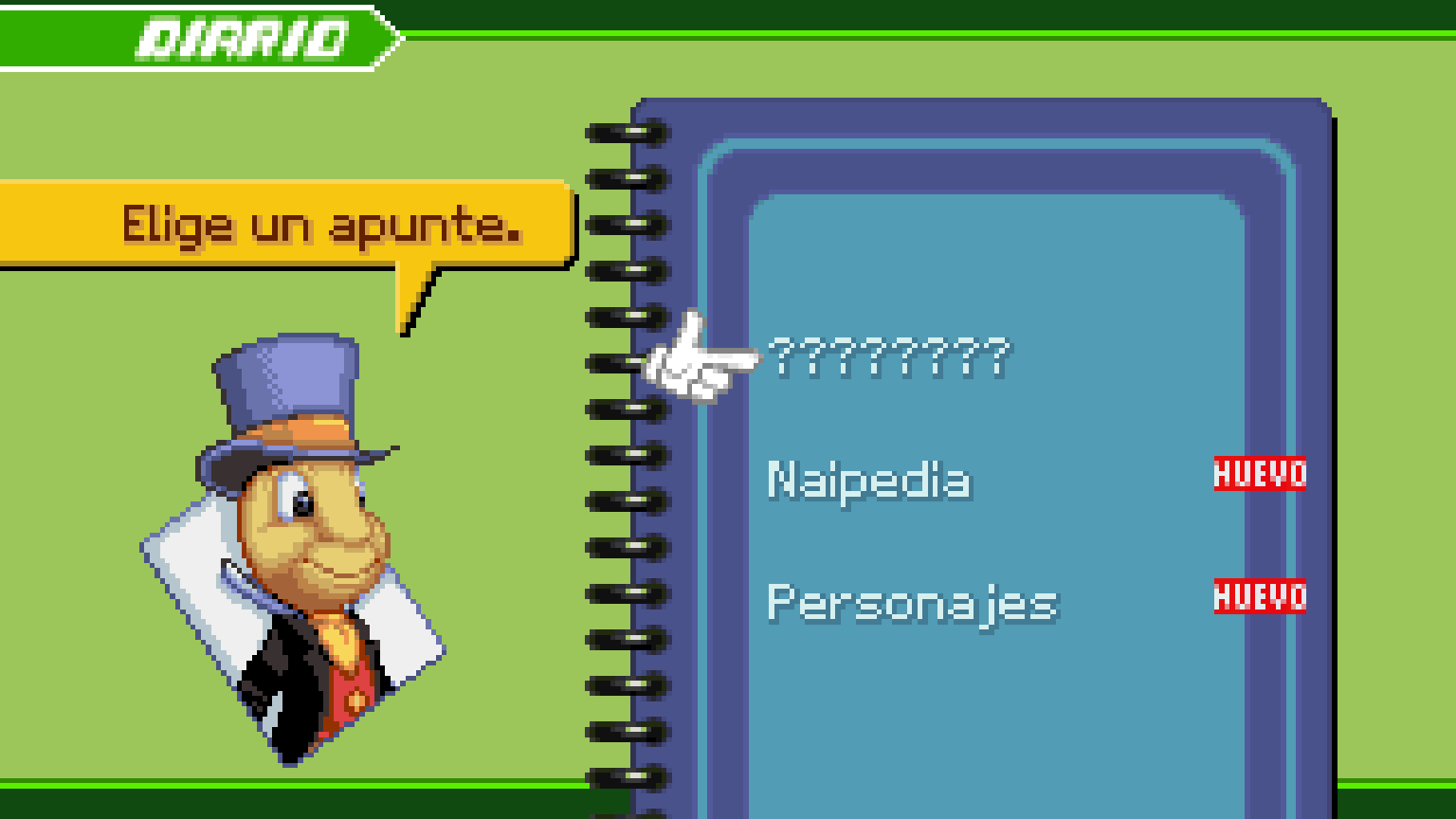 |  |  |
Launcher and in-game options
<p align="center"><img src="docs/screenshots/launcher.png" width="49%"> <img src="docs/screenshots/options.png" width="49%"></p>Compatible cartridges
Use your own cartridge dump with the launcher or the browser player:
| Version | Code | SHA-1 |
|---|---|---|
| Europe (EN, FR, DE, ES, IT) | B8CP | 8db73586cdb11b3795907edebf43228dbcd3e6b2 |
| USA | B8CE | 10729bd884f8fdca7a310b6d606c52e46657aa48 |
| Japan | B8CJ | 59ec0a0a4ccd1e6acb3bbd7bfb21d63988958cfa |
Each region uses its own save file; the launcher picks the matching version.
How it works
- The 269 decompiled C units are compiled for 32-bit x86, so pointers keep their GBA size.
- The GBA address space (work RAM, I/O, palette, VRAM, OAM, ROM, SRAM) lives at its original addresses inside the executable image; register writes and ROM pointers work unchanged.
- Asset data is read straight from your ROM: 61k data symbols are pinned to their ROM addresses, and the few ROM tables that point at code are patched at start-up.
port/holds the platform layer: software PPU (all modes, affine, windows, blending, mosaic, HBlank effects), m4a sequencer/mixer in C, PSG emulation, BIOS, DMA, input, settings and the wide-view renderer.- Where the original game reads stray memory (harmless on the GBA's open bus), the port answers as the GBA bus would instead of crashing.
Play in your browser
Open ReKHCoM Web · Beta, select your ROM and press Play. Your ROM stays on your device. The web beta supports keyboard, gamepad and centered touch controls, optional HD text with the PC fonts, and normal save import and export. The website starts in English and also offers Spanish; game language is selected separately. Fullscreen and embedded views readjust automatically. Export a backup before clearing browser data.
<p align="center"><img src="docs/screenshots/web-player.jpg" width="90%"></p>Running (Windows)
- Download the latest stable ZIP
and extract
ReKHCoM-v1.9.14-windows-x86.zipinto a writable folder of its own (for exampleReKHCoM). - Run
ReKHCoM.exeand install your cartridge dump with Install ROM... (or drag the file onto the window). The dump is checked by SHA-1 and copied toroms/. - Press Play. The launcher starts
khcom_eu.exe,khcom_us.exeorkhcom_jp.exefor the version you chose.
To update, extract the new ZIP over the same folder and replace the files: the package carries
no saves, settings or ROM, so those are kept (Quiver Launcher updates the same way). An install
from v1.9.10 or older lives in a versioned folder (ReKHCoM-v1.9.10-windows-x86): if the new
version ends up next to it instead, its launcher brings the saves, settings, ROMs and HD mod over
on the first start.
Create a desktop shortcut (below Play) makes a shortcut that starts the game directly, without the launcher.
The launcher also sets the European game's language, shows each version's save
(open its folder, or back it up to backups/ with a date stamp), and edits the
graphics, sound, enhancement and control settings shared with the game.
The ZIP includes SDL3; you do not need to install it separately. The executables are 32-bit x86. The Linux and Steam Deck packages carry their own launcher script and libraries; they have been tested in virtual machines, not yet on every device.
Settings (kh_com.ini), your cartridge saves (kh_com.sav, kh_com_us.sav,
kh_com_jp.sav), and the diagnostic log (kh_com.log) are stored next to the
executables. Back up your saves before trying new builds. Save states are specific
to the build that created them.
Known limitations
- Some HD text can overlap the Deck View submenu; that separate issue is still open.
- Movie transitions during events and the ending still need verification.
- Neither Sora's story nor Reverse/Rebirth has a verified full playthrough.
- Some rendering, audio streaming, and widescreen scenes still need verification.
- macOS builds are not available.
Building (Windows)
Requirements: Python 3 with PyYAML, llvm-mingw,
SDL3 mingw devel and ninja.
By default the tools are looked up in ../toolchain/.
git clone https://github.com/MatyMeatBoy/ReKHCoM.git
cd ReKHCoM
python -m pip install pyyaml
# Copy your dumps to roms/B8CP.gba, roms/B8CE.gba and/or roms/B8CJ.gba first.
python port/configure_pc.py              # European game + launcher, build/pc; --debug for a console build
python port/configure_pc.py --version us # USA game, build/pc-us
python port/configure_pc.py --version jp # Japanese game, build/pc-jp
ninja -f build/pc/build.ninja
build/pc/ReKHCoM.exe                     # launcher (decompui); or run a khcom.exe directly
The launcher, ReKHCoM.exe (source in port/decompui, Dear ImGui), installs your
dumps after checking their SHA-1, edits the game's settings and enhancements
and starts the executable built for the chosen version.
Use --toolchain PATH --sdl PATH when your dependencies are outside
../toolchain/. The SDL package must include i686-w64-mingw32/.
Build from the repository root. Asset glue and text are generated locally from
your dump during the first configure step.
To make a distributable ZIP without ROMs, saves or local settings:
python port/tools/package_release.py --version v1.9.14 --sdl ../toolchain/SDL3-3.4.18
Controls
| GBA | Keyboard | Gamepad |
|---|---|---|
| A | X / K | A (south) |
| B | Z / J | B (east) |
| L / R | A / S | LB / RB, triggers |
| L + R (stock a card / sleight) | D | Y (north) |
| Dodge roll | C | X (west) |
| Start / Select | Enter / Backspace | Start / Back |
| D-pad | Arrows, W | D-pad, left stick |
| Change card / stock | Right stick: left / right = L / R, up = L + R |
These are the defaults; every action takes two keys and a gamepad button, edited
on the launcher's Controls page (or kb_* / pad_* in kh_com.ini). The one-button
stock and dodge roll can be turned off in the options; their gamepad buttons then
act as A and B.
F11 or Alt+Enter toggles fullscreen.
F1, Esc, or Start + Select (keyboard or controller, as bound) opens the options overlay anywhere; at the title screen Select alone opens it. Quick states are off by default (a run plays as on the cartridge); turned on in Options > Cheats, F5 saves a state, F8 loads it and F6/F7 change the slot, and no achievements unlock while they are on. Save states do not include cartridge SRAM.
During the opening movie, A shows a prompt; A again skips the movie.
Development
See CONTRIBUTING.md for the project layout and verification workflow.
Credits
- Decompilation: Pheenoh/khcom and contributors (CC0).
- Third-party asset credits: NOTICE.md.
- PC port: ReKHCoM contributors.
The original decompilation README is kept in docs/README.decomp.md.
This is an independent fan project, unaffiliated with Square Enix, Disney or Nintendo. Their game content and trademarks are not covered by the source code's CC0 license. SDL3 is distributed under its own license, included in the Windows package.