
God Hand
Sobre el proyecto
God Hand es un videojuego beat 'em up desarrollado por Clover Studios y publicado por Capcom para la videoconsola PlayStation 2. Fue lanzado en Japón y América del Norte en 2006, y en 2007 para los territorios PAL. Fue relanzado para PlayStation 3 como un juego descargable de PS2 Classics en PlayStation Network el 4 de octubre de 2011. El juego fue dirigido por Shinji Mikami, quien deseaba crear el juego para jugadores hardcore mezclado con una gran cantidad de alivio cómico.
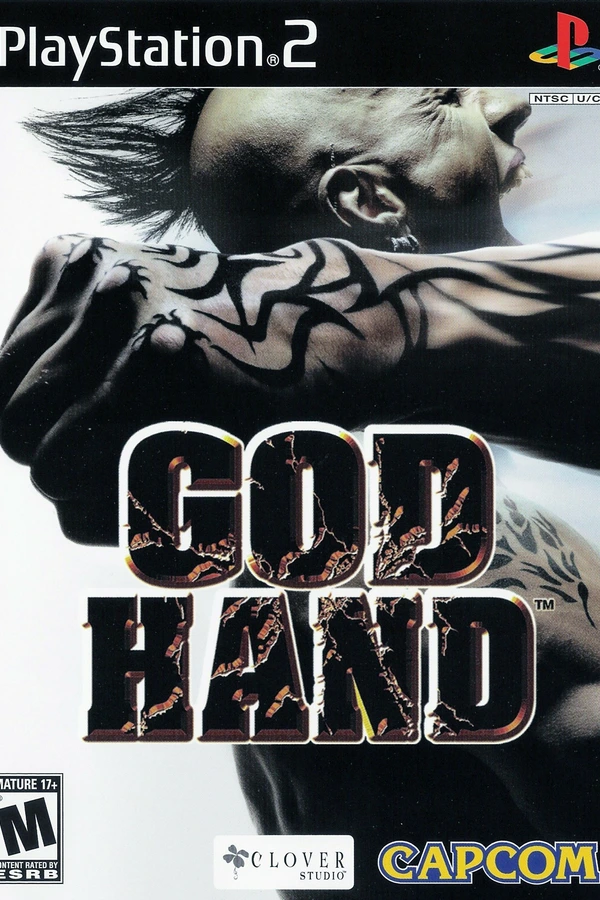

3 versiones de God Hand
Estás viendo: God Hand
Información oficial del proyecto
God Hand Recompiled
God Hand (PS2, 2006) running natively on PC. Not an emulator: the game's own code, rebuilt as a Windows program.
[!WARNING] Work in progress. Tested from the start of the game into stage 3, past the Gorilla Mask and Mad Midget Five boss fights, played side by side with the original game on a real PlayStation 2 (the tester's own console and disc). The rest of stage 3, later stages, the final bosses and the ending have not been played yet. Expect bugs, and please report them (see Reporting bugs).
You need your own copy of the game (God Hand, USA version). No game files are included here.
Progress (last updated October 20, 2026)
How far the game has been played on this port so far (each part compared side by side with a real PS2):
| Part of the game | Status |
|---|---|
| Opening, title menu, Clover logo movie | ✅ Played |
| Stage 1 (all areas and the boss) | ✅ Played |
| Stage 2 (all areas, the sepia flashback, the boss) | ✅ Played |
| Stage 3 (the amusement park) | 🟡 Gorilla Mask and Mad Midget Five beaten |
| Stages 4 to 8 and their bosses | ⬜ Not played yet |
| Ending and credits | ⬜ Not played yet |
| Coliseum and the other extras | ⬜ Not played yet |
| Game feature | Status |
|---|---|
| Fighting, combos and the Tension gauge | ✅ Works |
| God Reel (ability roulette) | ✅ Works |
| Dying and continuing | ✅ Works |
| Story cutscenes | ✅ Works |
| Saving and loading (memory card) | ✅ Works |
| Casino minigames | ✅ Works |
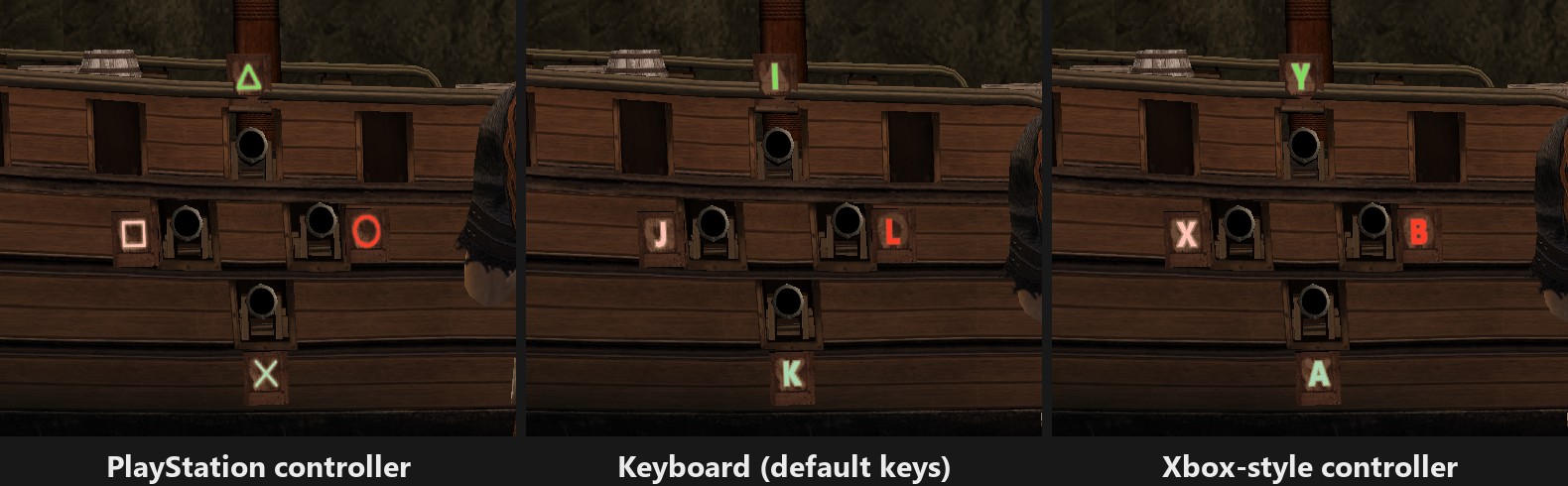
| Pirate ship cannon minigame (shows your buttons) | ✅ Works |
| Movies other than the Clover logo (ending, staff roll, trailers) | ⬜ Not seen yet |
What works
- The game itself: fighting, bosses, dying and continuing, story cutscenes and movies, the casino, the God Reel, saving and loading. Tested through stage 2 and stage 3 past Gorilla Mask and the Mad Midget Five.
- 60 FPS at 3x resolution (1536x1344, shown in the original 4:3) on a modern graphics card.
- Windowed or full screen (F11).
- Keyboard, mouse and controllers, all rebindable in game with F1.
- Button prompts show your keys: if "Action" is on the F key, the game shows "F" instead of the PS2 circle. With an Xbox-style controller it shows A, B, X, Y; a PlayStation controller keeps the PS2 symbols.
- Minigames show the proper buttons too: the crates in the pirate ship cannon minigame show the buttons you actually press. Prompts switch the moment you change between keyboard and controller.
Known issues
- First start is slow: the graphics are prepared for your graphics card the first time. The very first start can sit on a black screen for a couple of minutes. After that it starts in seconds.
- Short pauses the first time an effect appears, while its graphics are prepared. They do not come back once seen.
- Freezes: the ones found so far (disc reads, cutscene effects) are fixed. If you still see one, please report it.
- Not played yet: the rest of stage 3 and everything after it, the ending and its movies. They may crash or misbehave.
Screenshots
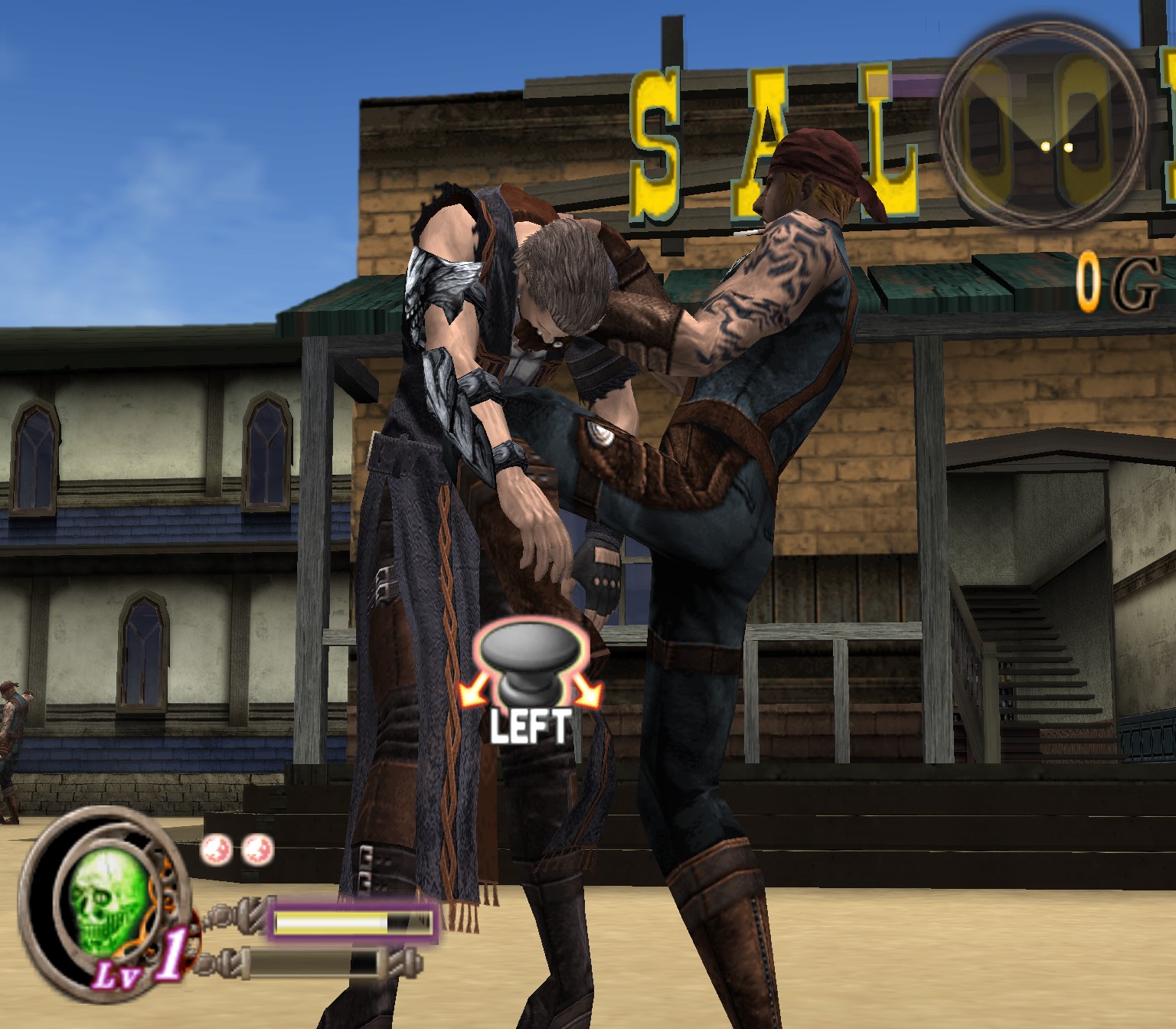
All captured from this port running on PC.
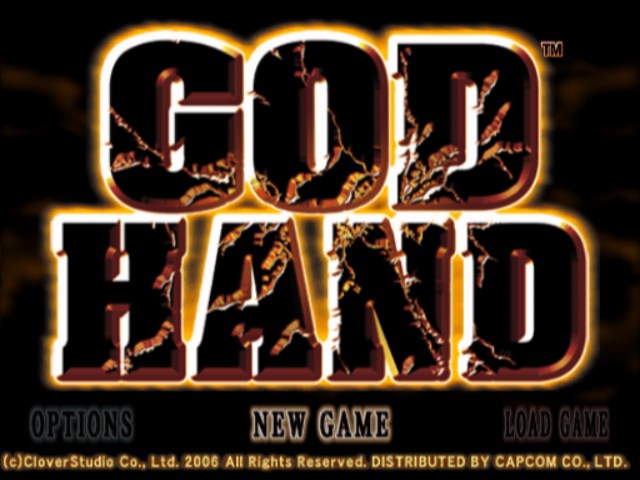 | 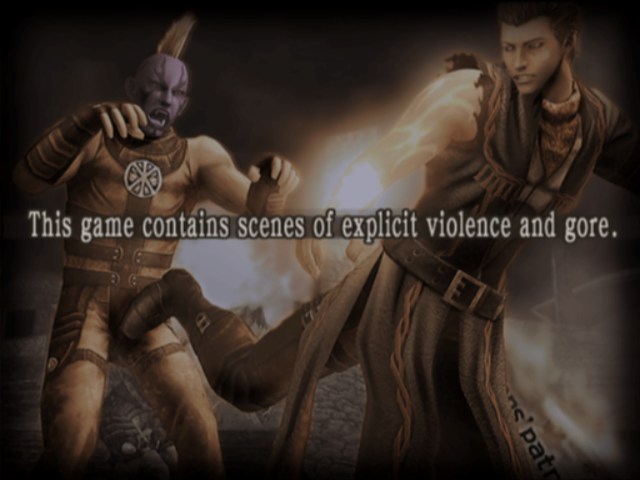 |
| Title menu | Opening warning screen |
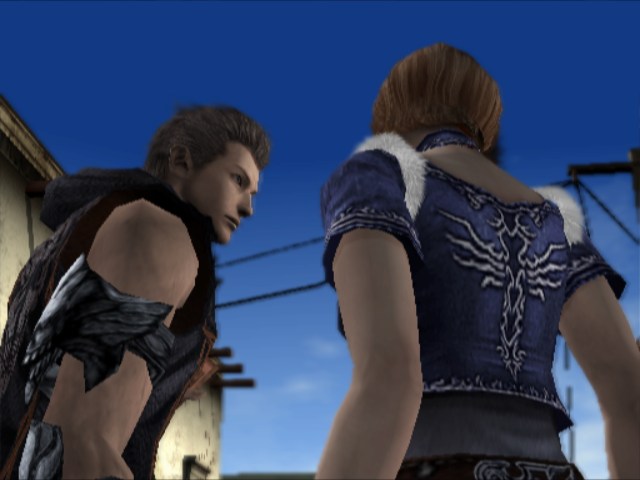 | 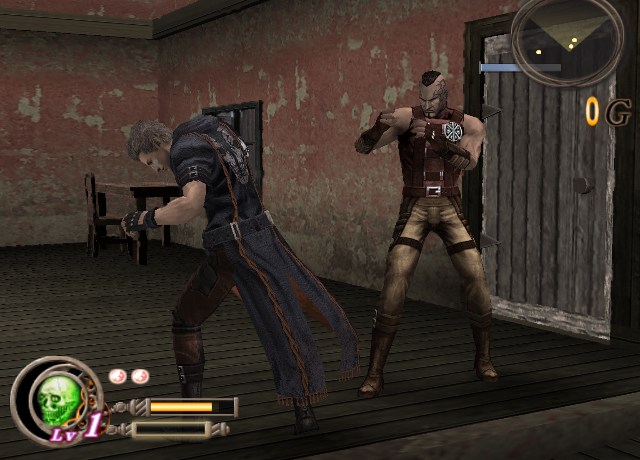 |
| Opening cutscene | Fighting inside the saloon |
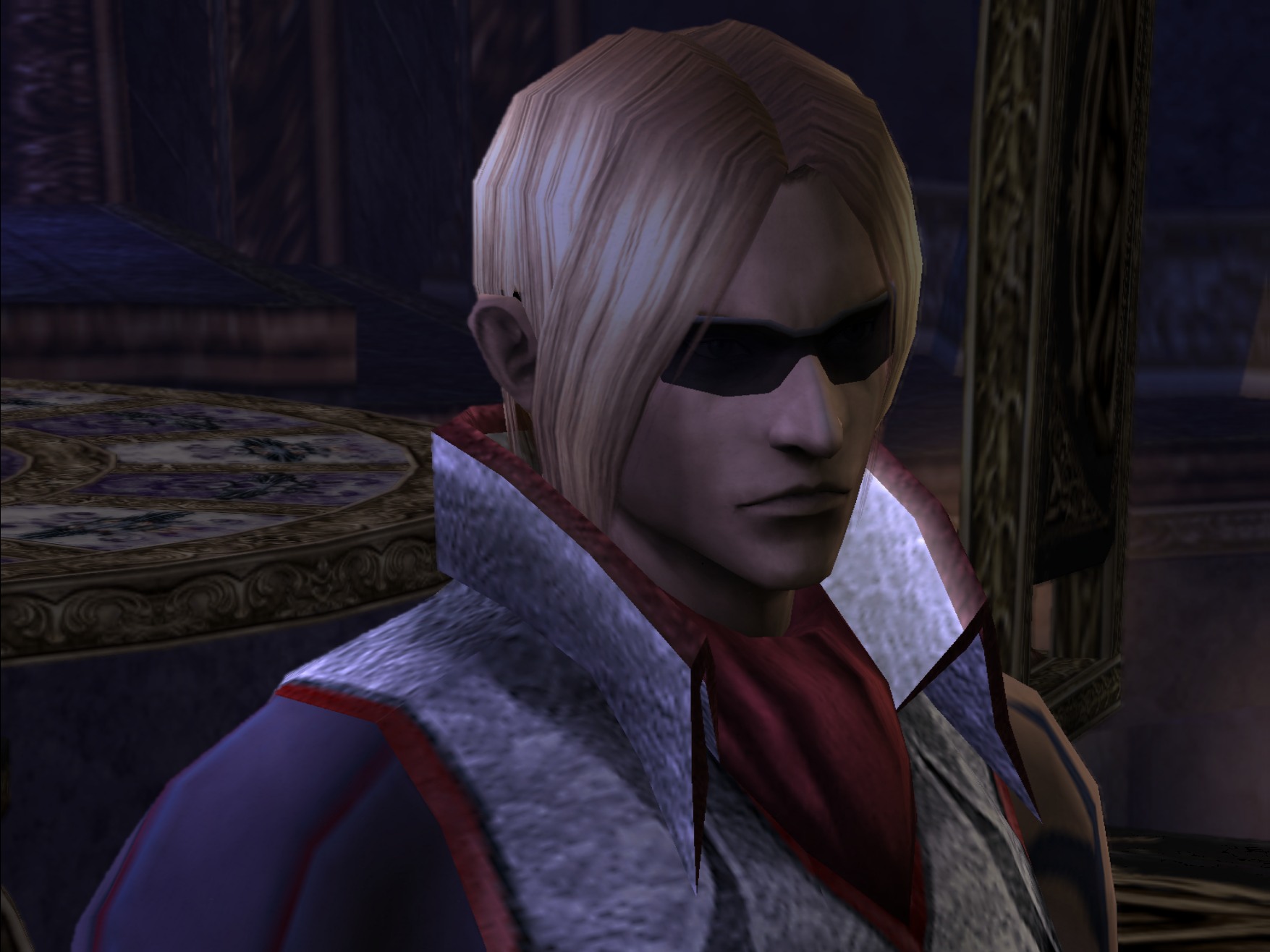 | 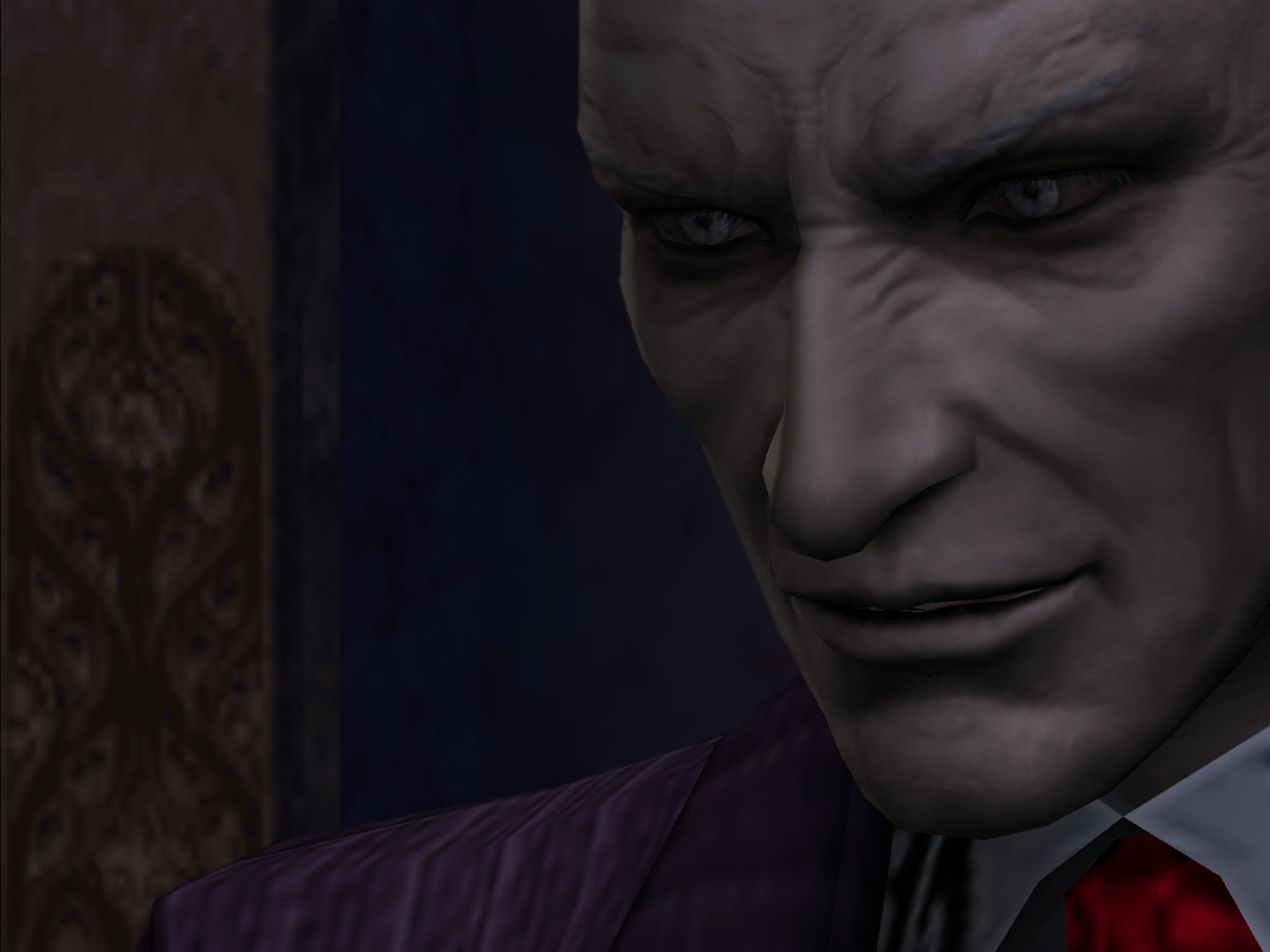 |
| Cutscene at 3x resolution | Cutscene at 3x resolution |
How to set it up
What you need
- Windows 10 or 11 and a reasonably modern graphics card.
- Visual Studio 2022 Build Tools with "Desktop development with C++" (free from Microsoft).
- Python 3.10 or newer.
- Your own God Hand (USA) disc image (
.iso, serial SLUS-21503). It must be this exact version: check it against DISC_HASHES.md. The port refuses any other disc.
Build it
Open a terminal (PowerShell) and run these one at a time:
git clone https://github.com/LasVola/godhand-recomp.git
cd godhand-recomp
copy "D:\path\to\God Hand (USA).iso" game\
python -I build.py generate
python -I tools\snr2\snr2.py extract --iso "game\God Hand (USA).iso"
python -I tools\snr2\gen_modules.py
python -I build.py modules
python -I build.py build
- The middle steps turn the code from your disc into C++ and can take a while.
- The last step downloads a few libraries the first time and then compiles everything (expect 10+ minutes).
Play
Double-click Start-God-Hand.cmd. Remember the first start can take a couple of minutes (see
Known issues).
Your saves are in build\port\bin\memcards\. Your control settings are in build\port\bin\controls.ini.
Controls
Press F1 in game (or Back + Start on a controller) to change any key or button. Changes save right away.
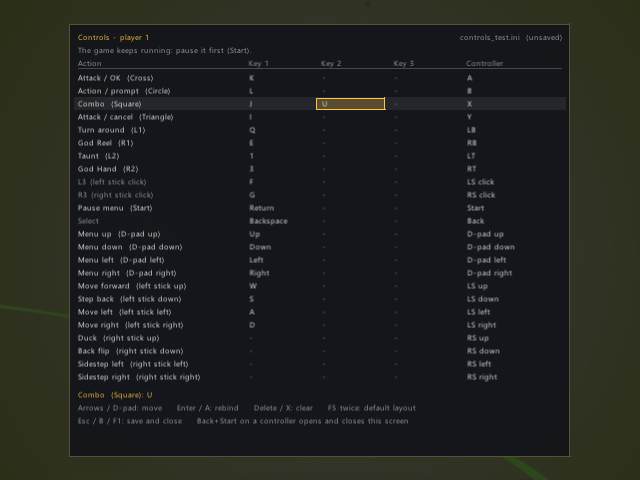
| Action | Keyboard | Controller |
|---|---|---|
| Move / step back | W A S D | Left stick |
| Duck / back flip / sidestep | (not set, choose one with F1) | Right stick |
| Attack / OK | K | A |
| Action / prompt | L | B |
| Combo | J | X |
| Attack / cancel | I | Y |
| Turn around / God Reel | Q / E | LB / RB |
| Taunt / God Hand | 1 / 3 | LT / RT |
| Pause menu / Select | Enter / Backspace | Start / Back |
| Menus | Arrow keys | D-pad |
| Key | What it does |
|---|---|
| F1 | Controls screen |
| F11 | Full screen on / off |
| F12 | Developer debugger |
To quit, close the window.
Troubleshooting
| Problem | What to do |
|---|---|
| "Wrong disc" message | Your image is a different version. Compare it with DISC_HASHES.md. |
| Black screen on the very first start | Wait: the graphics are being prepared. Later starts are fast. |
| 3D scenes or cutscenes run slowly | See Faster 3D below. |
| The game crashes or freezes | Please report it with the log file (next section). |
Reporting bugs
Open an issue and attach the log of your last session: build\port\bin\logs\play_last.log
(the session before that is kept as logs\play_<time>.log). Say where in the game it happened.
For developers
Faster 3D (for developers)
Some 3D effects run on the PS2's VU1 coprocessor. For full speed they are compiled ahead of time:
- Play with
PS2X_VU1_CAPTURE=<folder>set. Programs that are still missing are also saved tobuild\port\bin\logs\vu1_missing\: copy thosevu1_*.binfiles into the same folder. - Build the tool:
python -I build.py configure -DGODHAND_BUILD_TOOLS=ON, thenpython -I build.py build vu1_recomp. - Run
build\port\runtime\ps2xTest\vu1_recomp.exe <folder> generated\vu1, thenpython -I build.py build.
How it works
- The main program (
SLUS_215.03) is recompiled to C++ with PS2Recomp. Function boundaries come from the god-hand-decomp symbol list. - God Hand loads 81 code overlays (rooms, events, memory card) while you play.
tools/snr2relocates and recompiles each one, andsrc/godhandinstalls the right one when the game loads it. - The PS2 hardware (graphics, sound, I/O processor) is reimplemented in
runtime/. Every game-specific fix is commented where it is made. - What changed and when: CHANGELOG.md.
Credits and legal
- PS2Recomp by ran-j and contributors: the recompiler and runtime.
- LightVelox: the sotc-port runtime fork and Shadow of the Colossus port.
- thiagordsfx: the Urban Reign port, whose runtime, VU1 compiler, sound and PCSX2 graphics bridge this port builds on.
- PCSX2: graphics code in
thirdparty/. - Ace Combat 5 static recompilation: the movie decoder (Apache-2.0).
- LucasPicoli/god-hand-decomp: function names and boundaries.
- This port: built with AI assistance (Claude Code by Anthropic, with OpenAI Codex), directed and play-tested by LasVola (October 2026).
The code here is GPL-3.0 (LICENSE), like PS2Recomp. Third-party licenses are in docs/licenses/ and the
thirdparty/ folders. No game data is included. God Hand is a trademark of Capcom. This project is not affiliated
with Capcom or Clover Studio.
Let's keep God Hand alive.