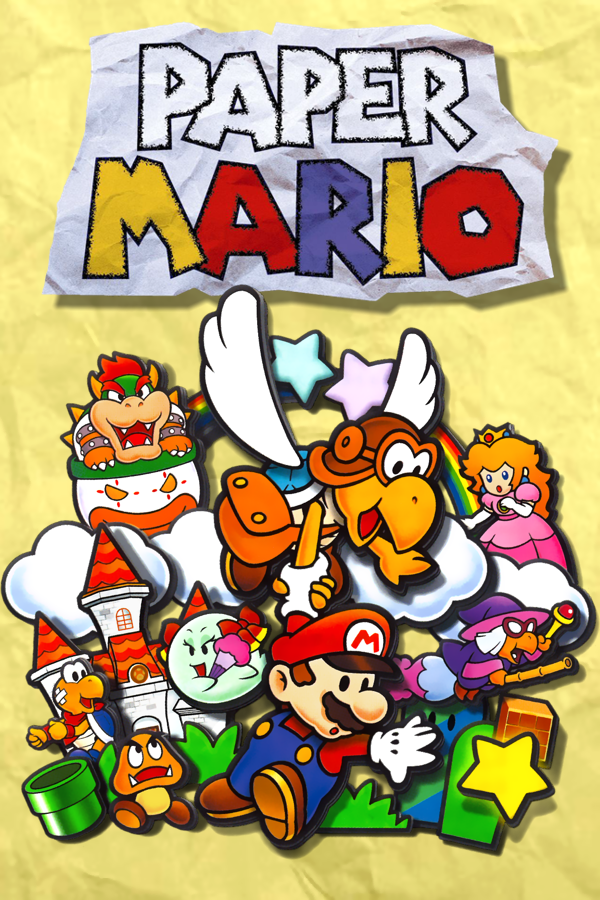
Paper Mario
Sobre el proyecto
Paper Mario es un videojuego de rol desarrollado por Intelligent Systems y publicado por Nintendo para la videoconsola doméstica Nintendo 64. Es el primer videojuego de la serie del mismo nombre. Lanzado por primera vez en Japón en el año 2000 y luego a nivel internacional en 2001, ha sido relanzado más tarde para la Consola Virtual de Wii en julio de 2007, la de Wii U en abril de 2015 y en Nintendo Switch Online + Expansion Pack el 10 de diciembre de 2021.
8 versiones de Paper Mario
Estás viendo: Paper Mario
Paper Mariogithub.com/SecondaryLifer/StarHavenStar Rodgithub.com/z64a/star-rodPaper Mario ( pmvita)github.com/versacepapermario/papermario-pc-uploadPaper Mario (SMCGames)github.com/SMCGames/Paper-Mario-ReCut-DeprecatedPaper Mario Decompilationgithub.com/pmret/papermarioPaper Mario ReCutgithub.com/SMCGames/Paper-Mario-ReCutPaperBoatgithub.com/HarbourMasters/PaperBoatPaperBoat (Android)github.com/chris43123/PaperBoatInformación oficial del proyecto
Star Haven
A native Nintendo 3DS port of Paper Mario (Nintendo 64), built from the Paper Mario decompilation. The game's own C code runs on the 3DS; nothing is emulated.
<p align="center"> <img src="port/3ds/docs/screenshots/field.png" width="380" alt="Koopa Village on the top screen; on the bottom screen the Stats tab with what Koopa Region and the room still hide"> <img src="port/3ds/docs/screenshots/battle.png" width="380" alt="A battle, with Mario's commands as big icon tiles on the bottom screen"> </p> <p align="center"> <a href="https://youtu.be/P1md4pz01cY"> <img src="https://img.youtube.com/vi/P1md4pz01cY/maxresdefault.jpg" width="640" alt="Video: Paper Mario 64 runs natively on 3DS now!!"> </a> <br> <a href="https://youtu.be/P1md4pz01cY">▶ Watch Star Haven running on a 3DS</a> </p>Star Haven contains no game data. You need your own Paper Mario ROM (EU, US, or the iQue Player's Chinese release).
Join the Star Haven 3DS Discord: discord.gg/zHq9tH49Z for help, news about new versions and to report bugs. Bug reports here on GitHub are welcome too.
Install
<img src="port/3ds/docs/screenshots/install-qr.png" align="right" width="180" alt="QR code for the latest StarHaven.cia">- On a 3DS with custom firmware, open FBI → Remote Install →
Scan QR Code and scan the code on the right. It always installs the newest release.
You can also download
StarHaven.ciaorStarHaven.3dsxfrom Releases. - Copy your ROM into
/3ds/StarHaven/on the SD card. Any file name works, and so do.z64,.n64and.v64dumps. - Start Star Haven from the HOME menu.
Full instructions: the player readme.
Bring your N64 or Paperboat save
Got a Paper Mario save from Project64, RetroArch, ares, a flashcart or the Wii U Virtual Console? Keep playing it on the 3DS:
- In the game: put the save in
/3ds/StarHaven/asimport.fla(a RetroArch.srmasimport.srm) and start Star Haven. It converts the save and keeps your old one assave.fla.bak. - In a browser: the save converter
turns an N64 save into a Star Haven
save.fla/save_us.fla, and a Star Haven save back into an N64 one. Nothing is uploaded. - From Paperboat (PC): drop its
file0.jsontofile3.jsoninto the same converter to get asave_us.fla, or asave_us.flato get Paperboat files back (US ROM only, like Paperboat).
Features
- EU and US versions in one package
- 60 fps (in-between frames are added), or the original 30
- Fast-forward and faster text
- Original, Fill or Wide screen, the 3D slider with a depth setting, remappable buttons
- A touch bottom screen with its tabs down the side:
- Stats, with a quick-save button and what the area and the room you are in still hide
- Map: the world map, showing where you are
- Party: tap a partner to switch to them
- Tattle: every enemy Goombario has tattled so far; tap one to read the whole tattle
- Found: star pieces, badges, hidden blocks and panels and item spots collected in each area
- Recipes: every dish Tayce T. cooks, the ones you've made, and how to make each one
- plus Items, and in battle your HP, FP and Star Power down the side and the menus to tap: Mario's commands as big tiles with the game's icons, and targets picked on a live picture of the stage
- A randomizer, chosen when you start a new file, with a seed you can share
- Optional cheats (infinite HP, FP and Star Power, 999 coins, unlimited BP) for files started with them on (chosen once, when the file is made)
- Imports N64 saves (Project64, RetroArch, Wii U Virtual Console and others), and a web converter for both directions, also to and from Paperboat
- 60 fps on the New 3DS family; about 30 fps on the original 3DS and 2DS, with a few extras off there (CIA only)
- Tells you on the bottom screen when a newer version is out (one check at start, nothing is downloaded; Options can turn it off)
| <img src="port/3ds/docs/screenshots/map.png" width="260"> | <img src="port/3ds/docs/screenshots/party.png" width="260"> | <img src="port/3ds/docs/screenshots/options.png" width="260"> |
| World map | Party: tap a partner to switch | Options |
| <img src="port/3ds/docs/screenshots/tattle.png" width="260"> | <img src="port/3ds/docs/screenshots/tattle-text.png" width="260"> | <img src="port/3ds/docs/screenshots/found.png" width="260"> |
| Tattle log | Tap an enemy to read its tattle | Found: what you collected in each area |
| <img src="port/3ds/docs/screenshots/new-game.png" width="260"> | <img src="port/3ds/docs/screenshots/randomizer.png" width="260"> | |
| New file: Classic or Randomizer | What the randomizer shuffles |
Building
See port/3ds/README.md. Everything builds in a Docker image with
devkitARM, libctru and citro3d, and needs your own ROMs in ver/pal/ and ver/us/.
Layout
port/3ds/ | the 3DS port: platform layer, renderer, audio, tools, packaging |
src/, include/, ver/ | the decompilation, with port changes under #ifdef _3DS |
DECOMP_README.md | the decompilation's own readme |
Credits
- 3D HOME Menu banner by Velvii. The title is in the Hey Gorgeous font, free for personal use.
License
The port (everything under port/3ds/ and the port's changes to the decompilation) is
licensed under the Apache License 2.0, copyright 2026 SecondaryLifer. Forks
are welcome; keep the NOTICE file and credit Star Haven by SecondaryLifer.
The decompilation itself is pmret/papermario.
Legal
Star Haven is a fan project. It is not affiliated with or endorsed by Nintendo. Paper Mario is a trademark of Nintendo. Release packages contain no Nintendo game data: images, models, sounds and text are read from the player's own ROM at startup. The screenshots show the game running on the port.