Paper Mario · Star Rod
Paper Mario
OrigenNintendo 64
TecnologíaPort Nativo C/C++ (Reimplementación de Motor)
Disponible paraWindows, Linux, macOS
Ver proyecto oficialSobre el proyecto
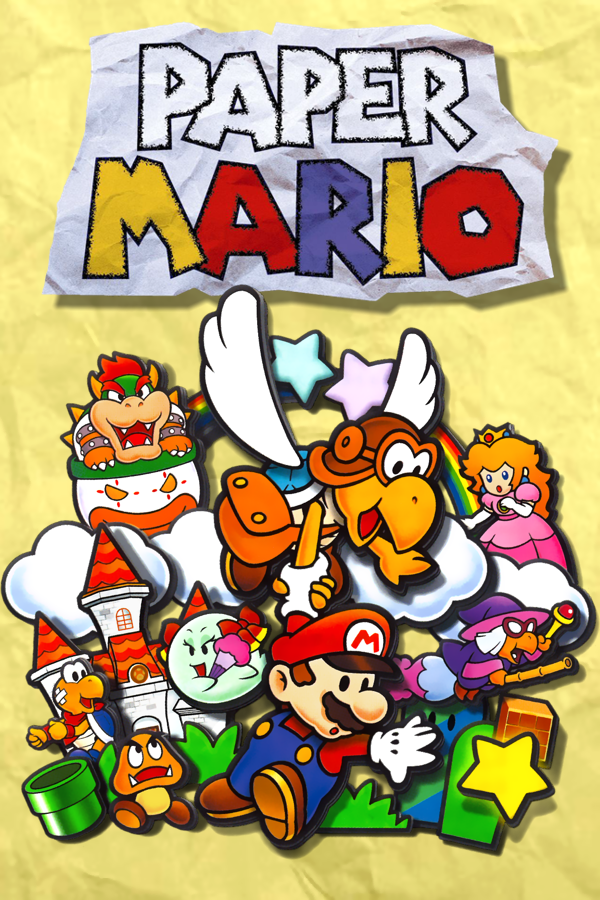
Paper Mario es un videojuego de rol desarrollado por Intelligent Systems y publicado por Nintendo para la videoconsola doméstica Nintendo 64. Es el primer videojuego de la serie del mismo nombre. Lanzado por primera vez en Japón en el año 2000 y luego a nivel internacional en 2001, ha sido relanzado más tarde para la Consola Virtual de Wii en julio de 2007, la de Wii U en abril de 2015 y en Nintendo Switch Online + Expansion Pack el 10 de diciembre de 2021.
8 versiones de Paper Mario
Estás viendo: Star Rod
Star Rodgithub.com/z64a/star-rodPaper Mariogithub.com/SecondaryLifer/StarHavenPaper Mario ( pmvita)github.com/versacepapermario/papermario-pc-uploadPaper Mario (SMCGames)github.com/SMCGames/Paper-Mario-ReCut-DeprecatedPaper Mario Decompilationgithub.com/pmret/papermarioPaper Mario ReCutgithub.com/SMCGames/Paper-Mario-ReCutPaperBoatgithub.com/HarbourMasters/PaperBoatPaperBoat (Android)github.com/chris43123/PaperBoatInformación oficial del proyecto
Star Rod




A suite of tools for editing assets from the Paper Mario (2000) decompilation.
Star Rod supports Windows, Linux, and macOS.
Release archives include a platform-specific Java runtime. Extract the complete archive, then run StarRod.bat on Windows or StarRod on Linux and macOS; no separate Java installation is required.
To get started with modding Paper Mario, see docs.starhaven.dev.
Development
Star Rod is written in Java and uses the build tool Gradle. We recommend Visual Studio Code as your editor.
To set up Star Rod for local development, follow these instructions:
- Clone this repo, e.g.
gh repo clone z64a/star-rod - Open it in Visual Studio Code:
code star-rod - At the bottom right hand corner, a prompt will appear to install the recommended Visual Studio Code extensions; click Yes. This will install the Java and Gradle editor extensions. You can see the Gradle elephant icon in the Activity Bar.
- Open the Explorer. Alternatively, press <kbd>Ctrl+Shift+E</kbd> / <kbd>⇧⌘E</kbd>.
- Navigate to
src/main/java/app/StarRodMain.java. - Click the "Run" button above the line declaring the
mainmethod (this type of button is called a CodeLens):
Creating a ZIP locally
Run ./gradlew createReleaseZip. The archive in build/release includes the runtime and launcher for the current operating system and CPU architecture.