Vib-Ribbon Decompilation
Vib-Ribbon
OrigenPlayStation
TecnologíaDescompilación y Reconstrucción en C/C++
Disponible paraWindows, Linux, macOS
Ver proyecto oficialSobre el proyecto
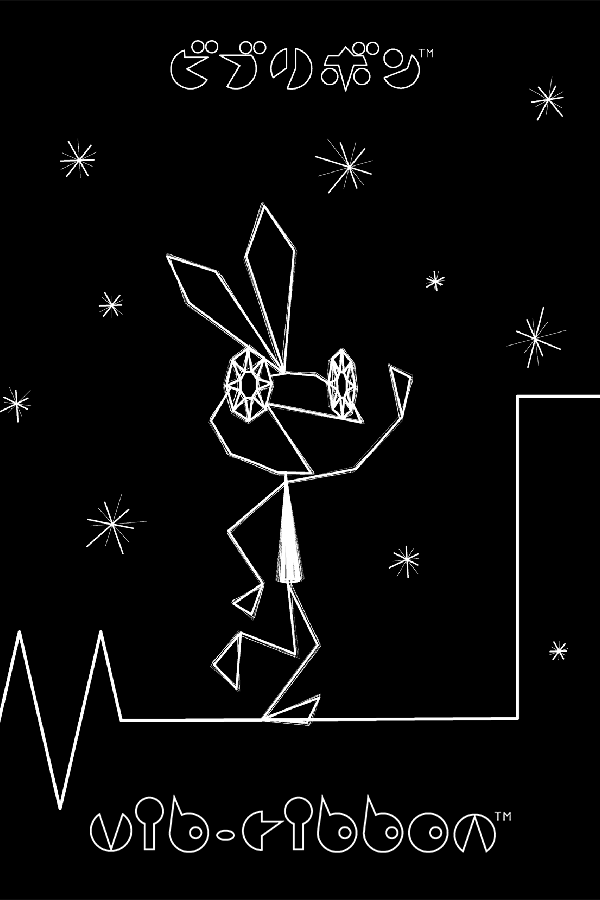
Vib-Ribbon es un videojuego musical creado por Masaya Matsuura y desarrollado por NanaOn-Sha para PlayStation. Salió a la venta el 9 de diciembre de 1999 en Japón y un año más tarde en Europa. Se trata de un juego rítmico cuya particularidad es que el software queda cargado en la memoria RAM, lo que permite retirar el CD del juego y utilizar canciones de cualquier otro disco compacto. El juego se puede jugar en PlayStation 2 debido a la retrocompatibilidad.
2 versiones de Vib-Ribbon
Estás viendo: Vib-Ribbon Decompilation
Información oficial del proyecto
A WIP decompilation of PAL build of the PS1 game Vib-Ribbon (ビブリボン). <br> The objective is to produce a free and open-source reverse-engineered version of the game. <br>
Documentation about this game and project can be found here. <br> Join our Discord server to discuss the project.
Decompilation Progress
| File name | Progress | Description |
|---|---|---|
MAIN_T.EXE |  | Title screen |
MAIN_K.EXE | N/A | Kiosk—Tutorial level |
MAIN_G.EXE | N/A | Main menu and gameplay |
SCES_028.73 | N/A | Module (.EXE) loader |
General info
Vib-Ribbon was written in C++, which was uncommon for games in the 90s, especially on the PSX.<br> However, due to current limitations, this decompilation is written in C.
How to build
Place all the necessary PSX executable files in the iso directory (e.g. MAIN_G.EXE) first.
If you don't currently have the executables needed to decompile the game, please follow this guide on how to extract the files from your copy of Vib-Ribbon.
- Run
make extractto generate the assembly files in theasm/directory - Run
maketo compile the binaries in thebuild/directory
In case there are any changes in the config/ folder, you might need to run make clean to reset the extraction.
Some non-matching functions are present in the source preprocessed by the macro NON_MATCHING. You can still compile the game binaries by running CPP_FLAGS=-DNON_MATCHING make. In theory, they might be logically equivalent in-game, but I cannot promise that. Few of them could match by tuning or changing the compiler.
How to decompile
- Run
make clean extract all expectedat least once - Look for a function which hasn't been successfully decompiled yet (eg.
INCLUDE_ASM("asm/game/nonmatchings/4D58", VideoSys__FlipBuffer);) - Run
FUNC=VideoSys__FlipBuffer FILE=VideoSys make decompileto dump the decompiled code on the console - Replace the
INCLUDE_ASM(...);you targeted with the console output content - and invoke
python3 ./tools/asm-differ/diff.py -mwo VideoSys__FlipBuffer
You will probably have some differences from your compiled code to the original; keep refactoring the code and move variables around until you have a 100% match.
There are a few tricks to make the process more streamlined:
- Use decomp.me with the vib-ribbon preset.
- The “context” section of decomp.me, is provided by the previous command
make decompileas mentioned in the how to decompile. - Use decomp-permuter to solve some mismatches.
- Use this and this guide to understand how some compiler patterns work.
- Use the
#ifndef NON_MATCHINGif your code is logically equivalent but you cannot yet fully match it.
Troubleshooting
Not getting an "OK" on Ubuntu 22.04
Debian>=12 and Ubuntu>=22.04 uses binutils-mipsel-linux-gnu>=2.38 which, for some unknown reasons, it generates broken binaries. You need to downgrade to 2.34 or 2.35 with the following:
curl -L -o binutils-mipsel-linux-gnu_2.35.2-2cross2_amd64.deb http://ftp.de.debian.org/debian/pool/main/b/binutils-mipsen/binutils-mipsel-linux-gnu_2.35.2-2cross2_amd64.deb
dpkg -i binutils-mipsel-linux-gnu_2.35.2-2cross2_amd64.deb
rm binutils-mipsel-linux-gnu_2.35.2-2cross2_amd64.deb
Contributors
| Avatar | Username |
|---|---|
 | polybiusproxy |
 | mkst |
 | unclamped |
 | sys128 |
 | AnOpenSauceDev |