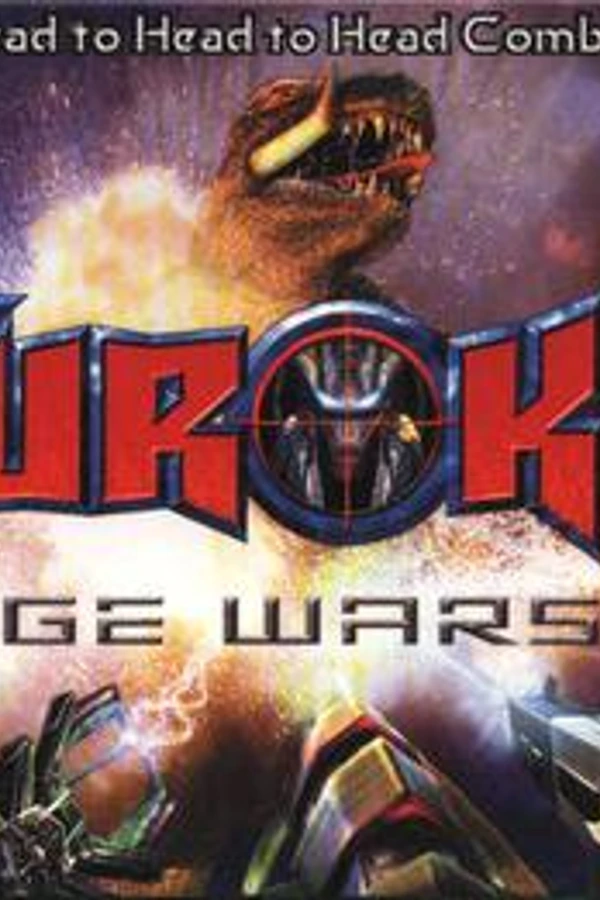
Turok: Rage Wars (rage-wars-recompiled)
Turok: Rage Wars
About the project
Turok: Rage Wars es un videojuego de shooter en primera persona desarrollado por Acclaim Studios Austin y publicado por Acclaim Entertainment. Fue lanzado para la consola de videojuegos Nintendo 64 en 1999. Rage Wars es un juego que no es canon en la serie de videojuegos Turok, con un gran énfasis en multijugador. Admite un máximo de cuatro jugadores simultáneamente a través de pantalla dividida. El juego también es compatible con Expansion Pak de Nintendo 64 para gráficos de alta resolución, pero no lo requiere.
2 versions of Turok: Rage Wars
You're viewing: Turok: Rage Wars (rage-wars-recompiled)
Official project information
Rage Wars Recompiled
Turok: Rage Wars for Windows PC, with experimental OpenXR VR support. A non-commercial fan recompilation by XR64 Studios.
Download Beta 0.5.0 · Setup · Release notes · Known issues · Credits · Report a bug
Beta 0.5.0
- Local multiplayer: use keyboard and mouse for one player and a gamepad for another, with per-player input assignment under PC OPTIONS → PLAYERS.
- Smoother play: native first-person view and ground movement, animation blending and higher-refresh presentation.
- Rendering improvements: captured-model texture filtering, a broader material combiner and corrected two-colour HUD text.
- VR improvements: head-locked HUD, world laser sight, tracked weapons, analog locomotion, smooth turning and customizable controller bindings.
- Reorganized settings: separate PC OPTIONS and VR OPTIONS, movement direction, recentering and player-device assignment.
How to play
Extract the complete Windows x64 ZIP and keep every included DLL beside RageWarsRecompiled.exe. Launch it, select your own supported US v1.0 ROM, and choose PC or VR. Press Escape at the start screen. No development tools are needed to play.
For local multiplayer, assign player 1 to KEYBOARD and player 2 to GAMEPAD 1, then select Multiplayer in the game. Setup also explains the configuration-file option.
For VR, connect your PC headset and make its OpenXR runtime active. Open Options → VR OPTIONS, enable MOTION CONTROLS, and use ENTER VR. VR selects calibrated weapon models; supply your own model and calibration files as described in Setup. This download runs on Windows PC, including PC-connected headsets.
To update, close the game, back up %LOCALAPPDATA%\XR64\RageWars (or your whole XR64_PROFILE_DIR profile), and extract the new ZIP into a fresh program folder. Continue using your existing profile and keep the previous program folder as a fallback.
Source and credits
Matching source and BYO-ROM build instructions are in source/ and the named source ZIP. No ROM, extracted game assets, saves or populated profiles are bundled.
See COPYING.txt, MODIFICATIONS.txt, Credits, and third-party notices. Original game rights remain with their respective holders. The distribution includes translated guest code and ROM-derived reconstruction edits; no rights-holder permission or legal clearance is claimed.
Previous releases remain available.