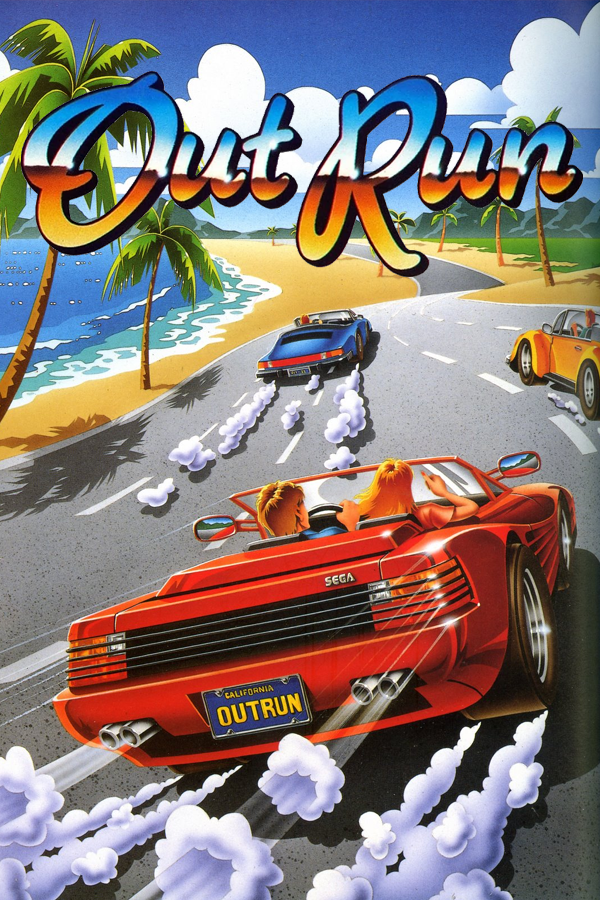
OutRun · CannonBall
OutRun
OriginArcade
TechnologyNative C/C++ port (engine reimplementation)
Available forWindows, Linux, macOS
View official projectAbout the project
OutRun es un videojuego de carreras en 2024.
3 versions of OutRun
You're viewing: CannonBall
Official project information
Cannonball - OutRun Engine
CannonBall is an souped up game engine for the OutRun arcade game. The original 68000 and Z80 assembler code has been rewritten in C++. This makes it possible to make improvements suitable for modern platforms, including a higher frame-rate and widescreen support. It requires the original ROMs, as these contain elements including the graphics and audio data.
- For an overview of CannonBall and its features, please read the manual.
- Reassembler Blog
Please note that I maintain the Windows build of CannonBall. Whilst I strive to ensure this is a fully cross-platform project that compiles across Linux, Wii, Mac, Pi4 etc. I do not maintain those ports. Port specific issues should be raised with the respective person.
Thank you! Chris White (Project Creator).
Getting Started
CannonBall is coded in C++ and makes use of the SDL 2 and Boost libraries.
CannonBall has been successfully built for Windows, Mac OS X, Linux, Open Pandora and the Raspberry Pi.
CannonBall can use OpenGL, OpenGLES (mobile platforms) or plain SDL2 for rendering.
I have recently deprecated support for SDL 1, to focus on SDL 2. But feel free to grab an older version from github if you need it.
- Install your favourite C++11 environment (e.g. GCC, Visual Studio, Xcode, MingGW etc.)
- Install CMake. This generates your platform and compiler build files.
- Extract the Boost Library somewhere, for example: c:\coding\lib\boost_1_74_0 Note that Boost does not need to be compiled, as only the header libraries are used. This keeps things nice and lightweight.
- Extract the SDL Development Library somewhere, for example: c:\coding\lib\SDL2-2.0.12
- Read the SDL documentation & build the SDL Library for your system.
- Windows only: I needed to copy cannonball/cmake/windows_copy_to_sdl2_lib_directory/sdl2-config.cmake to c:\coding\lib\SDL2-2.0.12
- Windows only: download and install the Direct 8.1 SDK. This is used for force-feedback and a legacy from when I was using SDL 1. I should update it sometime to use SDL 2 instead.
- Extract the Cannonball code somewhere, for example: c:\coding\cannonball
- You may need to create a .cmake file for your system to configure specific options. See the cmake subdirectory for more details.
Build
- Run CMake to generate the relevant build files for your compiler. You can optionally pass -DTARGET=filename to pass a custom .cmake file
- Compile using your chosen compiler. Further details below.
Visual Studio 2019 Community Edition
-
Create to the sub-directory you want to create your build files in (e.g. or vs_build)
cmake -G "Visual Studio 16 2019" ../cmake
-
Open the created CannonBall solution in VS 2019.
-
Right click and choose 'Set as StartUp project'.
-
Set working directory to something sensible. Right click -> Configuration properties -> Debugging
-
Ensure config.xml is in the working directory. You can specify an alternate location on the command line
-
Edit config.xml to reflect the paths of your roms and res directories. By default, they should be in the working directory.
-
Copy the OutRun revision B romset to the roms subdirectory.
-
You can then compile, debug and run from Visual Studio as expected.