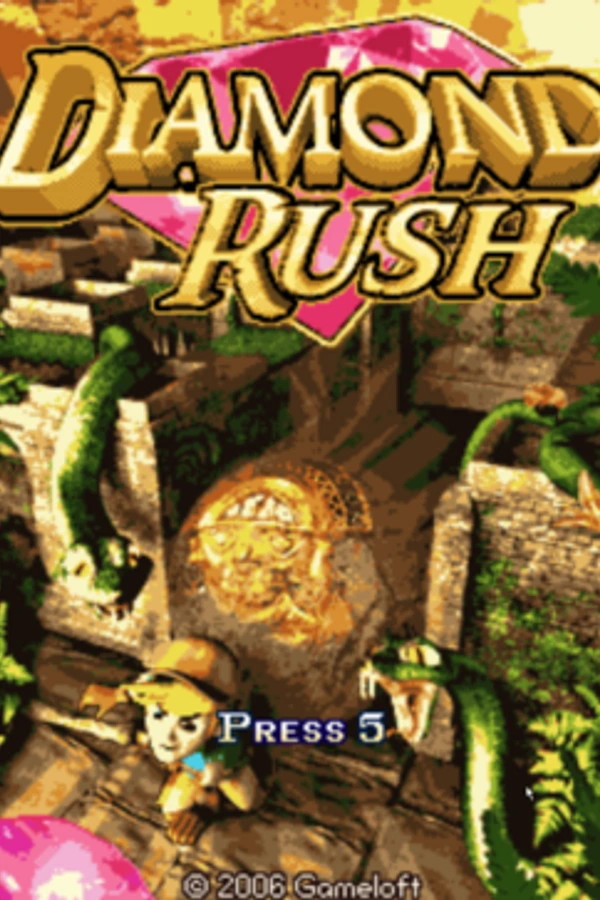
Diamond Rush
TechnologyNative C/C++ port (engine reimplementation)
Available forWindows, Linux, macOS
View official projectAbout the project
Diamond Rush es un videojuego de acción y rompecabezas desarrollado y publicado por Gameloft. Fue lanzado en diciembre de 2006 para plataformas móviles Java ME y en marzo de 2009 para dispositivos BlackBerry. En el juego, el jugador controla a un explorador de tierras que se embarca en la búsqueda de ciertos cristales en tres regiones distintas: Angkor Wat, Baviera y Tíbet. El título tiene un tema de arqueología y el jugador necesita recolectar una cantidad significativa de diamantes para desbloquear los mundos.
2 versions of Diamond Rush
You're viewing: Diamond Rush
Official project information
Diamond-Rush-Decomp
A decompilation of Gameloft's 2006 J2ME game, Diamond Rush. This is specifically the non-padlock version (v1.2.0) for the Sony Ericsson S700. The aim is not to get a bytecode identical decompilation but rather deobfuscate it enough for the code to be readable and logically identical to the original.
Building
J2ME Setup
You may need to add ulimit -n 10000 to KEmulator.sh and uei/emulator if you get an error about memory on Linux. You may also have to set the executable flag of the executables (including in the uei folder) for nnmod to be detected as a device by Eclipse.
Eclipse Setup
- Create a new Java ME project
- Copy the contents of the repository to the root of the project directory
- If needed, create a new Run Configuration by going to Run > Configurations. You should be able to build and run the game via this configuration.