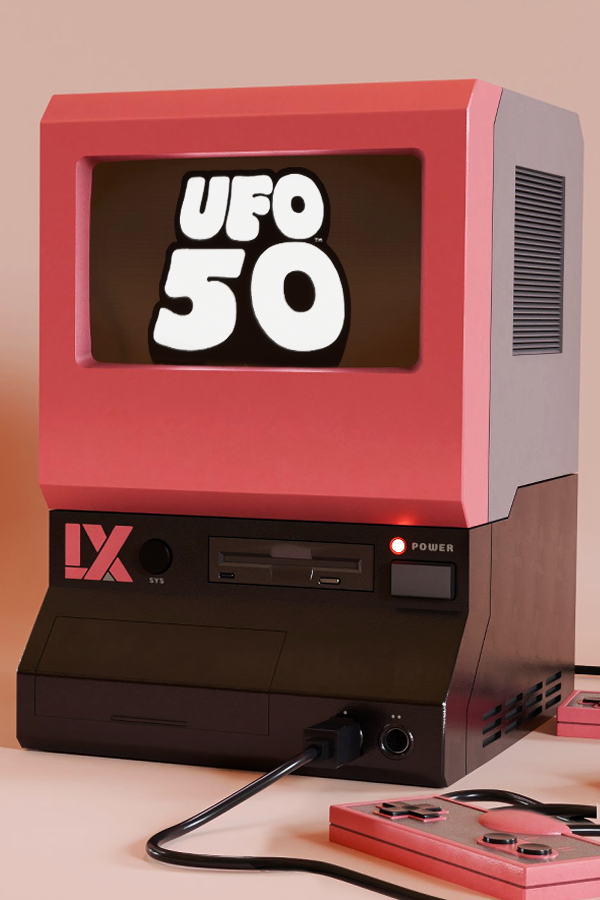
UFO 50 (Android)
UFO 50
OriginWindows
TechnologyNative C/C++ port (engine reimplementation)
Available forAndroid
View official projectAbout the project
UFO 50 es un videojuego de acción y aventura publicado por Mossmouth en 2024.
2 versions of UFO 50
You're viewing: UFO 50 (Android)
Official project information
UFO50AndroidUnofficial
A tool to build your own Android version of UFO 50
Love UFO 50? Own an Android device and a controller? Then you can enjoy UFO 50 on the go! It's an extremely simple process to build your own copy and get it running. Please do not share your APK with others. Mossmouth created an incredible game and pirating it would be a serious dick move. Don't screw over indie developers.
Currently, up to version 1.6.2.4 is supported. Newer versions of the game may or may not work.
Building
- Purchase UFO 50. The devs deserve the money.
- Copy your UFO 50 game files into the ufo50 folder.
- Run build_windows.bat if you're using Windows, build_unix if you're not.
- Copy com.unofficial.ufo50.apk to your device.
- Enable installing from unofficial sources on your device, if needed. This will vary from device to device.
- Install com.unofficial.ufo50.apk with your file manager of choice. You can delete it after it's installed.
- Play! You can press Start, go to Settings > Video Settings, and set SCALE to FILL to fill the entire screen.
Save Management
Before you can manage save files, make sure you have enabled Developer Options on your device and allowed USB or Wi-Fi debugging. Make sure you have run UFO 50 at least once before you attempt to upload your saves. To backup your save, run backup_saves_windows.bat if you're using Windows or backup_saves_unix if you're not. This will copy your save files from your device and put them in the save folder. To restore your save, place your save files into the save folder and run restore_saves_windows.bat if you're using Windows or restore_saves_unix if you're not.
Notes
If you have UFO 50 working on PortMaster, open ufo50.port in an archive manager like 7-zip and use the game.droid and options.ini files in that directory. If you don't have any idea what the above means, don't worry about it. It's entirely optional.
To-Do
- Integrate PortMaster's changes into build script as an optional selection
- Implement touch controls (may never happen, need to research injecting objects using UndertaleModTool