Super Mario Sunshine (doldecomp)
Super Mario Sunshine
Sobre el proyecto
Super Mario Sunshine es un videojuego de plataformas japonés de 2002 desarrollado y publicado por Nintendo para GameCube. Es el segundo juego en 3D de la serie Super Mario, después de Super Mario 64 (1996). El juego fue dirigido por Yoshiaki Koizumi y Kenta Usui, producido por los creadores de la serie Shigeru Miyamoto y Takashi Tezuka, escrito por Makoto Wada y musicalizado por Koji Kondo y Shinobu Tanaka.
8 versiones de Super Mario Sunshine
Estás viendo: Super Mario Sunshine (doldecomp)
Super Mario Sunshine (doldecomp)github.com/doldecomp/smsSunPad (Super Mario Sunshine iOS/macOS)github.com/chrissotraidis/sunpadSuper Mario Sunshinegithub.com/chasem-dev/sms-pc-portAndroid Port (Player124413)github.com/Player124413/sunpad-android-editon sms launcher (chasem-dev)github.com/chasem-dev/sms-launcherSuper Mario Sunshine (Android)github.com/jbcgames/sms-androidSuper Mario Sunshine (Native PC Port)github.com/TekRantGaming/sms-pc-portSuper Mario Sunshine (PS5)github.com/griches/PS5_Sunshine
Información oficial del proyecto
Super Mario Sunshine


<img src="https://decomp.dev/doldecomp/sms.svg?w=512&h=256" width="512" height="256">
A work-in-progress decompilation of Super Mario Sunshine.
This repository does not contain any game assets or assembly whatsoever. An existing copy of the game is required.
Supported versions:
GMSJ01: Rev 0 (JPN)GMSP01: Rev 0 (PAL)GMSE01: Rev 0 (NTSC)GMSJ01_01: Rev 1 (JPN)GMSP01_NX: Rev 0 (Mario 3D All Stars (Switch))
Dependencies
Windows
On Windows, it's highly recommended to use native tooling. WSL or msys2 are not required.
When running under WSL, objdiff is unable to get filesystem notifications for automatic rebuilds.
- Install Python and add it to
%PATH%.- Also available from the Windows Store.
- Download ninja and add it to
%PATH%.- Quick install via pip:
pip install ninja
- Quick install via pip:
macOS
-
Install ninja:
brew install ninja
wibo, a minimal 32-bit Windows binary wrapper, will be automatically downloaded and used.
Linux
- Install ninja.
wibo, a minimal 32-bit Windows binary wrapper, will be automatically downloaded and used.
Building
-
Clone the repository:
git clone https://github.com/doldecomp/sms.git -
Copy your game's disc image to
orig/GMSJ01. (Or the appropriate version folder.)- Supported formats: ISO (GCM), RVZ, WIA, WBFS, CISO, NFS, GCZ, TGC
- After the initial build, the disc image can be deleted to save space.
-
Configure:
python configure.pyTo use a version other than
GMSJ01(JPN), specify it with--version. -
Build:
ninja
Diffing
Once the initial build succeeds, an objdiff.json should exist in the project root.
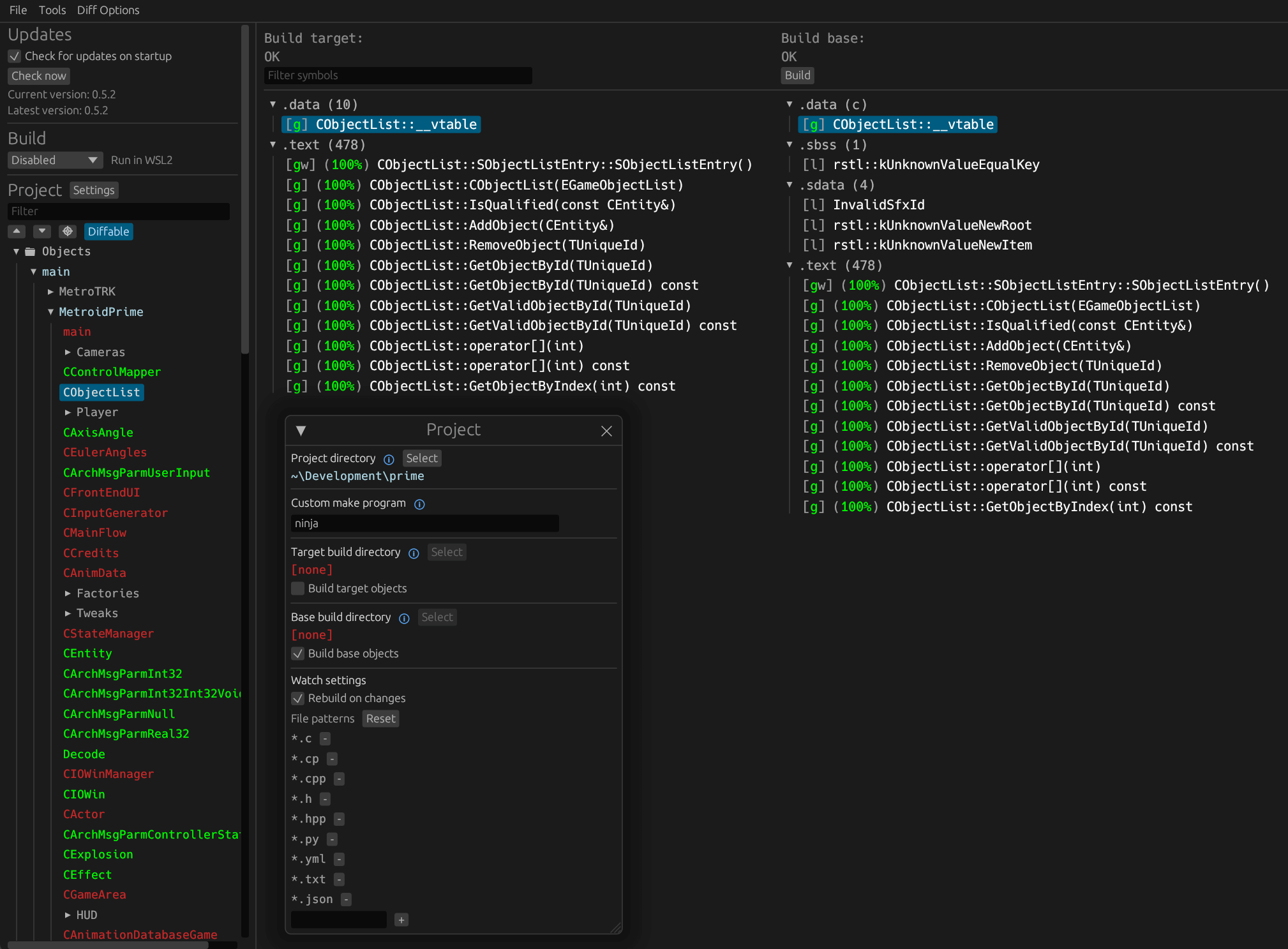
Download the latest release from encounter/objdiff. Under project settings, set Project directory. The configuration should be loaded automatically.
Select an object from the left sidebar to begin diffing. Changes to the project will rebuild automatically: changes to source files, headers, configure.py, splits.txt or symbols.txt.