
Doom · The Eternity Engine
Doom
OriginMS-DOS
TechnologyNative C/C++ port (engine reimplementation)
Available forWindows
View official projectAbout the project
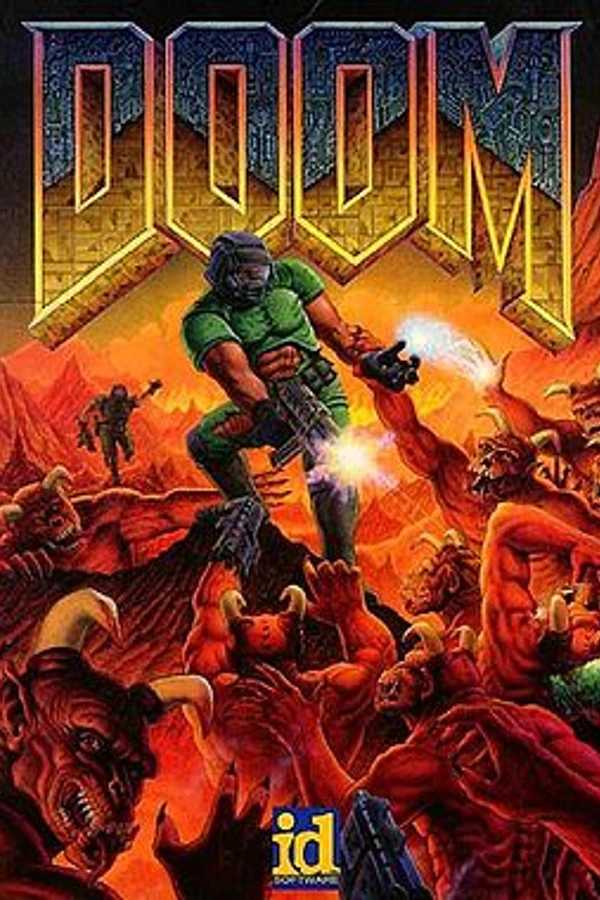
Doom es un videojuego de disparos en primera persona desarrollado y publicado por id Software. Lanzado el 10 de diciembre de 1993 para DOS, es la primera entrega de la franquicia Doom. El jugador asume el papel de un marine espacial, más tarde conocido extraoficialmente como Doomguy, que lucha contra hordas de humanos no muertos y demonios invasores. El juego comienza en las lunas de Marte y termina en el infierno, y el jugador atraviesa cada nivel para encontrar la salida o derrotar a su jefe final.
20 versions of Doom
You're viewing: The Eternity Engine
The Eternity Enginegithub.com/team-eternity/eternityChocolate Doomgithub.com/chocolate-doom/chocolate-doomCrispy Doomgithub.com/fabiangreffrath/crispy-doomDoomgithub.com/viciious/d32xrdoom wasm · Web (alula)github.com/alula/doom-wasm DOOM · Doomsday Engine (skyjake)github.com/skyjake/Doomsday-EngineOdamexgithub.com/odamex/odamexDOOM · UZDoomgithub.com/UZDoom/UZDoomWoofgithub.com/fabiangreffrath/woofDoom (3DS, PrBoom+)github.com/Damnerz/PrBOOMplus-ENHANCED-3ds
 Doom (Classic Core Engines)github.com/sandstranger/com.mobilerpgpack.phoneDoom (doom.wasm)github.com/jacobenget/doom.wasmDoom (QuestZDoom)github.com/Team-Beef-Studios/QuestZDoomDoom (Silent Space Marine)github.com/GMH-Code/DwasmDoom Retrogithub.com/bradharding/doomretroDoom SNES (PC Recompilation)github.com/Cacodemontube/DoomSNESRecompdsda-doomgithub.com/dsda-org/dsda-doomGZDoomgithub.com/ZDoom/gzdoomNugget Doomgithub.com/MrAlaux/Nugget-DoomPsyDoom (PlayStation Doom backport)github.com/BodbDearg/PsyDoom
Official project information
The Eternity Engine
Eternity is an advanced DOOM source port maintained by James "Quasar" Haley, descended from Simon "fraggle" Howard's SMMU. It has a whole host of advanced features for editors and players alike, including:
-
ACS, including many of ZDoom's enhancements
-
EDF, Eternity Definition File, a language to define and modify monsters, decorations, sounds, text strings, menus, terrain types, and other kinds of data.
-
ENDOOM and animated startup screen support.
-
High-resolution support (practically unlimited).
-
Support for Master Levels and No Rest for the Living, allowing to play them without command line options.
-
Portals which can be used to create skyboxes and fake 3D architecture. Linked portal allow objects to pass through them, as well.
-
PNG support
-
Aided with SDL 2, Eternity is very portable and runs on a large range of operating systems: Windows (confirmed as low as XP, and all the way through Windows 10), Linux, Mac OS X, FreeBSD, OpenBSD, and more.
-
Heretic, Hexen, and Strife support in-progress.
For more on its features, check out the Eternity Engine Wiki.
Eternity Engine is maintained using the Git version control system, and the canonical source of the repository is available at GitHub.
Compiling
There are four ways available for building Eternity: CMake, Visual Studio, Xcode files, and Homebrew, for Unix, Windows, and both Mac OS X respectively.
Git submodule
The project contains the ADLMIDI submodule. You need to load it after you've just cloned Eternity, by using this command:
git submodule update --init
Building with CMake (Unix OSes and Visual Studio 2017+)
CMake should be capable of generating build files for all platforms, but it is most commonly used only for Unix OSes and Windows, and not thoroughly tested outside of it.
-
If you haven't already, extract the source *.zip file or clone the Git repository, in the top-level directory you should see a +CMakeLists.txt+ file. You should be in this directory.
-
Create a new empty directory and change to it, eg: +mkdir build+ followed by +cd build+. You cannot do an in-tree build.
-
If using Visual Studio make sure that you have installed the MFC and ATL components for whatever version you are using.
-
Run CMake. Usually you will want to run +cmake ..+, but you might want to change the generator with a special command, for example:
cmake .. -G "Unix Makefiles"
cmake .. -DCMAKE_BUILD_TYPE=Debug -DCMAKE_PREFIX_PATH=C:\sdk\x64 -G "NMake Makefiles"
cmake .. -DCMAKE_BUILD_TYPE=MinSizRel -G "Visual Studio 15 2017 Win64"
cmake .. -G "Visual Studio 16 2019" -A "x64"
- Run your build tool. On Unix, you probably want to just run +make+.
As an optional final step, you can create a binary installation package with CPack. For Windows, it will collect all the needed runtime libraries and bundle it with the Eternity engine. Some examples:
cpack -G ZIP
cpack -G DEB
cpack -G RPM
cpack -G STGZ
Building with CMake (macOS Xcode)
You need Mac OS X 10.15 or more to run Eternity.
For macOS, currently only the Xcode generator is supported.
cmake .. -G Xcode
Or preferably use the CMake GUI app.
After that, open "Eternity Engine.xcodeproj". Inside it you'll have two targets of interest:
- eternity: the direct game executable. Suitable for debugging the main game.
- EternityLauncher: the full app bundle. Suitable for release builds.
NOTE 1: CPack isn't currently supported on macOS for Eternity. Use the Xcode IDE to produce a distributable app bundle.
NOTE 2: As of now, all SDL dependencies are downloaded during the CMake configuration process. Eternity will not link to whatever you may have installed to a central location from Homebrew, other package managers or source-built.